In GenPPT vs Gamma, pick GenPPT when a PDF or document must become designed 16:9 slides in a .pptx, and pick Gamma for free, no-card web-card read-aheads shared as a link. In our Fernhollow Q3 2026 PDF test, GenPPT kept 8 of 8 KPIs (including $1,321,000 revenue) and rendered 8 slides in 1 min 21 s after a 2 min 34 s outline and concept step. We have not run that PDF in Gamma. The steps to do it yourself are below.
Disclosure: we build GenPPT. Gamma wins several jobs below, and we say so where it does.
GenPPT vs Gamma at a glance
The GenPPT Gamma alternative page has the short version. The table below is the full side-by-side.
| Factor | GenPPT | Gamma |
|---|---|---|
| Native format | Full-bleed designed slide images | Responsive web cards |
| Aspect ratios | 8 fixed: 16:9, 4:3, 3:2, 1:1, 4:5, 3:4, 2:3, 9:16 | Fluid cards, fitted to 16:9 on export |
| Inputs | Prompt, URL, PDF, .docx, .pptx, .xlsx, .csv, text, image | Prompt, pasted text, imported files |
| Before render | Editable outline, then a 4-panel concept sheet | Outline step, then theme pick |
| Editing | Outline edits plus chat revision per slide | Click and type inside cards |
| Exports | .pptx, PDF, PNG | Web link, PDF, .pptx, PNG, Google Slides |
Text in exported .pptx | Baked into the slide image | Editable text boxes |
| Live co-editing | No (async review) | Yes, on paid plans |
| Agent access | Remote MCP server at genppt.com/mcp | Check Gamma's developer docs |
| Free access | Free PDF to PowerPoint converter, 3 conversions/day; Studio $1 3-day trial (card) | 400 one-time signup credits, no card |
| Paid entry | $25/mo or $99/yr (20 decks/mo) | Plus $12/mo or $9/mo billed yearly |
How does GenPPT handle a dense Q3 financial PDF?
Generic topic prompts hide hallucinations, because any model can invent plausible bullets. So we wrote a one-page report for a fictional roaster, Fernhollow Coffee Co., where every number is invented. If a slide shows a figure that is not in the PDF, the tool made it up. Download the Fernhollow Q3 2026 PDF.
We asked for an 8-slide QBR with one monthly revenue chart, one risks slide, and one Q4 plan slide, using only the numbers in the report.
Fernhollow Q3 2026 PDF test results for GenPPT:
| Metric | Result |
|---|---|
| Outline plus concept sheet | 2 min 34 s |
| Render of 8 slides | 1 min 21 s |
| Checked KPIs on slides | 8 of 8 correct, zero invented numbers |
| Revenue chart | July $412,000, August $438,000, September $471,000, all matching the PDF |
| Risks slide | Green coffee +12%, roaster at 92% capacity, two accounts at 38% of wholesale |
| Export | .pptx and PDF, full-bleed 16:9 |
The outline lock protects the numbers. GenPPT writes every slide title and fact into an editable outline first. You check the figures against your source, fix anything, and only then does it design the slides.
How to run the same PDF test in Gamma
We have not published a Gamma run on the Fernhollow PDF, so we will not score it here. You can run the identical test in about 10 minutes on Gamma's free credits:
- Download the Fernhollow Q3 2026 PDF or its plain text version.
- In Gamma, create a presentation from the imported file or pasted text, and ask for 8 cards using only the numbers in the report.
- Check the 8 facts:
$1,321,000revenue, 18% growth over Q2, the three monthly figures, subscribers 8,400 to 9,650, churn 3.1%, gross margin 41%, the three risks, and the Q4 plan. - Export to
.pptxand open it in desktop PowerPoint on the laptop you present from.
Run the same steps in GenPPT, then open both files side by side on that laptop.
Web cards vs full-bleed slides: what changes on export?
The format difference shows up when you download the file.
Gamma builds cards that grow with their content, like sections of a webpage. In the browser that reads well. In our founder 12-tool content-marketing benchmark, Gamma produced a 10-card deck in about 45 seconds, and the browser version looked polished. When that deck was exported to .pptx, tall cards had to be fitted into fixed 16:9 frames, which can shrink fonts or move content.
GenPPT renders each slide as one finished image at a fixed ratio. Fonts, chart labels, and spacing are part of the image, so the .pptx looks the same in PowerPoint, Keynote, or Google Slides on any machine.
The cost of that choice is that you cannot click into a GenPPT text box in PowerPoint after export. To change a number or a headline, you edit the outline or ask the chat editor before you download. Gamma's .pptx keeps editable text, which matters if a colleague will rewrite bullets in PowerPoint later. Our full-bleed slides vs editable text boxes post covers that trade-off in detail.
| You need | Better fit |
|---|---|
| The deck to look identical on a client's laptop | GenPPT |
| A colleague to edit bullets in PowerPoint after export | Gamma |
| A link people scroll on their phone | Gamma |
| A 9:16 or 4:5 version of the same deck for social | GenPPT |
| Strict corporate Slide Master with native text boxes | Neither: use Plus AI or Microsoft Copilot |
Which tool gives you more control before the final deck?
Gamma is faster to a first draft because it goes almost straight from outline to cards. GenPPT adds two checkpoints before render and a revision step after it. They cost a few minutes and save rework:
- Outline lock. Every slide's title and facts sit in an editable outline. Nothing renders until you approve it.
- 4-panel concept sheet. GenPPT shows four sample slides in one visual direction so you pick the look before 8 or 20 slides render.
- Chat revision per slide. After render, you ask for changes to one slide ("make slide 5 a 3-column risk table") and only that slide redraws.
The median generated deck in our GenPPT product data has 10 slides (1,034 generated decks, 3 August to 11 October 2026), and 46% have 6 to 10. On a deck that size, the outline review is your chance to catch a wrong number before the meeting.
Can AI agents build decks in GenPPT?
Yes. GenPPT runs a remote MCP server at https://genppt.com/mcp. Claude, ChatGPT, Cursor, and other MCP clients can call genppt_create_slideshow, genppt_revise_slides, genppt_export_deck, genppt_get_deck, and genppt_hot_topics to create, revise, and export decks without opening a browser.
Setup takes one URL and a key; see the GenPPT MCP documentation. If agent access matters for your Gamma workflow, check Gamma's current developer docs; we did not test Gamma's API for this post.
What does GenPPT cost compared with Gamma?
Gamma sells per-seat plans with credits and GenPPT sells a monthly deck allowance, so compare the yearly bill for the way you work.
| GenPPT | Gamma | |
|---|---|---|
| Free start | Free PDF to PowerPoint converter: 3 conversions/day, no login, outline plus 3 designed slides | 400 credits once at signup, no card, Gamma badge |
| Trial | $1 for 3 days (card required) | Not needed: free credits first |
| Entry plan, monthly | Growth $25/mo, 20 decks/mo | Plus $12/seat/mo |
| Entry plan, yearly | Growth $99/yr ($8.25/mo) | Plus $9/seat/mo ($108/yr) |
| Next tier | Max $100/mo, 100 decks/mo | Pro $18/seat/mo billed yearly |
| Cost per deck at full use | $0.41 (yearly) or $1.25 (monthly) | Depends on credits used per deck |
For one person on yearly billing, GenPPT Growth ($99) costs $9 less than Gamma Plus ($108). On monthly billing, Gamma Plus ($12) is less than half of GenPPT Growth ($25). To try a tool before you pay, Gamma's free credits cost nothing and GenPPT Studio costs $1. Full details are on GenPPT pricing, and our free AI presentation makers guide compares both free starts with the other tools' credit pools and trials.
When should you pick Gamma over GenPPT?
Gamma is the better choice when:
- The deck lives as a link. Async read-aheads, internal memos, and updates people scroll on a phone suit web cards.
- You want to start free with no card. 400 credits with no card is a lower barrier than our $1 carded trial.
- Colleagues edit text after export. Gamma's
.pptxkeeps editable text boxes; GenPPT's does not. - Your team co-edits live. Gamma supports real-time collaboration on paid plans; GenPPT review is asynchronous.
GenPPT is the better choice when:
- You start from a dense PDF, doc, or sheet and the numbers must stay exact.
- The
.pptxmust look identical on a client's or board member's laptop. - You need more than 16:9: the same deck as
9:16for TikTok or4:5for LinkedIn. - An AI agent builds the deck through MCP.
Before you buy either, open real output in the GenPPT live deck gallery and generate a deck from your own document with GenPPT's AI PowerPoint generator. If Canva is also on your shortlist, read Gamma vs Canva for presentations. For a wider field, see the 7 best Gamma alternatives. Former Tome users face the same choice between a web link and a slide file, which the best Tome alternatives sorts by job.
GenPPT vs Gamma FAQs
Is GenPPT better than Gamma?
For turning a PDF or document into designed 16:9 slides in a .pptx, yes: GenPPT kept 8 of 8 KPIs from our Fernhollow Q3 2026 PDF and exports fixed slides that do not shift. For free web-card decks shared as a link, or text that colleagues edit in PowerPoint later, Gamma is the better pick.
Does Gamma export to PowerPoint?
Yes. Gamma exports .pptx, PDF, PNG, and Google Slides. Because its native format is a web card, long cards are fitted into 16:9 slides on export, so check layouts in desktop PowerPoint before presenting.
Can I edit GenPPT slides in PowerPoint?
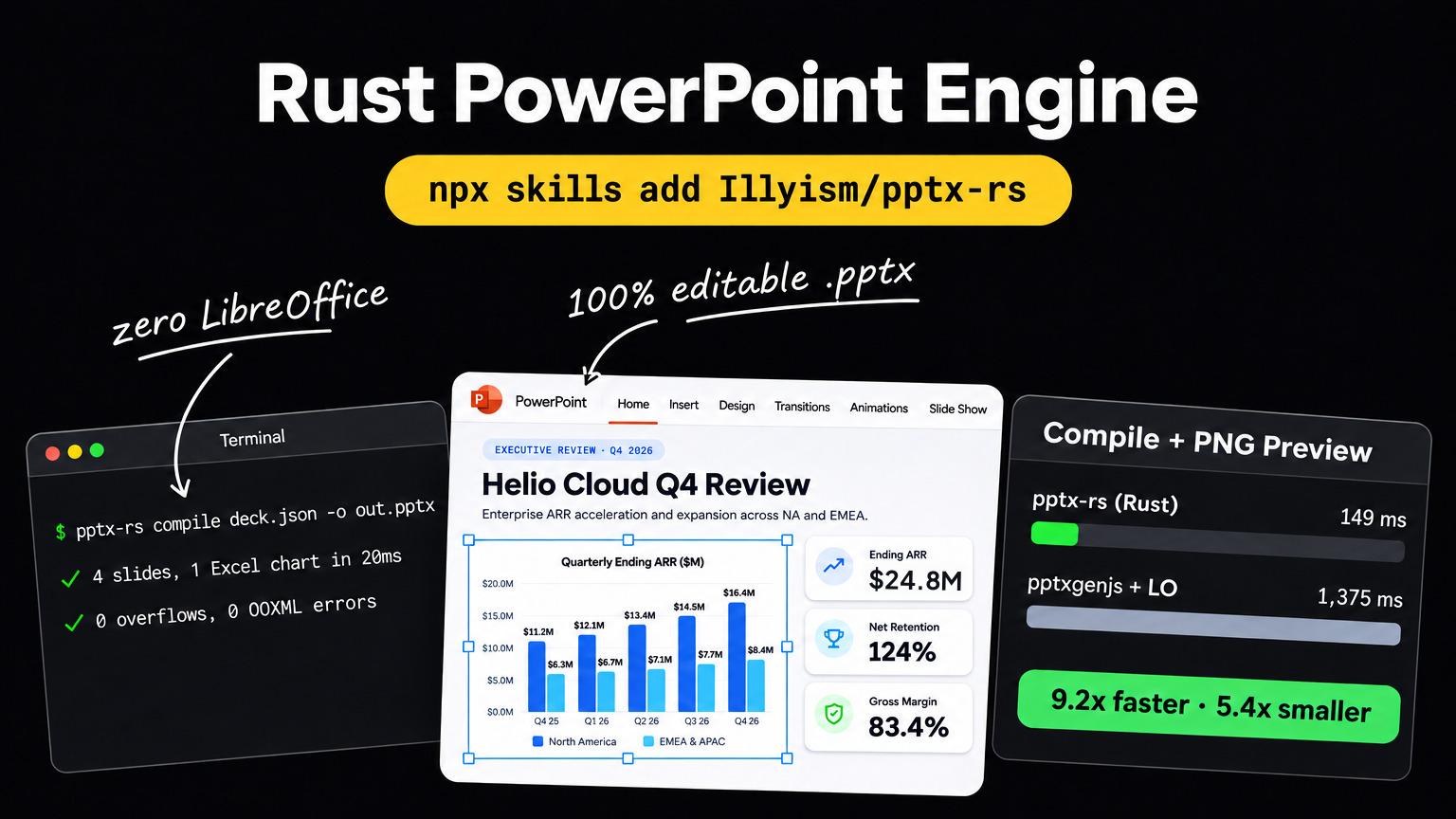
You can open, reorder, delete, and present them, and add your own text boxes on top. The slide content itself is a full-bleed image, so wording and numbers are changed in GenPPT's outline or chat editor before export. The open-source pptx-rs engine post shows how to rebuild a GenPPT export into an editable deck.
Is GenPPT free like Gamma?
No. GenPPT Studio starts at a $1 3-day trial with a card, then $25/mo or $99/yr. The one free file export is the PDF to PowerPoint converter: 3 conversions a day with no login, each returning the full outline and 3 designed slides as a .pptx (PDFs up to 8 MB and 30 pages). Gamma gives 400 free credits at signup.
Which is cheaper, GenPPT or Gamma?
On yearly billing for one person, GenPPT Growth is $99/yr and Gamma Plus is $108/yr. On monthly billing, Gamma Plus is $12/mo and GenPPT Growth is $25/mo. GenPPT Growth includes 20 decks per month.