
PDF to PowerPoint Converter
Upload a PDF. Get a slide outline and 3 designed slides as a PowerPoint file. It keeps your wording and your figures.
What the converter keeps, and what it changes
This tool makes new slides from the text of your PDF. It does not copy the pages. Use it when you have a report, a paper, or a proposal and you must present it.
It keeps
- The wording of your names, terms, and claims
- Each figure: numbers, units, dates, percentages, and currency
- The order of the document
- The language of the document
It changes
- The layout. Pages become 16:9 slides with a new design. It is not a copy of each page.
- The length. Paragraphs become 2 to 4 short points for each slide.
- The pictures. Images, charts, and tables in the PDF are not copied. The converter reads the text only.
- The fonts and colors. The design comes from the subject of the document.
Three example outputs
Each row shows the 3 slides that the converter made from one sample PDF. We wrote the sample documents for this page.
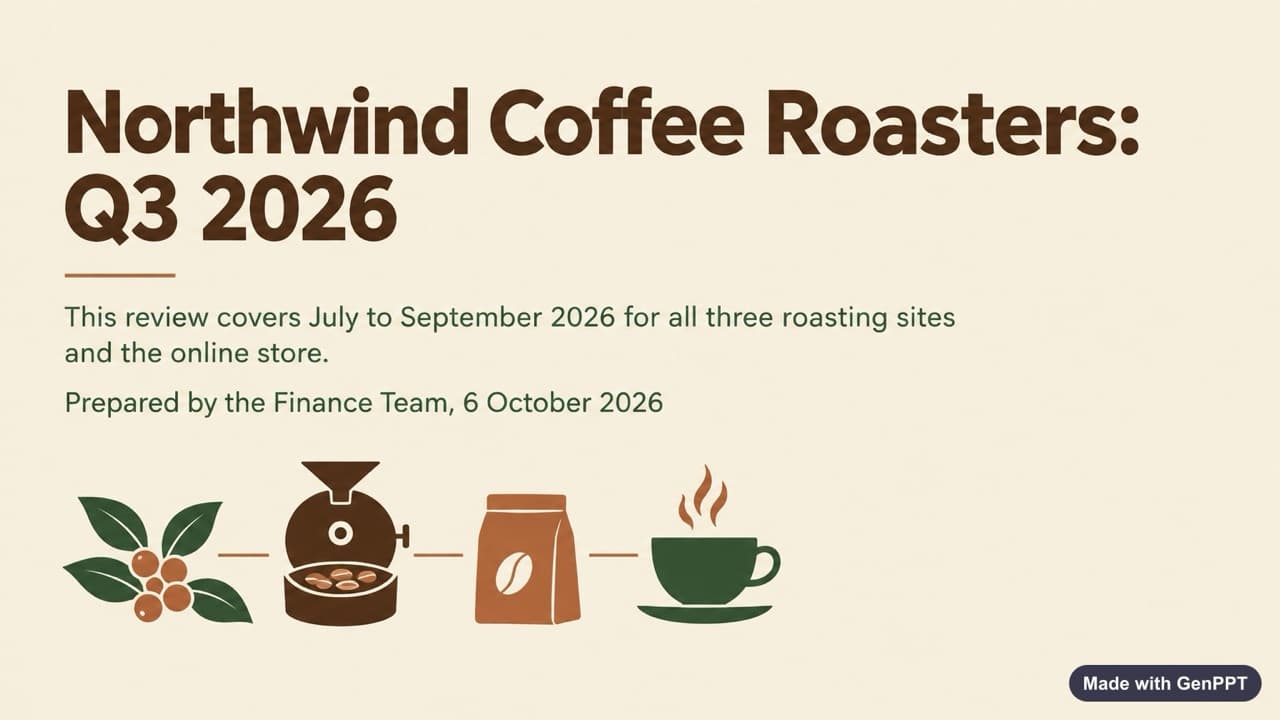
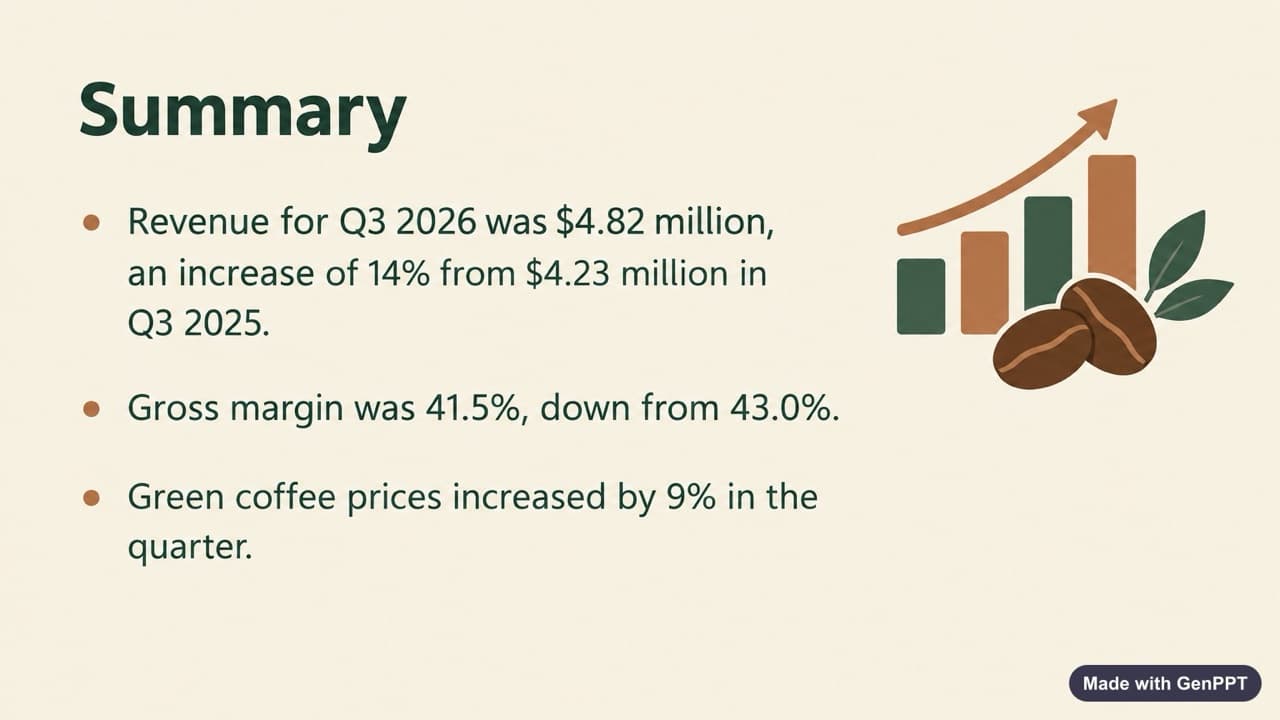
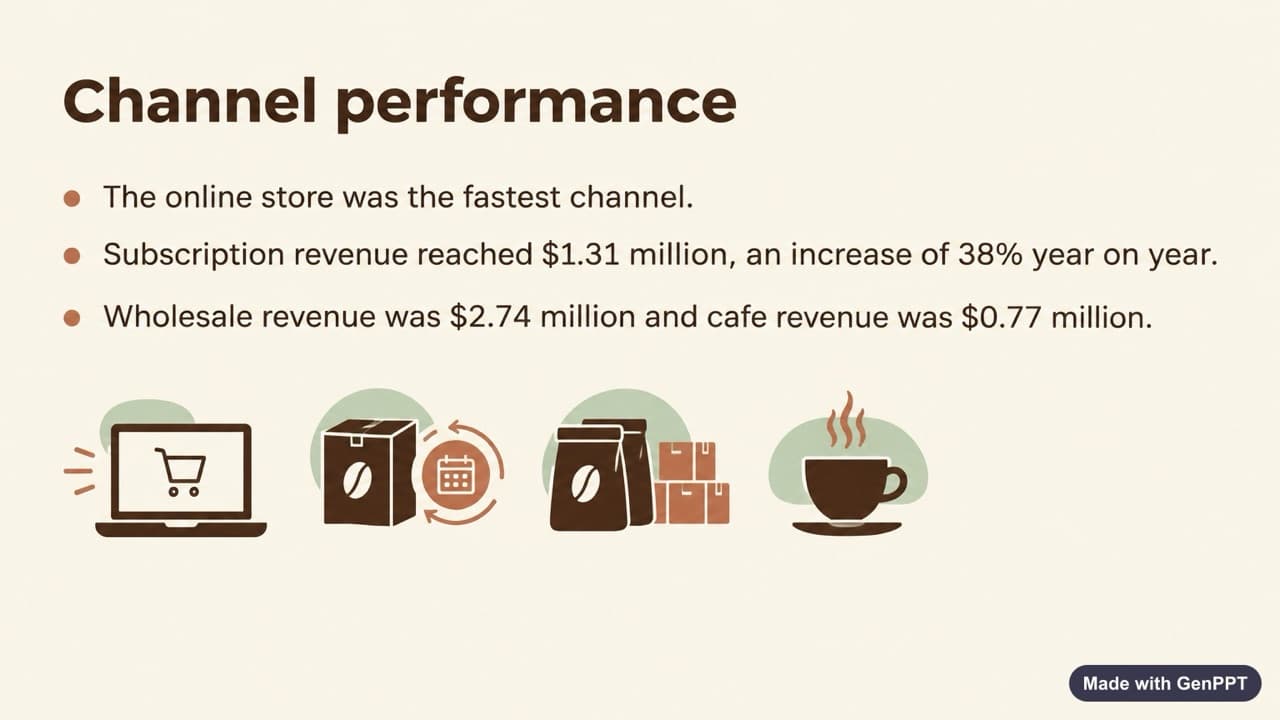
A quarterly business review, 2 pages
The outline has 9 slides. Each figure on the slides is the figure in the report, for example revenue of $4.82 million and a gross margin of 41.5%.
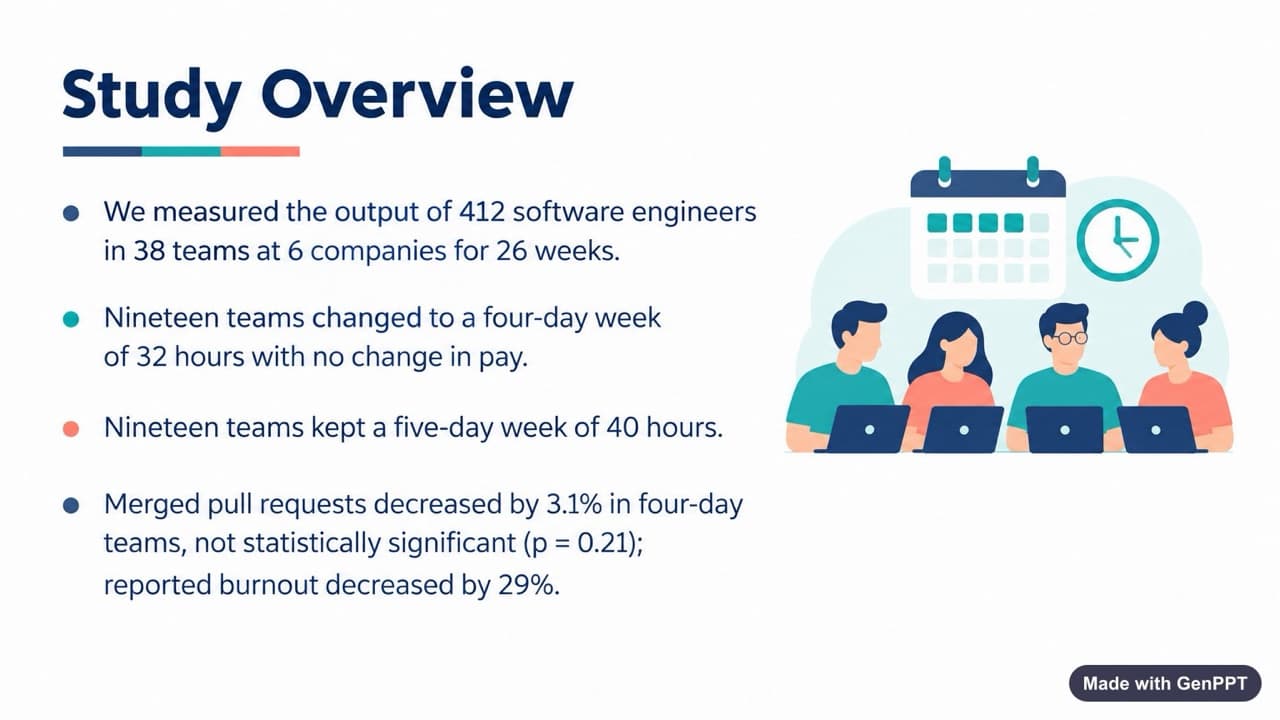
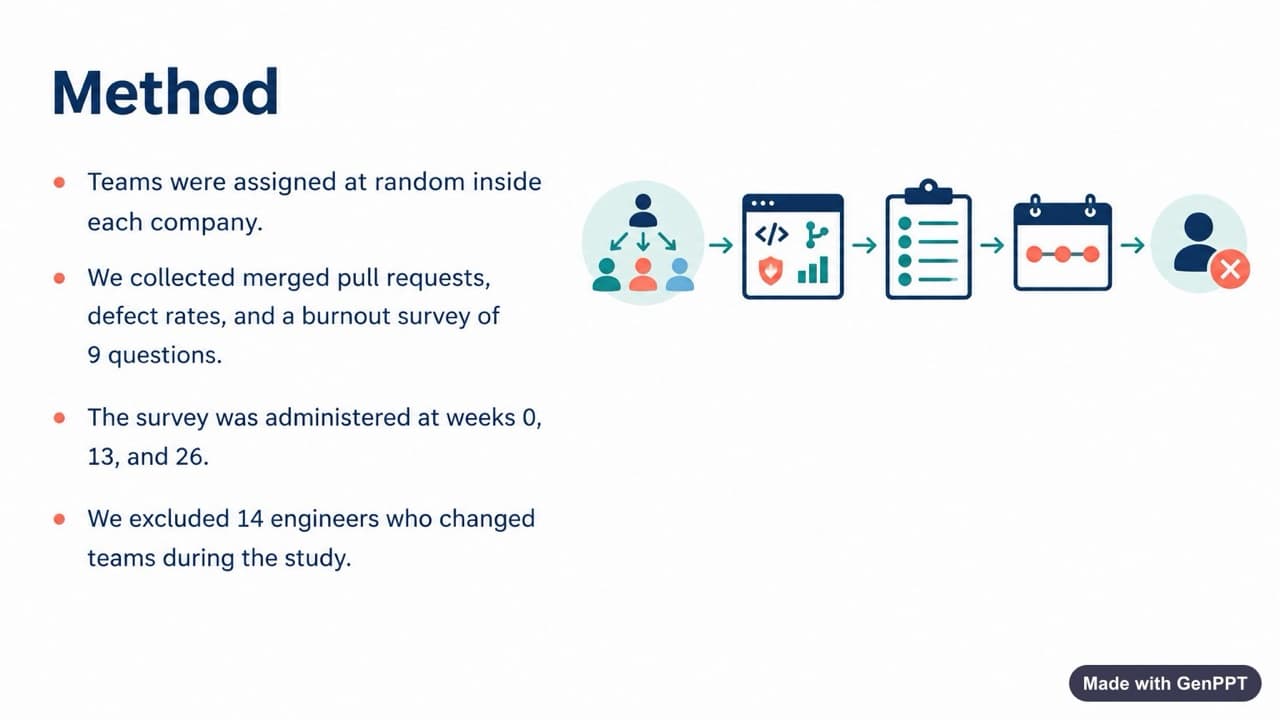
A research paper summary, 2 pages
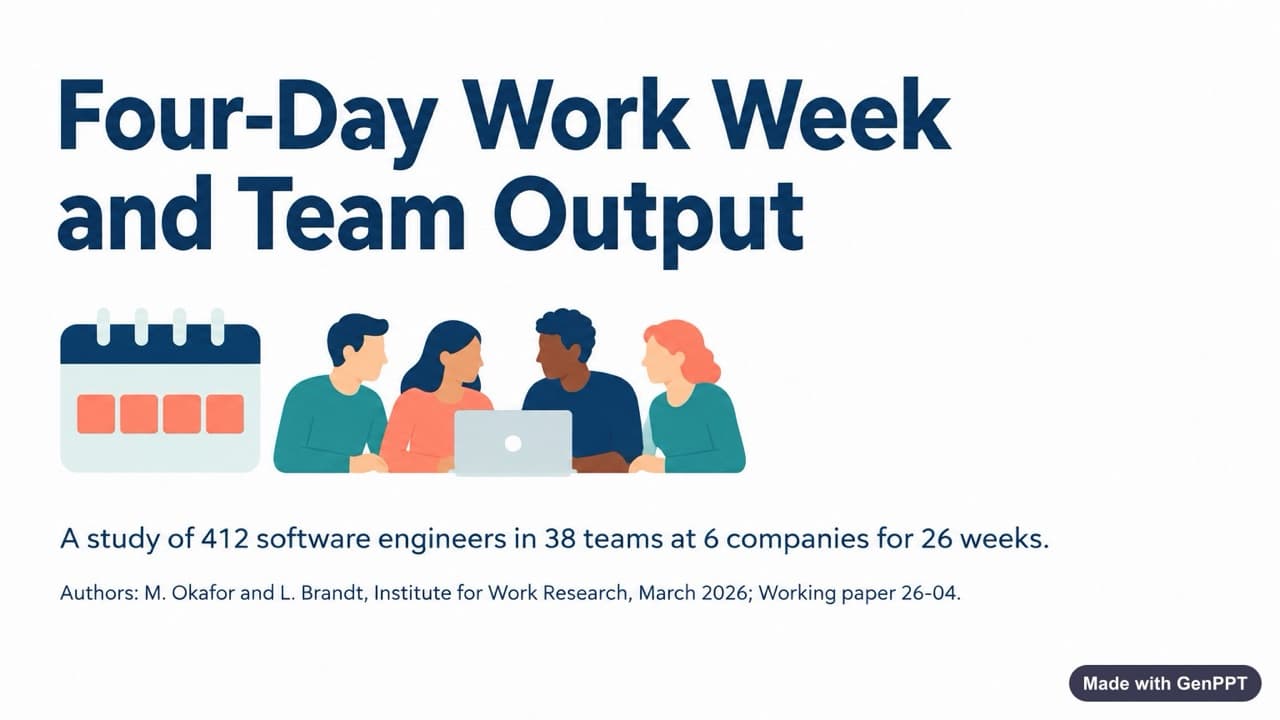
The outline has 8 slides. The converter kept the sample size, the p-value, and the wording of the method.
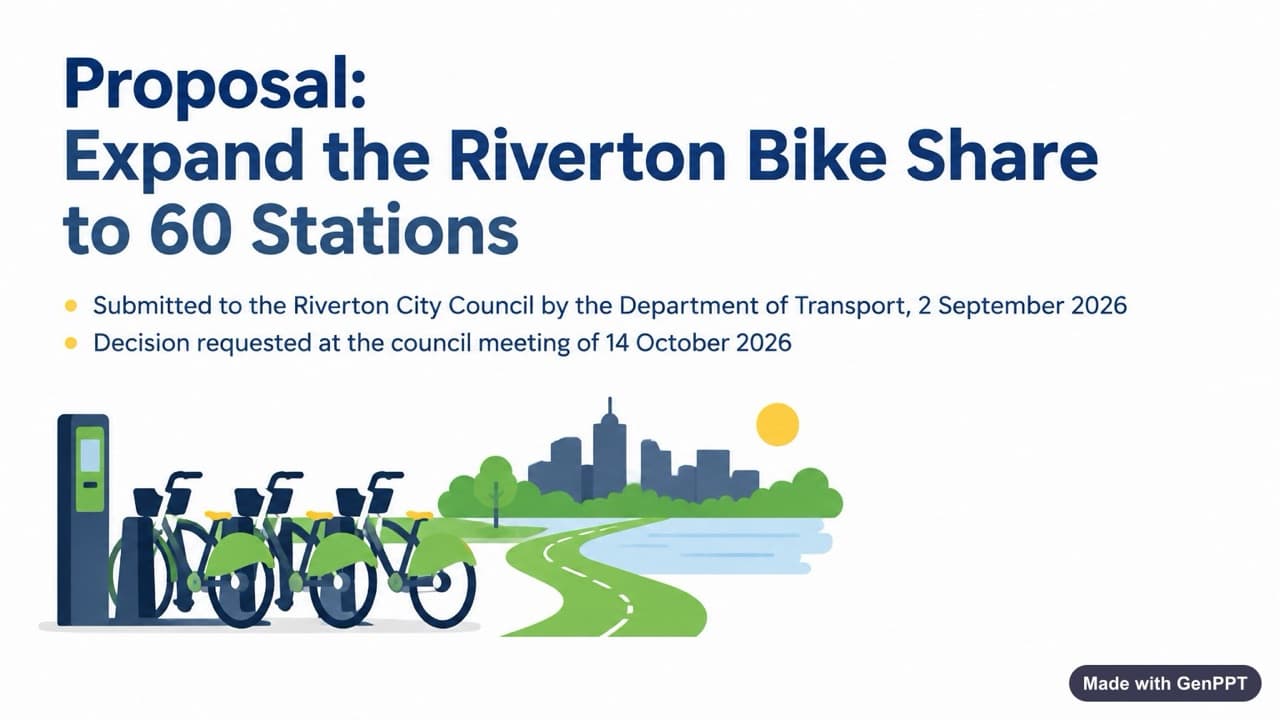
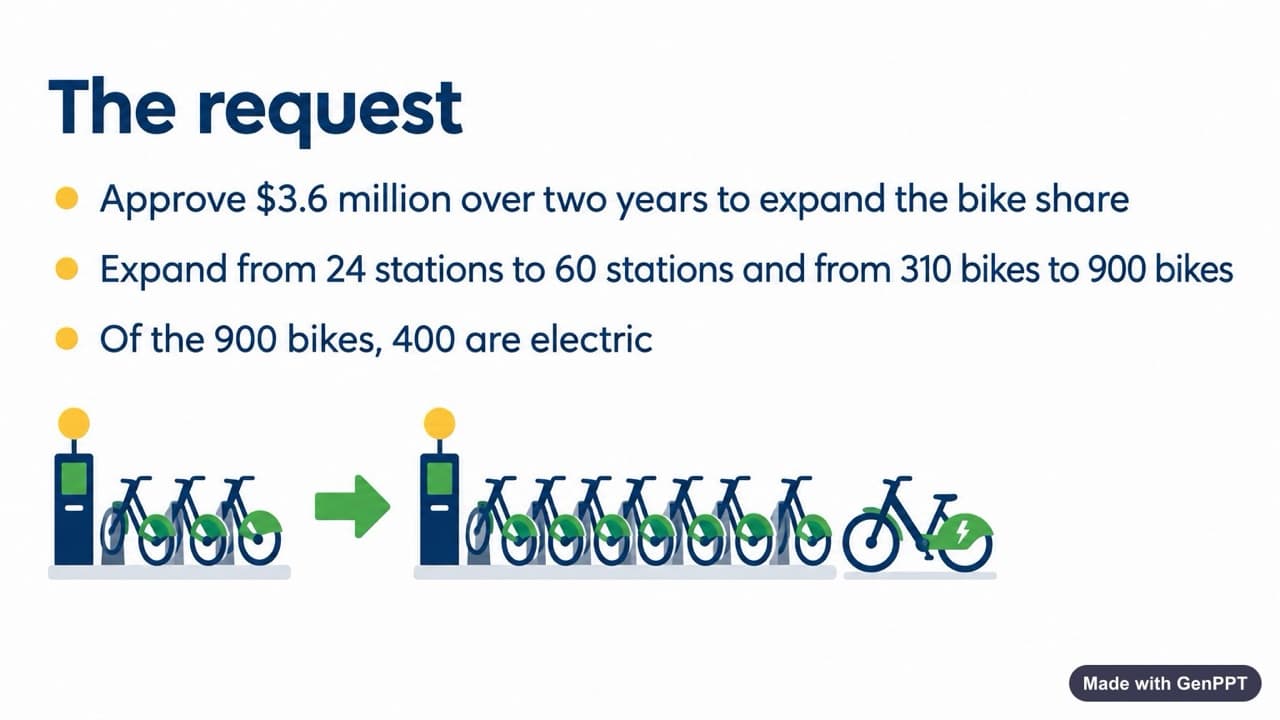
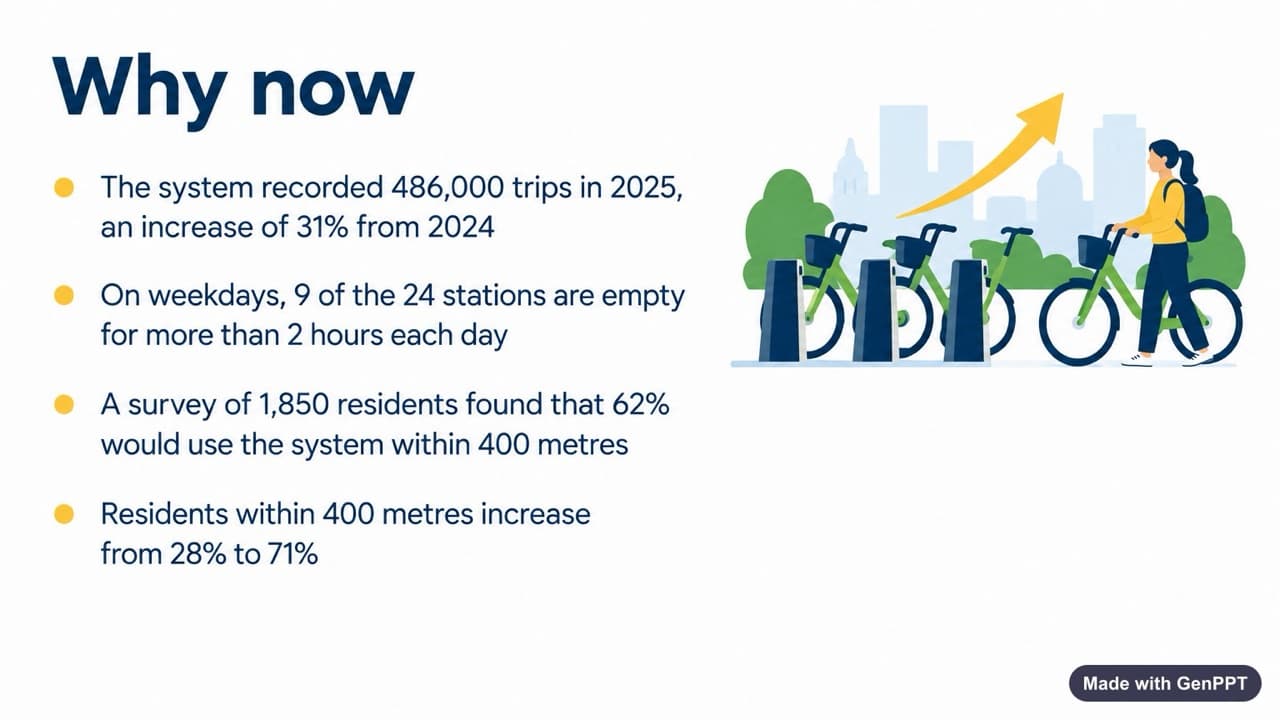
A project proposal to a city council, 2 pages
The outline has 7 slides. The request, the budget of $3.6 million, and the survey results are the same as in the PDF.
How to convert a PDF to PowerPoint
Upload the PDF
Choose a PDF with text, up to 8 MB and 30 pages. You do not need an account.
Get the outline and the slides
The converter reads the text and writes one slide for each idea. Then it designs the first 3 slides. This takes about one minute.
Download the PowerPoint file
Download the 3 designed slides as a .pptx file, and copy the full outline. Open the file in PowerPoint, Google Slides, or Keynote.