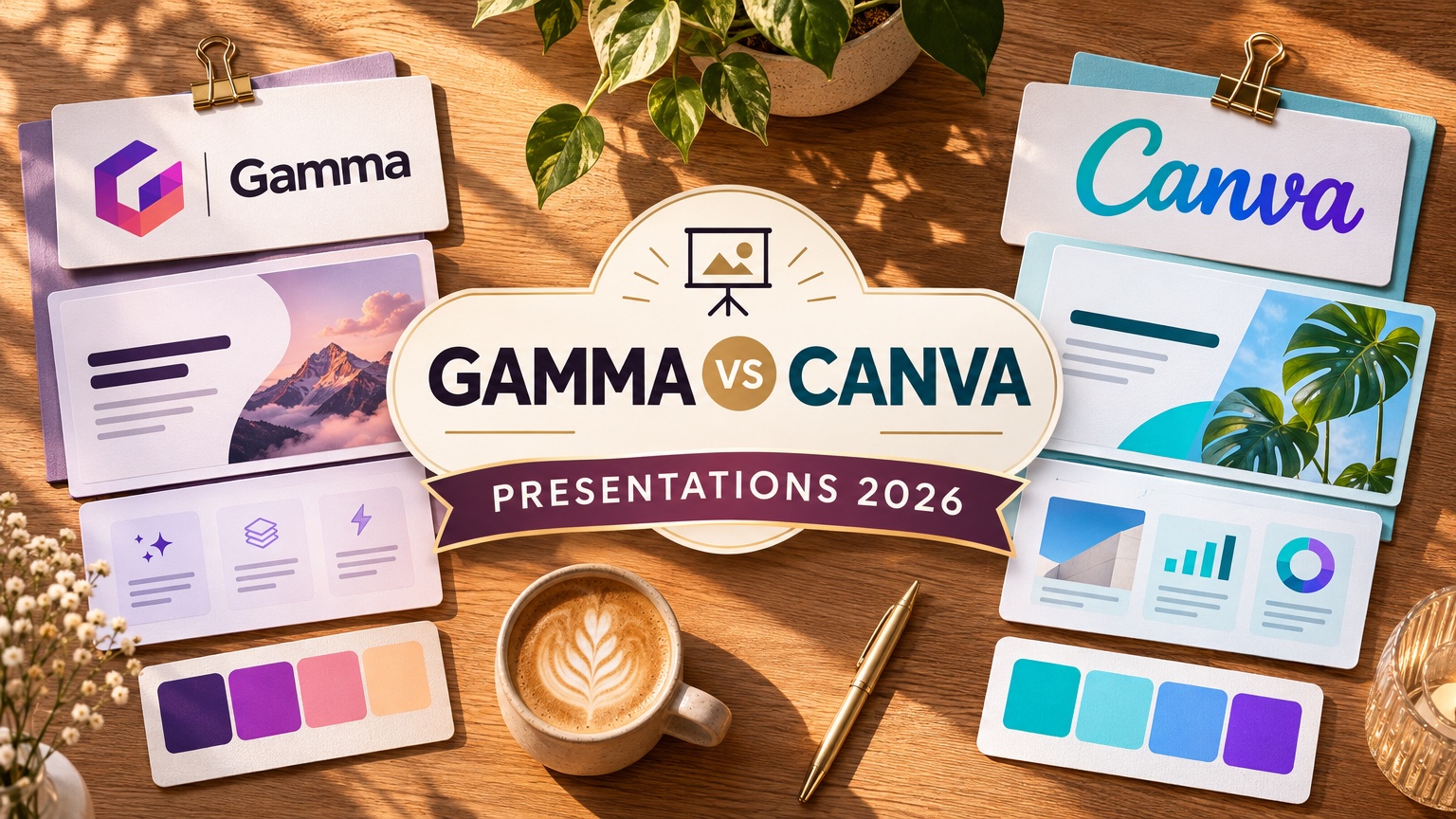
Gamma is the better pick for turning a prompt or pasted notes into a narrative draft fast: it built a 10-card deck in about 45 seconds in our founder's 12-tool benchmark. Canva is the better pick when a team co-edits slides and brand assets live. Both are prompt-first, so neither grounds every slide in a long financial PDF. In our Fernhollow Q3 2026 PDF test, GenPPT kept 8 of 8 KPIs.
Disclosure: we build GenPPT, which competes with both. If you already know you want designed slides from a document, see the GenPPT vs Gamma comparison or the GenPPT vs Canva comparison.
Gamma vs Canva at a glance
The two tools start from different places. Gamma is an AI-first document tool that lays out text on flexible web cards. Canva is a design suite with AI added on top of a template and asset library.
| Gamma | Canva | GenPPT (third lane) | |
|---|---|---|---|
| Native format | Scrollable web cards | Fixed slides on a design canvas | Full-bleed 16:9 or social-size slides |
| Best first step | Prompt or pasted notes | Template or Magic Design prompt | PDF, Word, Excel, URL or prompt |
| First draft speed (founder test) | 10 cards in about 45 s | 10 slides in about 1 min | 8 slides from a PDF: 2 min 34 s to outline, 1 min 21 s to render |
| Team editing | Browser editing | Live multi-cursor co-editing | Asynchronous review |
| Brand assets | Themes | Brand kits, stock media, social formats | Concept sheet sets the visual direction |
| Long PDF input | Paste or import text | Docs to Decks summarizes loosely | Extracts figures into an editable outline |
.pptx export | Yes; tall cards can reflow | Yes; fonts and layers can shift | Yes; each slide is a full image |
| Free access | 400 one-time credits, Gamma badge | Free plan that does not expire | Free 3/day PDF converter; Studio $1 3-day trial |
| Entry price | Plus $12/mo or $9/mo yearly | Pro $15/mo or $144/yr | Growth $25/mo or $99/yr |
Where does Gamma beat Canva?
Gamma wins on speed from words to a structured story. You type a prompt or paste notes, Gamma proposes an outline, and it builds cards with headings, stats and comparison blocks.
- Founder's 12-tool content-marketing benchmark: Gamma generated a 10-card deck in about 45 seconds. In the browser it read like a polished scrollable webpage.
- Tooltester review (4 February 2026): pasting a client QBR produced an 8-card draft with editable text and charts in about 2 minutes (video).
- AIChief test (9 May 2026): Gamma drafted an outline first, then built stat and comparison cards (video).
- Async sharing: a Gamma link works on a phone and reads like a short web memo. For a read-ahead that people skim before a meeting, that beats a projected 16:9 deck.
- No card to start: 400 signup credits let you try it on a real draft.
Gamma also wins on narrative structure. It writes and lays out in one pass, so the first draft reads as a story. In our founder's test, Canva's prompt-only draft looked clean but its copy was generic.
Where does Canva beat Gamma?
Canva wins on control and collaboration. It is the stronger editor once the story exists.
- Live multi-cursor editing: several teammates can move elements on the same canvas at once. Gamma edits cards in the browser, but Canva's canvas is built for hands-on design work.
- Brand kits and assets: logos, colors, fonts and a stock library sit next to the deck, and the same kit feeds social posts, flyers and video.
- Magic Design and Docs to Decks: Canva can draft slides from a prompt or turn a Canva Doc into a deck, then hand you a fully editable design.
- Founder's benchmark: Canva drafted a 10-slide deck in about 1 minute with clean
.pptxand PDF exports. The prompt-only copy was generic, and it did not extract deep data from a document. - Free plan that does not expire: Canva's free plan keeps working after the first week, and verified K-12 teachers get Canva for Education at no cost.
If your team already designs in Canva, the AI draft lands inside a tool they know, and nobody has to learn a new editor.
Where do Gamma and Canva both struggle?
Two jobs trip up both tools: long documents with numbers, and complex layouts after .pptx export.
Long multi-page PDFs. Both tools are prompt-first. Gamma works best on pasted text and notes. Canva's Magic Design takes a short prompt, and Docs to Decks summarizes loosely rather than grounding every slide in a multi-page financial or technical PDF. When a 20-page report goes in, you get a summary, and you still check every number by hand.
.pptx export. Both export PowerPoint files, and both can shift on the way.
- Gamma: cards are web-native and can be taller than a slide. On export they reflow or shrink fonts to fit 16:9, so a dense card can turn into a crowded slide.
- Canva: custom Canva fonts and layered elements can shift or wrap when the
.pptxopens on another laptop that lacks those fonts.
Neither problem matters if you present from the browser. Both matter if a client, a board or a finance team expects a .pptx they open in their own PowerPoint.
How much do Gamma and Canva cost in 2026?
Prices come from vendor pages, checked November 2026.
| Plan | Gamma | Canva |
|---|---|---|
| Free | 400 one-time signup credits, Gamma badge | Free plan, limited AI and premium assets |
| Entry paid | Plus: $12/seat/mo, or $9/seat/mo yearly | Pro: $15/mo, or $144/yr per person |
| Higher tier | Pro: $18/seat/mo yearly | Teams and Enterprise plans |
Yearly cost for a 5-person team on the entry paid tier: Gamma Plus at $9/seat/month is $540 a year. Canva Pro at $144 per person is $720 a year. For one person making a few client decks a month, GenPPT Growth is $99 a year for 20 decks a month. GenPPT is a deck generator with no team design workspace, so that comparison holds only if you do not need live co-editing.
When is GenPPT the better pick than both?
GenPPT is the third lane for one job: turning a real document into designed slides where the numbers must stay exact, delivered as a .pptx or PDF that looks the same on every machine.
The workflow has three steps. GenPPT extracts the facts from your PDF, Word file, spreadsheet or URL into a slide-by-slide outline you edit and approve. It shows a 4-panel concept sheet so you pick the art direction. Then it renders each slide and exports .pptx, PDF or PNG in 8 aspect ratios (16:9, 4:3, 3:2, 1:1, 4:5, 3:4, 2:3 and 9:16).
Our Fernhollow Q3 2026 PDF test used an invented one-page report with $1,321,000 in Q3 revenue and 8 checked KPIs. In "File only" mode, GenPPT reached the outline and concept sheet in 2 min 34 s and rendered 8 slides in 1 min 21 s. All 8 KPIs matched, including a bar chart of July ($412,000), August ($438,000) and September ($471,000).
The trade-off is that each GenPPT slide is a full-bleed rendered image inside the .pptx. Layout and fonts never shift, but you cannot click into a text box after export. You change wording in the outline or in chat before you download. If your team must edit every word inside PowerPoint later, Canva or a PowerPoint add-in such as Plus AI fits better. GenPPT is also not a live multi-cursor editor.
For a quick look with no account, the free PDF to PowerPoint converter returns the full outline plus 3 designed slides from a PDF, 3 times a day. The full Studio is on the AI PowerPoint generator page.
Which should you pick: Gamma, Canva or GenPPT?
| Your situation | Pick | Why |
|---|---|---|
| You have rough notes and need a story fast | Gamma | Fastest prompt-to-narrative draft in our founder's benchmark |
| You share a read-ahead as a link | Gamma | Web cards read well on any screen |
| Three people edit the same deck this afternoon | Canva | Live multi-cursor canvas |
| Slides must match your brand kit and social posts | Canva | Brand kits and assets in one workspace |
| You start from a long PDF or spreadsheet with numbers | GenPPT | Outline extraction kept 8 of 8 KPIs in our test |
A client or board needs a .pptx that looks the same on their laptop | GenPPT | Full-bleed slides do not reflow |
| You must edit every text box in PowerPoint after export | Canva, or Plus AI inside PowerPoint | GenPPT slides are images |
| You are raising a seed or Series A round | Pitches.ai | Built for 12-slide investor pitch decks |
If Gamma made your shortlist, GenPPT vs Gamma compares those two on export and cost, and the 7 best Gamma alternatives widens the field. On a zero budget, start with our free AI presentation makers guide. If you are replacing a Tome deck, the best Tome alternatives sorts both tools by the Tome job they cover.
Gamma vs Canva FAQs
Is Gamma better than Canva for presentations?
Gamma is better for a fast first draft from a prompt and for decks shared as a web link. Canva is better for team editing, brand kits and fine design control. In our founder's benchmark, Gamma drafted 10 cards in about 45 seconds and Canva drafted 10 slides in about 1 minute.
Which exports to PowerPoint better, Gamma or Canva?
Both export .pptx, and both can shift. Gamma's tall web cards can reflow or shrink fonts to fit 16:9. Canva's custom fonts and layered elements can move when the file opens on a laptop without those fonts. Open the export on the computer you present from before the meeting.
Can Gamma or Canva turn a PDF into a presentation?
Both can work from document text, but both summarize rather than extract. Gamma works best on pasted text. Canva's Docs to Decks turns a Canva Doc into slides and summarizes loosely. For a multi-page financial PDF where every figure must survive, use a tool that builds an outline from the file first and lets you check it before rendering.
Is Gamma or Canva free?
Canva has a free plan that does not expire. Gamma gives 400 one-time signup credits with no card, and free decks carry a Gamma badge. GenPPT is not free for full decks: the Studio starts at $1 for a 3-day trial with a card, and the free PDF to PowerPoint converter runs 3 times a day with no account, returning the outline plus 3 designed slides.
What is the best alternative to Gamma and Canva for document-based decks?
Use GenPPT if you need designed slides from a PDF, Word file or spreadsheet with exact numbers, delivered as .pptx or PDF. Use Plus AI or Microsoft Copilot if the slides must stay editable inside your company PowerPoint template. For an investor pitch deck, use Pitches.ai.