
GenPPT
GenPPT
VS
Slidesgo logo
Slidesgo

Best Slidesgo Alternative in 2026

Slidesgo AI fills stock slide templates from a topic prompt. GenPPT reads your PDF or notes, lets you approve the outline and visual concept, and renders every slide.

Ilias Ism

Reviewed by Ilias IsmVerified reviewer

Slidesgo vs GenPPT audit · Methodology

When Slidesgo is the better choice (and when to pick GenPPT)

Pick the tool that matches the file and editing workflow you need at the end.

Pick Slidesgo when

  • You are a student or K-12 teacher browsing thousands of free, pre-illustrated Google Slides or PowerPoint themes to fill in by hand.
  • You only have a three-word classroom topic and want editable decorative shapes for ~$3 to $5/month on annual billing.
  • You prefer manually typing into empty stock slides rather than generating data-driven decks with AI.

Pick GenPPT when

  • You need to turn a real PDF report, Word document, spreadsheet, or URL into a structured deck with exact numbers preserved.
  • You want to approve a slide-by-slide outline and preview a bespoke visual concept sheet before slides render.
  • You want custom diagrams and charts rendered into clean .pptx or PDF slides without decorative stock-template filler.

Trade-off to know: GenPPT renders each slide as a complete designed visual so layouts never overflow; slide text and chart updates happen in GenPPT chat before exporting .pptx or PDF.

Recurring Slidesgo trade-offs to check before you choose

  • Slidesgo AI accepts only a short topic prompt plus tone/theme pickers; it does not ingest a multi-page PDF financial report or Excel table to preserve exact figures.
  • Free Slidesgo accounts hit strict monthly template download caps and require attribution unless you upgrade to Premium.
  • Because Slidesgo populates pre-drawn Freepik stock slides, AI-generated copy frequently looks disconnected from decorative placeholder illustrations.

GenPPT vs Slidesgo: 3 Key Differences

GenPPT new deck screen with a financial PDF attached

Reason #1

Ingests real PDFs, Word docs, and URLs instead of topic-only prompts

Slidesgo AI starts from a single topic box, a tone dropdown, and a page-count slider. If your presentation comes from a 12-page client brief, a syllabus PDF, or a Q3 revenue report, Slidesgo AI cannot read those files.

GenPPT ingests PDFs, Word docs, spreadsheets, pasted notes, and URLs, pulling your real numbers and headings into a structured slide outline.
Try free PDF to PowerPoint converter
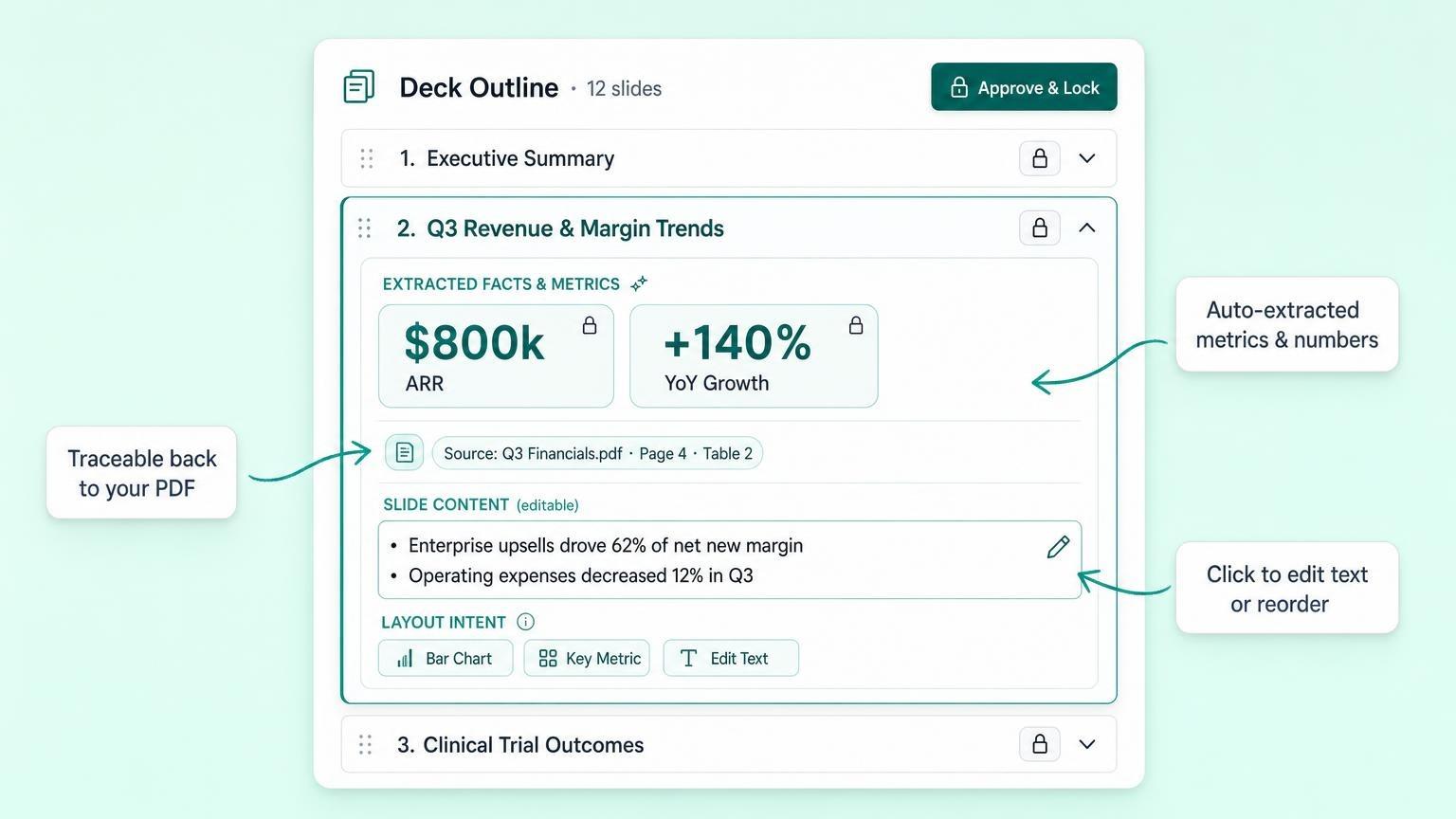
GenPPT slide-by-slide outline editor and concept approval

Reason #2

Outline lock and visual concept preview before rendering

Slidesgo AI pours generated paragraphs straight into a pre-made template, leaving you to delete filler slides and fix mismatched icons after the fact.

GenPPT lets you edit and lock every slide title and fact in the outline first, then shows a visual concept contact sheet so you approve the design direction before full generation.

See how 20 AI slide tools compare
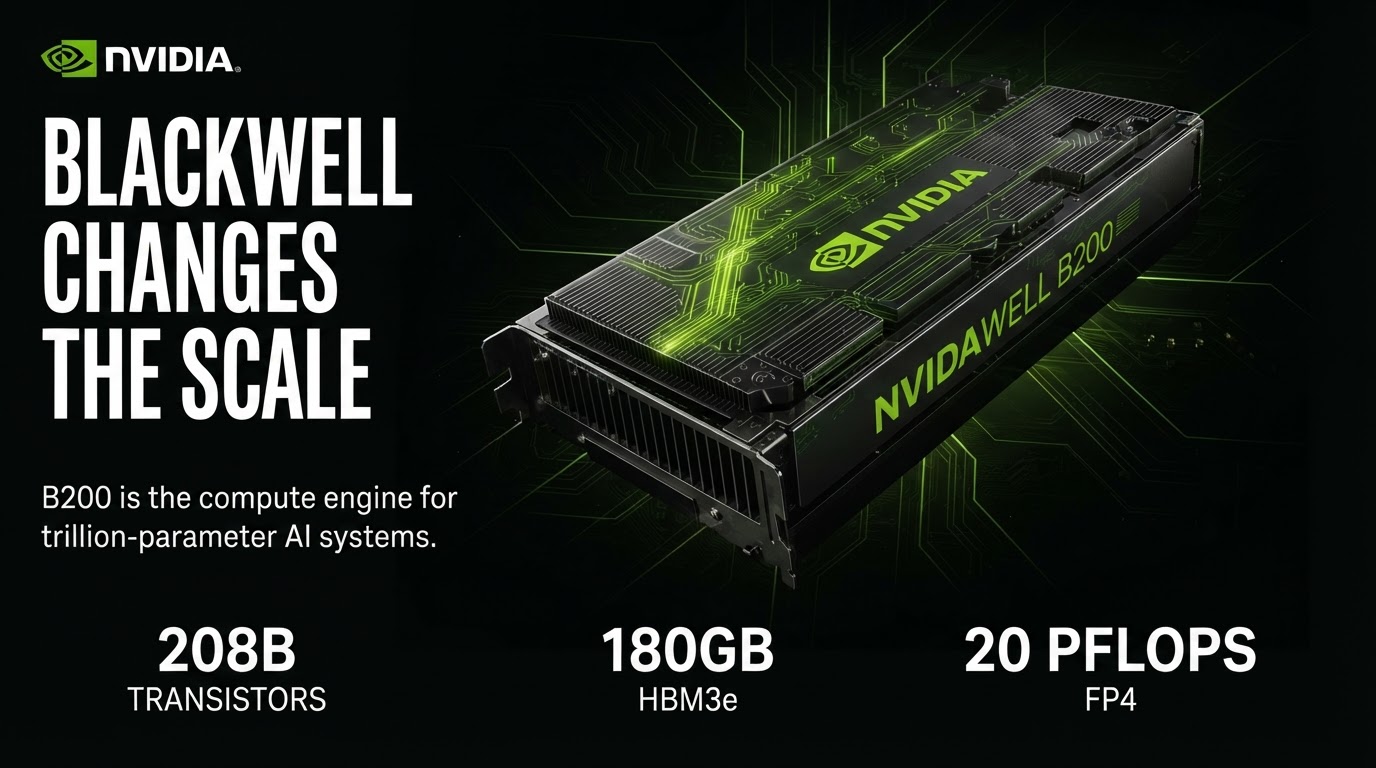
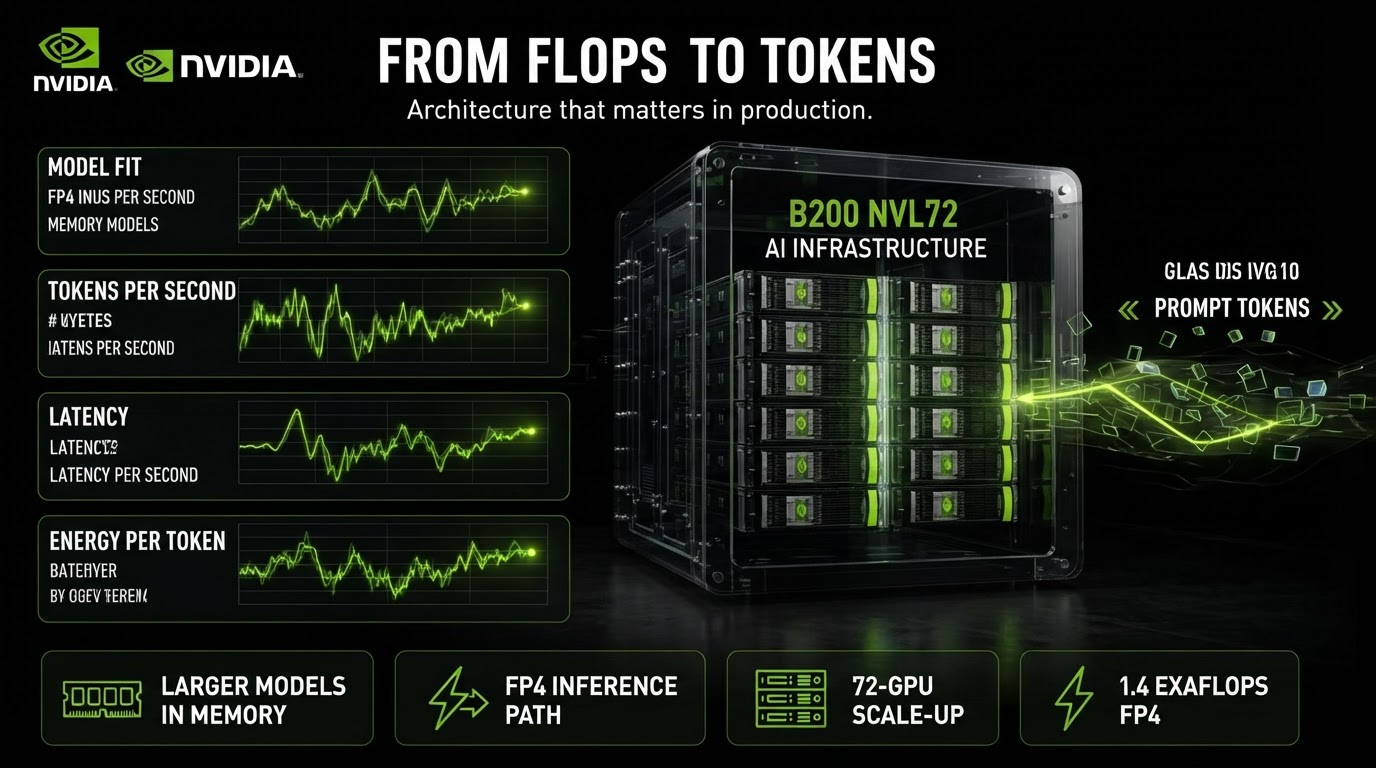
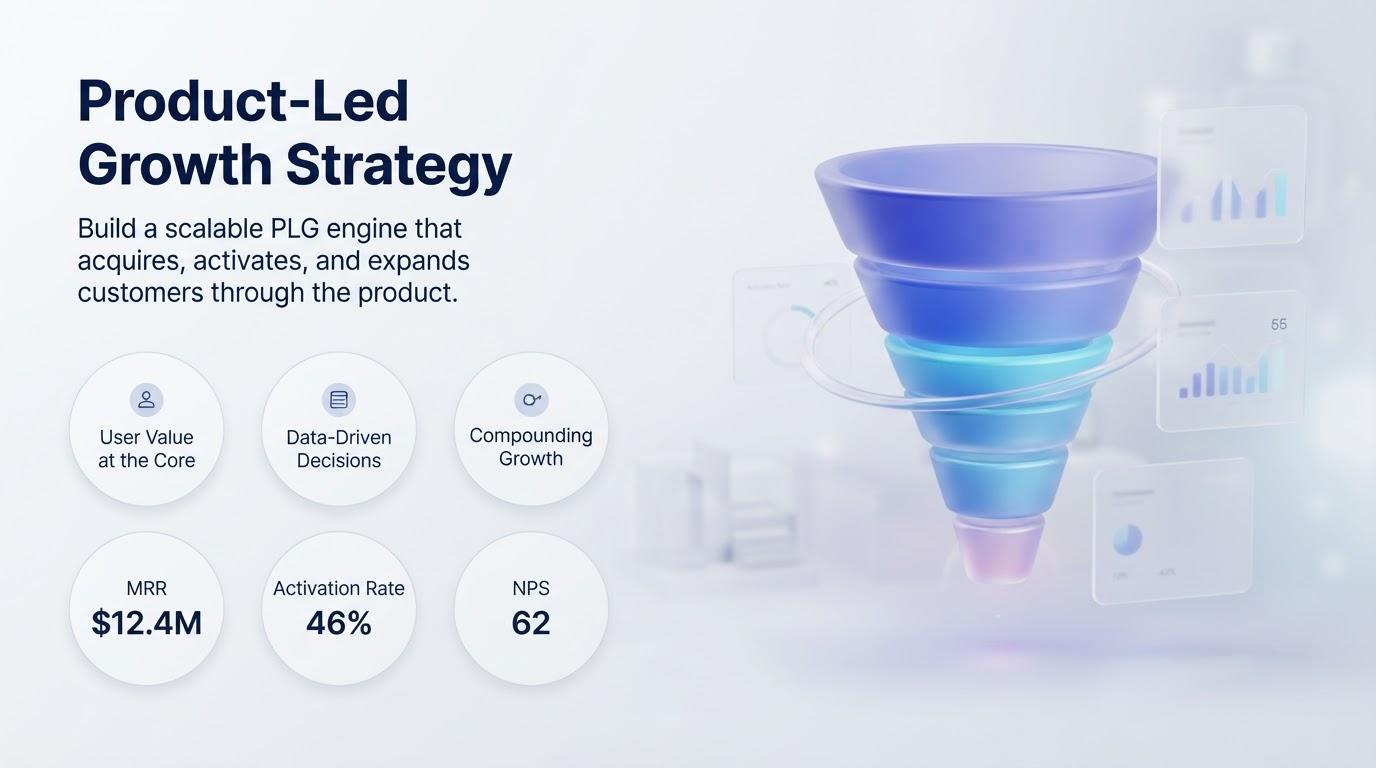
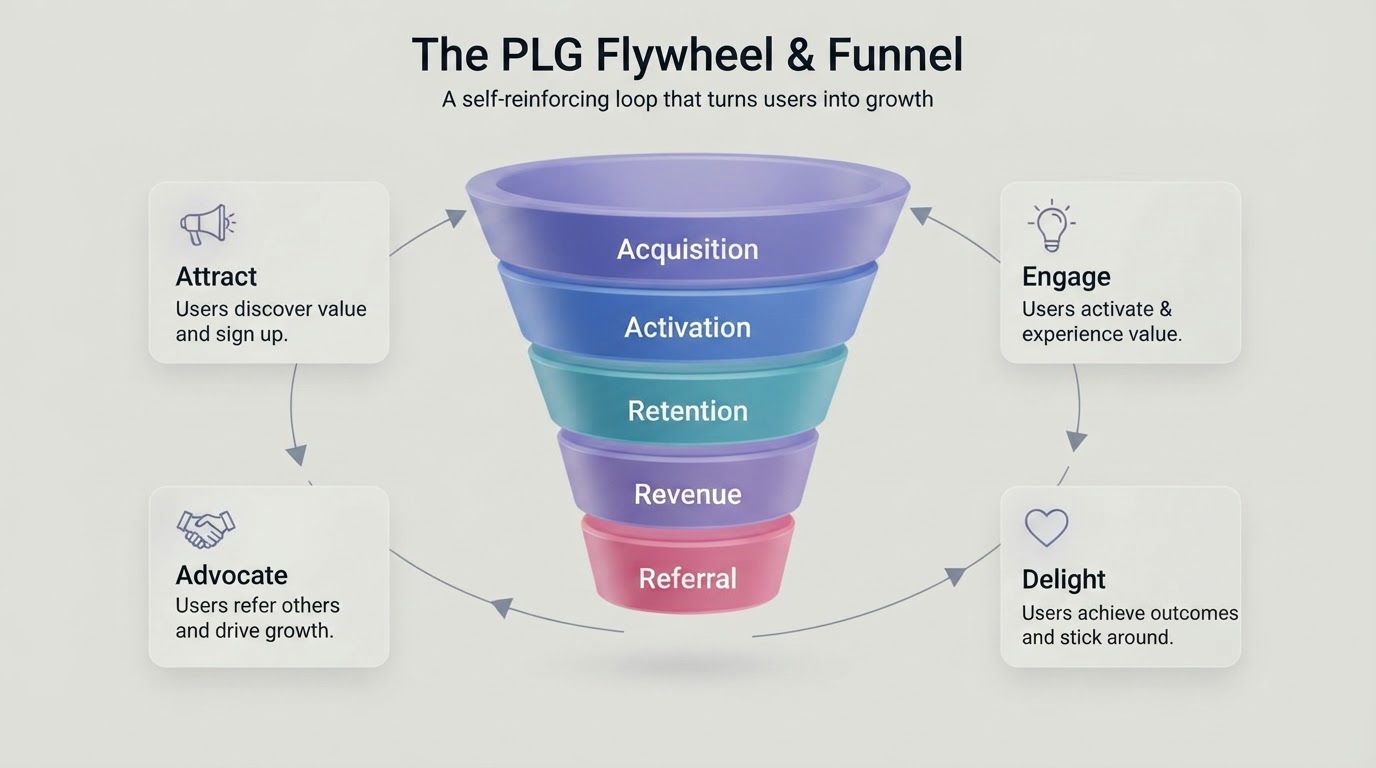
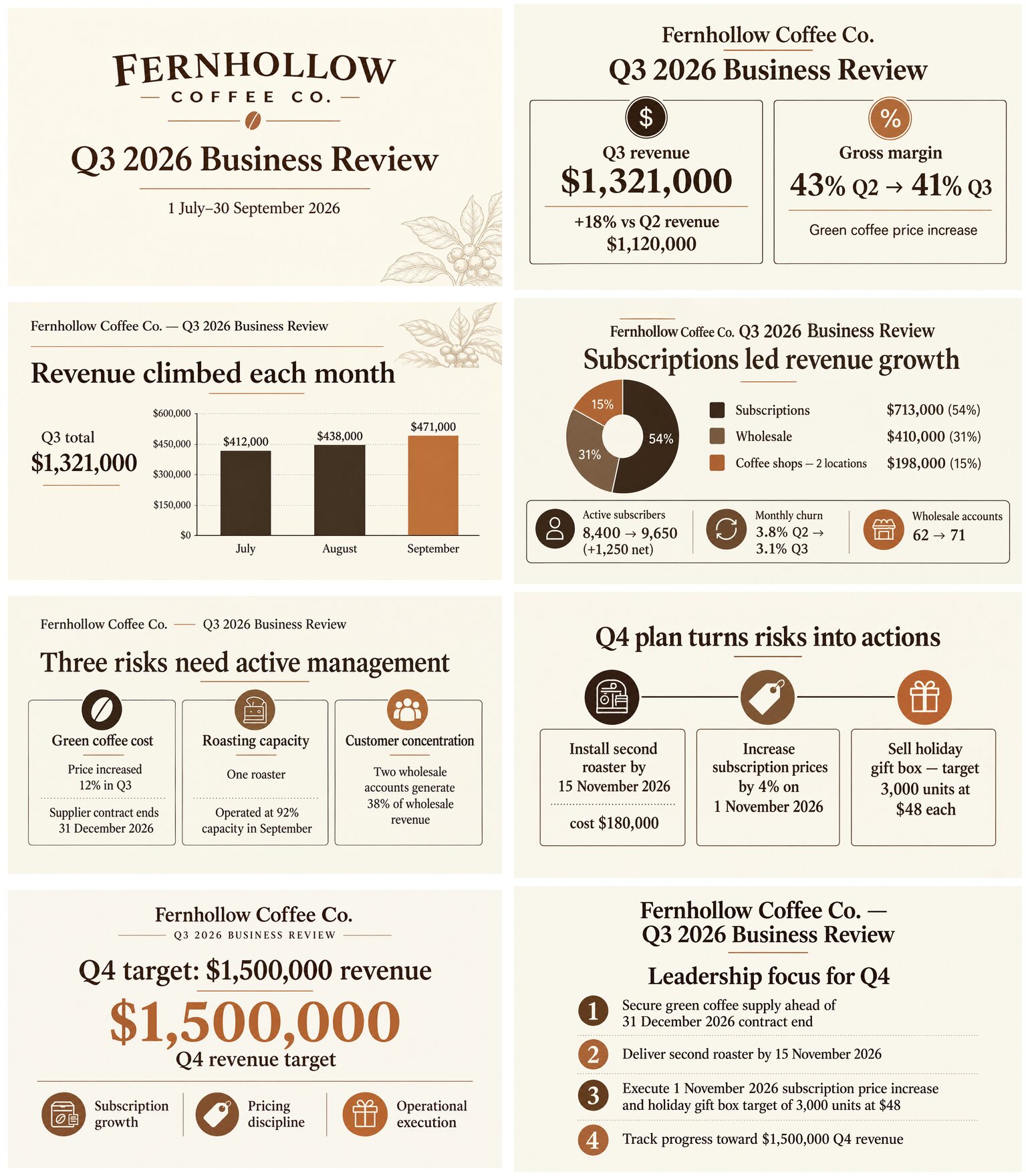
GenPPT 8-slide bespoke business review deck

Reason #3

Bespoke data visuals instead of recycled stock templates

Stock catalog themes are recognizable in every university lecture hall and client inbox, and free Slidesgo accounts hit monthly download caps right before deadlines.

GenPPT composes custom diagrams, charts, and typography tailored to your exact content, exporting watermark-free .pptx and PDF decks on Growth ($25/mo or $99/yr after a $1 3-day trial).

Explore bespoke GenPPT decks

Slidesgo Alternative: How GenPPT Works

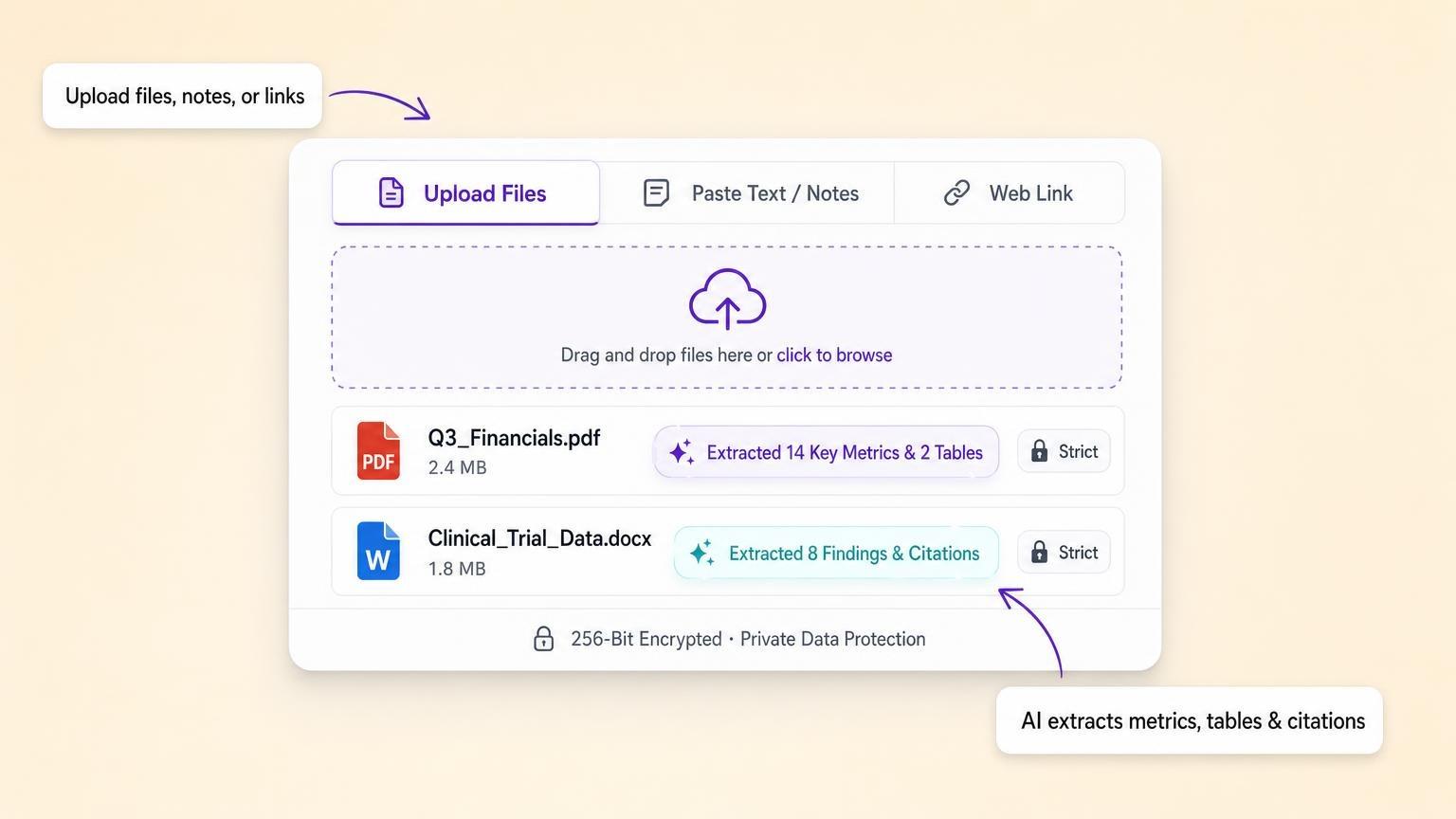
GenPPT upload panel with document extraction

Start from docs, links, or a prompt

Drop in PDFs, Word docs, spreadsheets, or paste a brief. GenPPT pulls out your narrative and exact figures. Turn on web search if you need current facts on the topic.

Slidesgo Alternative Examples

Bespoke full-slide decks from prompts and PDFs. Inspect real slides before you sign up.

GenPPT vs Slidesgo: Feature Comparison

FeatureGenPPTSlidesgo
Input sourcesPrompt, PDF, Word, Excel, or URLShort topic prompt
Outline approvalSlide-by-slide outline editor before renderGenerates straight into template
Visual designCustom full-slide rendered visualsFreepik / Slidesgo stock templates
Concept sheet previewYes, choose direction before full deckPick a fixed template theme
PowerPoint export (.pptx)Native .pptx and PDF exportYes (monthly download limits on free tier)
Pricing$1 trial, then $25/mo or $99/yrFree with limits; Premium subscription

Comparison reflects our hands-on testing and publicly available information as of November 2026. Slidesgo may update its product.

How we compare Slidesgo and GenPPT

Disclosure: we build GenPPT and Pitches.ai. To keep this Slidesgo comparison useful, we explicitly list the workflows where Slidesgo beats GenPPT alongside the document-to-deck jobs where GenPPT is stronger.

Our evaluation combines hands-on prompt and financial-PDF tests from our 2026 AI presentation maker benchmark with verified vendor pricing pages, export format checks, and public product documentation.

Last reviewed November 2026. Contact support if Slidesgo pricing or features changed and this page needs an update.

Slidesgo Alternative: FAQ

When is GenPPT the best Slidesgo alternative?
Slidesgo is a template library with an AI presentation maker for quick topic-based slides. GenPPT is built for document-to-deck workflows where you approve the outline and get custom full-slide designs. GenPPT renders each slide as a complete designed visual (so text and charts never overflow in PowerPoint), whereas edits happen in GenPPT chat before export rather than native slide text boxes.
Is GenPPT a good Slidesgo AI alternative?
Yes, when you start from a PDF, report, or detailed brief and want custom slide designs instead of stock template themes.
How does GenPPT compare to Slidesgo AI presentation maker?
Slidesgo AI generates slides from a short topic prompt inside stock templates. GenPPT extracts figures from uploaded documents, lets you lock the outline, and renders each slide as a full visual.
Does GenPPT export to PowerPoint (.pptx)?
Yes. GenPPT exports .pptx and PDF files that open in PowerPoint, Google Slides, or Keynote.

Try GenPPT as Your Slidesgo Alternative for $1

Full-slide decks from a prompt or your docs. Approve the outline and concept, generate, and edit any slide in chat.

AI presentations

Stop stressing over formatting. Join 100,000+ professionals creating presentations worth presenting.