GenPPT
GenPPT
VS
SlidesAI logo
SlidesAI

Best SlidesAI Alternative in 2026

SlidesAI turns text into slide layouts in Google Slides, PowerPoint, or its web app. GenPPT researches the topic and makes full-slide visuals from a prompt, document, or link.

Ilias Ism

Reviewed by Ilias IsmVerified reviewer

SlidesAI vs GenPPT audit · Methodology

When SlidesAI is the better choice (and when to pick GenPPT)

Pick the tool that matches the file and editing workflow you need at the end.

Pick SlidesAI when

  • You want a free Google Slides add-on for up to 1 presentation per month (12/year) on short class notes.
  • You need every bullet box to remain natively editable inside Google Slides.
  • Budget is capped at $10/month billed annually ($120/year) for basic text-to-slide conversion.

Pick GenPPT when

  • You want polished full-slide visual design, custom charts, and concept previews rather than plain Google Slides bullet layouts.
  • You are uploading dense PDFs, Word docs, or URLs and need accurate metric extraction.
  • You want a standalone studio that exports directly to PowerPoint (.pptx) and PDF without configuring Google Slides add-ons.

Trade-off to know: GenPPT renders each slide as a complete designed visual so layouts never overflow; slide text and chart updates happen in GenPPT chat before exporting .pptx or PDF.

Recurring SlidesAI trade-offs to check before you choose

  • SlidesAI requires stepping through multiple setup menus (presentation type, tone, audience, theme) inside Google Slides yet still outputs plain, generic stock-photo layouts.
  • Free Basic accounts cap usage at 12 presentations per year with character limits on pasted input.
  • Document uploads require paid tiers and do not generate bespoke visual diagrams or concept contact sheets.

GenPPT vs SlidesAI: 3 Key Differences

GenPPT designed slide visual vs plain text-to-slides layout

Reason #1

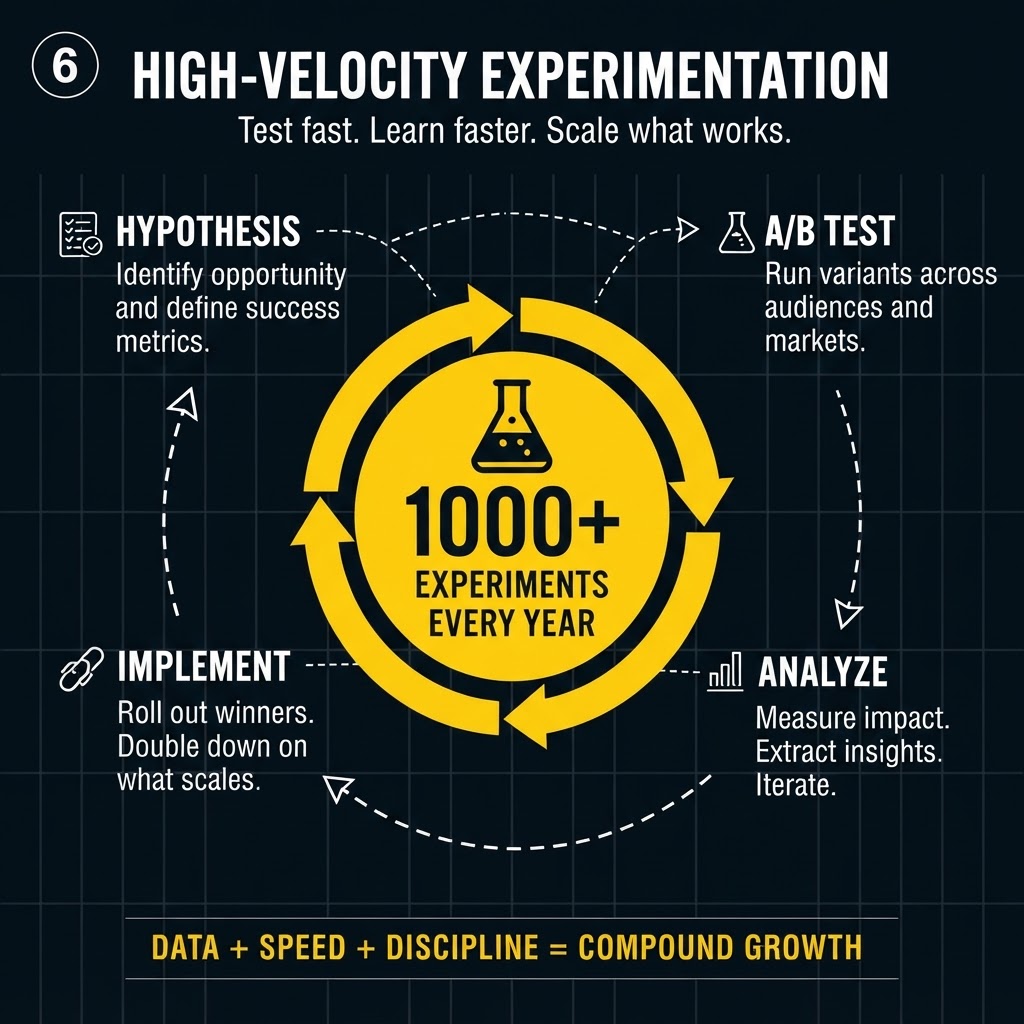
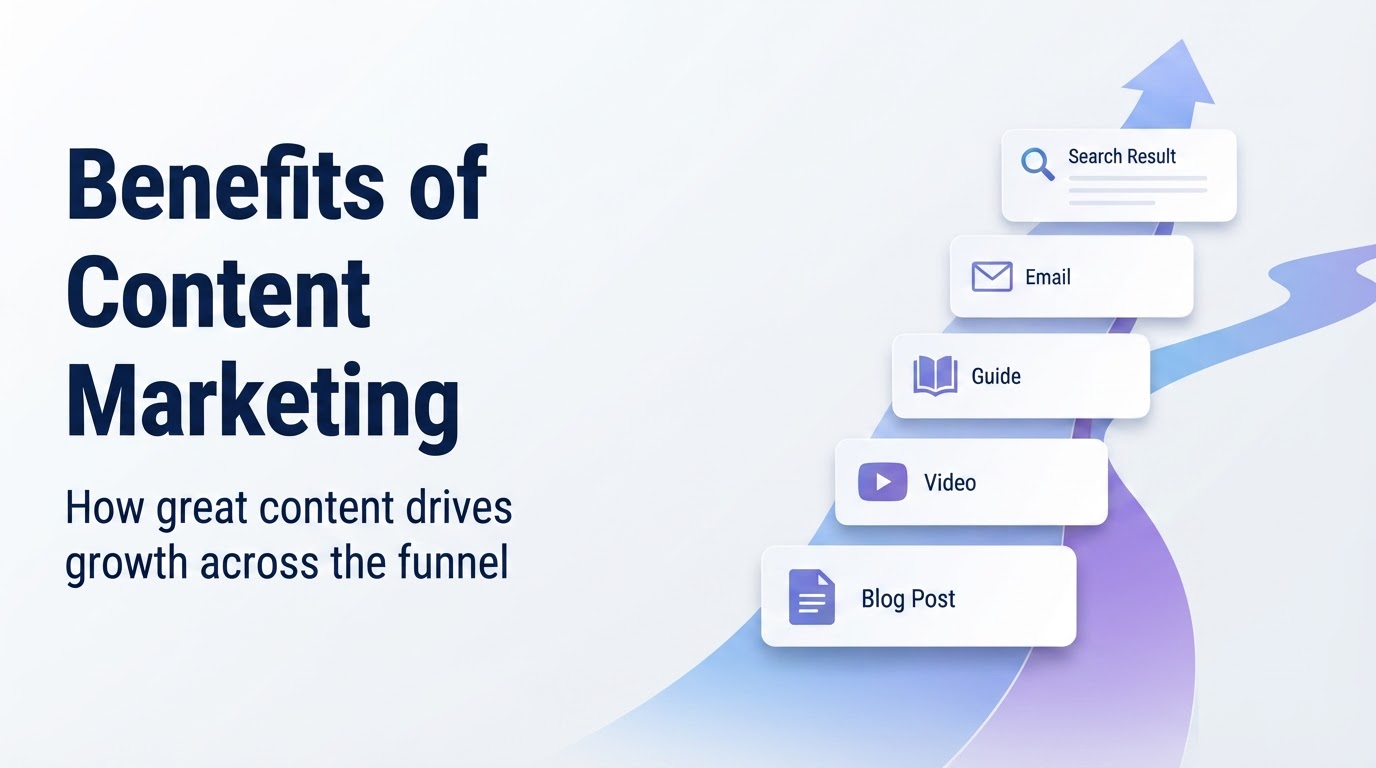
Boardroom-ready slide design instead of generic bullet boxes

In our founder test, SlidesAI walked through presentation type, audience, and tone menus inside Google Slides, yet the finished slides looked generic compared with the setup effort.

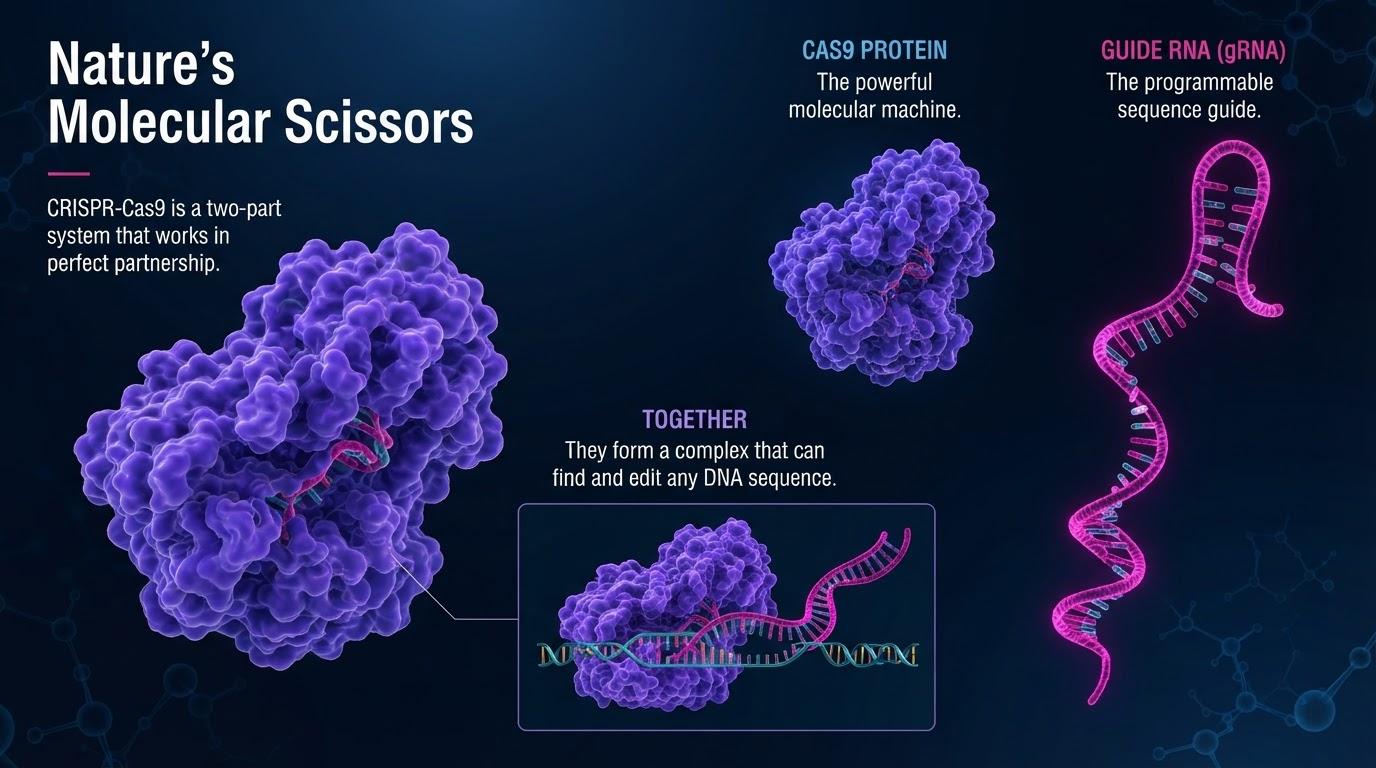
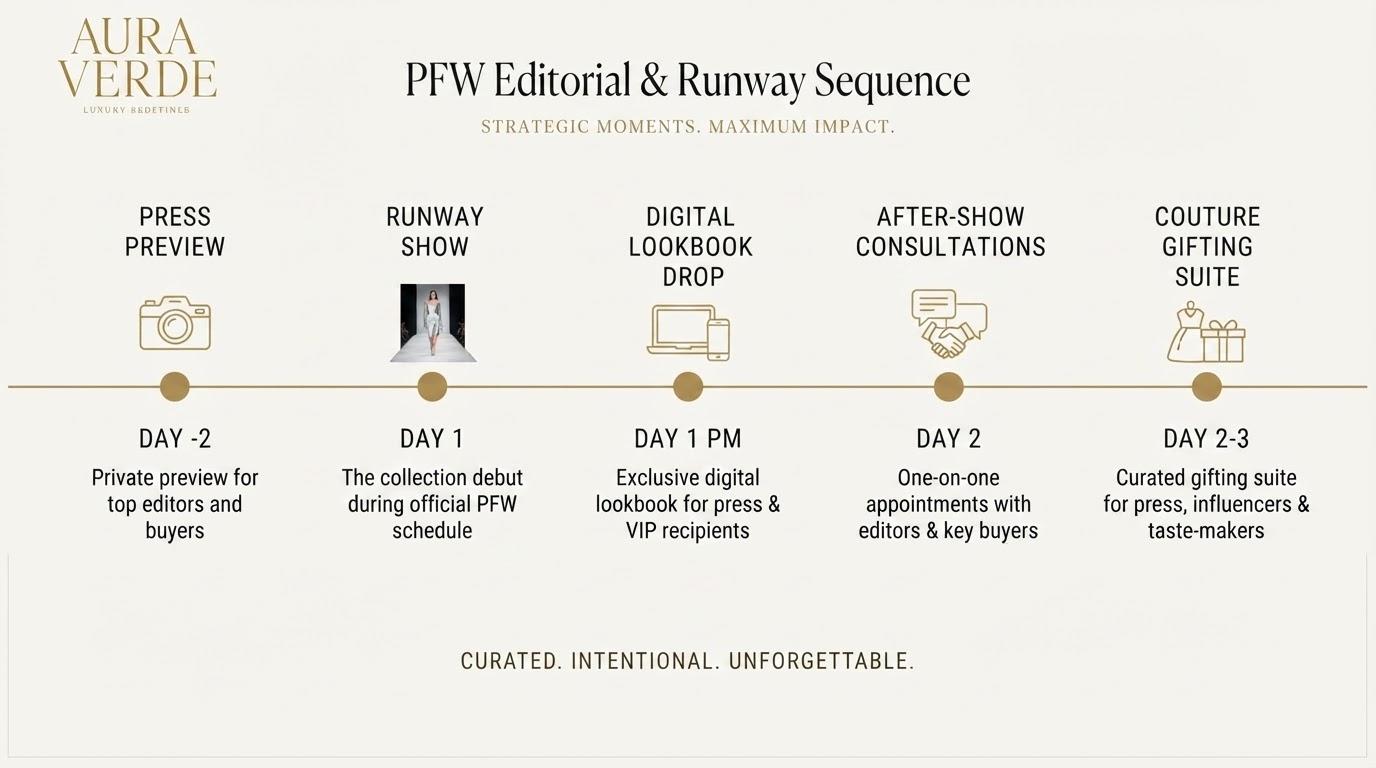
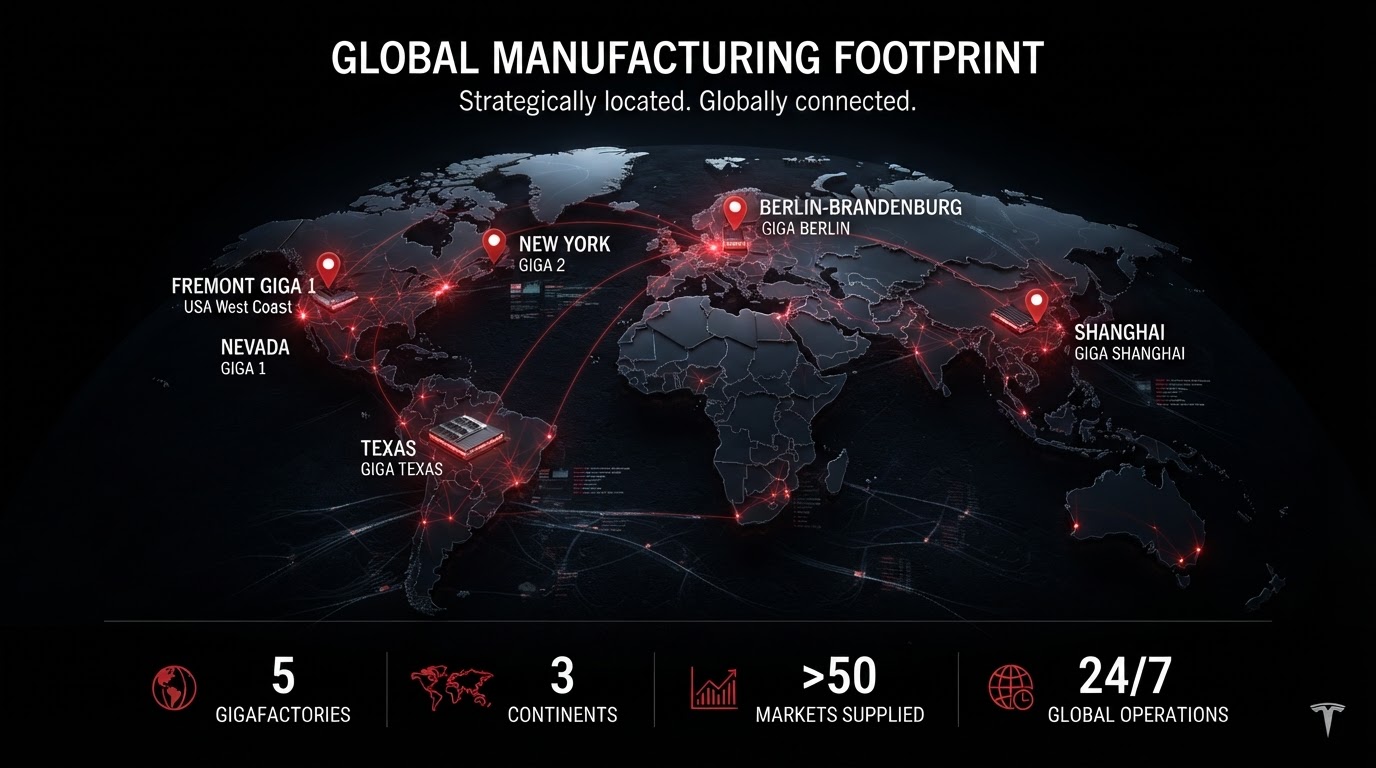
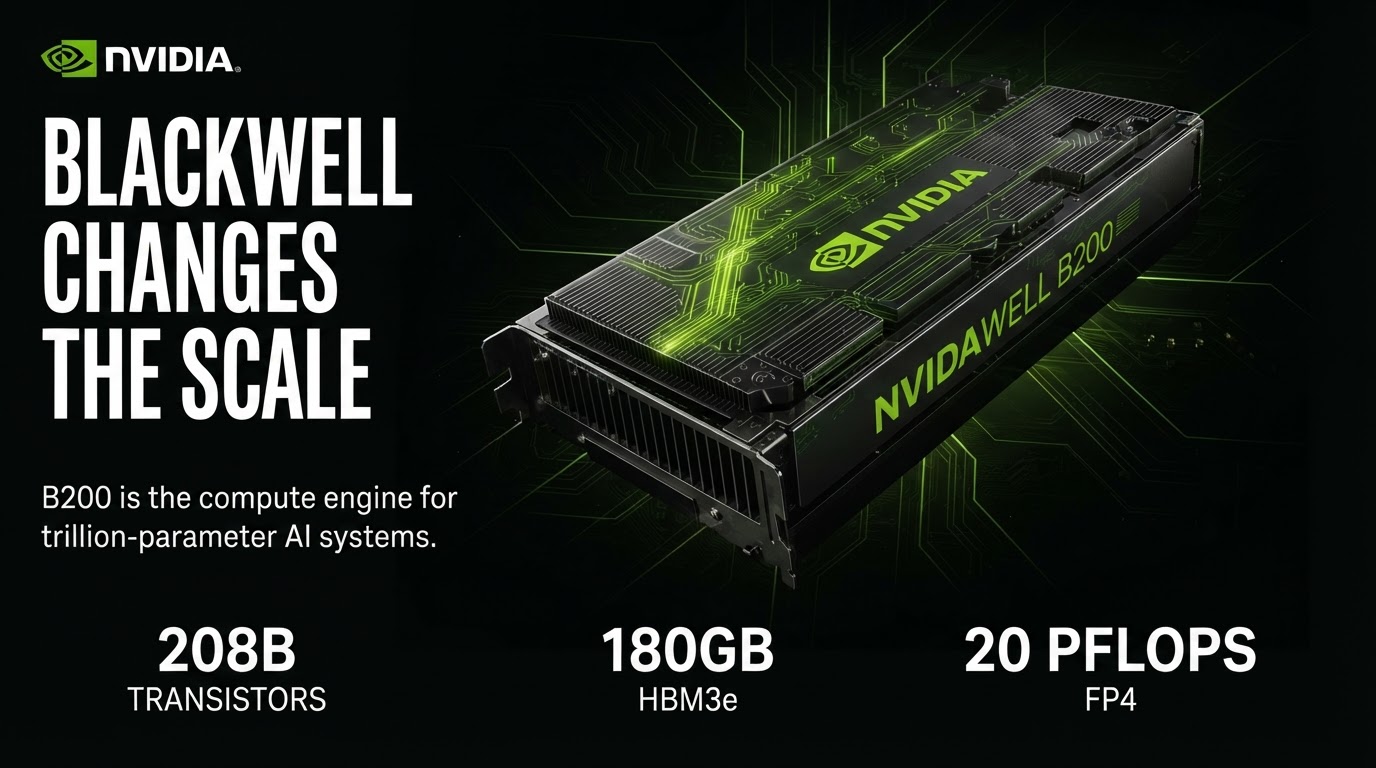
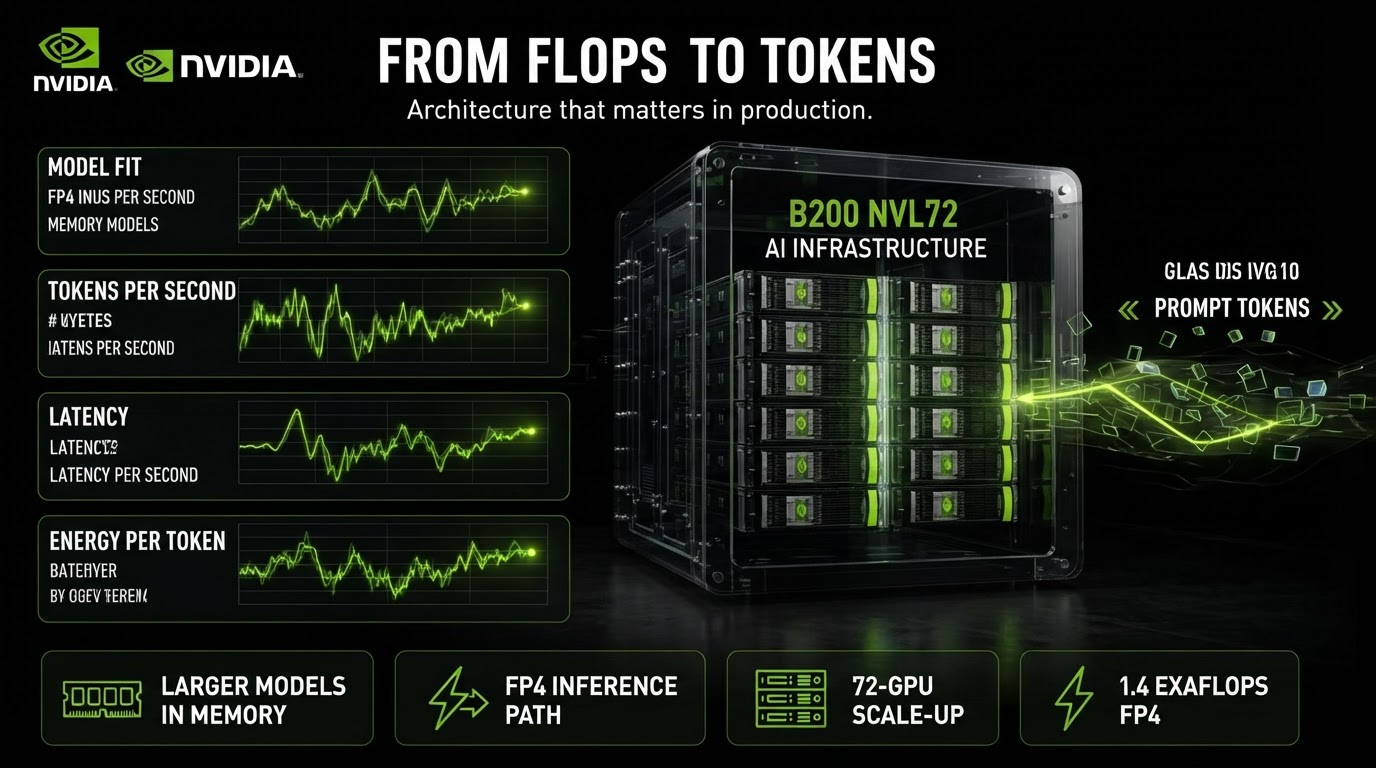
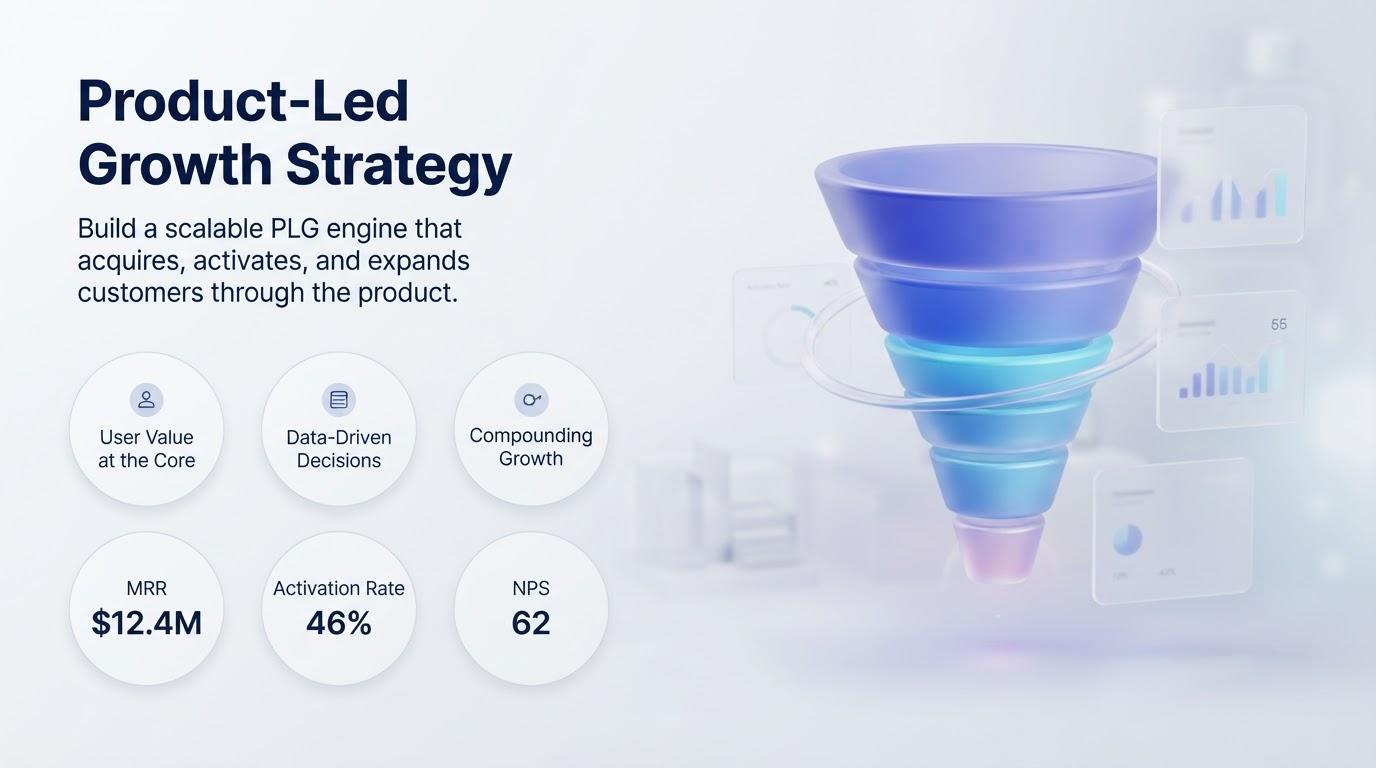
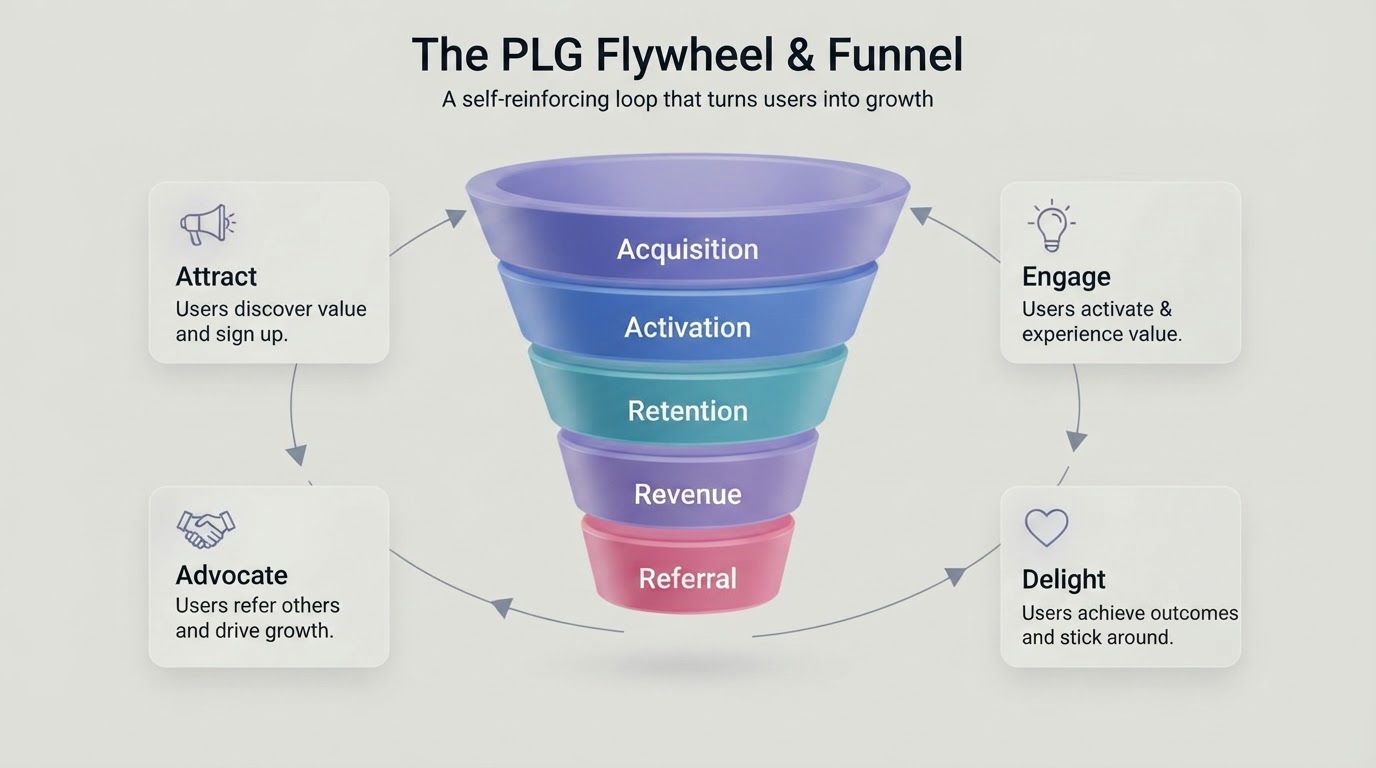
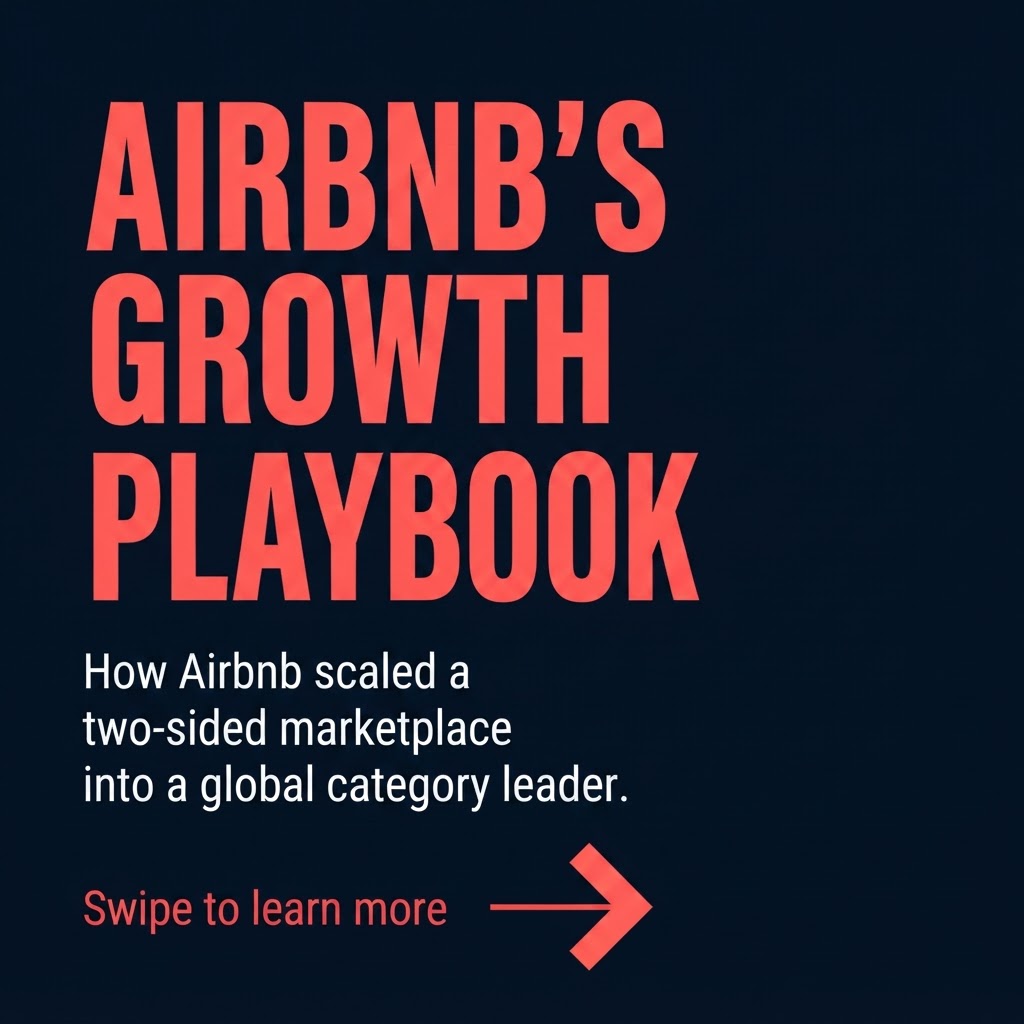
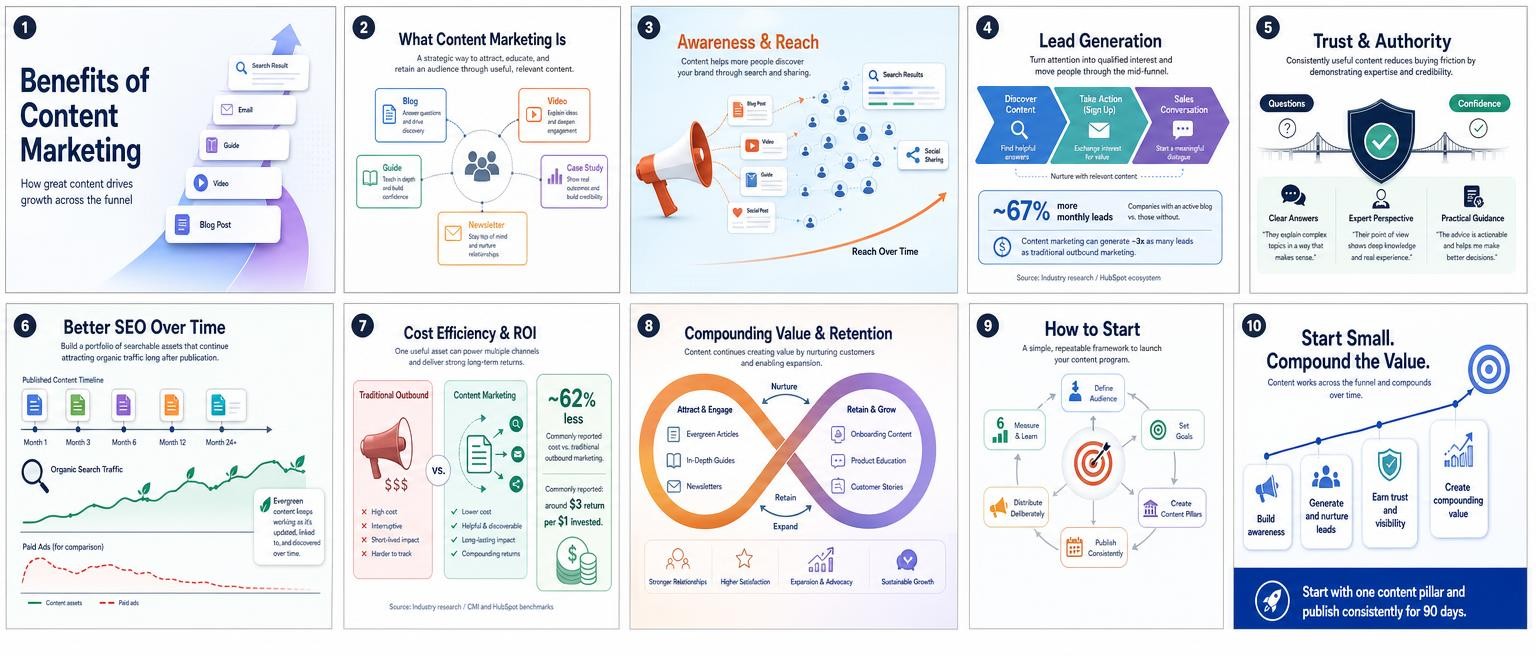
GenPPT renders bespoke full-slide visuals where typography, diagrams, and charts are composed together for boardrooms and client pitches.
Read our full SlidesAI alternatives review
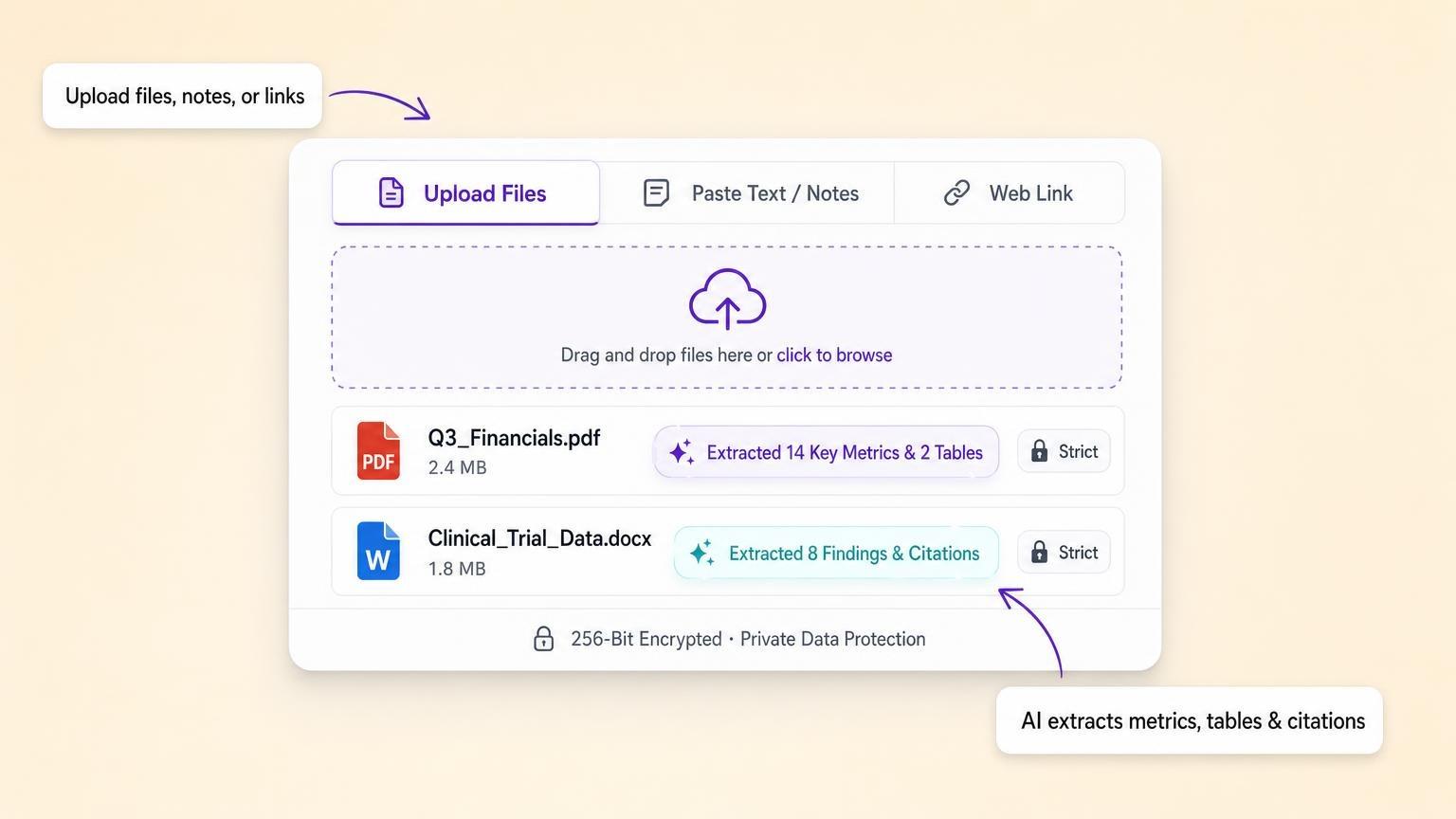
GenPPT document upload panel for PDF, Word, and Excel

Reason #2

Built for full PDFs, spreadsheets, and live web research

SlidesAI was built around pasting raw text snippets up to a character cap. Turning a financial PDF, spreadsheet, or live webpage into accurate slides hits friction fast.

GenPPT accepts PDFs, Word docs, Excel spreadsheets, and URLs directly, extracting exact metrics into an outline you verify first.

Try free PDF to PowerPoint
GenPPT concept preview contact sheet

Reason #3

Preview visual concepts and revise slides in chat

With SlidesAI you pick a fixed Google Slides theme and hope the text fits. Fixing cramped slides means resizing boxes manually.

GenPPT previews visual concepts on a contact sheet before rendering and lets you revise individual slides in chat before exporting .pptx or PDF.

View example decks

SlidesAI Alternative: How GenPPT Works

GenPPT upload panel with document extraction

Start from docs, links, or a prompt

Drop in PDFs, Word docs, spreadsheets, or paste a brief. GenPPT pulls out your narrative and exact figures. Turn on web search if you need current facts on the topic.

SlidesAI Alternative Examples

Bespoke full-slide decks from prompts and PDFs. Inspect real slides before you sign up.

GenPPT vs SlidesAI: Feature Comparison

FeatureGenPPTSlidesAI
Where it runsWeb appWeb app, Google Slides and PowerPoint add-ins
PowerPoint export (.pptx)Native exportYes
Visual designFull-slide imagesText-to-slide layouts
Input sourcesPrompt, docs, linksText; documents on paid plans
Charts and imagesIn slide renderLimited
Pricing$1 trial, then $25/mo or $99/yrFree Basic; Pro from $10/mo billed yearly

Comparison reflects our hands-on testing and publicly available information as of November 2026. SlidesAI may update its product.

How we compare SlidesAI and GenPPT

Disclosure: we build GenPPT and Pitches.ai. To keep this SlidesAI comparison useful, we explicitly list the workflows where SlidesAI beats GenPPT alongside the document-to-deck jobs where GenPPT is stronger.

Our evaluation combines hands-on prompt and financial-PDF tests from our 2026 AI presentation maker benchmark with verified vendor pricing pages, export format checks, and public product documentation.

Last reviewed November 2026. Contact support if SlidesAI pricing or features changed and this page needs an update.

SlidesAI Alternative: FAQ

When is GenPPT the best SlidesAI alternative?
SlidesAI converts text into slide layouts in Google Slides, PowerPoint, or its web app. GenPPT researches the topic, then makes visual slides you export to PowerPoint. GenPPT renders each slide as a complete designed visual (so text and charts never overflow in PowerPoint), whereas edits happen in GenPPT chat before export rather than native slide text boxes.
Is GenPPT a good SlidesAI alternative?
Yes, if you want researched content and full-slide visuals instead of text-to-slide layouts.
Do I need Google Slides to use GenPPT?
No. GenPPT runs on its own and exports PowerPoint or PDF.

Try GenPPT as Your SlidesAI Alternative for $1

Full-slide decks from a prompt or your docs. Approve the outline and concept, generate, and edit any slide in chat.

AI presentations

Stop stressing over formatting. Join 100,000+ professionals creating presentations worth presenting.