
Quarterly business review (QBR) examples

A quarterly business review compares results with goals and gets a decision. Each deck here is real GenPPT output from the prompt shown with it. The companies and the numbers are invented.

What to copy

  • Show each result next to its goal or target.
  • Give the results that were missed their own slide, with the cause.
  • Write each headline as the conclusion, so a reader can skim the deck.
  • End with the decision that you need.

Customer QBR from a software vendor

A 9-slide quarterly review from an invented software vendor to its customer, an invented group of dental clinics. See each slide at full size.
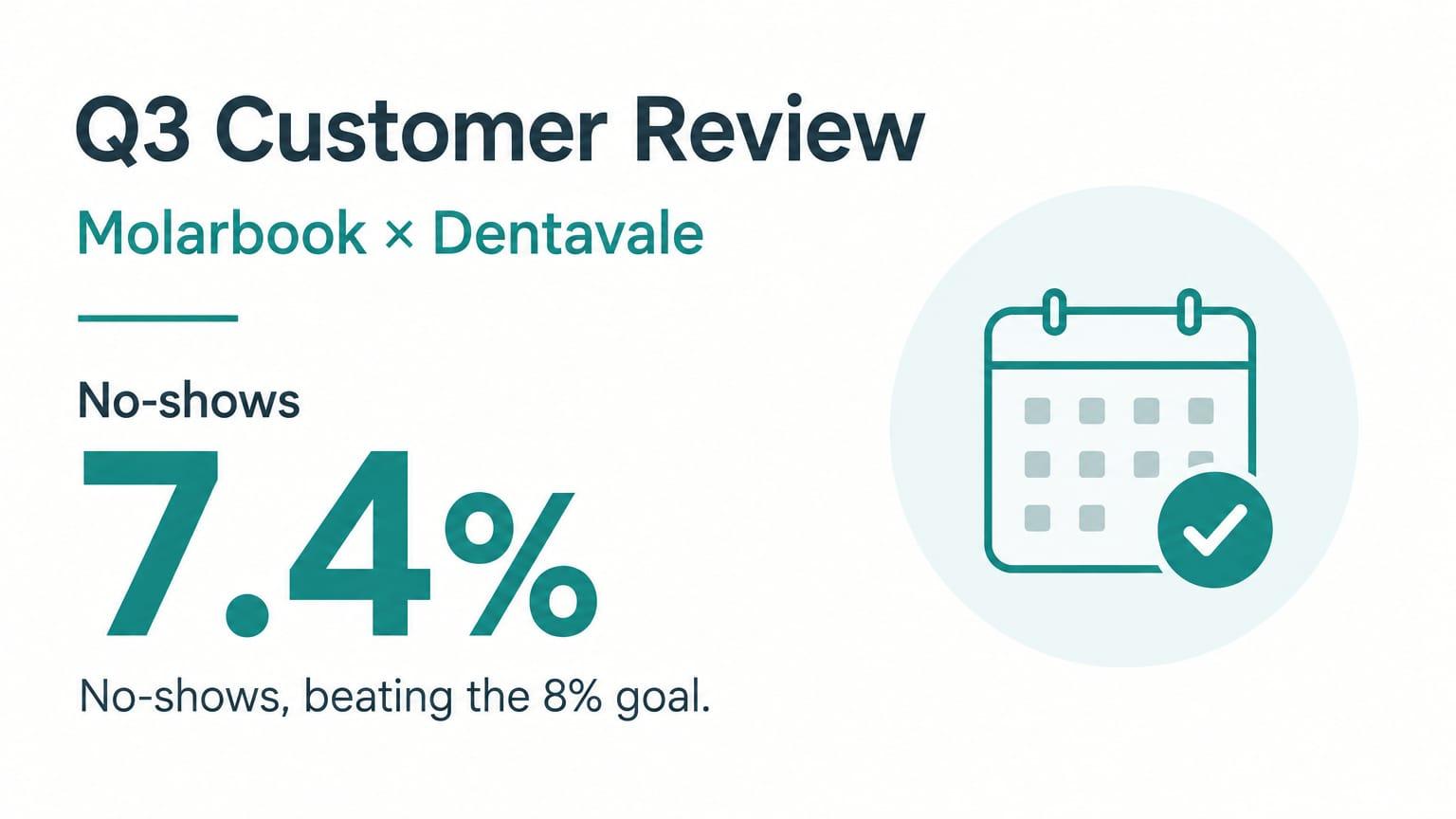
Customer QBR from a software vendor: Cover

Why this deck works

  • Slide 3 lists the goals that the two companies agreed. Slide 4 shows each result next to its goal.
  • The deck says which goals were missed, and one slide gives the cause.
  • Each headline is the conclusion. The summary slide gives the four numbers that matter.
  • The last slide asks for one decision.

The prompt that made it

GenPPT prompt
9-slide quarterly business review (QBR) for a customer. Vendor: Molarbook, invented scheduling software for dental clinics. Customer: Dentavale, an invented group of 22 dental clinics. Quarter: Q3.

Slide order: 1 cover, 2 executive summary, 3 the goals we agreed for Q3, 4 results against each goal, 5 adoption by clinic, 6 support and service, 7 what did not go well, 8 plan for Q4, 9 decisions and next steps.

Facts to use (all invented): Goal 1: cut no-shows from 11% to 8%. Result: 7.4%. Goal 2: online booking at 40% of appointments. Result: 36%. Goal 3: all 22 clinics live. Result: 20 live. Front-desk phone time is down 31%. 18 support tickets, median first reply 42 minutes. Problem: two clinics are late because the data export from the old system was slow. Q4 plan: finish the last 2 clinics, launch SMS reminders, train 14 new front-desk staff. Decision needed: approve the recall campaign add-on.

Rules: lead with results. Be honest about the miss. One idea per slide. Each headline states the conclusion. Style: calm and professional, white with teal and soft grey, simple charts. No real company names, no real people, no logos.
1 message after the prompt
  1. On slide 5, the grid shows 21 clinic icons. Show exactly 22 icons in two rows of 11: 20 teal icons for live clinics and 2 grey icons for pending clinics. Keep the design.

Internal sales QBR for leadership

A 9-slide quarterly review of an invented sales region for its leadership team. See each slide at full size.

Internal sales QBR for leadership: Cover

Why this deck works

  • Slide 2 gives the full quarter in three numbers.
  • Wins and losses each have a slide with the reasons. The changes for Q4 come from those reasons.
  • The forecast slide shows the number and the main risk together.
  • The prompt has two rules that keep the slides clean: no deck title as a slide headline, and each chart on one slide only.

The prompt that made it

GenPPT prompt
9-slide internal quarterly business review for the leadership team. Team: the EMEA sales region of Shipquill, an invented shipping software company. Quarter: Q3.

Slide order: 1 cover, 2 the quarter on one slide, 3 revenue against target, 4 pipeline for Q4, 5 three wins and why we won, 6 three losses and why we lost, 7 what we change in Q4, 8 forecast and risks, 9 asks.

Facts to use (all invented): new revenue $2.84M against a $3.1M target (92%). Win rate 27%, up from 22%. Average sales cycle 74 days. Q4 pipeline $9.6M, which is 3.1 times the target. Wins came from the returns feature and a faster trial. Losses: two on price to a cheaper rival, one on a missing customs feature. Changes: a mid-market price tier and a shorter security review. Q4 forecast $3.3M. Main risk: two large deals need legal approval. Asks: one solutions engineer and a decision on the price tier.

Rules: numbers first, reasons second. One idea per slide. Each headline states the conclusion of its slide. Do not use the deck title as a slide headline. Show each chart on one slide only. Style: confident and minimal, off-white with deep purple and one bright accent. No real company names, no real people, no logos.

Agency QBR for a client

An 8-slide quarterly review from an invented marketing agency to its client, an invented online tea shop. See each slide at full size.

Agency QBR for a client: Cover

Why this deck works

  • Each number has its target next to it.
  • One slide shows what worked and what did not. The agency does not hide the weak result.
  • The customer learning has its own slide: buyers search by taste, not by tea type.
  • The last slide keeps the budget the same and asks for one decision.

The prompt that made it

GenPPT prompt
8-slide quarterly business review from a marketing agency to its client. Agency: Brindlecroft, an invented SEO and content agency. Client: Kettlewick, an invented online tea shop. Quarter: Q3.

Slide order: 1 cover, 2 summary, 3 results against targets, 4 what we shipped, 5 what worked and what did not, 6 what we learned about the customers, 7 plan and targets for Q4, 8 budget and decisions.

Facts to use (all invented): organic visits 86,000 against a target of 80,000. Organic revenue $212,000, up 24% on Q2. Email list 18,400 against a target of 20,000. Shipped: 14 guides, 6 product page rewrites, and a site speed fix. Worked: brewing guides, 41% of new organic revenue. Did not work: gift pages, flat. Learning: buyers search by taste, not by tea type. Q4 targets: 100,000 visits and $260,000 revenue. Budget stays at $9,500 a month. Decision: move $1,500 a month from gift pages to video.

Rules: show the target next to the result for each number. One idea per slide. Style: light and fresh, soft green and warm white, clean line charts, tea leaf details. No real company names, no real people, no logos.
1 message after the prompt
  1. Slide 2 uses the deck title as the headline. Change the headline to "Revenue is up 24%, and the email list is behind target." Keep the design.
AI presentations

Stop stressing over formatting. Join 100,000+ professionals creating presentations worth presenting.