
Copilot in PowerPoint is worth buying when your source files already live in Word, OneDrive and SharePoint and IT requires native .pptx inside your Microsoft 365 tenant. It is a weak buy for designed client or board decks: it costs $21 to $30 per user per month, billed yearly, on top of Microsoft 365, and its slides follow whatever theme you open.
In our founder's test, Copilot returned a native PowerPoint file from a chat prompt. In our Fernhollow Q3 2026 PDF test, GenPPT kept 8 of 8 KPIs in designed slides. We build GenPPT, the Copilot alternative for designed decks from documents, so weigh this verdict with that in mind.
Copilot in PowerPoint verdict at a glance
| Question | Copilot in PowerPoint | Evidence |
|---|---|---|
| Builds a deck from a Word file or SharePoint content | Yes, native slides | Microsoft product page; founder test |
Output is a native editable .pptx | Yes: shapes, text boxes, speaker notes | Founder test |
| Designed slides without a strong template | Weak; output follows the open theme | The Professor-AI tutorial, 12 Feb 2026 |
| Works from a short prompt | Better with detailed prompts and a theme chosen first | The Professor-AI tutorial |
| Data stays inside the Microsoft 365 tenant | Yes | Microsoft product page |
| Price | $21 to $30/user/month yearly, plus Microsoft 365 | Microsoft pricing, Nov 2026 |
| Free trial | 1 month on business plans, card required | Microsoft pricing, Nov 2026 |
What does Copilot in PowerPoint do well?
Copilot sits inside desktop and web PowerPoint. It drafts a deck from a prompt or a Word document, pulls context from files in OneDrive and SharePoint, adds speaker notes, and rewrites or summarizes slides you already have.
It is the right tool for four jobs:
- Word-to-PowerPoint inside the tenant. If the source memo is already a Word file in SharePoint, Copilot drafts from it without uploading anything to an outside vendor. For regulated teams, that alone can decide the purchase. Our Word to PowerPoint guide compares Copilot with four other ways to convert a
.docx. - Native objects. Every title, bullet and shape is a real PowerPoint object. Anyone can open the file and change a number in a text box.
- Speaker notes and summaries. Copilot writes notes and can summarize a long deck someone else sent you.
- One vendor. Security review, billing and admin controls stay with Microsoft.
In our founder's 12-tool content-marketing benchmark, Copilot returned a native .pptx file from chat, which is the feature Microsoft sells.
Where does Copilot in PowerPoint fall short?
Copilot produces a file. The problems show up in how the slides look and how much work it takes to get there.
- Plain slides on a default theme. Copilot designs inside whatever theme is open. Start from the blank default and the draft is mostly title and bullet slides. In The Professor-AI's tutorial (12 February 2026), choosing a design theme first improved the visual structure.
- Prompting effort. Short prompts give generic slides. Good results need a detailed prompt with audience, slide count and sections, or a well-structured Word file.
- Some edits still need copy and paste. In the same tutorial, some text rewrites still had to be pasted onto the slide by hand.
- The deck is only as clean as the source. Copilot drafts from what is in the tenant. A messy Word file gives a messy deck.
- A seat per person. Each person who wants Copilot in PowerPoint needs a paid seat on top of Microsoft 365, even if they make two decks a quarter.
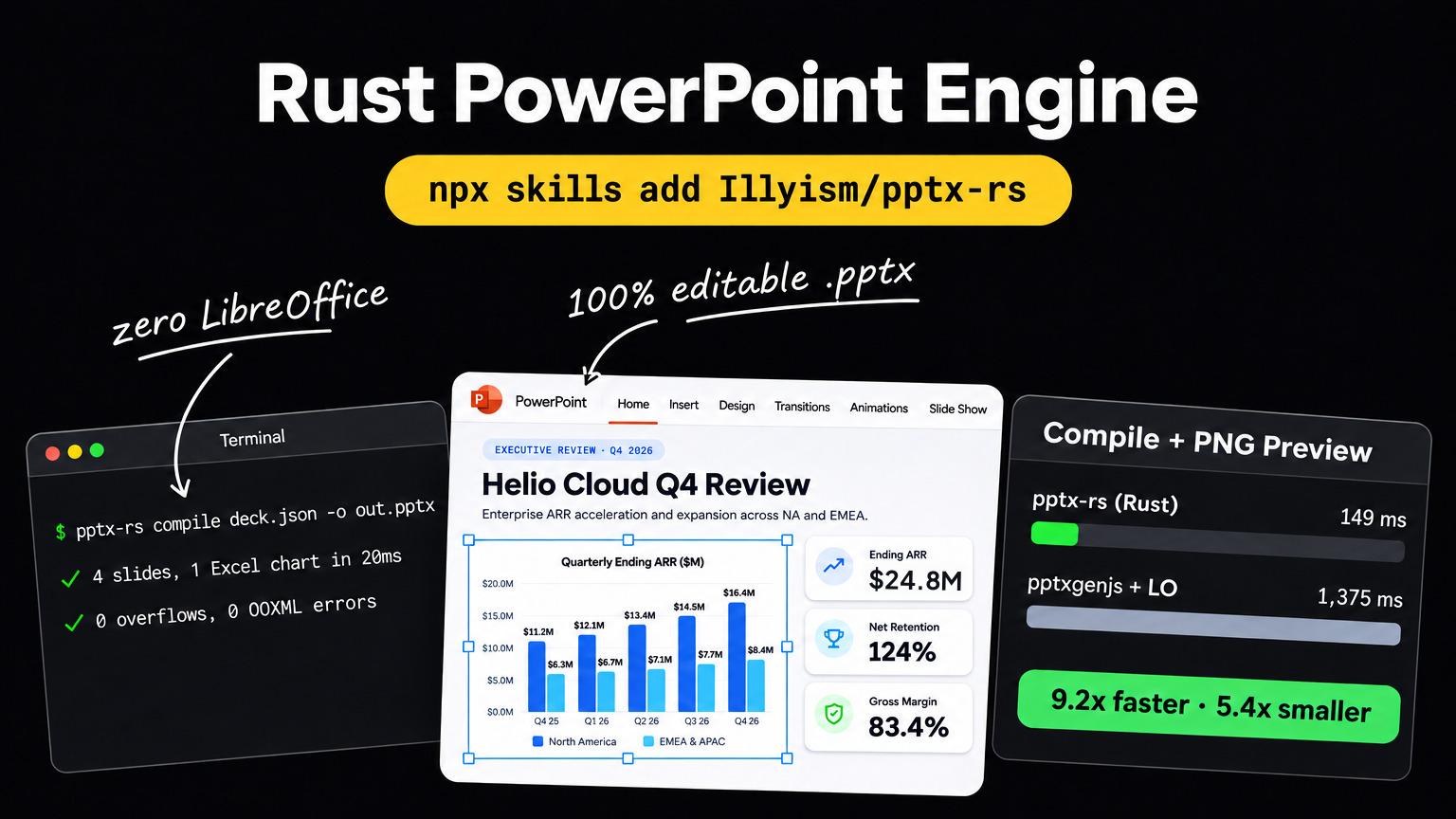
We hit the same limit when we built our own editable engine. Our team wrote pptx-rs, an open-source Rust engine that compiles a 4-slide deck and PNG previews in 148.8 ms with 0 OOXML errors. Its one-shot AI layouts were valid and editable, but plainer than art-directed slides. Copilot makes the same choice, with native editable objects first and design second. Our post on full-bleed slides vs editable text boxes covers both sides of that trade-off.
What does Copilot in PowerPoint cost?
Microsoft prices, checked November 2026:
- Microsoft 365 Copilot Business: $21/user/month, billed yearly, for up to 300 users. Microsoft lists a first-year promotion at $18/user/month for purchases until 31 December 2026.
- Microsoft 365 Copilot Enterprise: $30/user/month, billed yearly.
- Bundle: Microsoft 365 Business Standard with Copilot is $23.50/user/month, billed yearly.
- Requirement: a qualifying Microsoft 365 license. Copilot Chat is included with an eligible subscription; check which in-app PowerPoint features your plan covers before you buy seats.
- Trial: one month on business plans, card required.
The yearly cost, before the Microsoft 365 license itself:
| Team size | Copilot Business ($21) | Copilot Business promo ($18, first year) | Copilot Enterprise ($30) |
|---|---|---|---|
| 1 seat | $252 | $216 | $360 |
| 10 seats | $2,520 | $2,160 | $3,600 |
| 25 seats | $6,300 | $5,400 | $9,000 |
| 100 seats | $25,200 | $21,600 | $36,000 |
If your team already uses Copilot in Word, Outlook and Teams daily, PowerPoint is one more app on a seat you pay for anyway. If you are buying seats mainly to make slides, compare with the options below. GenPPT pricing works per account instead of per seat: one Growth account is $99 a year for 20 decks a month.
Enterprise slide governance: Copilot, Templafy or Plus AI?
Large companies buy slide software for control: approved templates, locked brand elements, legal disclaimers and audit. Copilot, Templafy and Plus AI each cover a different part of that.
Templafy for governed templates and compliance
Templafy is enterprise document governance. It manages approved templates, brand assets and content libraries inside Microsoft Office across hundreds or thousands of seats, and it now markets AI document generation on top. Pricing is a custom annual contract with IT deployment.
- Pick Templafy when legal, brand and IT must control every template across the company, and you have the budget and time for an enterprise rollout.
- Skip it when you are a small team that needs finished decks this week. Our Templafy alternative page covers the self-serve route.
Plus AI for native Slide Master editing
Plus AI is an add-in for PowerPoint and Google Slides. It drafts an outline and builds native slides using the Slide Master you already have open, so every text box stays editable.
- Founder's test: Plus AI built native editable Google Slides in about 2 minutes. Layout polish depended on the underlying Slide Master.
- Reviews: Artturi Jalli (4 December 2025) and Jason West (15 October 2025) praised the native editability and noted wordy default bullets.
- Price: Basic $15/user/month ($10 yearly), Pro $25/user/month ($20 yearly), 7-day trial with a card.
- Versus Copilot: Plus AI also works in Google Slides and costs less per seat. Copilot wins on Microsoft 365 data access and single-vendor admin.
GenPPT for designed client and board decks from documents
GenPPT turns a PDF, Word file, spreadsheet or URL into a designed client or board deck and keeps the numbers exact, a job neither Copilot nor Plus AI is built for.
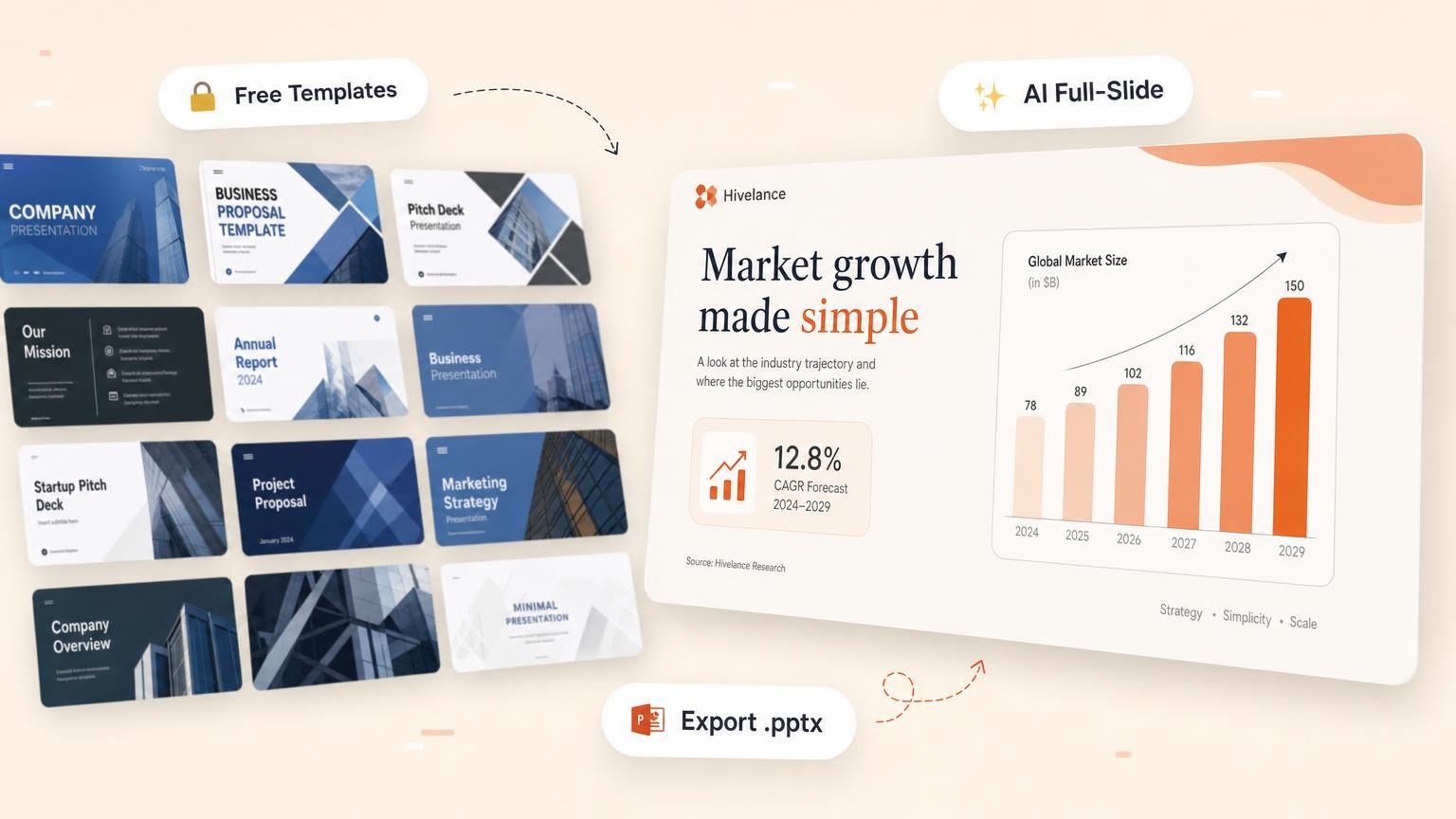
You approve a slide-by-slide outline extracted from the file, pick from a 4-panel concept sheet, then revise single slides in chat before export to .pptx, PDF or PNG. You can also paste your website URL or upload reference slides so the palette and visual direction match your brand.
- Fernhollow Q3 2026 PDF test: 8 of 8 KPIs kept from an invented report with $1,321,000 Q3 revenue. 2 min 34 s to outline and concept sheet, 1 min 21 s to render 8 slides, including a correct monthly revenue chart.
- Trade-off: each slide is a full-bleed image inside the
.pptx. Fonts and charts look the same on every laptop, but no one can edit a text box after export. If editing in PowerPoint is mandatory, use Copilot or Plus AI. For a few key slides, our pptx-rs walkthrough rebuilt two GenPPT slides as a hybrid editable deck that compiled in 20 ms with 0 validation errors. - Not for governance: GenPPT does not manage company template libraries the way Templafy does.
Best Copilot in PowerPoint alternatives compared
| Tool | Best job | Where it runs | Editable text boxes after export | Price (Nov 2026) |
|---|---|---|---|---|
| Microsoft Copilot | Word and SharePoint to native slides in the tenant | Inside PowerPoint | Yes | $21 to $30/user/mo yearly, plus Microsoft 365 |
| Plus AI | Native slides in your Slide Master, also in Google Slides | Add-in for PowerPoint and Google Slides | Yes | $15/user/mo ($10 yearly); 7-day card trial |
| Templafy | Company-wide template governance and compliance | Inside Microsoft Office | Yes (governed templates) | Custom enterprise contract |
| GenPPT | Designed client and board decks from PDFs and docs | Web studio and MCP server | No (full-bleed slides) | $1 3-day trial, then $25/mo or $99/yr |
| Gemini in Google Slides | Google Workspace teams | Side panel in Google Slides | Yes | Included in Workspace Business Standard ($14/user/mo yearly) |
| Pitches.ai | Startup investor pitch decks | Web app | No (full-bleed slides) | Free generation; $49 per exported deck or $249/yr |
How to choose between Copilot and an alternative
- Source location. Files in SharePoint and a strict data policy point to Copilot.
- Editing after export. If a colleague must change text boxes in PowerPoint, pick Copilot or Plus AI.
- Template control. If brand and legal must lock templates company-wide, add Templafy.
- The look of the deck. If it goes to a client or board and must look designed with exact numbers from a report, try GenPPT on one real PDF.
- Seat count. Ten people who each make a deck a month pay $2,520 a year for Copilot Business before Microsoft 365, which is $21 per deck.
Run the same file through two tools and open both exports on the laptop you present from. The GenPPT AI PowerPoint generator starts at $1 for a 3-day trial.
Copilot in PowerPoint FAQs
Is Copilot in PowerPoint worth it?
Yes, if your team already works in Microsoft 365, drafts from Word files in SharePoint, and needs native editable .pptx inside the tenant. No, if you mainly need designed client or board decks: the slides follow your open theme, and each user needs a $21 to $30 per month seat on top of Microsoft 365.
How much does Copilot in PowerPoint cost?
Microsoft 365 Copilot Business is $21 per user per month billed yearly ($18 first-year promotion until 31 December 2026), and Enterprise is $30. Both need a qualifying Microsoft 365 license. Business plans offer a one-month trial with a card.
Why do Copilot slides look plain?
Copilot builds inside the theme you have open. On a blank default theme, it tends to produce title and bullet slides. Pick a company or design theme first, give a detailed prompt with audience and sections, and start from a well-structured Word file.
What is the best alternative to Copilot in PowerPoint?
Plus AI if you need native slides in your Slide Master, including in Google Slides. Templafy if you need company-wide template governance. GenPPT if you need designed client or board decks from PDFs and reports with exact numbers, and can accept full-bleed slides you revise before export.
Can Copilot turn a PDF into a PowerPoint?
Copilot drafts best from Word documents and files in your Microsoft 365 tenant. For a designed deck from a financial PDF, GenPPT extracts the figures into an outline you approve first; in our Fernhollow Q3 2026 test it kept 8 of 8 KPIs. The free PDF to PowerPoint converter returns the outline plus 3 designed slides with no account, up to 3 conversions a day.