
Reason #1
Generates the full deck
Generates the full deck, not just layout help
Beautiful.ai keeps slides on-brand with design rules. GenPPT generates content and visuals upfront, then exports .pptx.

GenPPT is a Beautiful.ai alternative if you want designed full-slide visuals, not scrollable card blocks. Research the topic, approve a concept, export to PowerPoint.

Reviewed by Ilias IsmVerified reviewer
Hands-on Beautiful.ai alternative test · Methodology
Reason #1
Generates the full deck, not just layout help
Beautiful.ai keeps slides on-brand with design rules. GenPPT generates content and visuals upfront, then exports .pptx.
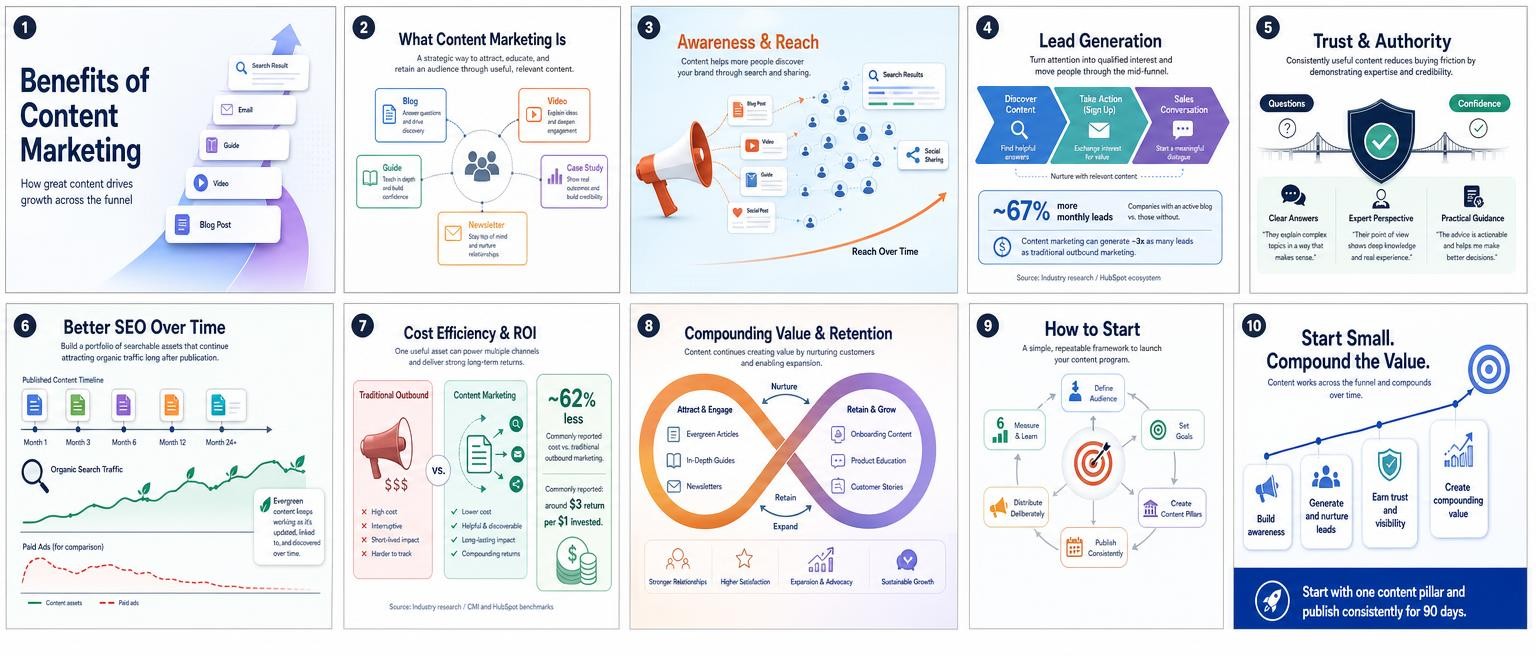
Reason #2
PowerPoint export
Beautiful.ai keeps slides on-brand with design rules. GenPPT generates content and visuals upfront, then exports .pptx.
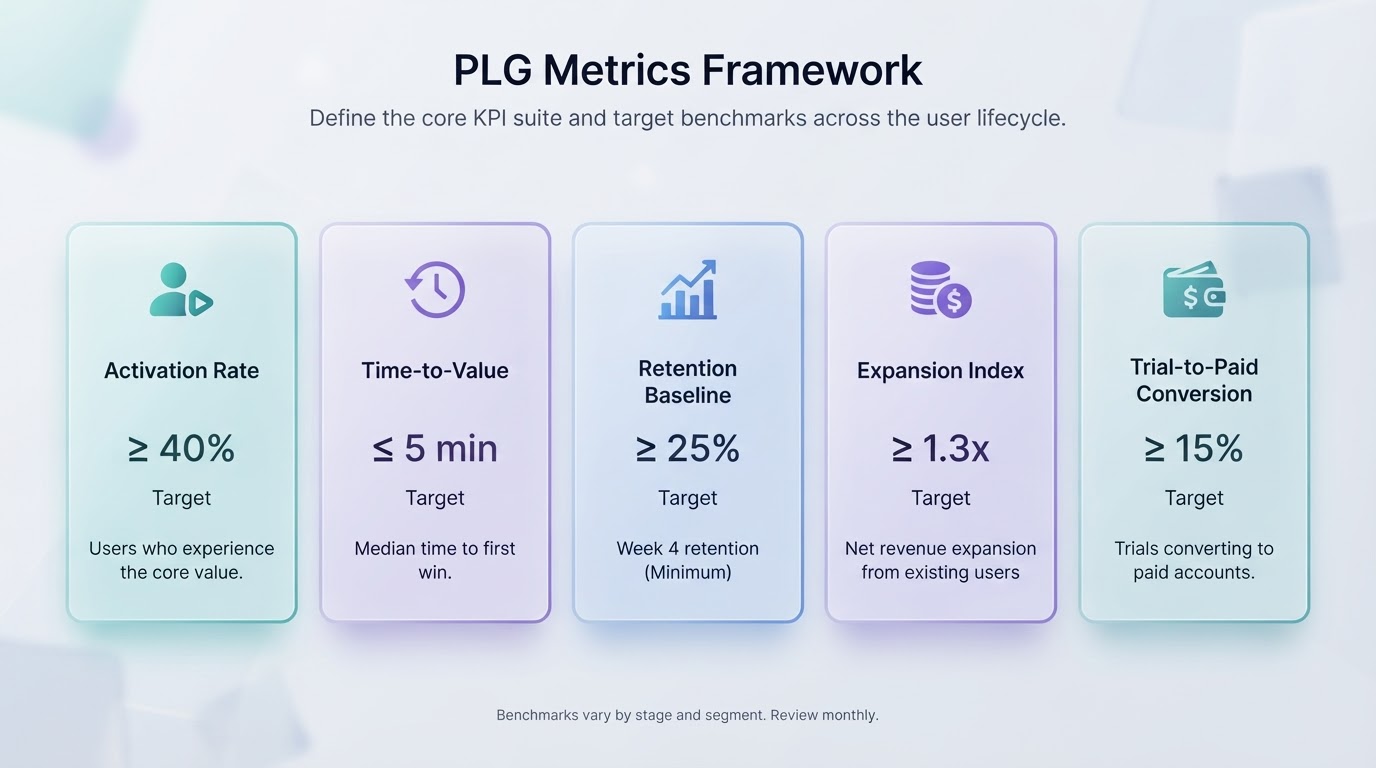
Reason #3
Start from topic, notes, or a document
Beautiful.ai keeps slides on-brand with design rules. GenPPT generates content and visuals upfront, then exports .pptx.
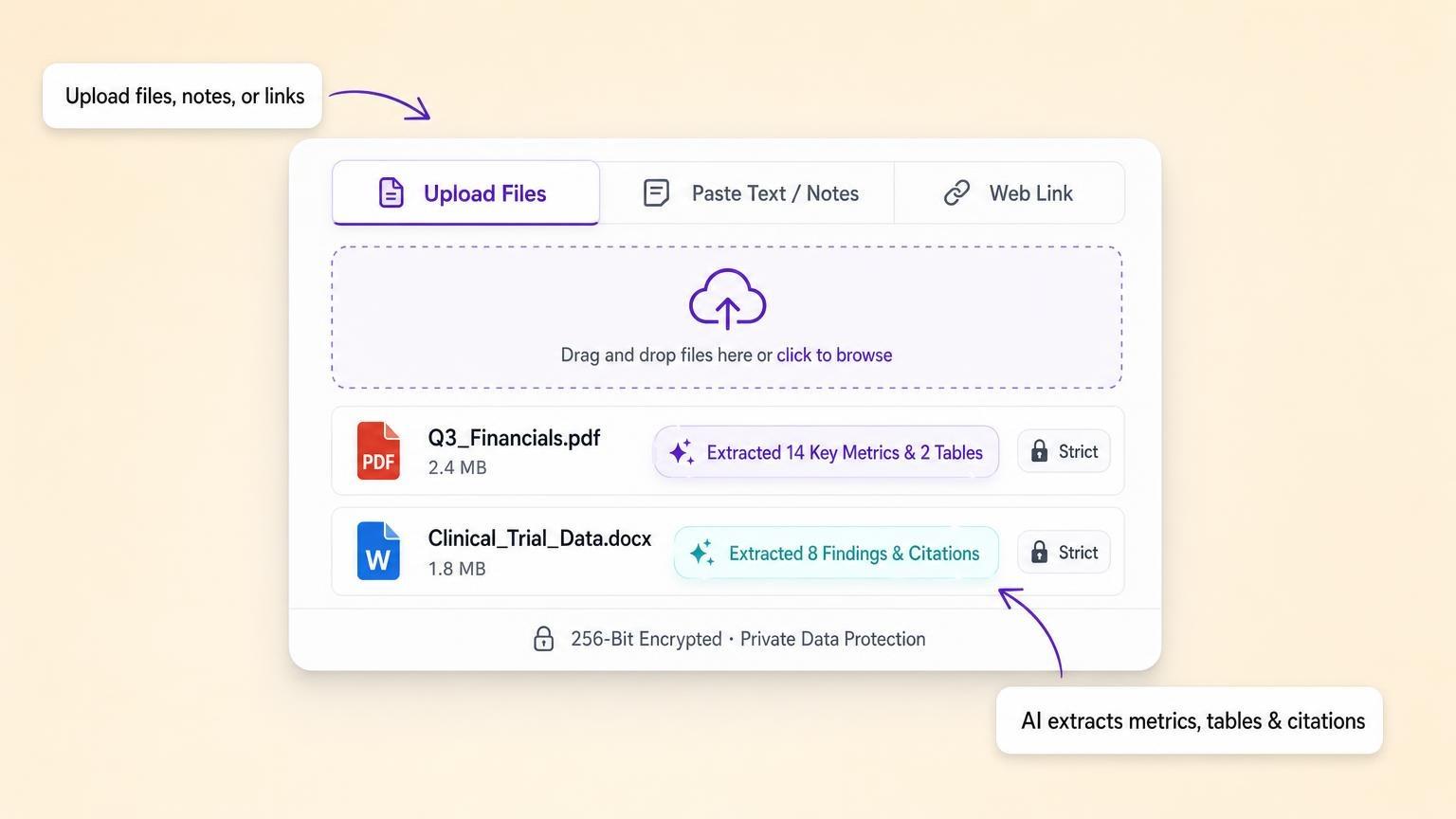
Drop in PDFs, Word docs, or paste a brief. GenPPT pulls out your narrative and figures. Turn on web search if you need current facts on the topic.
Full-slide decks from one prompt. See what you get before you sign up.
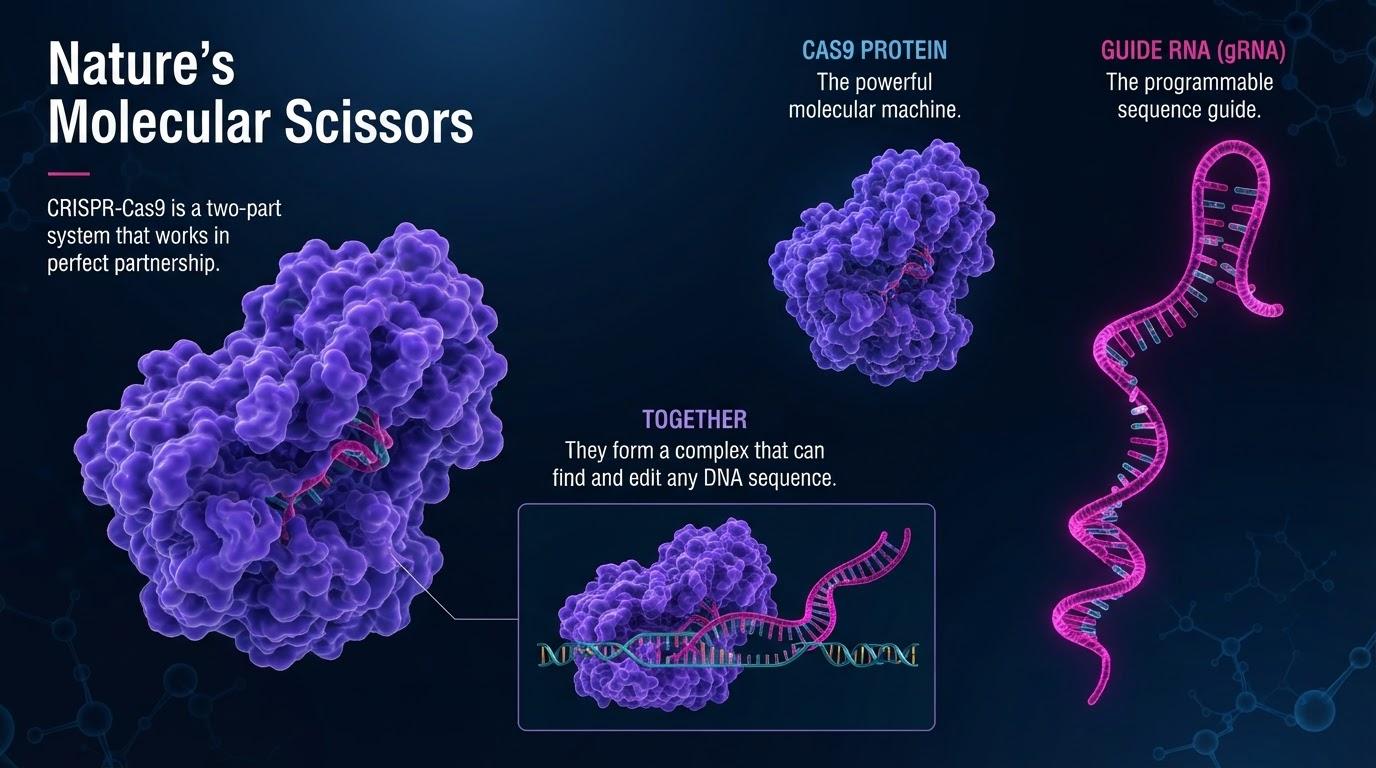 Built in 38s
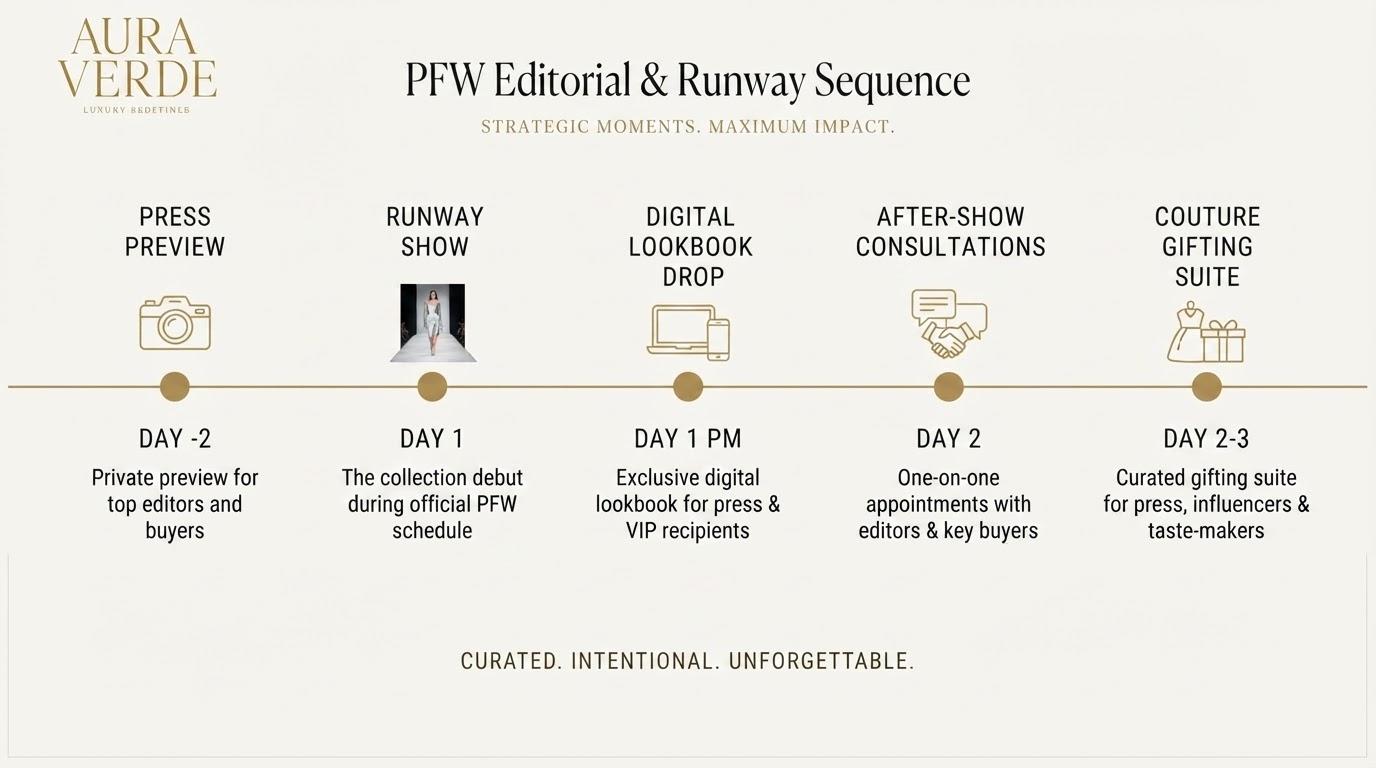 Built in 38s
 Built in 38s
“Tesla gigafactory expansion, 3D global maps, battery architecture”
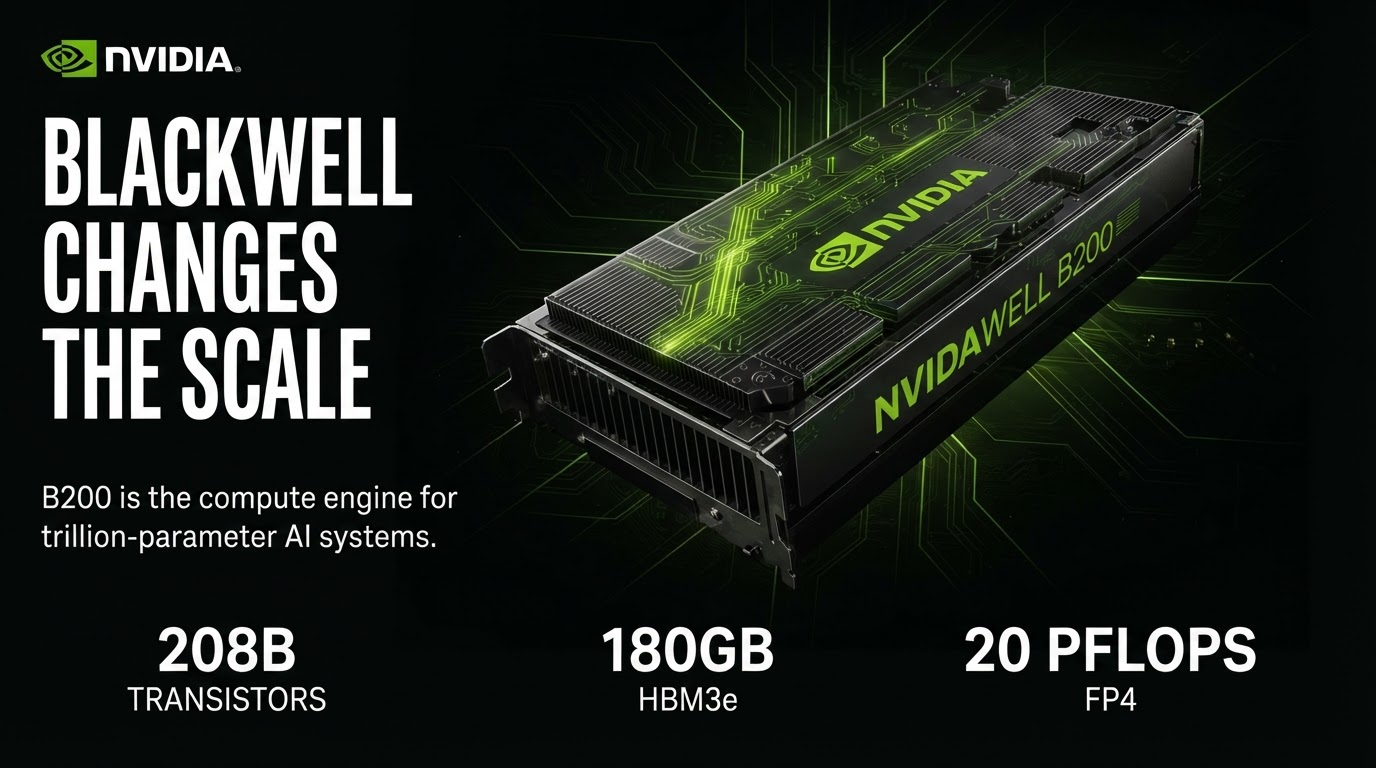
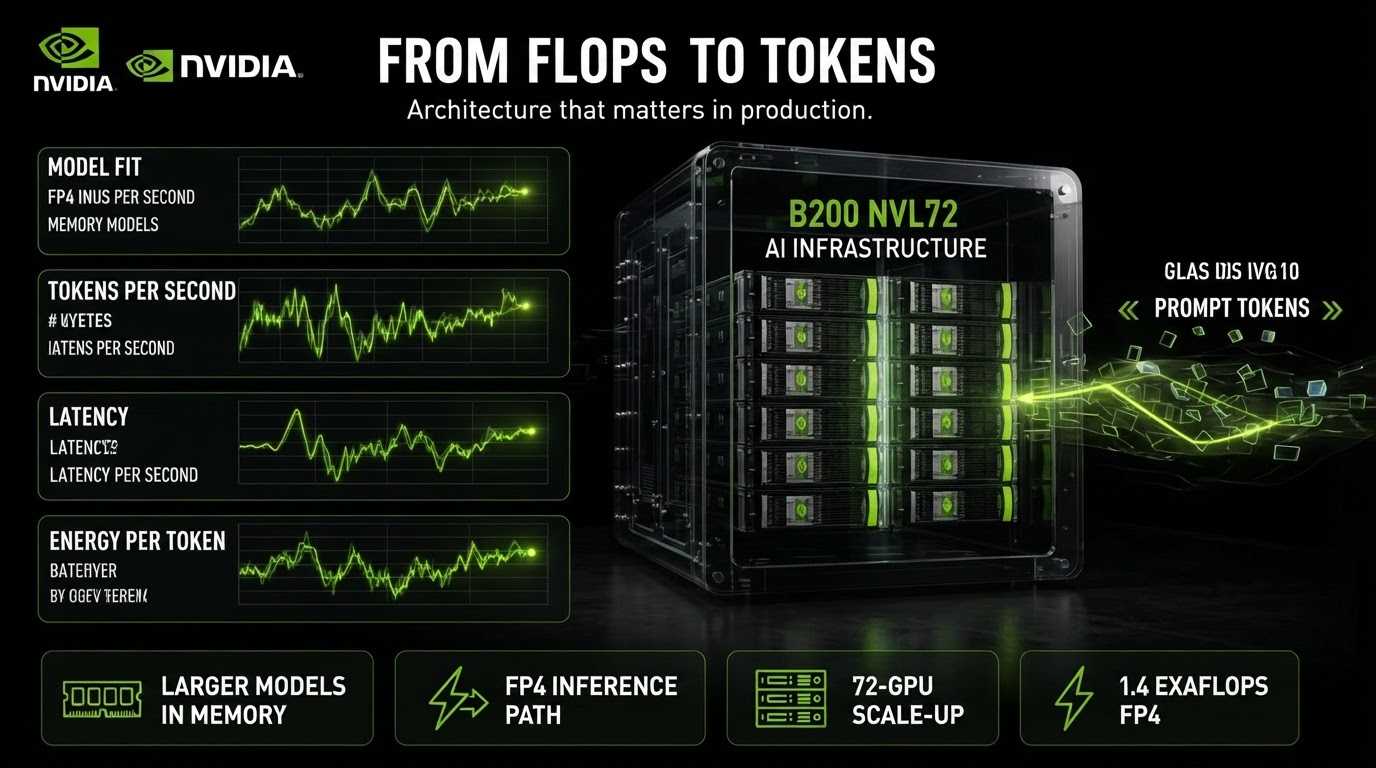 Built in 38s
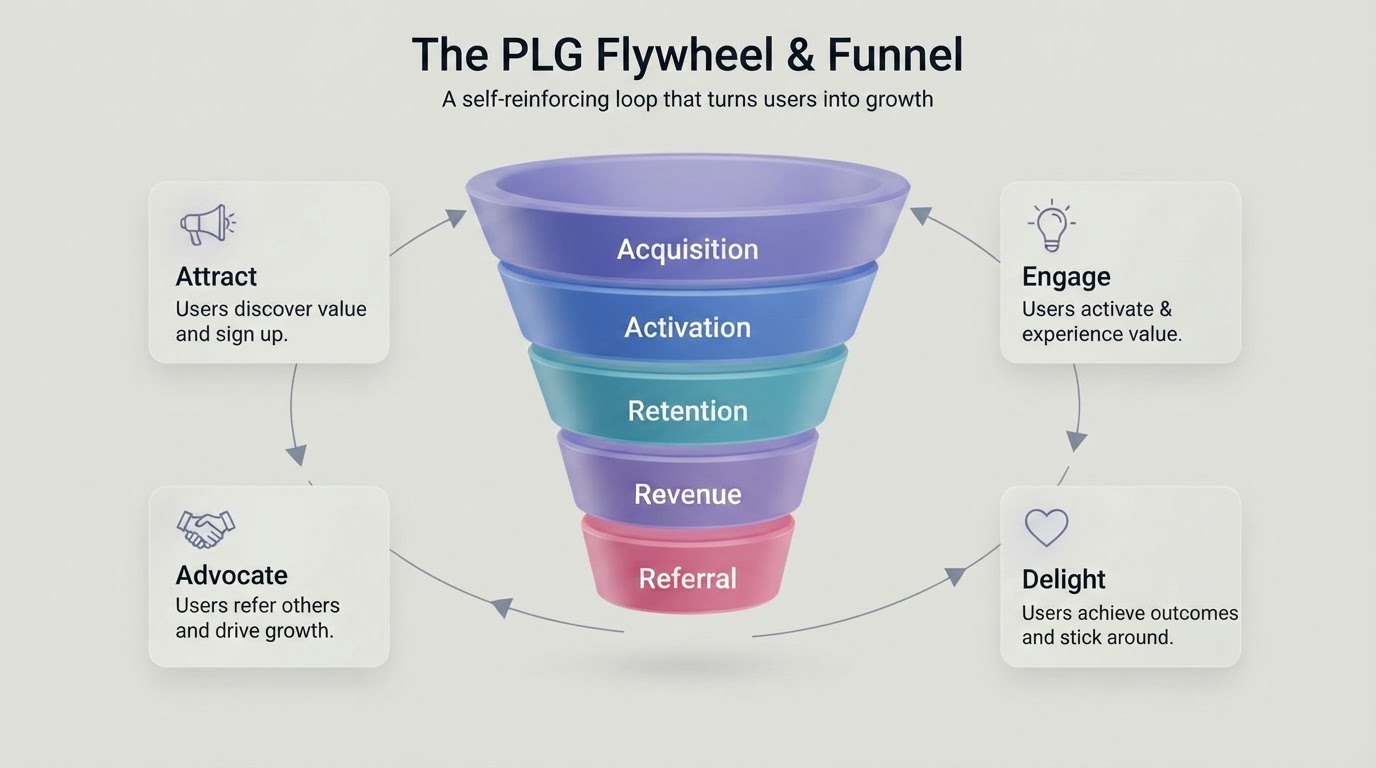 Built in 38s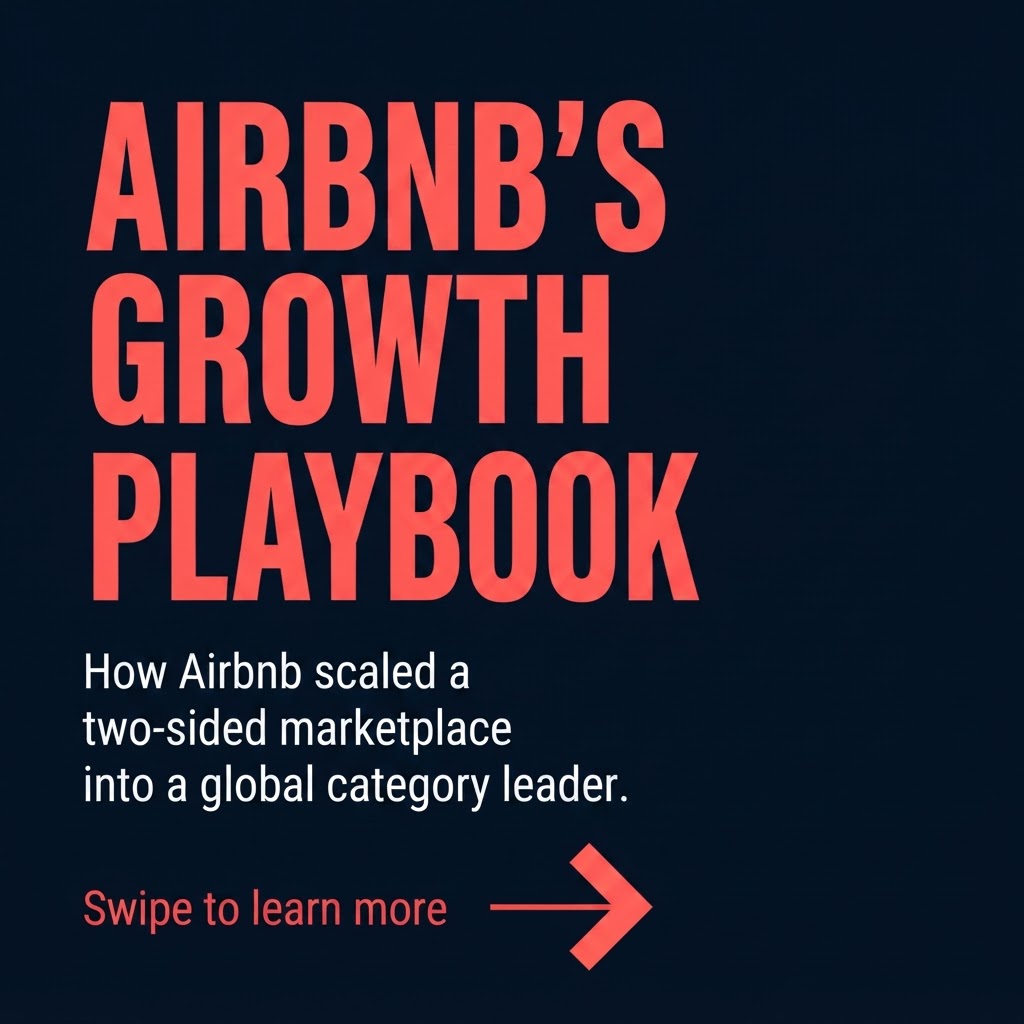
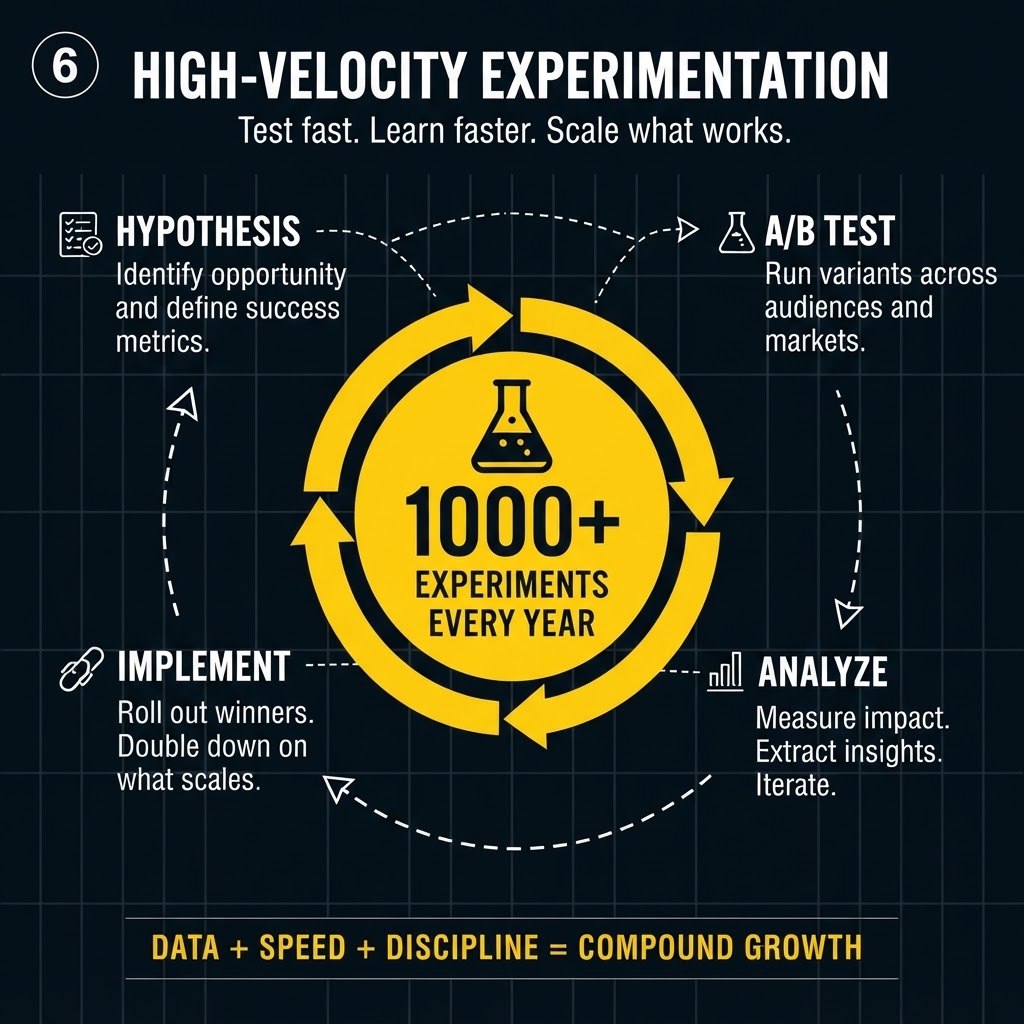 Built in 38s
“Airbnb growth playbook, 8-slide 1:1 carousel, bold typography”
| Feature | GenPPT | |
|---|---|---|
| Full deck generation | Content + visuals from a brief | Design assist while you build |
| PowerPoint export (.pptx) | Native export | Export available |
| Input sources | Prompt, docs, links | Manual build |
| Per-slide editing | Chat regenerate | Manual |
| Charts and diagrams | Baked into slide images | Smart templates |
| Pricing | $1 trial, then monthly/yearly | Subscription |
Comparison reflects our hands-on testing and publicly available information. Beautiful.ai may update its product.
Every Beautiful.ai alternative claim on this page comes from the same hands-on test. We used one prompt across tools: “Create a 10-slide presentation on the benefits of content marketing.”
We scored each tool on design quality, ease of use, content accuracy, export options, and pricing. Screenshots are from our own accounts, not marketing pages.
Last reviewed August 2026. Contact support if pricing or features changed and this page needs an update.
Full-slide decks from a prompt or your docs. Approve the concept, generate, and edit any slide in chat.
More presentation maker alternatives
Stop stressing over formatting. Join 100,000+ professionals creating presentations worth presenting.