Step 1
Start with your notes or document
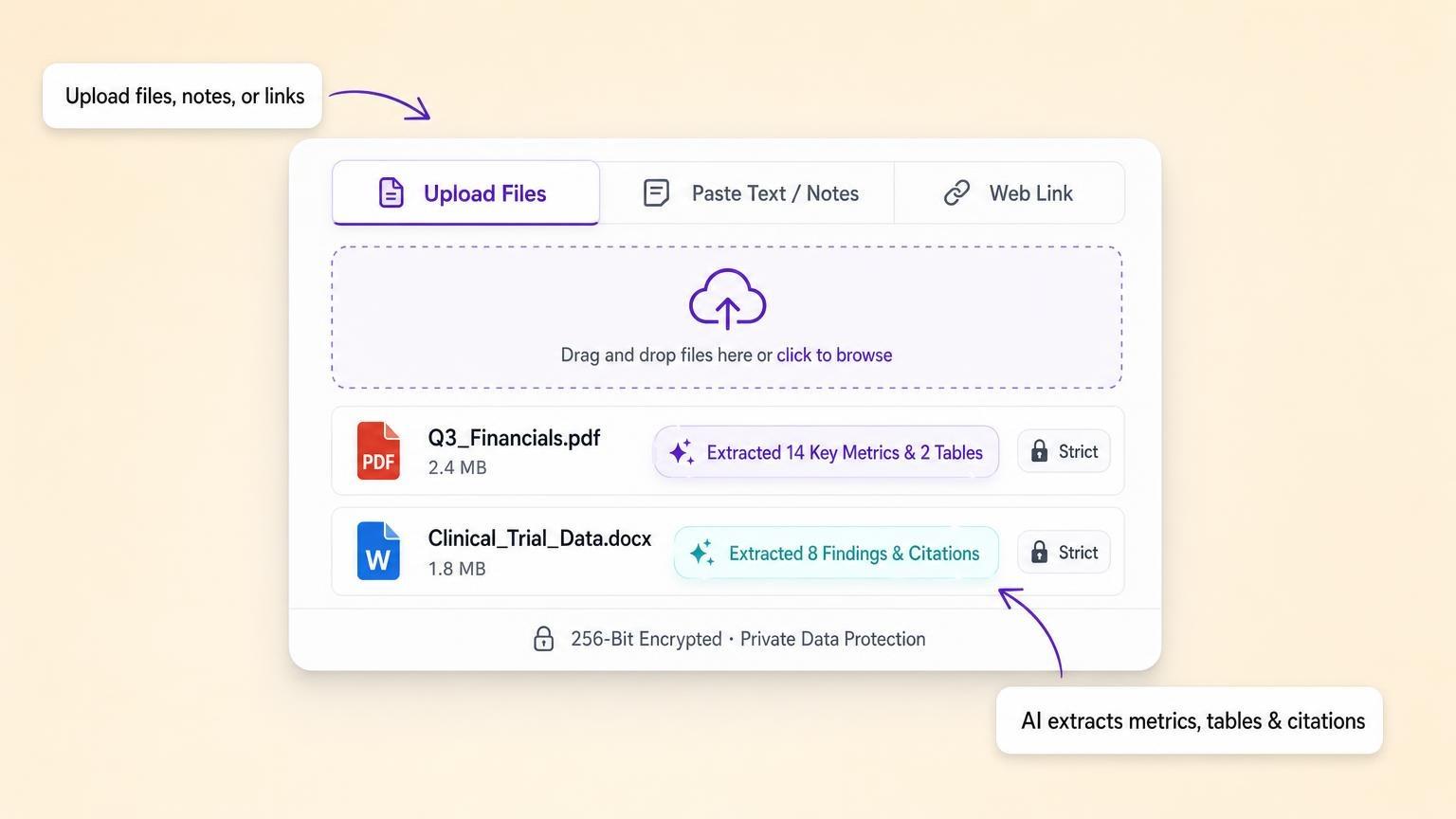
Upload a PDF, Word document, or research paper, or paste your raw notes. GenPPT pulls out key points, metrics, and citations while keeping your wording intact.
Trusted by 100,000+ professionals
Paste text or attach a PDF. Your wording stays the same.
$1 trial for 3 daysCard required
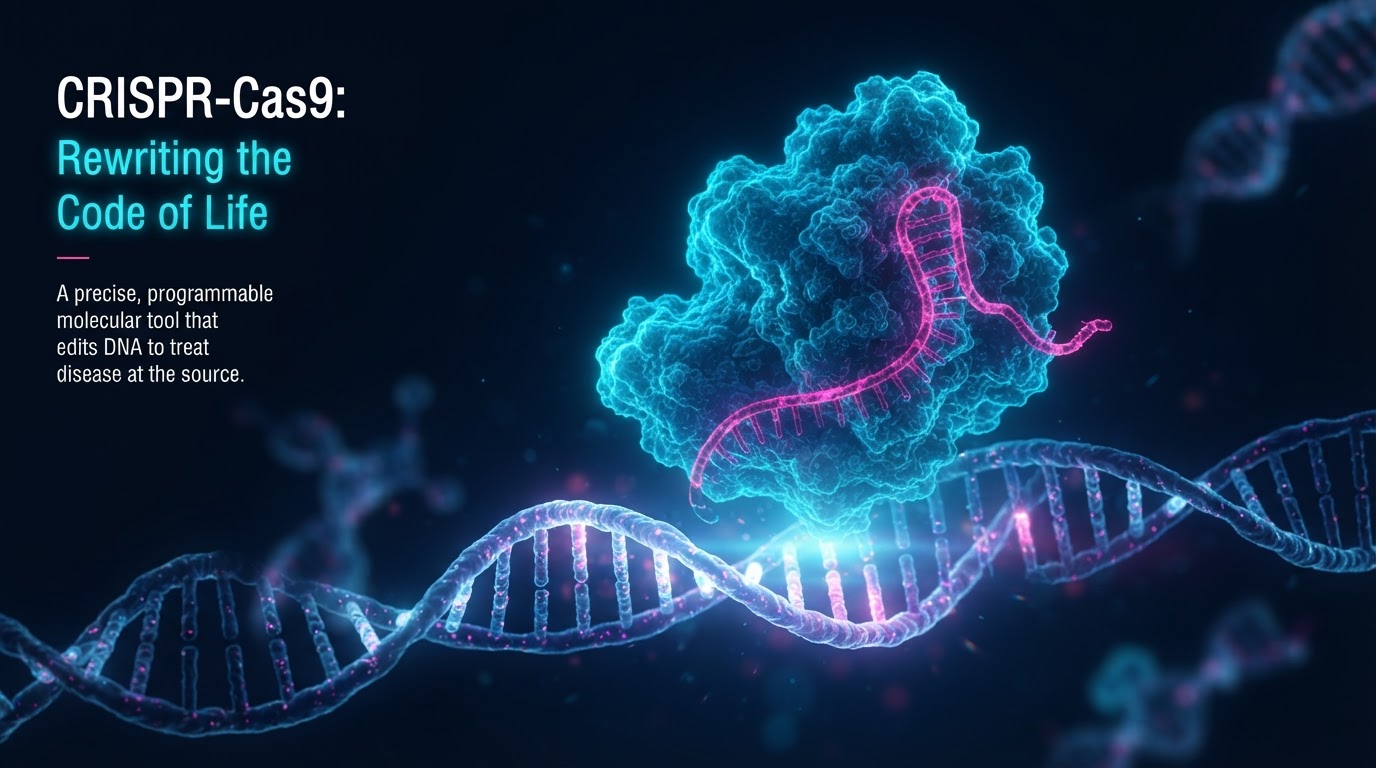
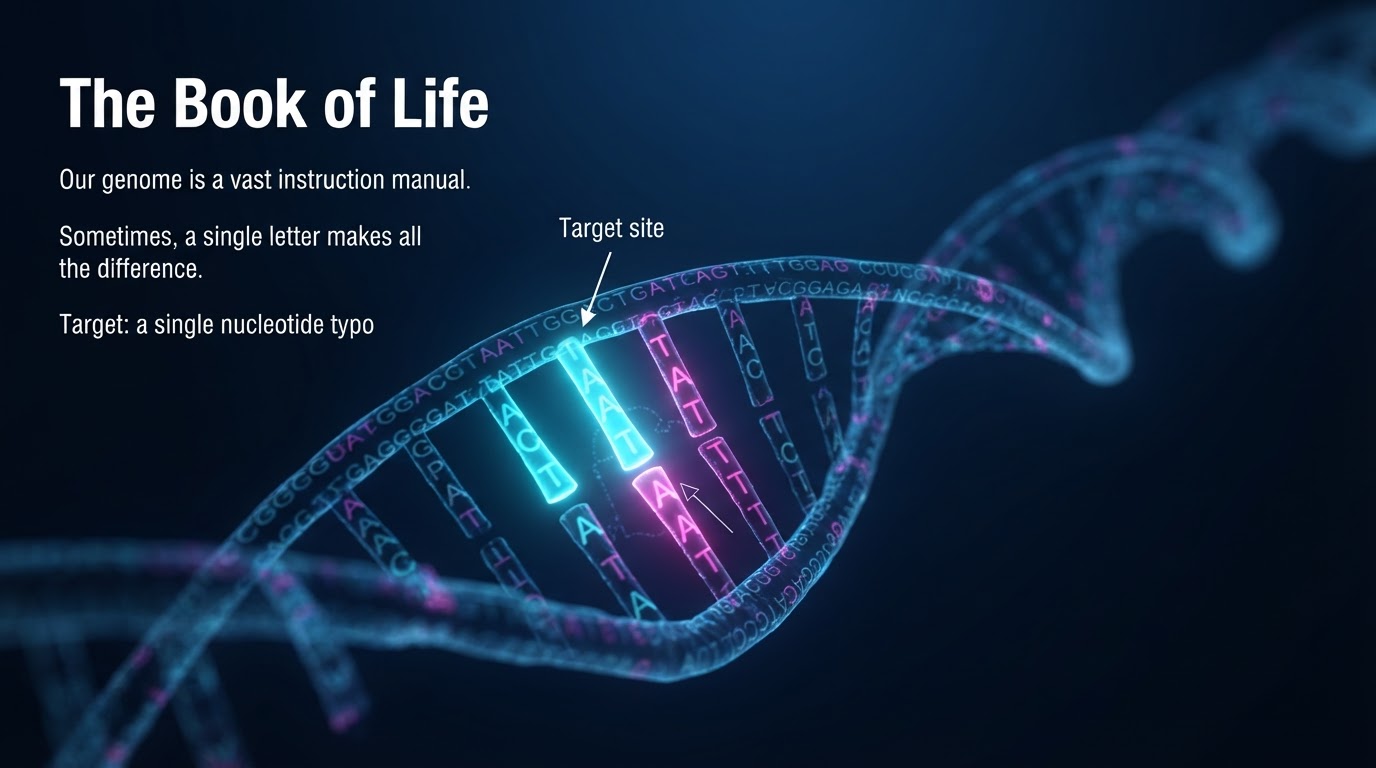
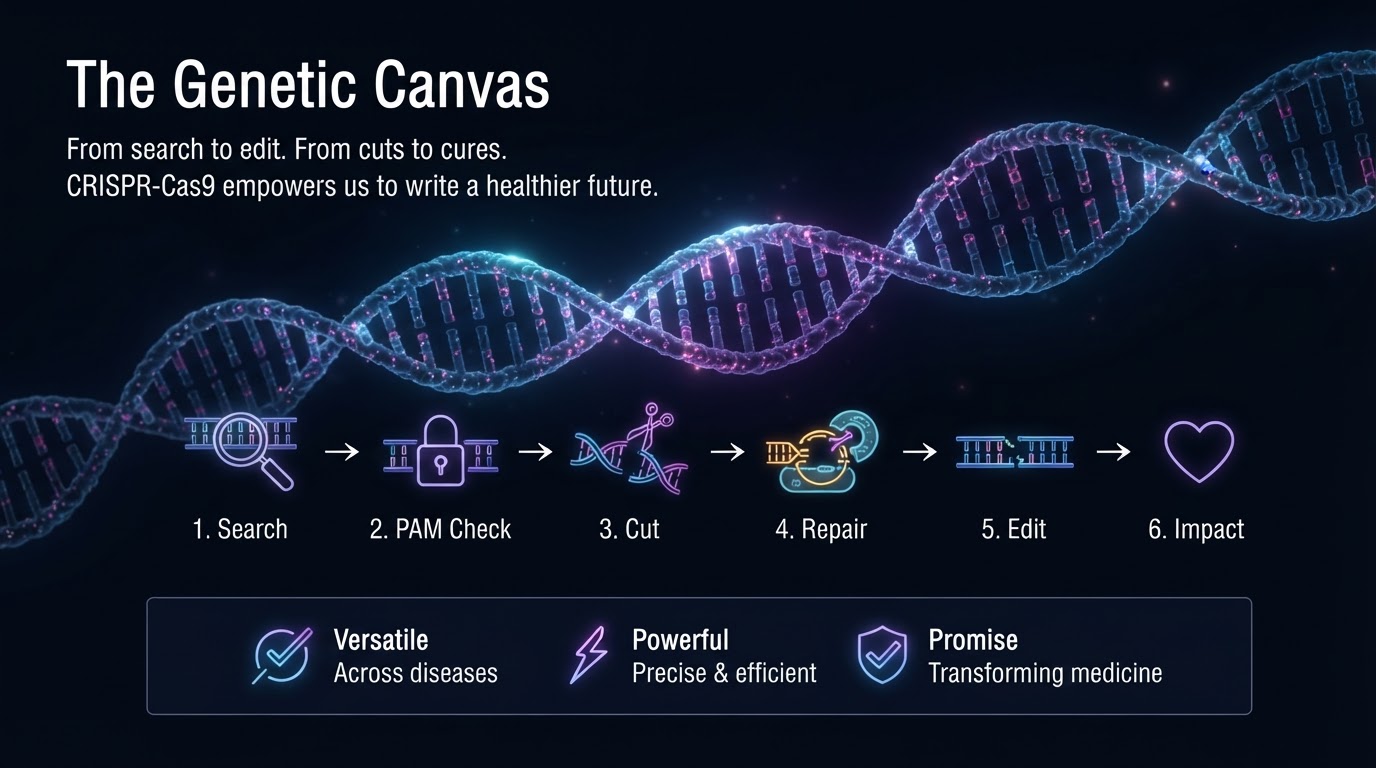
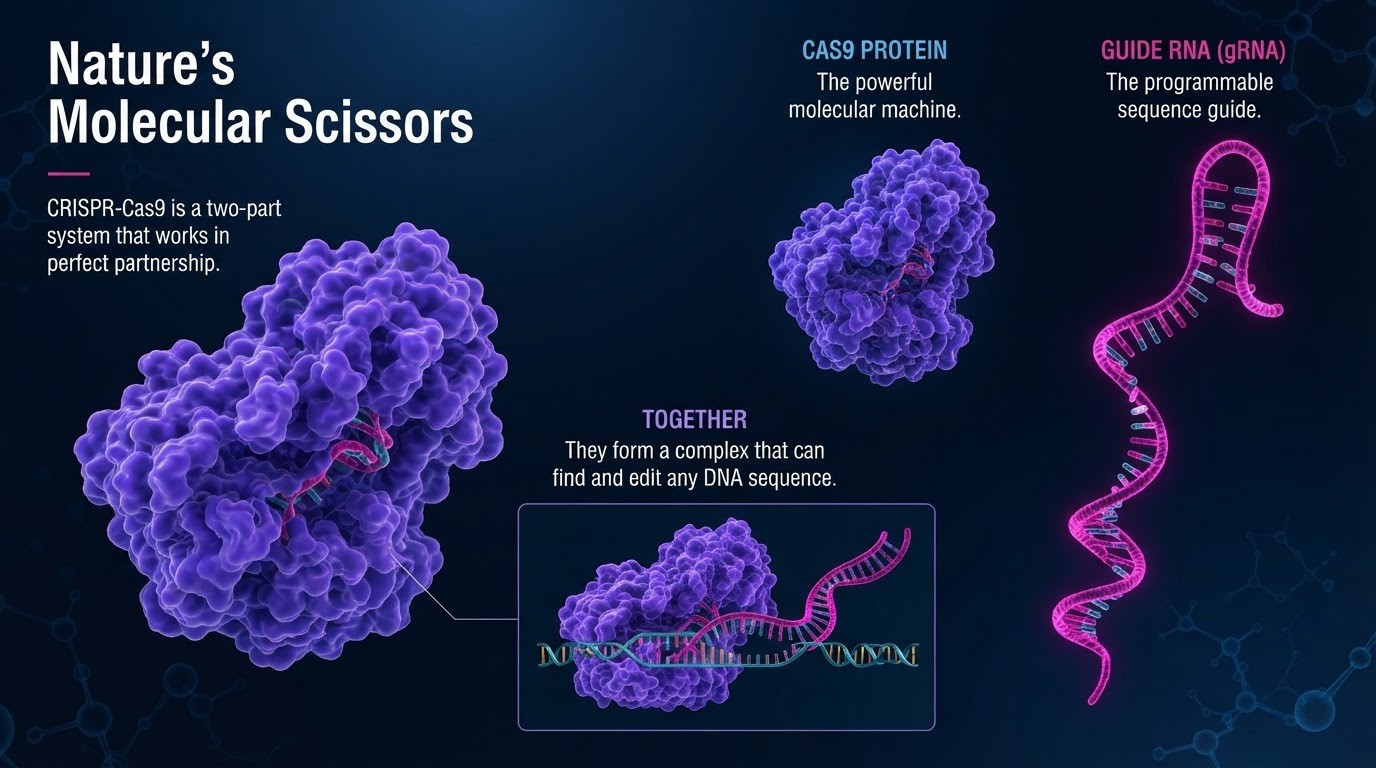
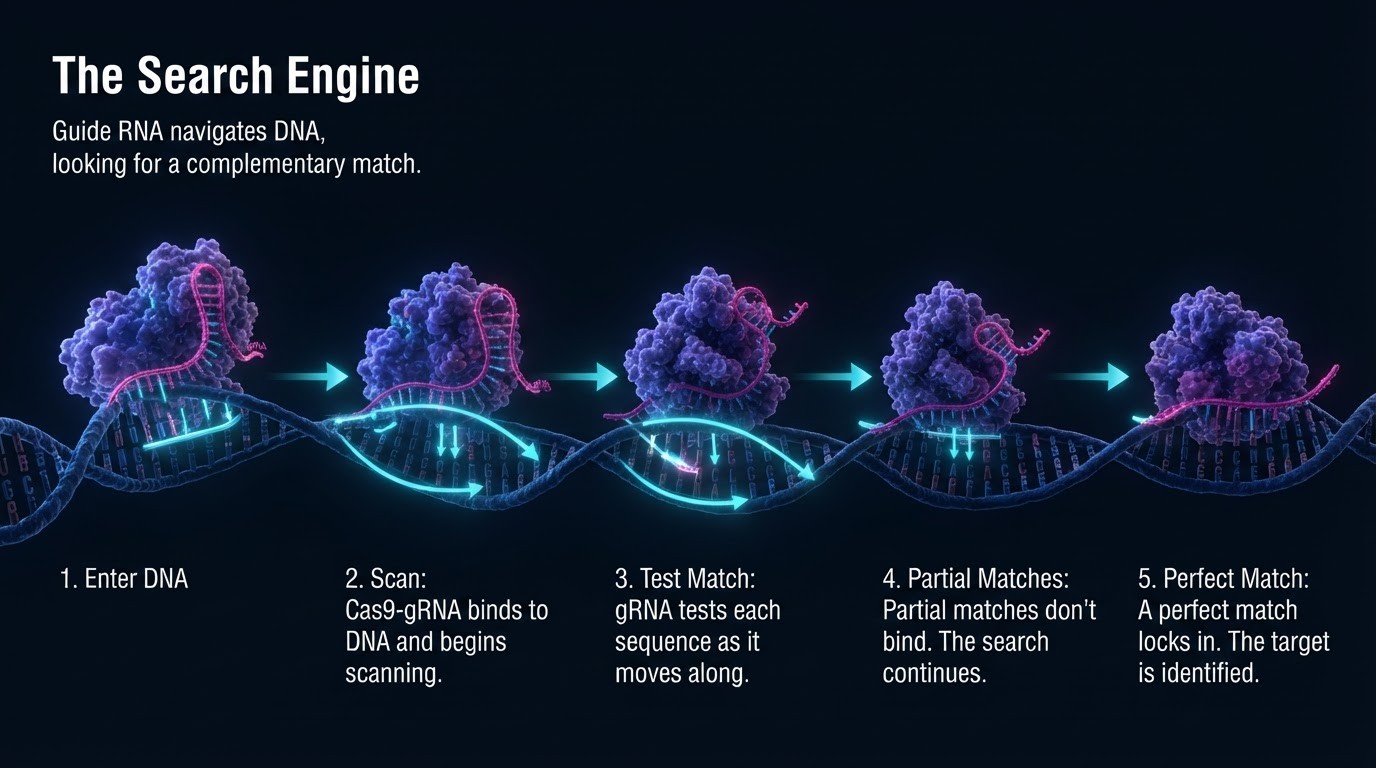
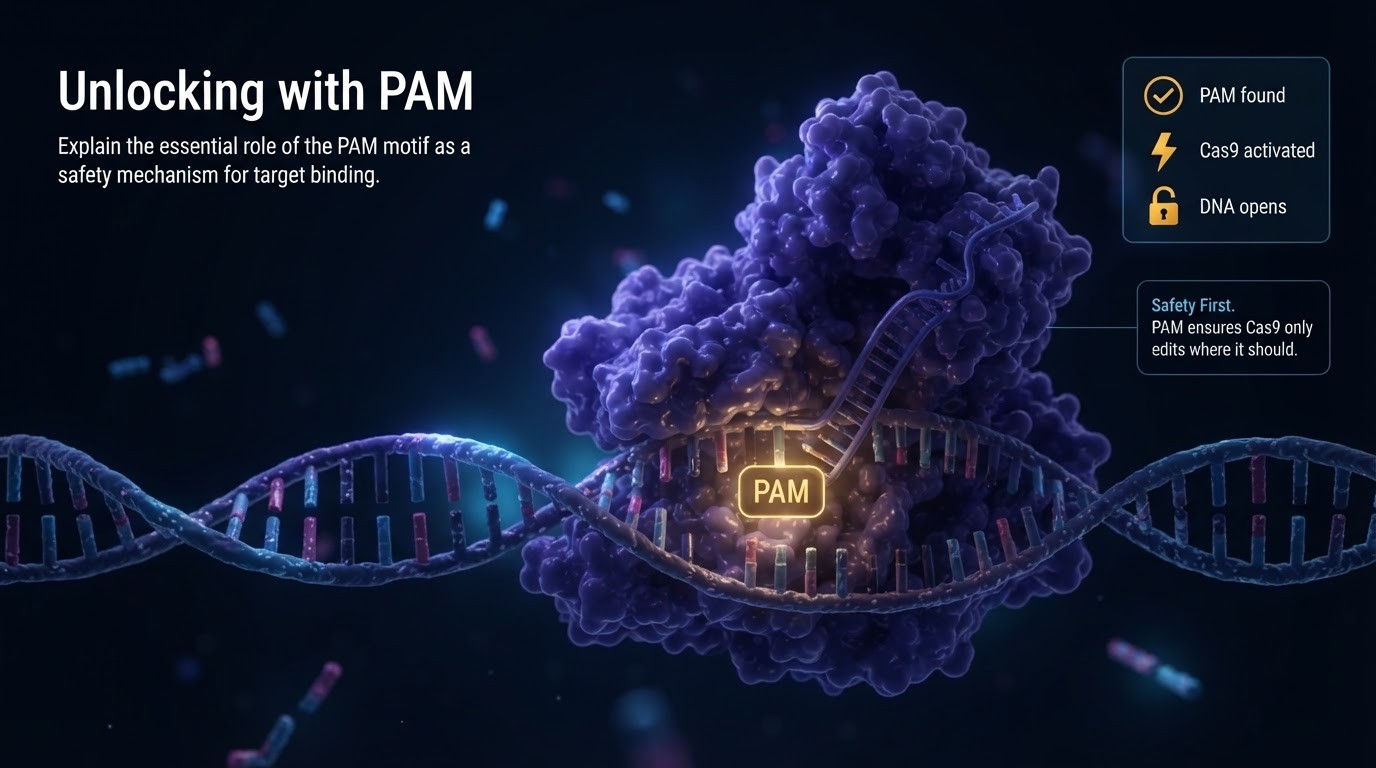
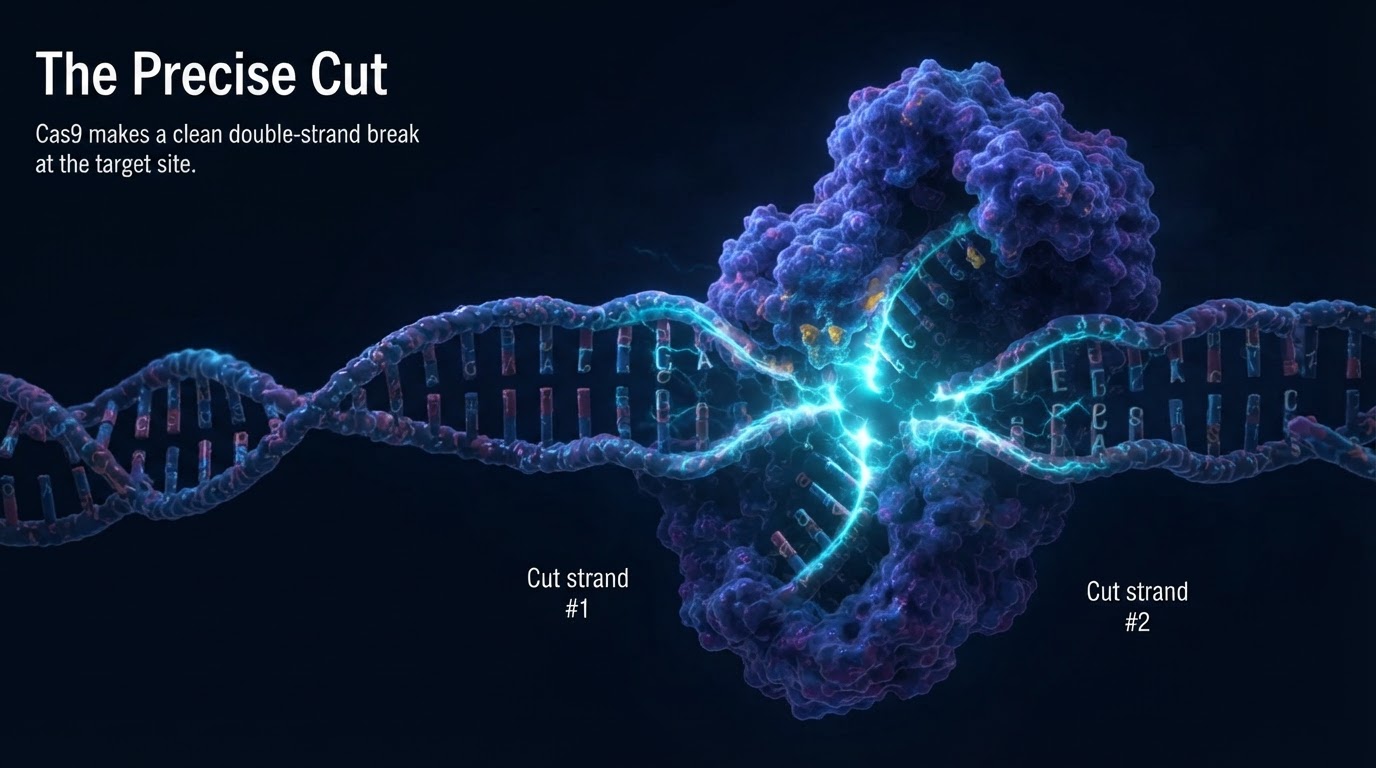
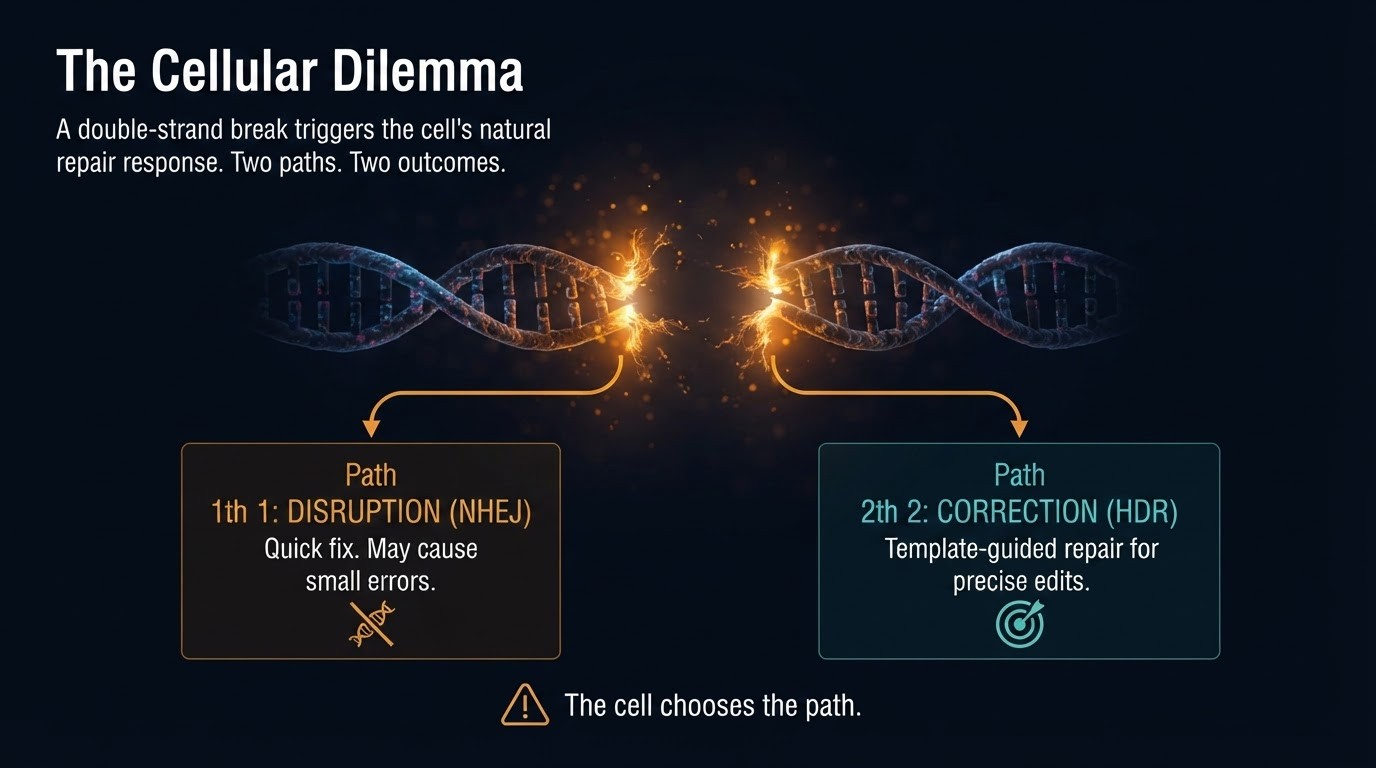
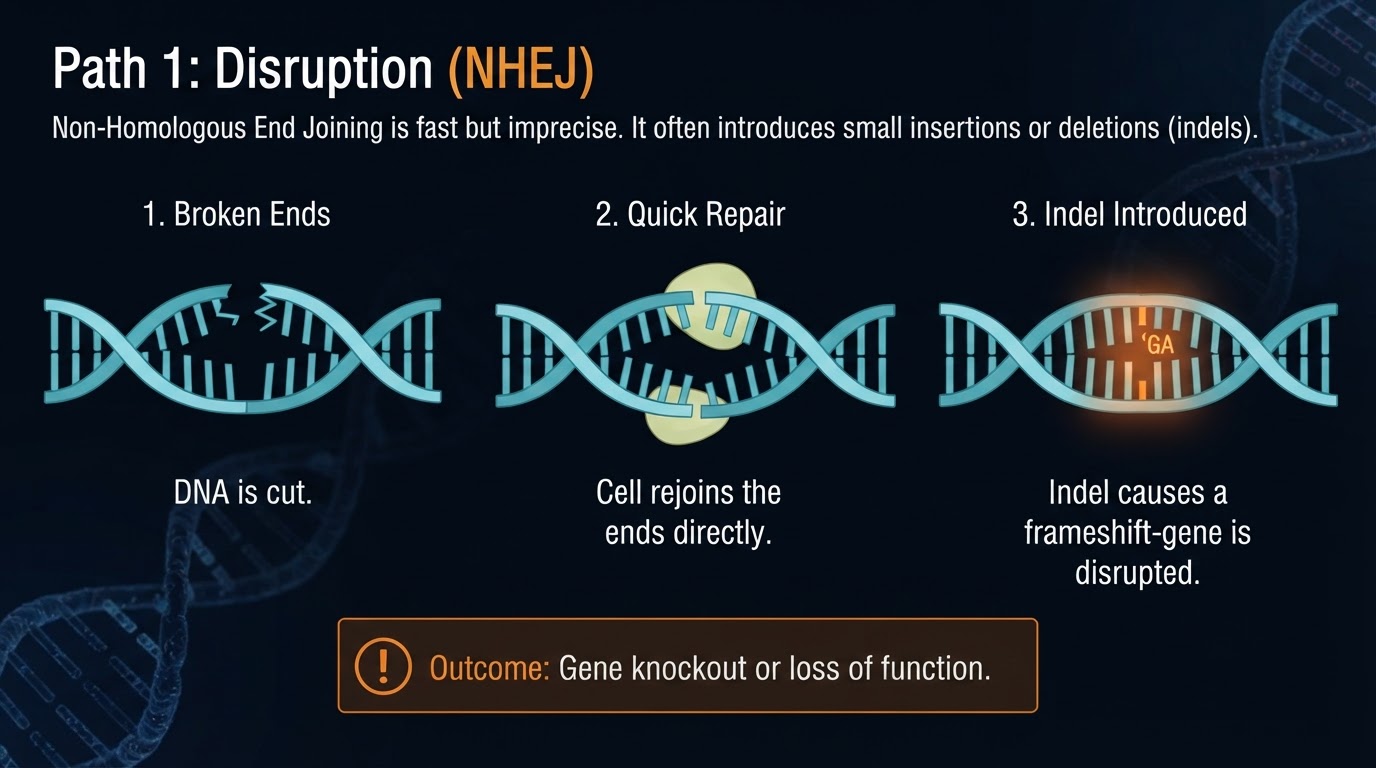
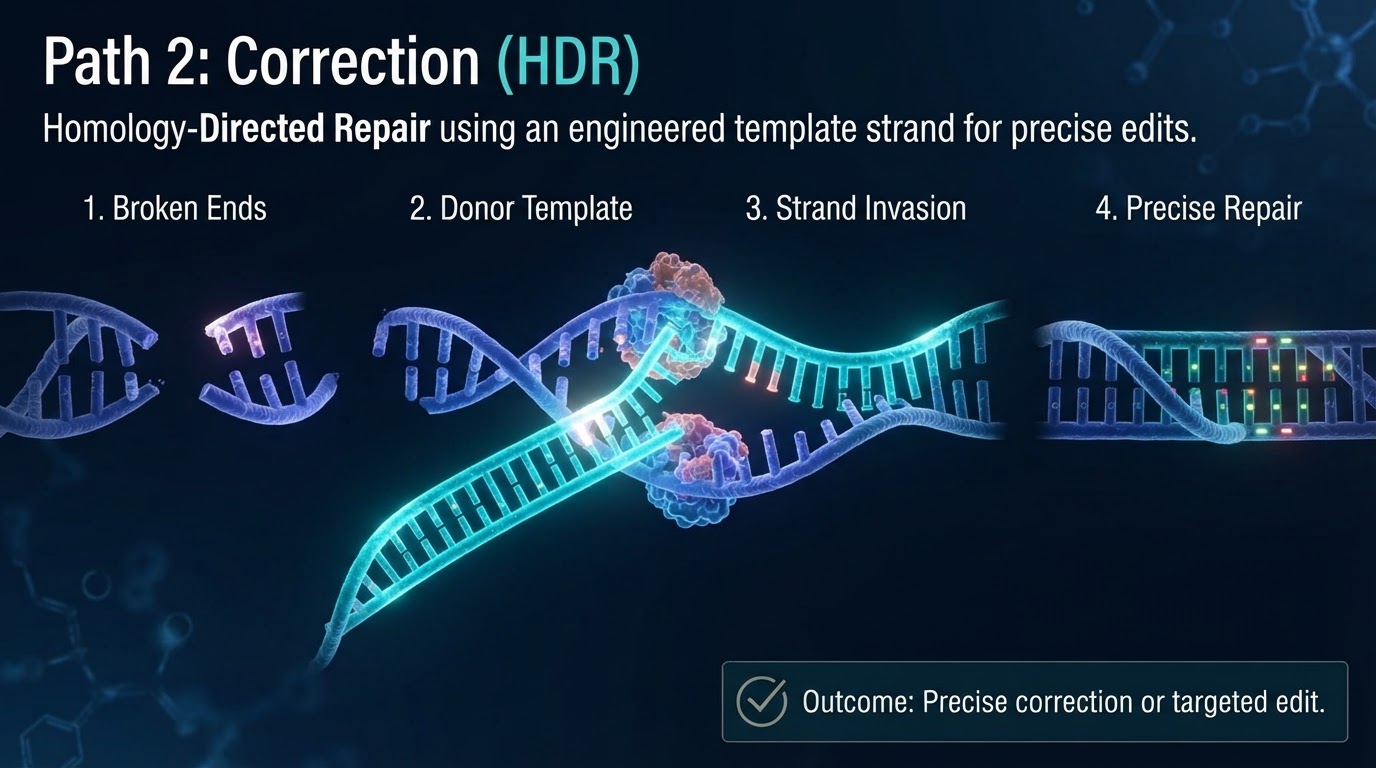
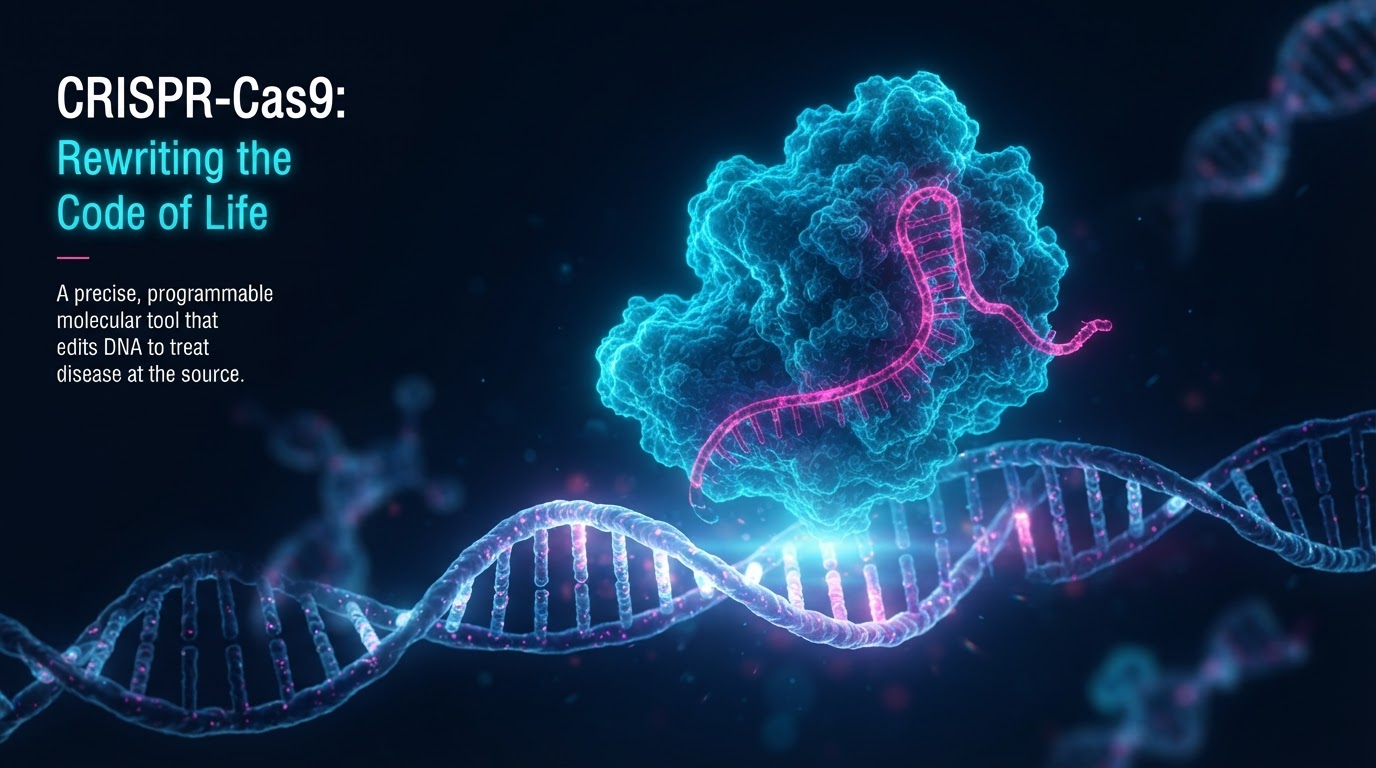
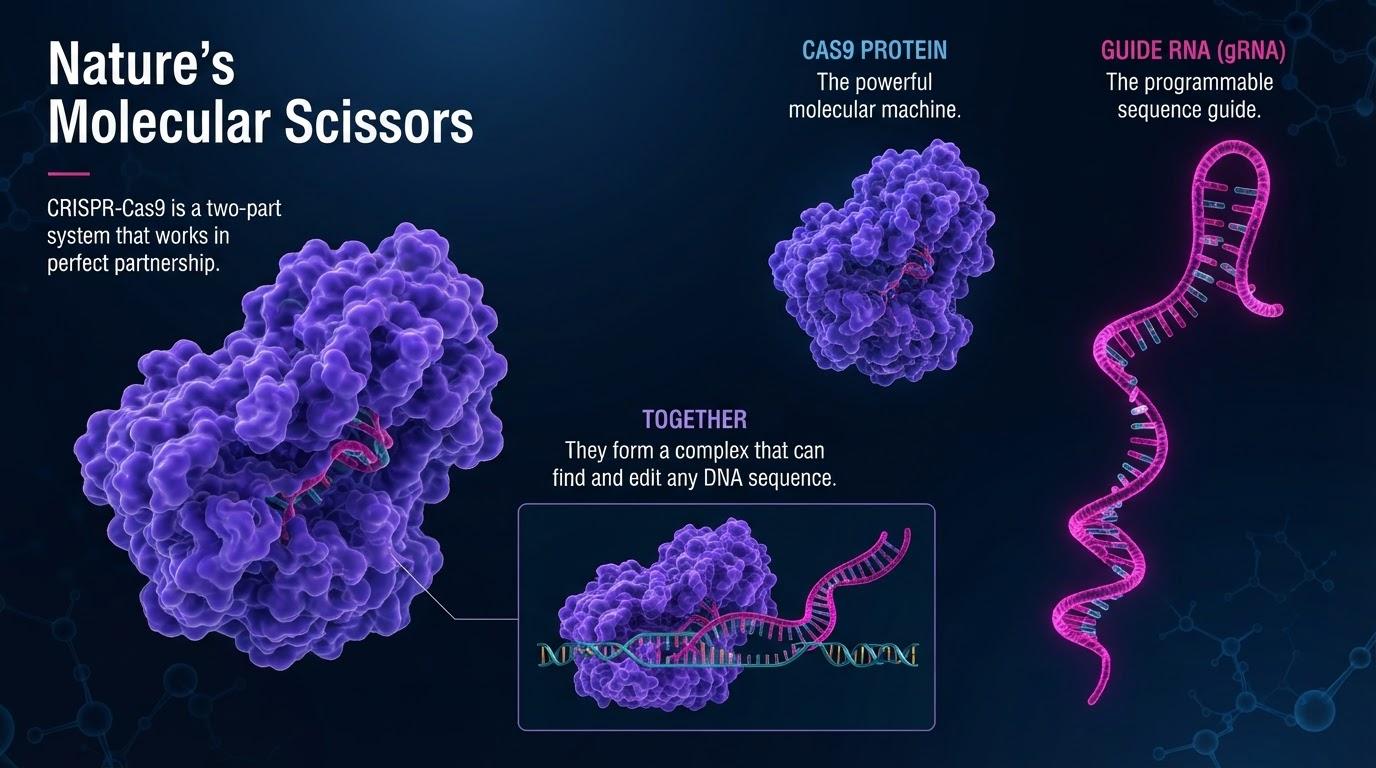
Slide 1 of 6: CRISPR biotech













































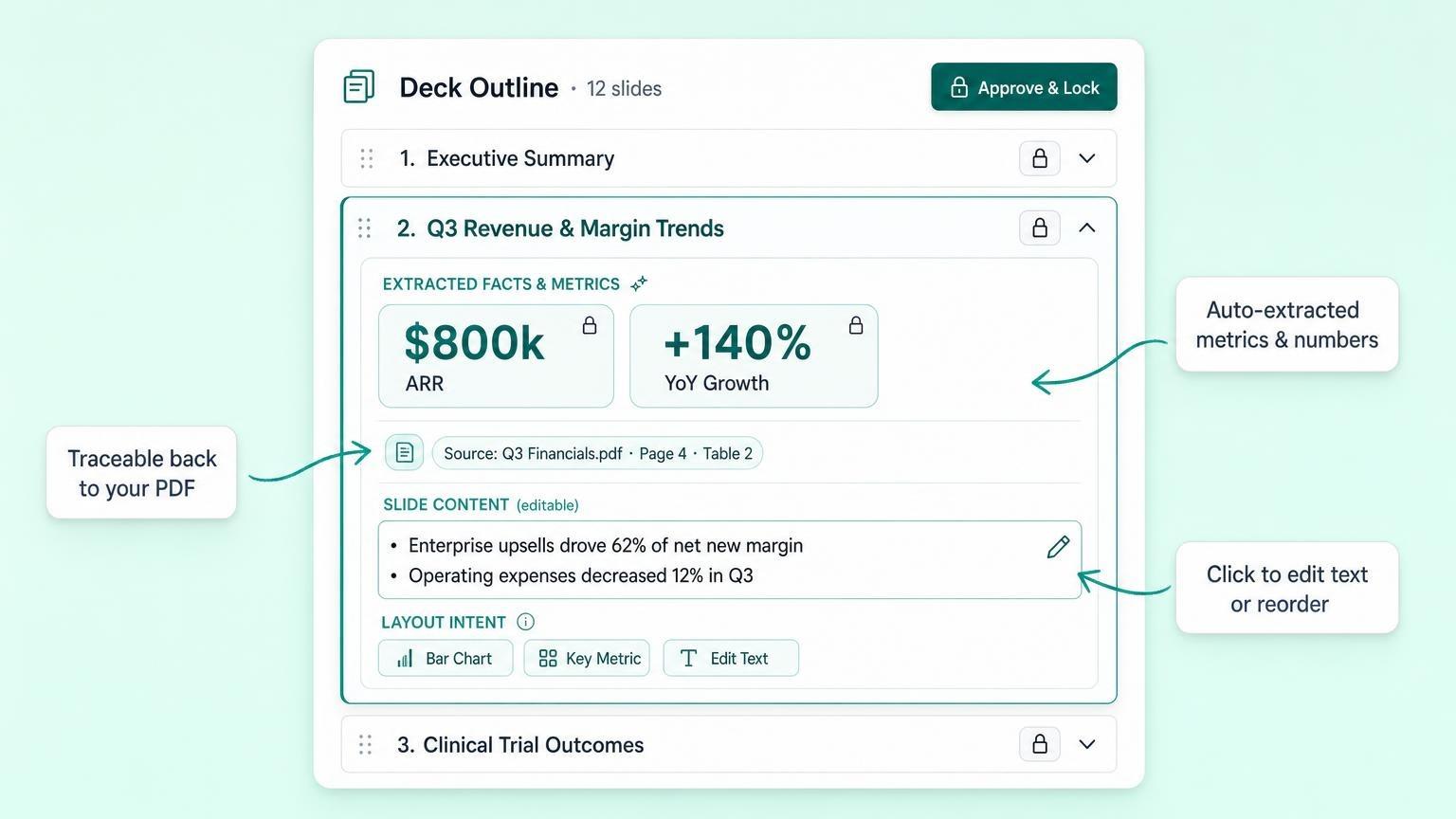
Upload a PDF, Word document, or research paper, or paste your raw notes. GenPPT pulls out key points, metrics, and citations while keeping your wording intact.
GenPPT maps your material into a clear slide-by-slide outline. Edit the copy and approve the story before slide generation starts.
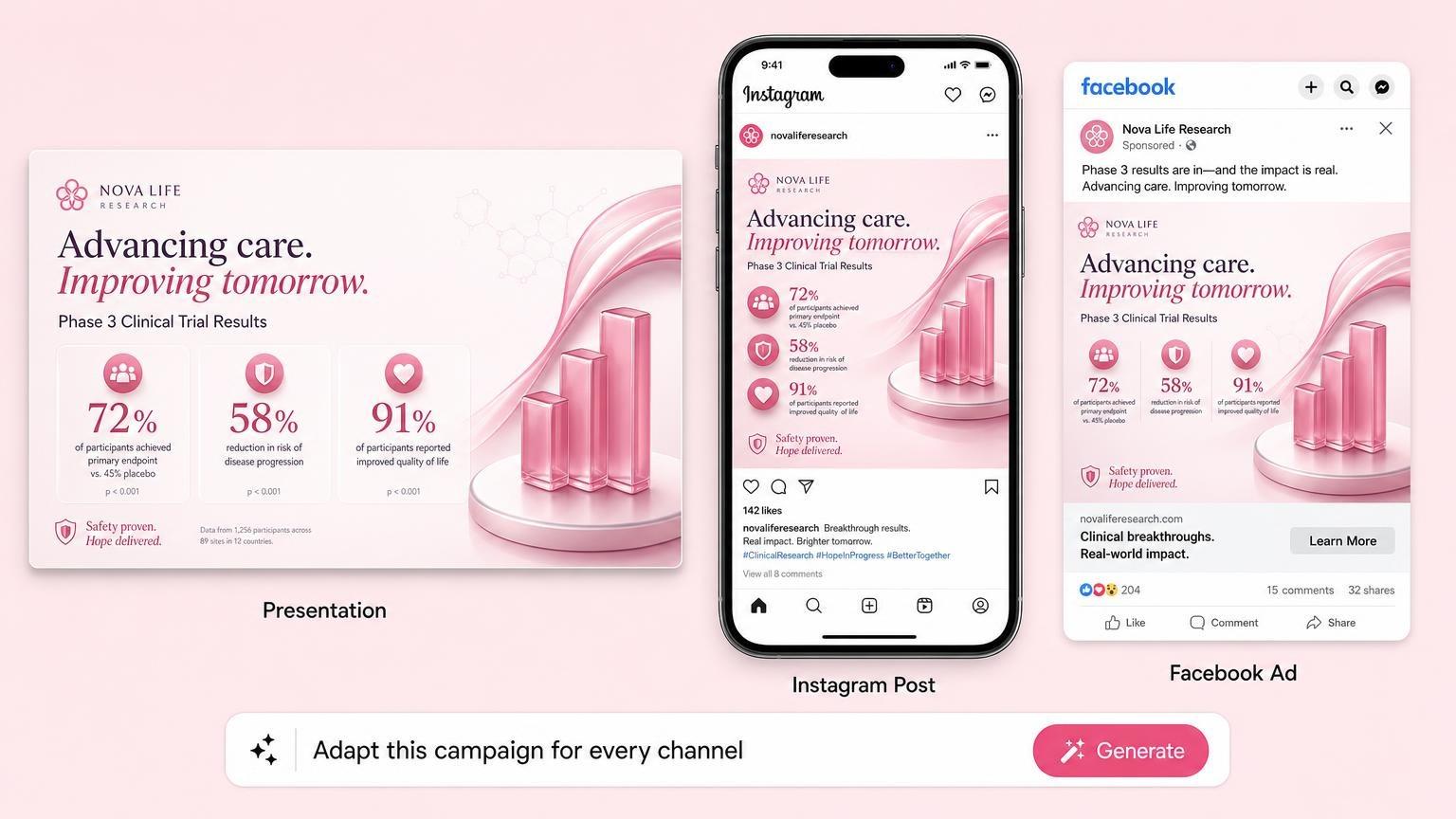
GenPPT generates designed slides from the approved outline. Edit any slide in chat, then export to PowerPoint (.pptx), PDF, or PNG images.
Explore complete presentations and social carousels created from a single prompt.
 Built in 38s
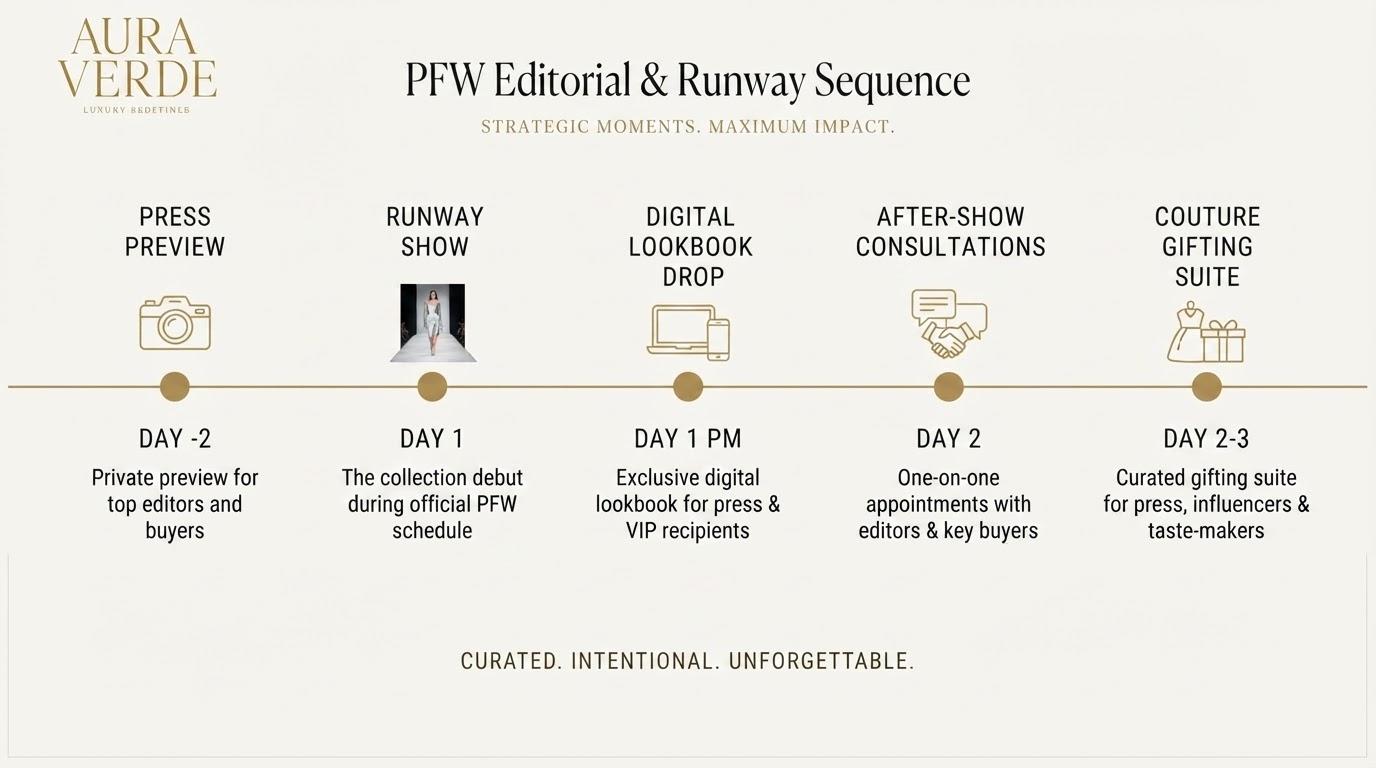 Built in 38s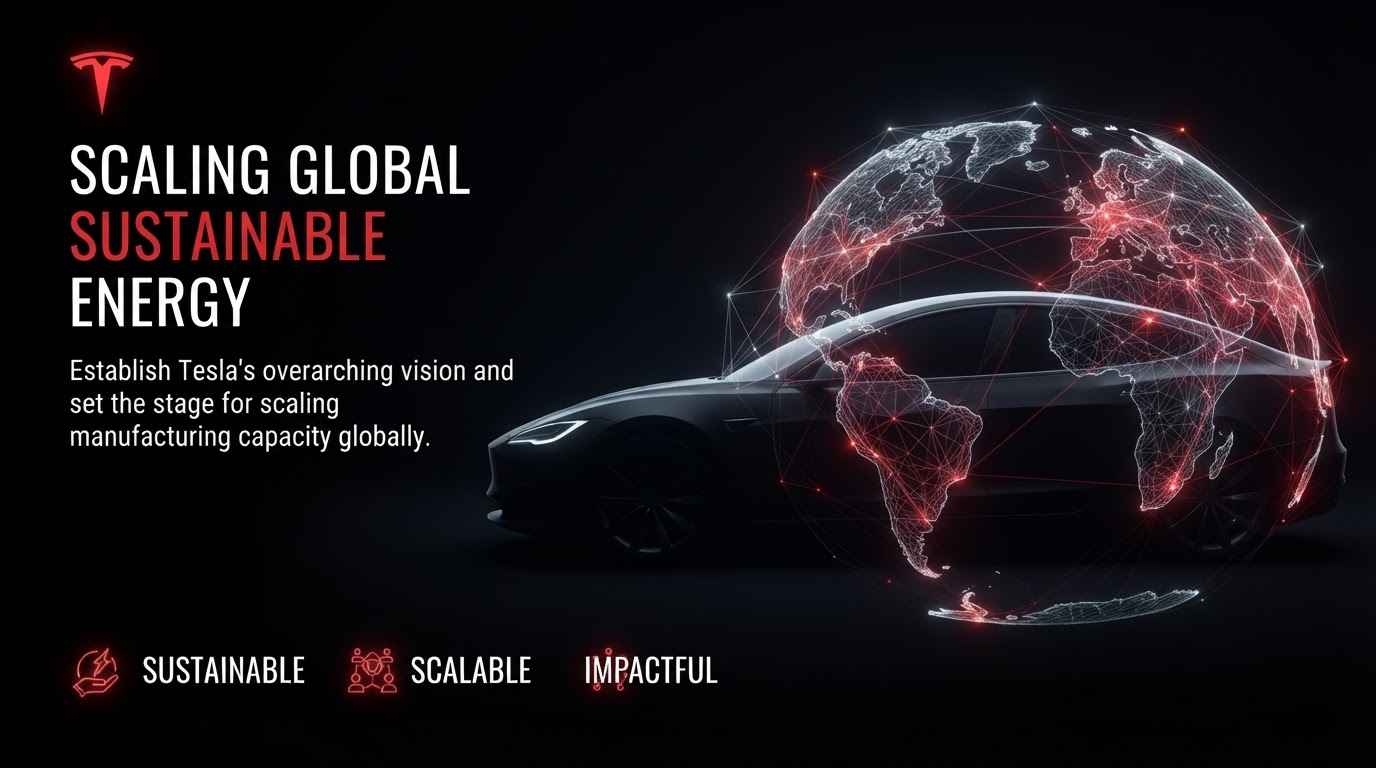
 Built in 38s
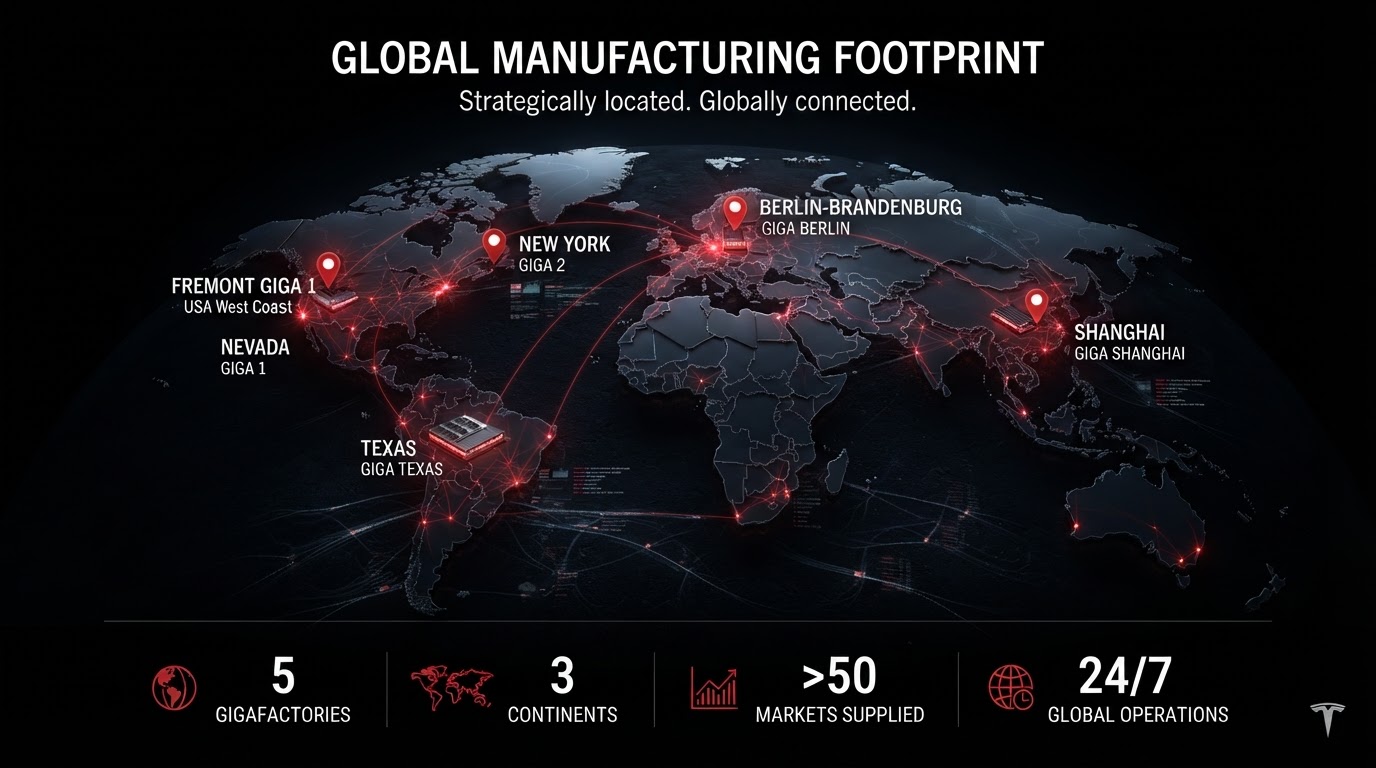
“Tesla gigafactory expansion, 3D global maps, battery architecture”
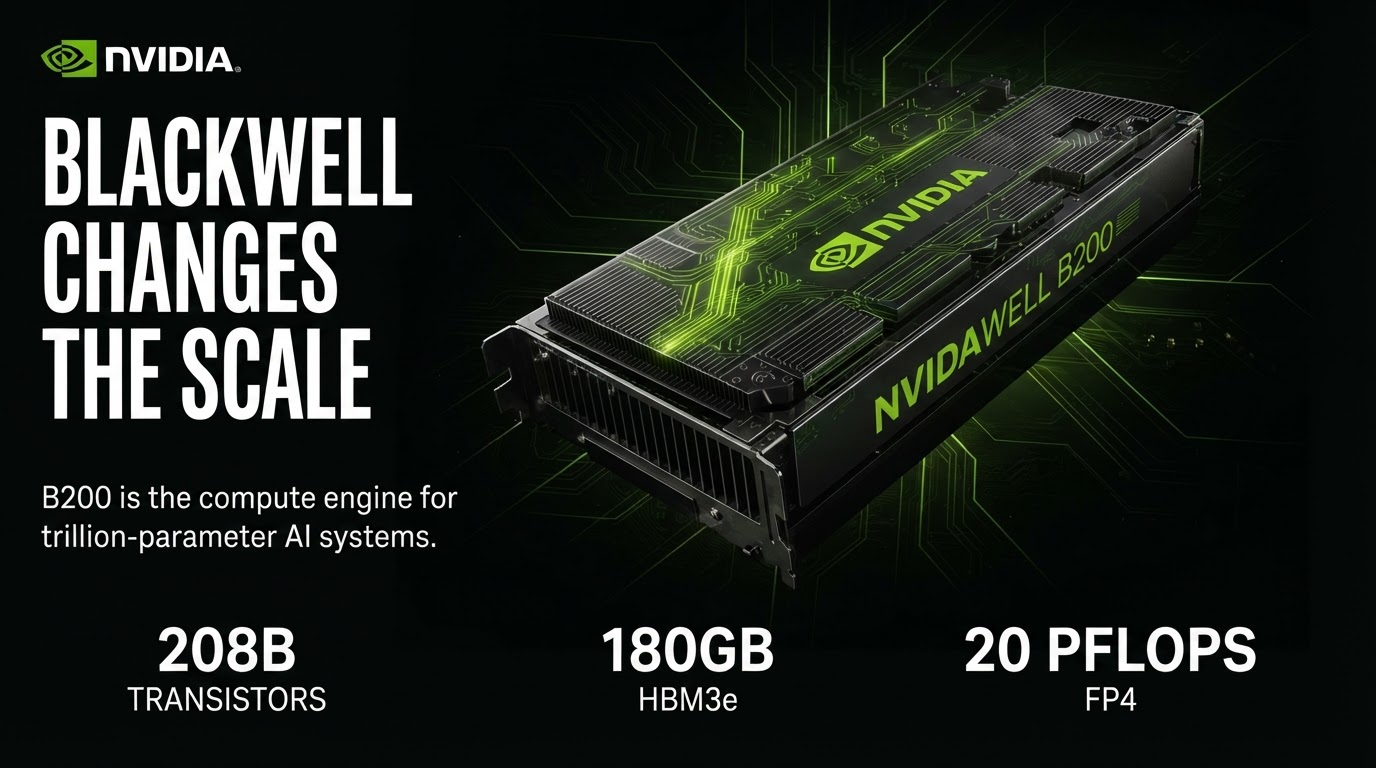
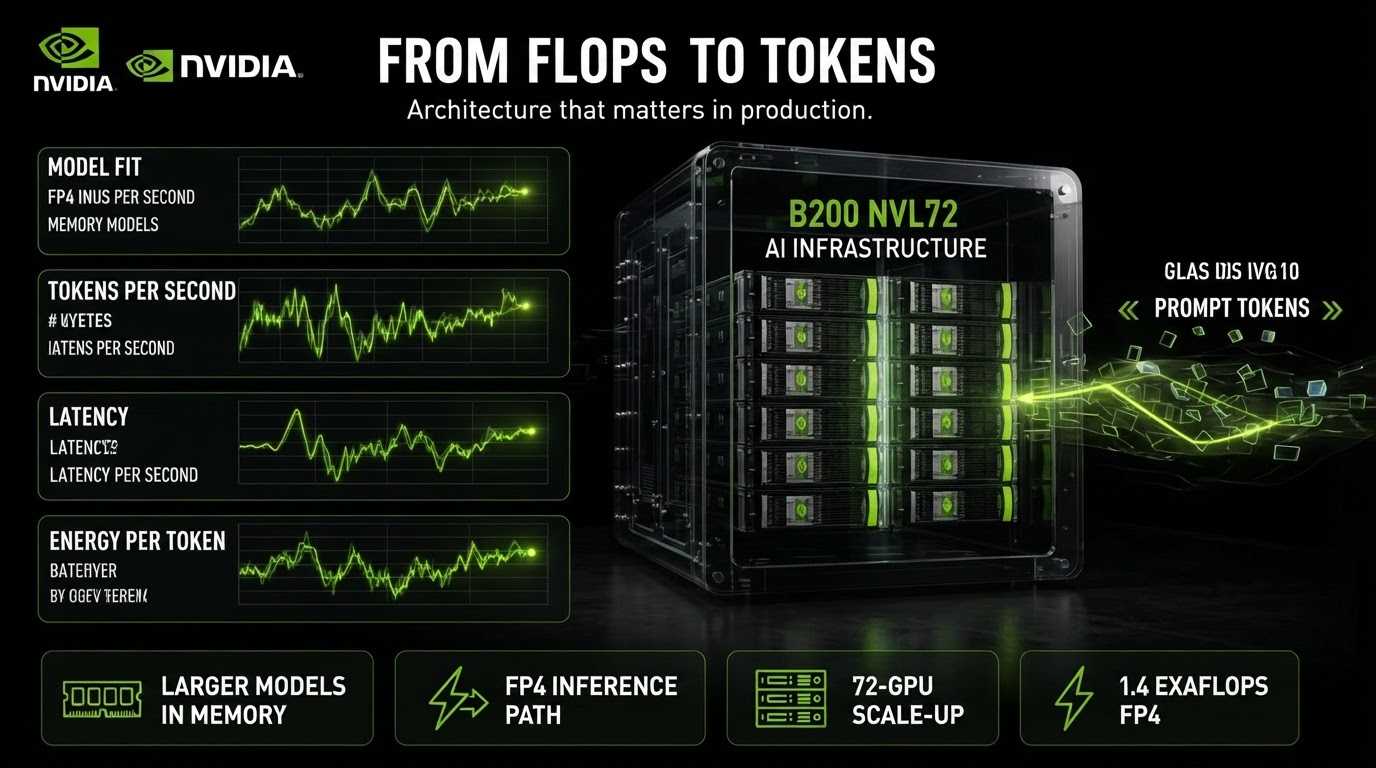 Built in 38s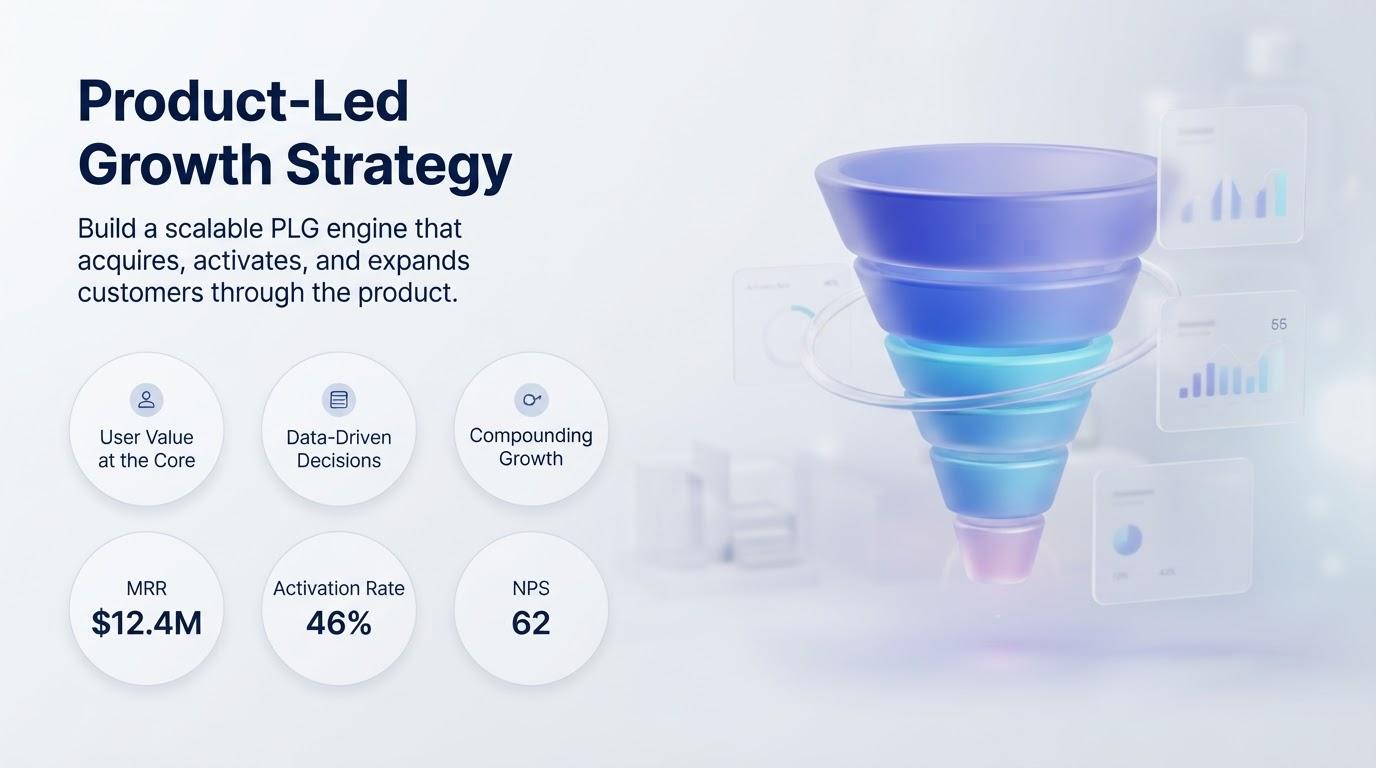
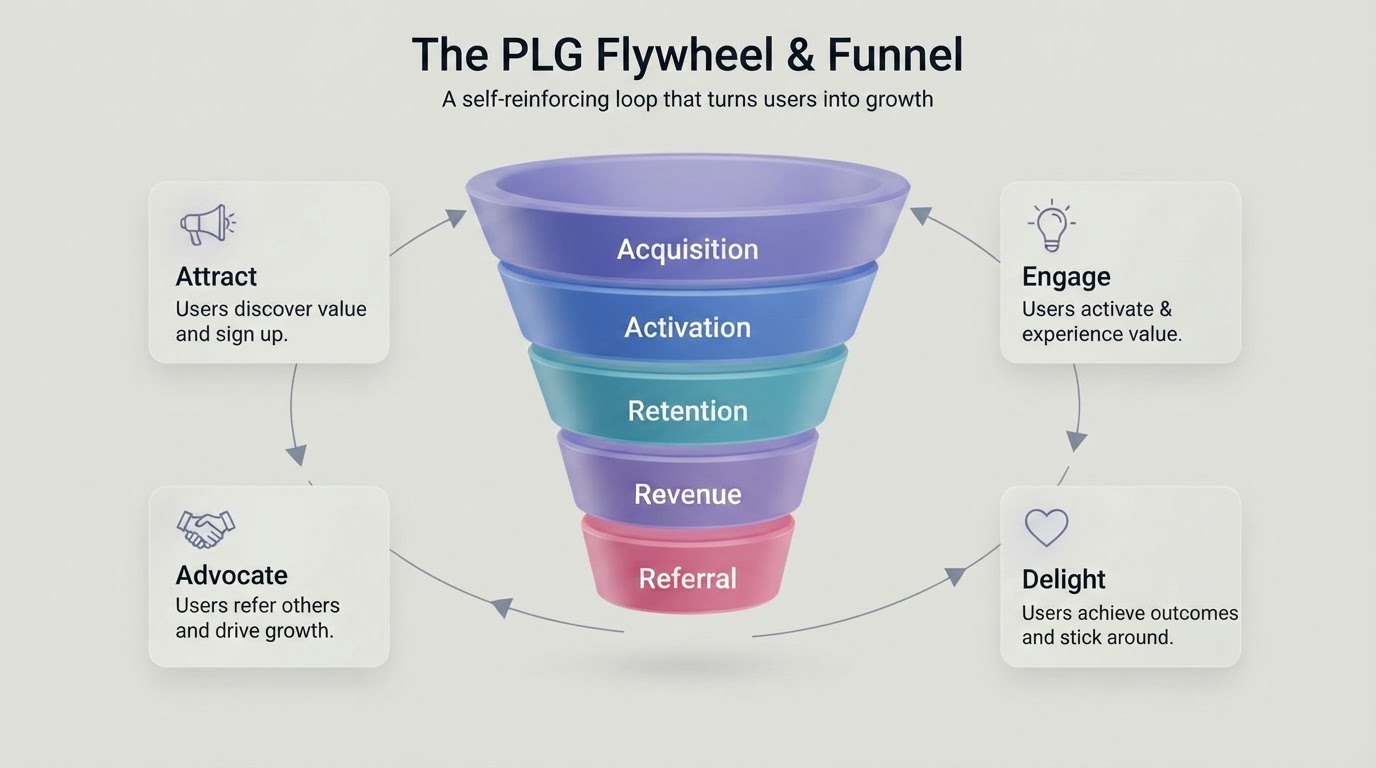 Built in 38s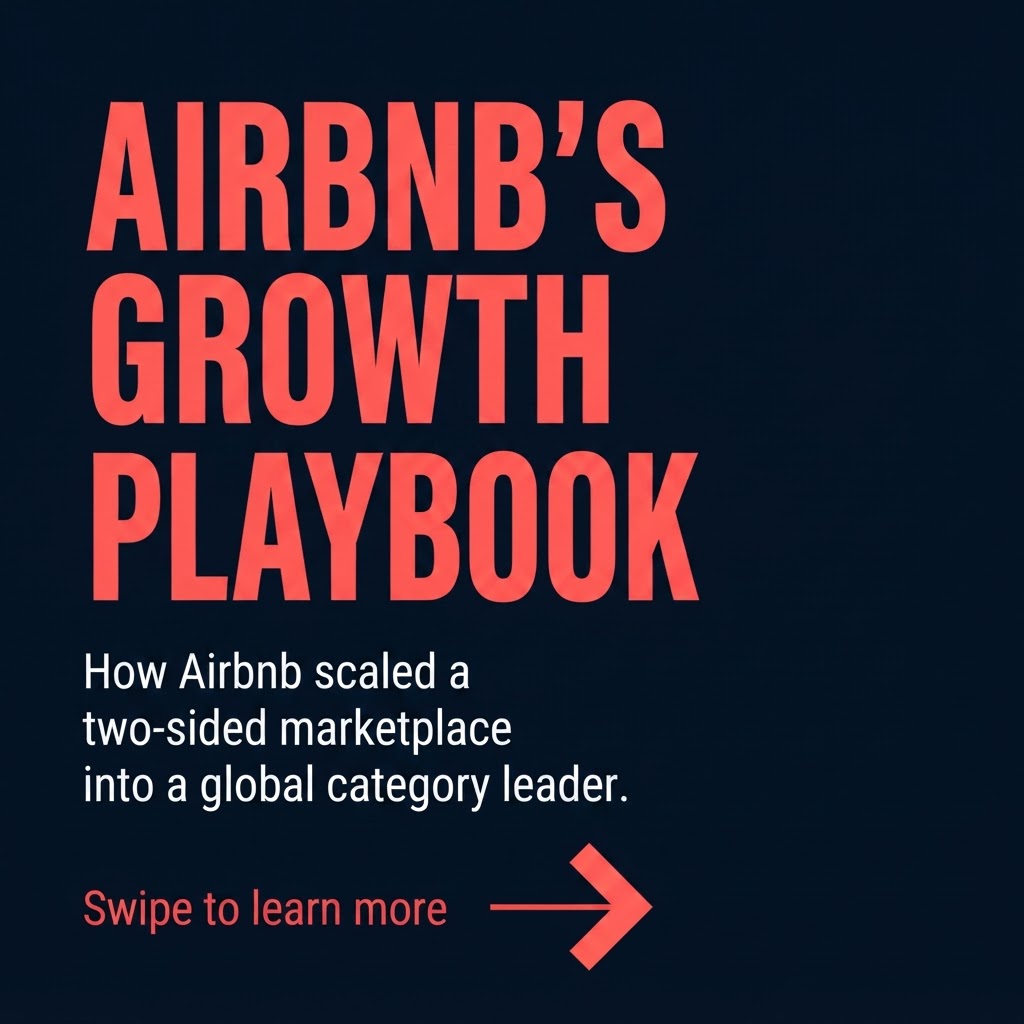
 Built in 38s
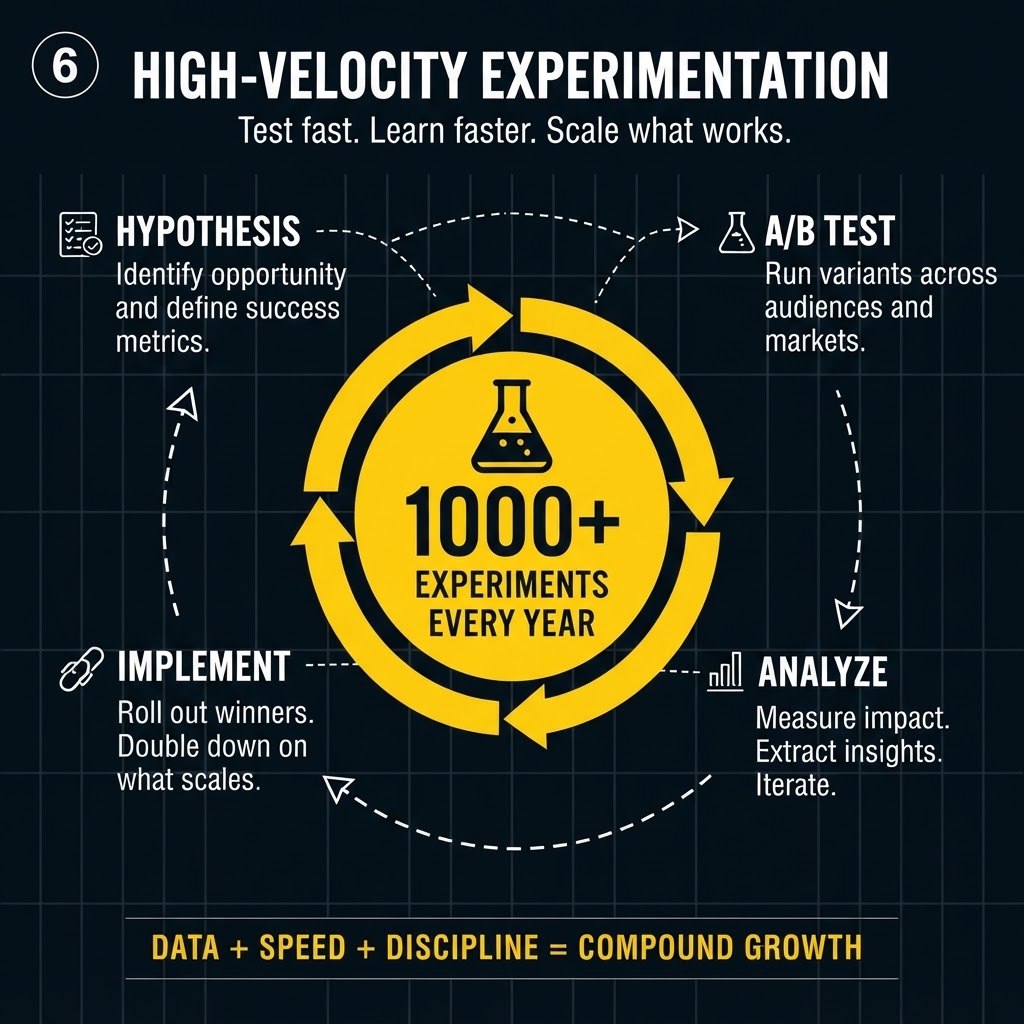
“Airbnb growth playbook, 8-slide 1:1 carousel, bold typography”
Ask GenPPT to redesign a slide, update a chart, or adapt your deck for a new format. Make last-minute changes in chat instead of rebuilding the presentation.
$1 trial for 3 daysCard required
GenPPT AI Agent
Start with a PDF, Word document, PowerPoint, spreadsheet, image, audio, video, or YouTube link. Export as PowerPoint (.pptx) or PDF in 16:9, 1:1, or 9:16.
Turn a PDF into PowerPoint with AI. Step-by-step guide with export QA.
Adobe PDF
Reports and scanned PDFs
Word docs
.doc and .docx files
PowerPoint
Existing .pptx files
Excel & CSV
.xlsx and .csv files
Google Docs
Export PDF or .docx first
Photos
PNG, JPG, WebP, GIF
YouTube
Paste the video URL
Video & audio
MP3, MP4, WAV, voice memos
Web URLs
Read the page or match brand
GenPPT
PowerPoint
Download .pptx
Printable PDF
Download PDF
1:1 aspect ratio
TikTok & Reels
9:16 aspect ratio
1:1 or 9:16
Google Slides
Open the .pptx we export

AI Compliance B2B SaaS Founder
$2.6M raised
“GenPPT turned our raw 15-page security architecture into a high-converting enterprise trust deck. It helped us raise our $2.6M pre-seed and close enterprise deals 10x faster.”

Co-Founder & CEO
$4.2M raised
“We used GenPPT to generate our Series A pitch deck from a raw 12-page memo. We raised $4.2M two weeks later.”

Director of Strategy
40 sec to executive-ready
“Need a last-minute QBR presentation at 11 PM? GenPPT generates an executive-ready deck before my coffee even finishes brewing.”
Stop stressing over formatting. Join 100,000+ professionals creating presentations worth presenting.
Trusted by 100,000+ professionals
Paste text or attach a PDF. Your wording stays the same.
$1 trial for 3 daysCard required
Slide 1 of 6: CRISPR biotech
Upload a PDF, Word document, or research paper, or paste your raw notes. GenPPT pulls out key points, metrics, and citations while keeping your wording intact.
GenPPT maps your material into a clear slide-by-slide outline. Edit the copy and approve the story before slide generation starts.
GenPPT generates designed slides from the approved outline. Edit any slide in chat, then export to PowerPoint (.pptx), PDF, or PNG images.
Explore complete presentations and social carousels created from a single prompt.
Built in 38sBuilt in 38sBuilt in 38s“Tesla gigafactory expansion, 3D global maps, battery architecture”
Built in 38sBuilt in 38sBuilt in 38s“Airbnb growth playbook, 8-slide 1:1 carousel, bold typography”
Ask GenPPT to redesign a slide, update a chart, or adapt your deck for a new format. Make last-minute changes in chat instead of rebuilding the presentation.
$1 trial for 3 daysCard required
GenPPT AI Agent
Start with a PDF, Word document, PowerPoint, spreadsheet, image, audio, video, or YouTube link. Export as PowerPoint (.pptx) or PDF in 16:9, 1:1, or 9:16.
Turn a PDF into PowerPoint with AI. Step-by-step guide with export QA.
Adobe PDF
Reports and scanned PDFs
Word docs
.doc and .docx files
PowerPoint
Existing .pptx files
Excel & CSV
.xlsx and .csv files
Google Docs
Export PDF or .docx first
Photos
PNG, JPG, WebP, GIF
YouTube
Paste the video URL
Video & audio
MP3, MP4, WAV, voice memos
Web URLs
Read the page or match brand
GenPPT
PowerPoint
Download .pptx
Printable PDF
Download PDF
1:1 aspect ratio
TikTok & Reels
9:16 aspect ratio
1:1 or 9:16
Google Slides
Open the .pptx we export
AI Compliance B2B SaaS Founder
$2.6M raised
“GenPPT turned our raw 15-page security architecture into a high-converting enterprise trust deck. It helped us raise our $2.6M pre-seed and close enterprise deals 10x faster.”
Co-Founder & CEO
$4.2M raised
“We used GenPPT to generate our Series A pitch deck from a raw 12-page memo. We raised $4.2M two weeks later.”
Director of Strategy
40 sec to executive-ready
“Need a last-minute QBR presentation at 11 PM? GenPPT generates an executive-ready deck before my coffee even finishes brewing.”