
The AI presentation makers that stay free fall into two groups: permanent free plans with caps (Canva, Slidesgo, SlidesAI at 12 decks a year) and no-login browser tools such as GenPPT's PDF converter (3 conversions a day). Gamma's 400 credits and SlideSpeak's 100 credits run out once. Logged-out ChatGPT made no .pptx file in our 12 October 2026 test.
Disclosure: we build GenPPT, and its full Studio is a paid product. Our free part is the set of no-login browser tools: one PDF converter that returns a .pptx file, plus outline previews.
What does free mean for an AI presentation maker?
"Free" on a pricing page means one of four things, and the four behave differently once you start a second deck.
| Kind of free | How it works | Examples (November 2026) | What stops you |
|---|---|---|---|
| No-login browser tool | Open the page and run it, no account | GenPPT PDF to PowerPoint, GenPPT outline tools | Converter: 3 conversions a day, 8 MB, 30 pages. Outline tools: no rendered slides or export |
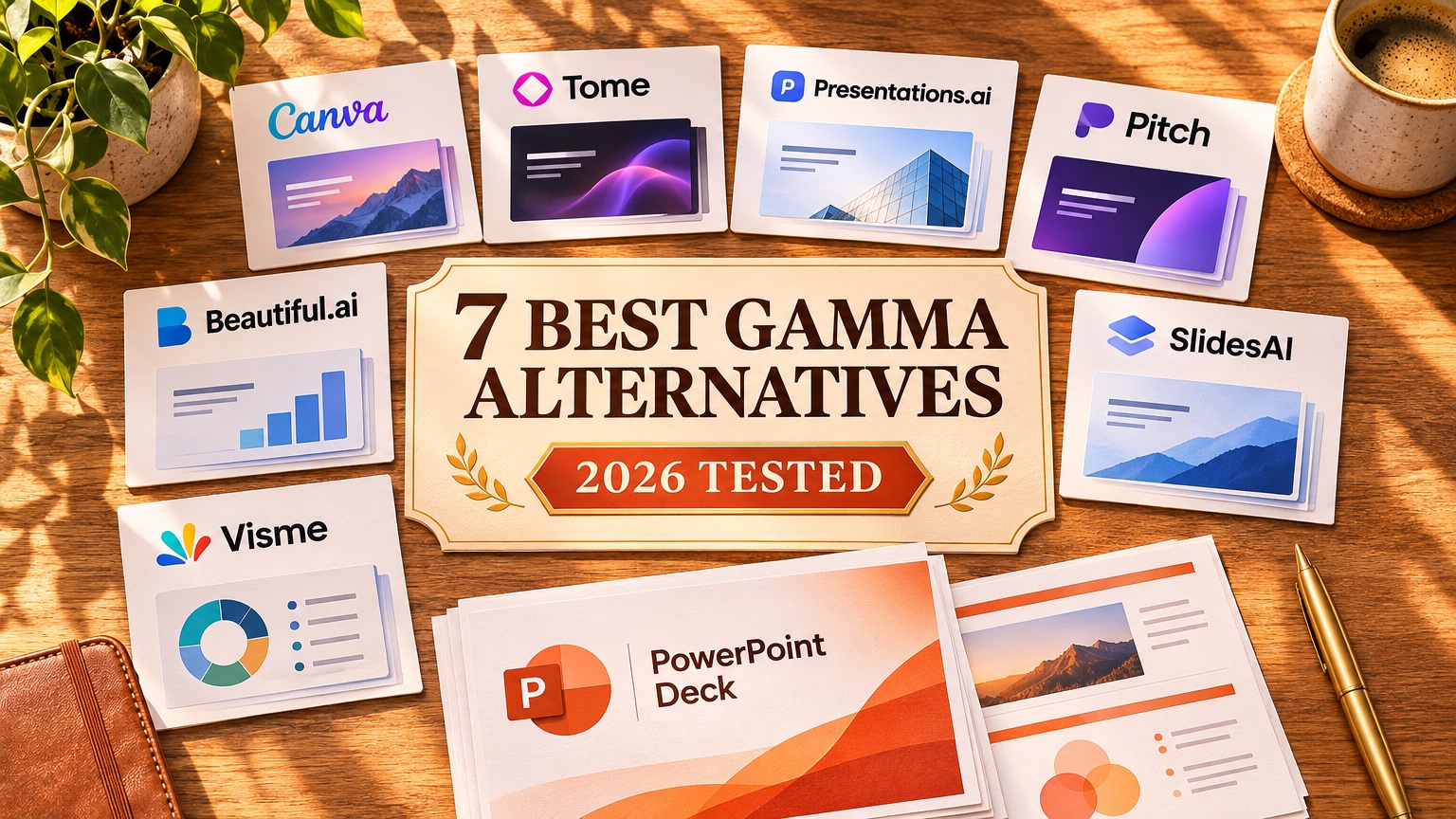
| Free plan that does not expire | Account required, monthly or yearly caps | Canva, Slidesgo, SlidesAI, Pitch, Prezi Basic, Alai | Feature locks, download caps, watermarks |
| One-time credit pool | Signup credits that do not come back | Gamma (400), SlideSpeak (100), Presentations.AI (100) | Credits run out; some block export |
| Carded trial | Card at signup, billed when the trial ends | Plus AI, Beautiful.ai, Copilot, GenPPT Studio | The first bill |
A free tier that previews slides in the browser but blocks the .pptx download works as a demo. Find the export wall before you spend an hour on a draft.
Which free AI presentation makers are worth using?
The table is sorted by what you can take away without paying. Limits come from each vendor's pricing page and help docs, checked October to November 2026, unless a row says our test.
| Tool | Kind of free | What you get free | The wall | Paid price |
|---|---|---|---|---|
| GenPPT PDF to PowerPoint | No login | Full outline plus 3 designed slides as .pptx | 3 conversions a day, 8 MB, 30 pages, small mark | Studio: $1 3-day trial, then $25/mo or $99/yr |
| GenPPT outline tools | No login | Outline preview for McKinsey, LinkedIn and Instagram slides | Rendered slides and file export happen in GenPPT Studio | Same as above |
| Canva | Free plan | Templates, editor, limited AI and stock | Premium assets and AI limits | Pro $15/mo or $144/yr per person |
| Gamma | One-time credits | 400 signup credits, no card | Credits run out; Gamma badge on free decks | Plus $12/mo ($9/mo yearly) |
| SlideSpeak | One-time credits | 100 signup credits | No .pptx download on free | Premium $29/mo ($24.65/mo yearly) |
| Slidesgo AI | Free plan | Topic prompt into a stock template | Monthly download cap | About $3 to $5/mo yearly |
| SlidesAI | Free plan | Google Slides add-on drafts | 12 presentations a year | Pro $10/mo yearly |
| Pitch | Free plan | Browser editing and link sharing | No .pptx export on free | Plus $10/mo yearly |
| MagicSlides | Free plan | Quick topic drafts | 10-slide cap, AI images off | Premium $29/mo |
| Alai | Free plan | Branded memo-style decks | Watermark | Plus $20/mo |
| ChatGPT (logged out) | No login | Slide text in chat | No file in our 12 Oct 2026 test | Plus $20/mo |
| Pitches.ai | Free generation | Investor pitch deck draft and chat | $49 per exported deck | $249/yr |
The tools with the most generous free plans (Canva, Slidesgo, SlidesAI) start from a short prompt and a template, so they do not read a long document. The tools that read documents well put the export behind a payment or a credit pool.
What can you make with GenPPT's free tools without an account?
The free PDF to PowerPoint converter is the one GenPPT tool that hands you a finished file with no account and no card. You upload a PDF with selectable text (up to 8 MB and 30 pages), and it returns the full slide outline plus 3 designed slides in a .pptx file. The cap is 3 conversions a day. It keeps your wording and copies figures exactly: numbers, units, dates, percentages and currency. GenPPT does not store the file.
Limits of the free file:
- You get 3 designed slides. A typical deck is longer. Our presentation statistics study covers 1,605 decks created in GenPPT from 3 August to 11 October 2026. Among the 1,034 generated decks, the median has 10 slides, and 46% have 6 to 10. The free file includes the full outline, so you can copy the rest into your own slides.
- Each slide is a picture. In PowerPoint you can reorder, crop and resize the slides and add your own text boxes, but you cannot click into the words on the slide.
- Scanned PDFs fail. A scan is a picture of text, so run OCR first.
- Long files get cut. For a long document, the outline uses about the first 6,000 words.
The other three free tools stop at an outline preview. You can run them without signing in, but rendered slides and file exports happen in GenPPT Studio (the $1 carded trial, then a paid plan):
- McKinsey slide generator: previews an 8-slide consulting path with action titles.
- LinkedIn carousel generator: turns a topic or a pasted thread into a square carousel outline.
- Instagram carousel generator: turns a topic or thread into a 4:5 portrait carousel outline.
For the full Studio, our reference is the Fernhollow Q3 2026 PDF test (an invented report with $1,321,000 Q3 revenue and 8 checked KPIs). GenPPT Studio took 2 min 34 s to reach the outline and concept sheet, then 1 min 21 s to render 8 slides, and all 8 KPIs matched the PDF. The full method is in our AI presentation maker test.
How far do Gamma and SlideSpeak credits go?
A credit pool is free until it is empty, and neither of these pools refills. Both tools are good at their job, so budget the credits before you start.
Gamma gives 400 signup credits with no card. In our founder's 12-tool content-marketing benchmark, Gamma drafted a 10-card deck in about 45 seconds. It is the strongest free pick for a scrollable web read-ahead that you share as a link. The catches: AI generation and AI edits draw from the same pool, free decks carry a Gamma badge (Tooltester review, 4 February 2026), and tall cards can reflow or shrink fonts when exported to 16:9 .pptx. Paid Plus is $12/month, or $9/month billed yearly. If you want fixed slides from a document, GenPPT vs Gamma compares the two. For other tools to move to when the credits run out, see the best Gamma alternatives.
SlideSpeak gives 100 signup credits. It reads PDFs, Word files and spreadsheets and supports corporate .potx templates on paid plans. On the free tier, though, the .pptx download is blocked. AI 5.0 slides cost 5 credits per slide and each chat message costs 1 credit, so 100 credits cover at most 20 AI 5.0 slides that you can preview but not export. Premium is $29/month ($24.65/month yearly) for 1,000 credits.
Presentations.AI has a Starter tier with 100 credits. Pro is $20/month on yearly billing.
Which tools have a free plan that does not expire?
These keep working after the first week, within caps.
- Canva: the most complete free plan. You get the editor, templates and limited Magic Studio AI, and verified K-12 teachers get Canva for Education at no cost. Canva wins for live multi-cursor team design and brand kits. In our founder's benchmark, Canva drafted a 10-slide deck in about 1 minute with clean
.pptxand PDF exports, though the prompt-only copy was generic. Pro is $15/month or $144/year per person. Gamma vs Canva for presentations has the head-to-head. - Slidesgo AI: fast topic drafts inside Freepik's stock templates, with monthly download caps. Good for classroom decks.
- SlidesAI: a Google Slides add-on. The Basic plan allows 12 presentations a year with native text boxes.
- Pitch: free browser editing and link sharing for teams.
.pptxexport needs Plus ($10/month yearly). - MagicSlides: the free tier caps decks at 10 slides and turns off AI images. In our founder's test it returned 4 overlapping slides on a 10-slide prompt.
- Prezi Basic and Alai: free tiers exist. Prezi uses a zooming canvas rather than slides; Alai adds a watermark.
If you need a free deck that a team keeps editing slide by slide, pick Canva. GenPPT's free tools have no team editing.
Can ChatGPT make a free PowerPoint without an account?
No. We tested it on 12 October 2026. Logged out, ChatGPT wrote the slide text in chat, refused to generate a file, and asked for a login before it would accept a document upload.
With a free ChatGPT account, OpenAI lists the ChatGPT for PowerPoint add-in with limited usage, and you need Microsoft PowerPoint. Paid accounts can generate .pptx files in chat. In a Technoholic comparison (9 March 2026) on the Pro plan, the downloaded file looked plain and needed manual work. The full walkthrough is in Can ChatGPT make PowerPoints?.
Which AI presentation makers need a card for the trial?
A carded trial bills your card when it ends, so set a reminder for the day before.
| Tool | Trial | Bills after trial | Cost per deck on the entry plan |
|---|---|---|---|
| GenPPT Studio | $1 for 3 days | Growth $25/mo or $99/yr (20 decks/mo) | $1.25 monthly; about $0.41 yearly |
| Plus AI | 7 days | Basic $15/user/mo ($10 yearly) | Per seat, inside PowerPoint or Google Slides |
| Beautiful.ai | 14 days | Pro $45/mo ($14.50/mo yearly) | Per seat |
| Microsoft Copilot | 1 month (business) | $21 to $30/user/mo yearly, plus Microsoft 365 | Per seat |
| Gemini in Google Slides | 14-day Workspace trial | Workspace Business Standard $14/user/mo yearly | Per seat |
For GenPPT, Growth at $25/month covers 20 decks, which is $1.25 a deck. On the $99/year plan, the same 20 decks a month (240 a year) work out to about $0.41 a deck. Max is $100/month for 100 decks, or $1 a deck.
Pick a carded trial when you already know you will make more than one deck this month. Plus AI and Copilot win when IT requires native text boxes inside your company Slide Master. GenPPT wins when you start from a PDF or report and want designed slides with exact numbers, and it loses when you need to edit every word in PowerPoint after export. The full trade-off is on our AI PowerPoint generator page.
Which free option fits your job?
- One PDF, one quick deck, no account: GenPPT's PDF converter. You get the outline and 3 designed slides as
.pptx. - A web read-ahead shared as a link: Gamma's 400 signup credits.
- Team co-editing with brand assets: Canva's free plan.
- Classroom slides in a stock theme: Slidesgo AI or SlidesAI.
- A LinkedIn or Instagram carousel outline: GenPPT's LinkedIn carousel generator or Instagram carousel generator, then design it in Studio or your own editor.
- A replacement for an old Tome deck: Tome ended its presentation app. The best Tome alternatives sorts replacements by job, and Gamma's free credits cover the web-narrative one.
- A startup investor pitch deck: Pitches.ai. Generation and chat are free; exporting costs $49 per deck.
- Native text boxes in a company template: a carded trial of Plus AI or Copilot.
How to test a free AI presentation maker in 10 minutes
- Use a real file with numbers. A one-page report works, or download our Fernhollow Q3 2026 PDF.
- Check the export wall first. Find the download button before you edit anything. If it asks for a plan, the tier is a preview.
- Count the numbers. Compare every figure on the slides with the source before you judge the design.
- Open the file on the laptop you present from. Look for watermarks, badge footers, shifted fonts and cropped cards.
- Note what the second deck costs. It will be credits, a download cap, or a trial bill.
Free AI presentation maker FAQs
What is the best free AI presentation maker in 2026?
Canva has the most complete free plan that does not expire. Gamma gives the fastest free first draft from 400 one-time credits. GenPPT's PDF to PowerPoint converter is the best free option with no account: 3 conversions a day, each returning the full outline and 3 designed slides as a .pptx file.
Is GenPPT free?
Partly. The PDF to PowerPoint converter is free with no account: 3 conversions a day, each returning the full outline and 3 designed slides as a .pptx file. The other /tools generators give a free outline preview without a login. GenPPT Studio, which builds and exports full decks, starts with a $1 trial for 3 days (card required), then $25/month or $99/year for 20 decks a month. There is no free Studio plan.
Which free AI presentation maker exports PowerPoint without a watermark?
Most free .pptx exports carry a mark or need a plan. Gamma adds a badge on free decks, SlideSpeak blocks .pptx downloads on free, Pitch needs Plus for .pptx, and GenPPT's free converter adds a small "Made with GenPPT" mark. Canva's free plan can download .pptx, but premium template elements need Pro.
Can I make a full presentation with AI for free?
Yes, with caps. Canva, Slidesgo and SlidesAI make complete template decks on free plans from a topic prompt. Gamma does it until the 400 credits run out. If you start from a long PDF and need every figure kept exactly, free tiers usually stop at a preview or a short file.
Does Gamma have a free plan?
Gamma gives 400 signup credits with no card. They are a one-time pool, and AI edits also draw from it. Free decks show a Gamma badge. Plus costs $12/month, or $9/month billed yearly.