GenPPT
GenPPT
VS
SlideSpeak logo
SlideSpeak

Best SlideSpeak Alternative in 2026

SlideSpeak centers on chat over documents. GenPPT builds a full visual deck and exports PowerPoint.

Ilias Ism

Reviewed by Ilias IsmVerified reviewer

SlideSpeak vs GenPPT audit · Methodology

When SlideSpeak is the better choice (and when to pick GenPPT)

Pick the tool that matches the file and editing workflow you need at the end.

Pick SlideSpeak when

  • You must upload a corporate .potx/.pptx template and receive native editable PowerPoint text boxes and chart objects.
  • Your primary workflow is asking Q&A chat questions across uploaded Word and PDF files.
  • You need automated slide translation or narrated video export built into the same document tool.

Pick GenPPT when

  • You want high-impact, full-slide visual composition and concept previews rather than plain Office placeholder layouts.
  • You want unlimited chat slide revisions on paid plans without paying 1 to 5 credits per slide or chat turn.
  • You prefer $25/month or $99/year pricing (lower than SlideSpeak Premium at $29/mo or ~$296/yr) or programmatic MCP deck generation.

Trade-off to know: GenPPT renders each slide as a complete designed visual so layouts never overflow; slide text and chart updates happen in GenPPT chat before exporting .pptx or PDF.

Recurring SlideSpeak trade-offs to check before you choose

  • SlideSpeak free accounts include 100 one-time credits that never refill and block file downloads completely until you pay.
  • Higher-quality AI 5.0 slides cost 5 credits per slide plus 1 credit per assistant chat message, burning monthly allowances fast.
  • Custom brand templates require upgrading beyond Premium ($29/mo) to Premium Plus ($34/mo), with a strict 7-day first-purchase refund window.

GenPPT vs SlideSpeak: 3 Key Differences

GenPPT visual concept sheet preview vs standard document slides

Reason #1

Executive visual design with a concept preview checkpoint

SlideSpeak focuses on filling standard PowerPoint layouts from uploaded documents. That preserves editable text boxes, yet the visual output looks like routine internal Office slides.

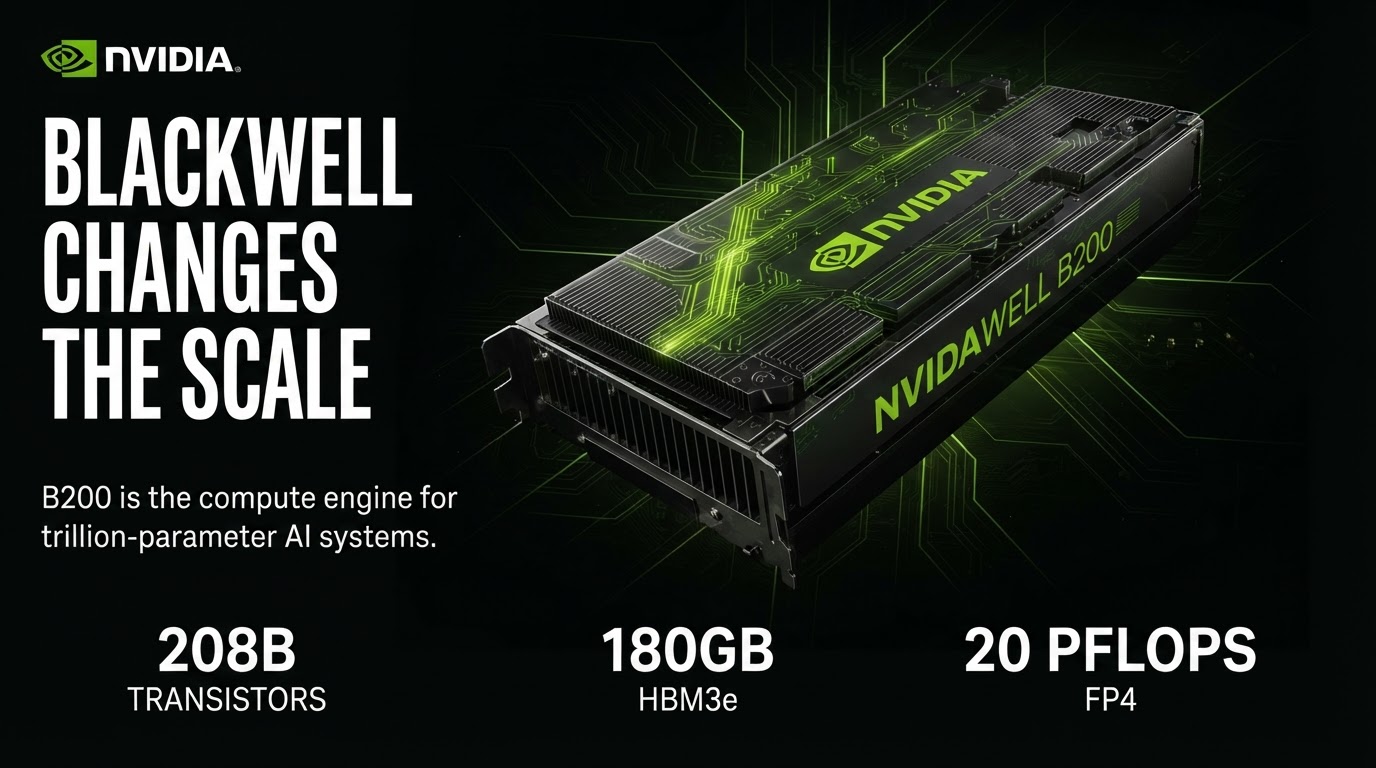
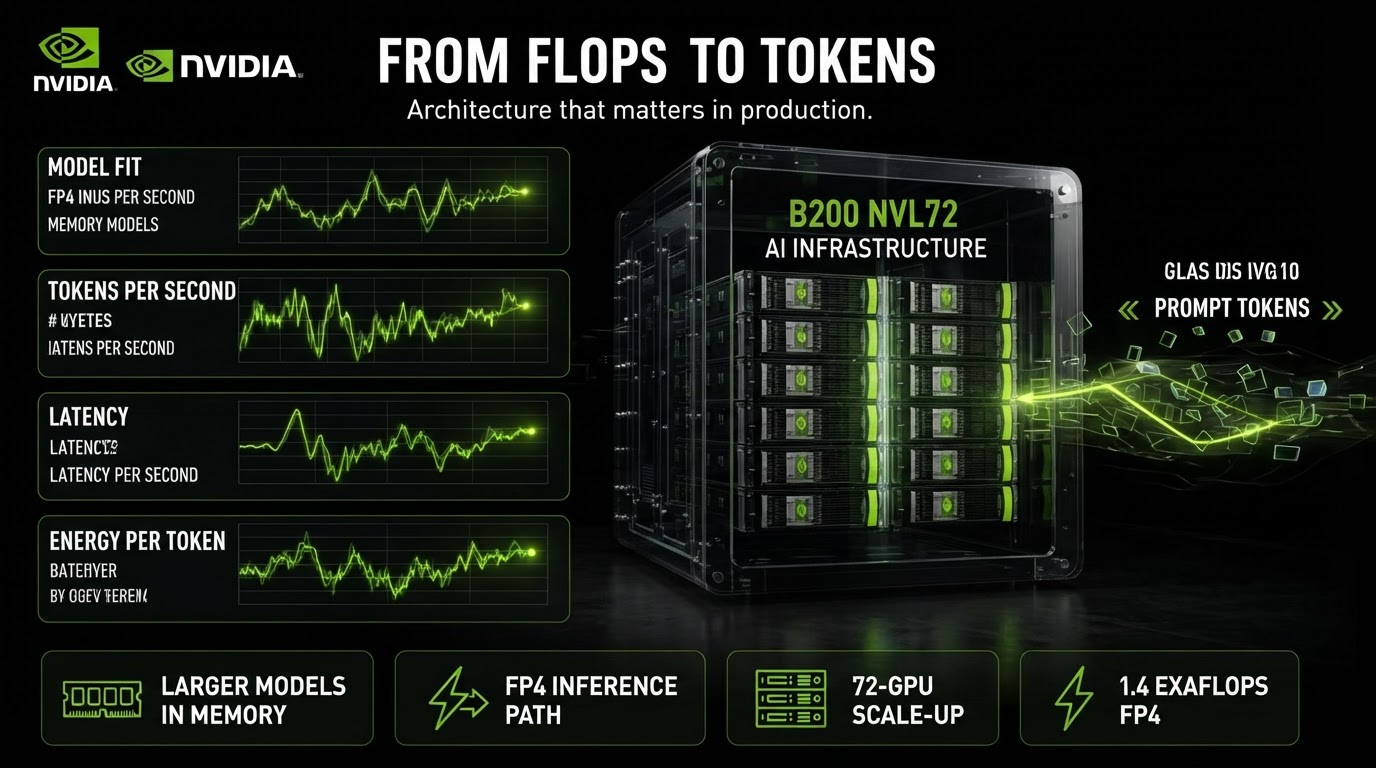
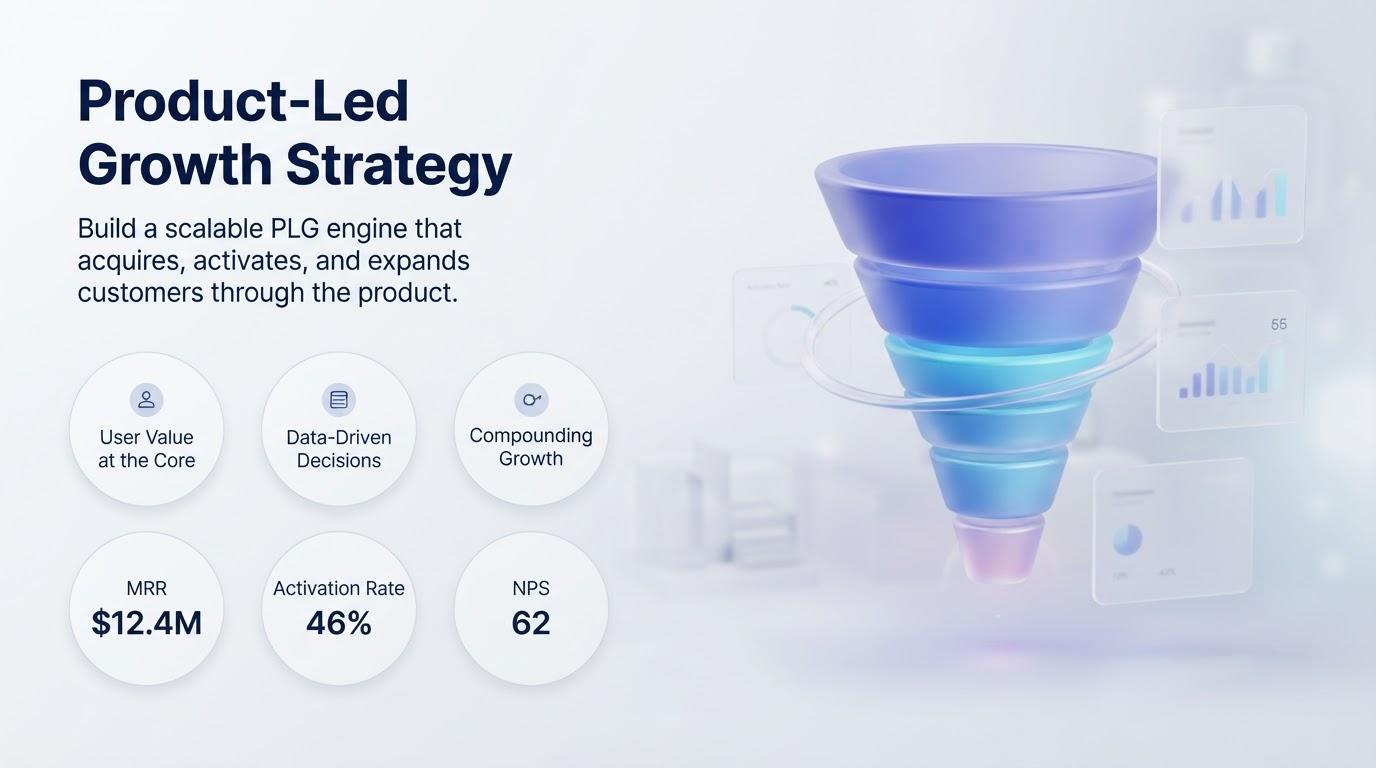
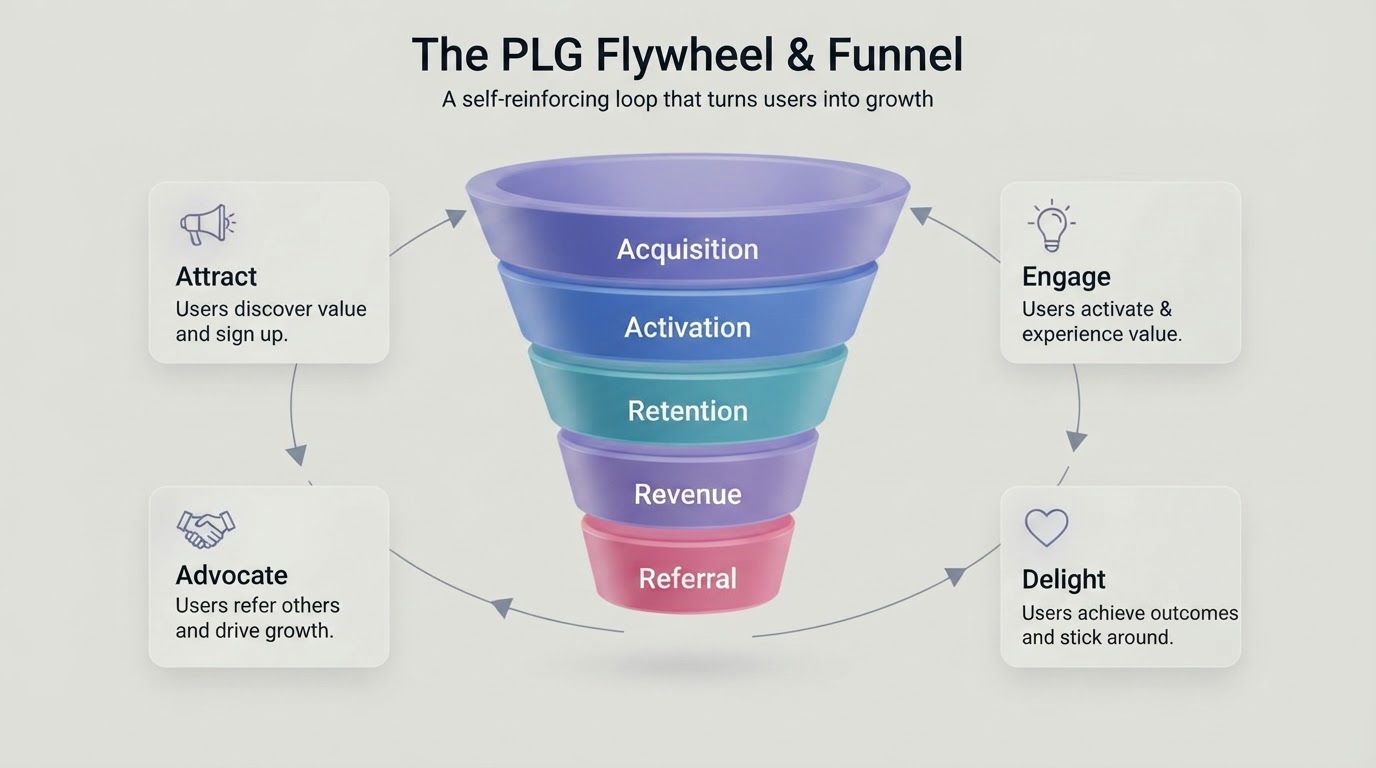
GenPPT pairs strict document grounding with a visual concept preview sheet, rendering bespoke full-slide visuals with custom diagrams, charts, and editorial typography.

Read our full SlideSpeak review & credit math
GenPPT slide revision chat and export studio

Reason #2

$99/year Growth plan with zero per-chat-message credit burn

On SlideSpeak, generating with AI 5.0 costs 5 credits per slide and every assistant revision message costs another credit, while Premium starts at $29/month ($295.80/year on annual billing).

GenPPT Growth costs $25/month or $99/year after a $1 3-day trial, includes 20 full decks per month, and never charges per-message credits when you revise slides in chat.

Compare Growth ($99/yr) pricing
GenPPT multi-format presentation and carousel outputs

Reason #3

One workflow for 16:9 PowerPoint decks, carousels, and MCP agents

SlideSpeak outputs widescreen Office decks only. Modern GTM and research teams frequently repurpose the same report into widescreen slides, LinkedIn PDF carousels, and X portrait threads.

GenPPT supports 8 aspect ratios (16:9, 4:5, 3:4, 1:1, 9:16, 4:3, 3:2, 2:3) in the web studio and via our remote MCP server at https://genppt.com/mcp.

See GenPPT MCP & aspect ratios

SlideSpeak Alternative: How GenPPT Works

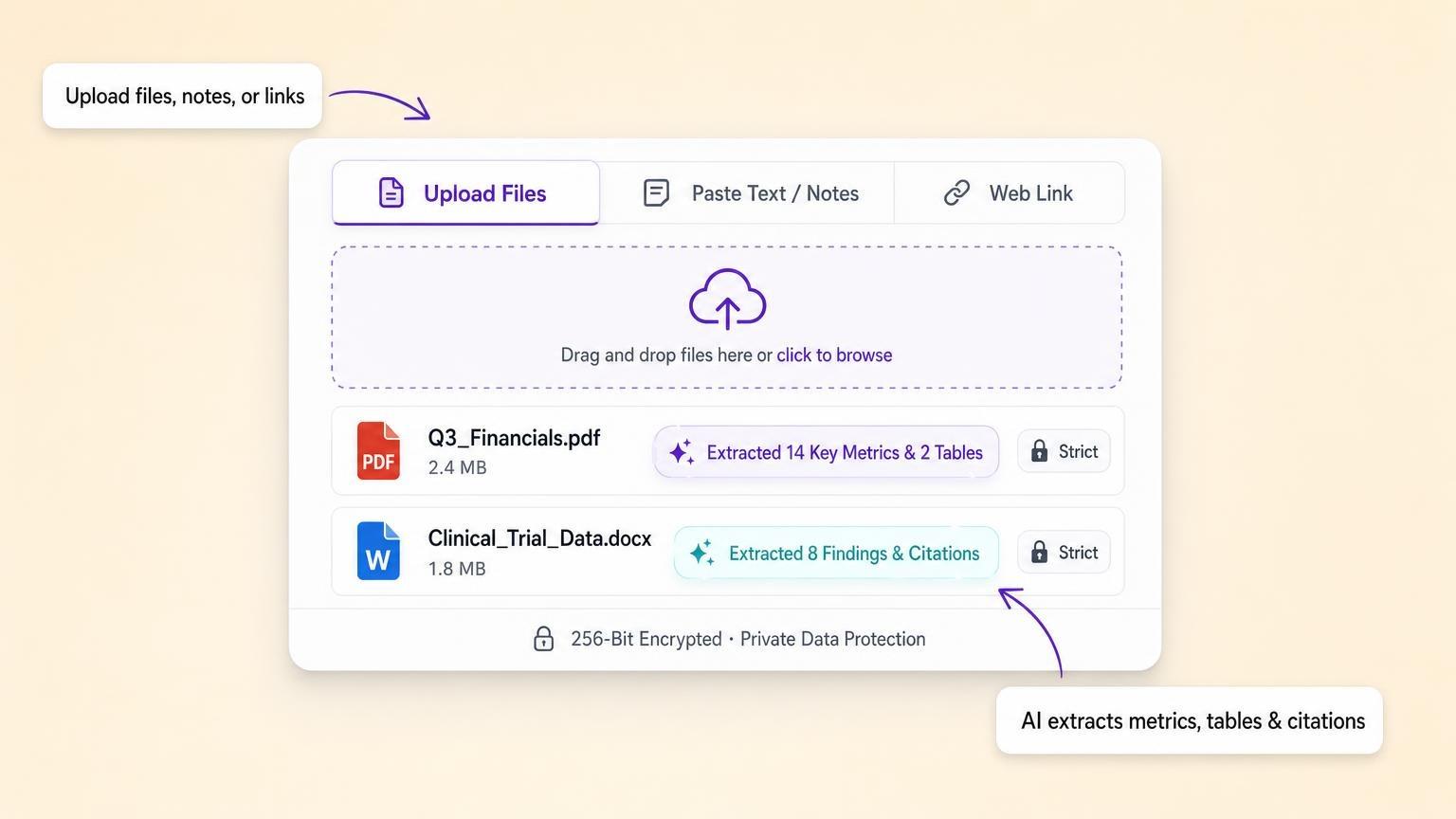
GenPPT upload panel with document extraction

Start from docs, links, or a prompt

Drop in PDFs, Word docs, spreadsheets, or paste a brief. GenPPT pulls out your narrative and exact figures. Turn on web search if you need current facts on the topic.

SlideSpeak Alternative Examples

Bespoke full-slide decks from prompts and PDFs. Inspect real slides before you sign up.

GenPPT vs SlideSpeak: Feature Comparison

FeatureGenPPTSlideSpeak
Deck generationTopic, notes, doc, or linkPrompts and documents
PowerPoint export (.pptx)Native exportExport available
EditorDeck editor + chatLimited
Visual slidesFull-slide imagesStandard layouts
Input sourcesPrompt, docs, linksDocuments
Pricing$1 trial, then monthly/yearlyCredit-based

Comparison reflects our hands-on testing and publicly available information as of November 2026. SlideSpeak may update its product.

How we compare SlideSpeak and GenPPT

Disclosure: we build GenPPT and Pitches.ai. To keep this SlideSpeak comparison useful, we explicitly list the workflows where SlideSpeak beats GenPPT alongside the document-to-deck jobs where GenPPT is stronger.

Our evaluation combines hands-on prompt and financial-PDF tests from our 2026 AI presentation maker benchmark with verified vendor pricing pages, export format checks, and public product documentation.

Last reviewed November 2026. Contact support if SlideSpeak pricing or features changed and this page needs an update.

SlideSpeak Alternative: FAQ

When is GenPPT the best SlideSpeak alternative?
SlideSpeak generates slides and lets you chat with documents. GenPPT covers research, visuals, edit, and export in one flow. GenPPT renders each slide as a complete designed visual (so text and charts never overflow in PowerPoint), whereas edits happen in GenPPT chat before export rather than native slide text boxes.
Is GenPPT a good SlideSpeak alternative?
Yes, if you want visual full-slide decks and a dedicated editor rather than document chat first.
Can I export and keep editing my deck?
Yes. Export .pptx or PDF and edit in PowerPoint or Google Slides.

Try GenPPT as Your SlideSpeak Alternative for $1

Full-slide decks from a prompt or your docs. Approve the outline and concept, generate, and edit any slide in chat.

AI presentations

Stop stressing over formatting. Join 100,000+ professionals creating presentations worth presenting.