
Project status update examples

A status deck tells the sponsor the status, the reason, and the decision that you need. Each deck here is real GenPPT output from the prompt shown with it. The projects, the people, and the numbers are invented.

What to copy

  • Put the overall status on the first slide.
  • Show each status as a colour and a word.
  • Give each risk an effect and an owner.
  • End with decisions that have a person and a date.

Weekly project status report

An 8-slide weekly status deck made from a written report for an invented customer portal migration. See each slide at full size.
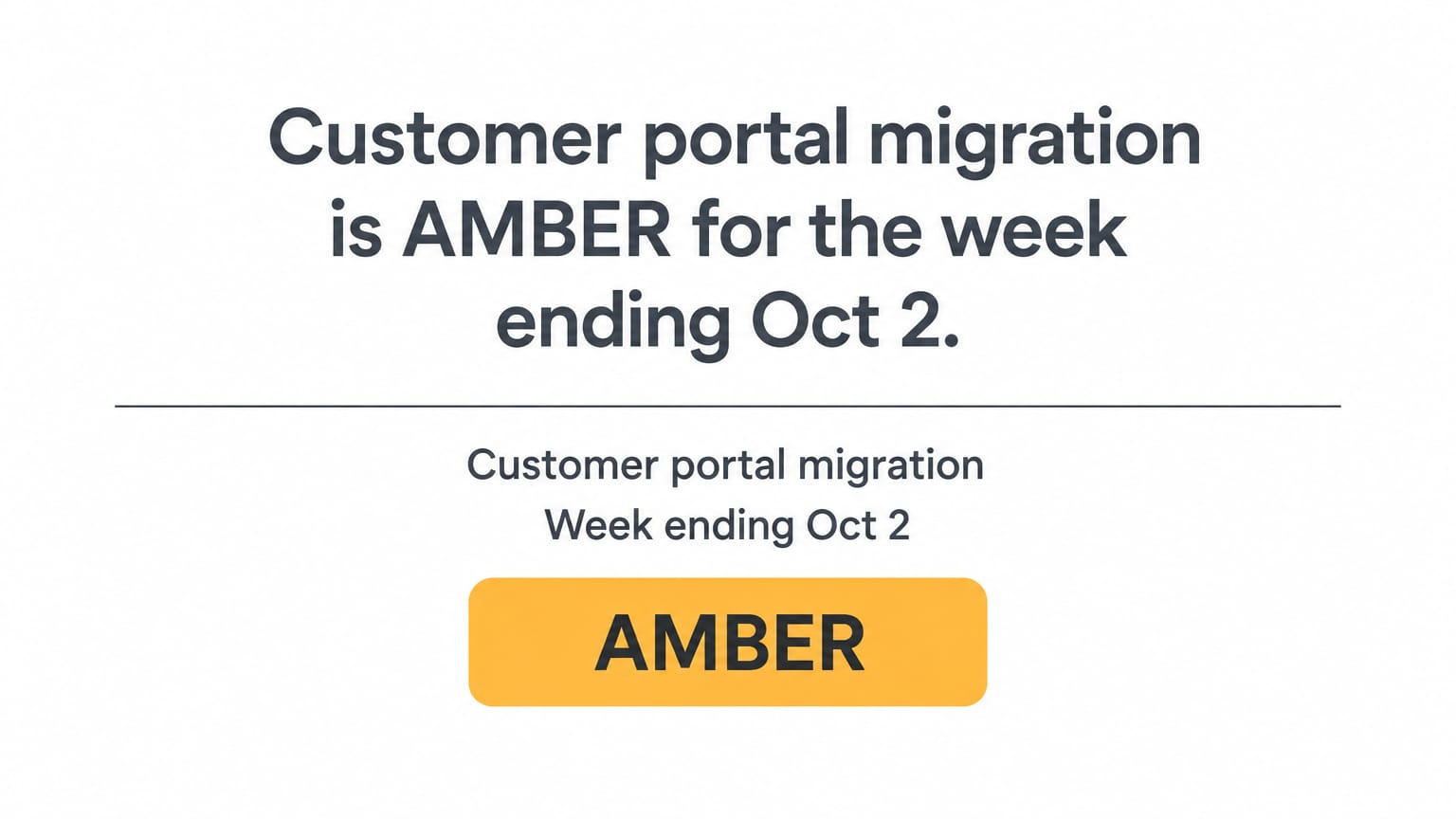
Weekly project status report: Title and overall status

Why this deck works

  • The first slide gives the project, the week, and the overall status.
  • Each status is a colour and a word. A reader who cannot tell red from green can read the word.
  • Each risk has an effect, an owner, and an action.
  • The last slide lists two decisions. Each decision has a person and a date.

The prompt that made it

GenPPT prompt
Turn this weekly status report into an 8-slide project status deck for the sponsor.

Slide order: 1 title with the reporting period and the overall status, 2 executive summary, 3 RAG dashboard, 4 progress since the last report, 5 plan for next week, 6 risks and blockers, 7 key dates, 8 decisions needed.

Rules: write each slide title as a full sentence that states the conclusion. Show each status as a colour and a word. One idea per slide. Style: plain and businesslike, white background, dark grey text, and red, amber, and green only for status. No logos.

Customer portal migration weekly status: AMBER, week ending Oct 2

Overall status: AMBER
Summary: Data migration finished two days early. The payment vendor's sandbox API is two weeks late, but go-live on Nov 16 holds if it arrives by Oct 12. We need two decisions from you by Oct 9.

Status by area
Schedule: AMBER - integration test may start 1 week late
Scope: AMBER - CR-14 (single sign-on) waits for approval
Budget: GREEN - $184,000 spent of $200,000 planned to date
Risk: AMBER - one vendor dependency on the critical path

Done this week
- Migrated all customer records with 0 failed validations
- Finished the account settings pages (design and build)
- Signed off the cutover runbook with IT operations

Planned next week
- Start the billing page build - Luis - Oct 5
- Security review of the login flow - Priya - Oct 8
- Vendor API delivery checkpoint - Dana - Oct 9

Blockers and risks
- Vendor sandbox API is late. Impact: integration test start slips from Oct 19 to Oct 26. Owner: Dana. Mitigation: build against a mock API from Oct 5.
- CR-14 is not approved. Impact: 6 days of work with no slot in the plan. Owner: sponsor.

Decisions needed
- Approve or reject CR-14 (single sign-on) - sponsor - by Oct 9
- Approve one contractor for 3 weeks of test automation - steering committee - by Oct 9

Key dates
- Integration test start: Oct 19 (at risk)
- User acceptance testing: Nov 2 (on track)
- Go-live: Nov 16 (on track)

The report in this prompt is from the project status report template.

1 message after the prompt
  1. Slides 2, 3, 5, and 7 use the deck title as the headline. Give each slide a full-sentence headline and keep the design. Slide 2: "Go-live holds for Nov 16 if the vendor API arrives by Oct 12." Slide 3: "Budget is green. Schedule, scope, and risk are amber." Slide 5: "Billing pages and the security review start next week." Slide 7: "Go-live on Nov 16 is on track, and the integration test start is at risk."
Steering committee update with a red status

A 9-slide monthly update for an invented ERP rollout that is behind its plan. See each slide at full size.

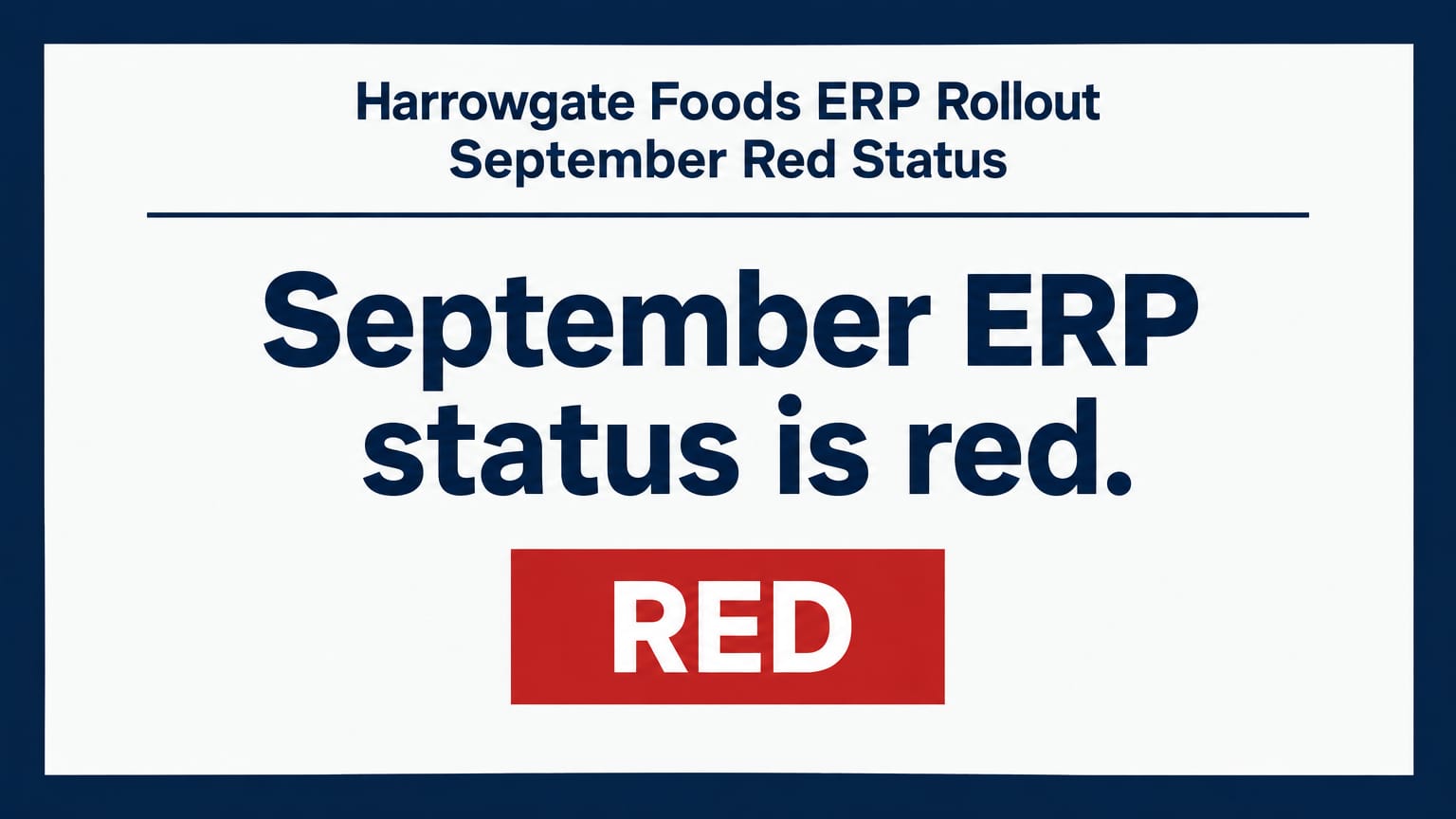
Steering committee update with a red status: Title and overall status

Why this deck works

  • The bad news is on slide 2, together with the decision that the team needs.
  • Slide 6 gives three options and the recommendation of the team. The committee can decide in the meeting.
  • The budget slide shows the cost of the recommendation: $140,000 more than the approved budget.
  • Each headline is a full sentence. The nine headlines are a summary of the report.

The prompt that made it

GenPPT prompt
9-slide monthly steering committee update for an ERP rollout at Harrowgate Foods, an invented food distributor. Month: September. Overall status: red.

Slide order: 1 title with the month and the overall status, 2 summary and the decision we need, 3 status by workstream (finance, warehouse, purchasing, data, training), 4 milestones against the plan, 5 why the status is red, 6 three options to recover, 7 budget, 8 top five risks, 9 decisions and next steps.

Facts to use (all invented): go-live is planned for January 4. The data migration test failed: 8% of product records have the wrong units. The warehouse workstream is 3 weeks late. Finance and purchasing are on plan. Training starts November 10. Option A: keep January 4 and go live with finance only. Option B: move all go-lives to February 15. Option C: add 4 data contractors for 6 weeks and keep January 4, cost $96,000. The team recommends option C. Budget: $2.1M approved, $1.46M spent, forecast $2.24M with option C.

Rules: say the bad news on slide 2. One idea per slide. Each headline is a full sentence. Show each status as a colour and a word. Style: serious and clear, dark blue and white, status colours only for status, simple tables and one timeline. No real company names, no real people, no logos.

Client status report for an app build

An 8-slide sprint report from an invented app studio to its client, an invented hiking app. See each slide at full size.

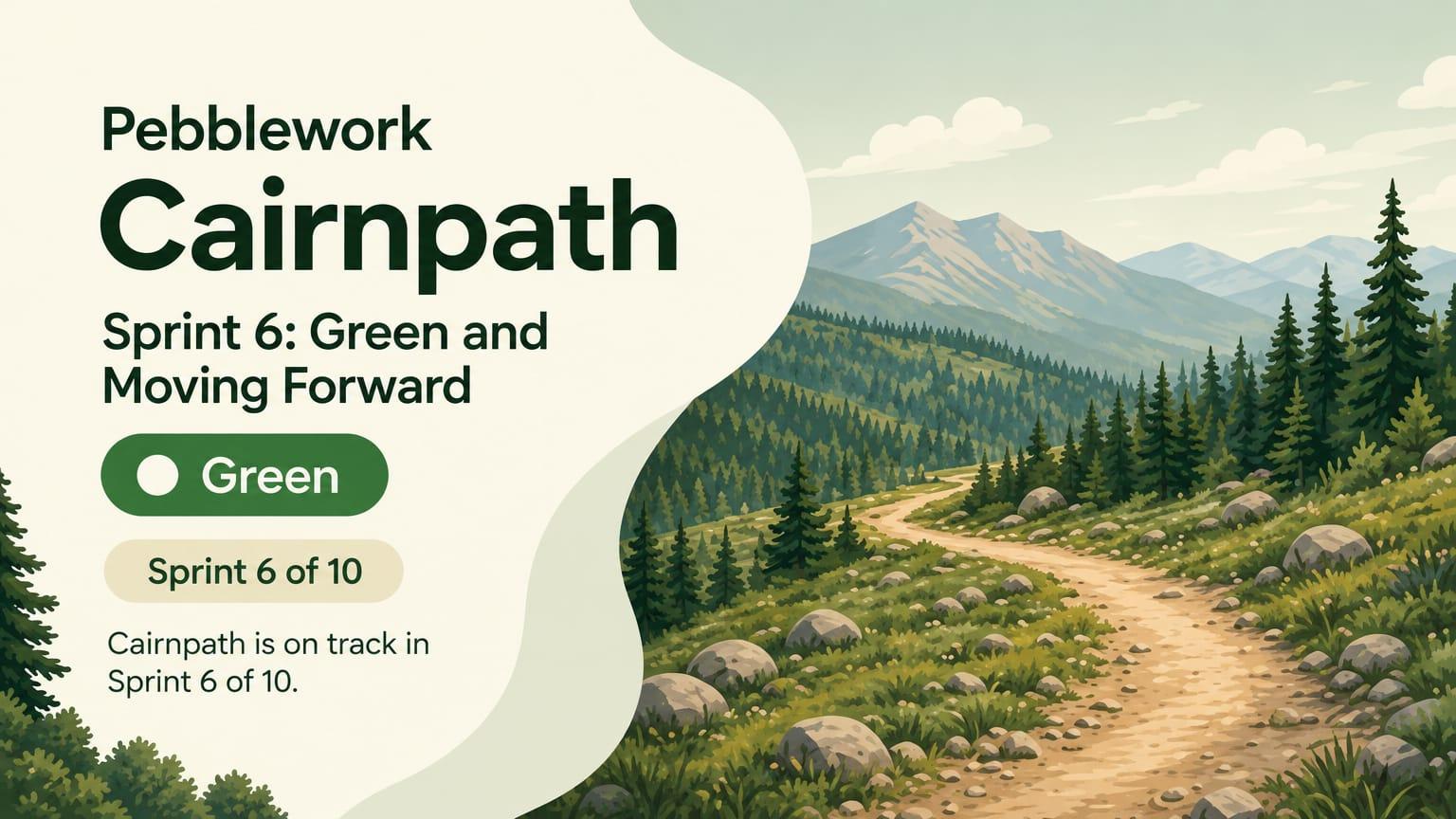
Client status report for an app build: Title and overall status

Why this deck works

  • The words are plain, because the client is not technical.
  • Phone mockups show the finished work. The client sees the features, not a list of tasks.
  • Slide 7 lists what the studio needs from the client, with a date for each item.
  • The last slide gives the date of the next demo.

The prompt that made it

GenPPT prompt
8-slide status report from an app studio to its client. Studio: Pebblework, an invented studio. Client: Cairnpath, an invented hiking app. Sprint 6 of 10. Overall status: green.

Slide order: 1 title with the sprint and the overall status, 2 summary, 3 what we finished, with screens, 4 what comes next, 5 timeline to launch, 6 budget and hours, 7 what we need from you, 8 next demo and dates.

Facts to use (all invented): finished offline maps, trail search, and sign-in with email. Next: saved trails and photo upload. Beta on March 3. Store launch on April 14. 412 of 700 hours used. Needs from the client: app store account access by February 6, final trail photos by February 13, and a decision on a paid tier. Next demo: February 10.

Rules: plain words for a client who is not technical. One idea per slide. Show app screens as simple phone mockups. Style: outdoor and fresh, forest green and sand, rounded shapes. No real company names, no real people, no logos.
1 message after the prompt
  1. Slides 2, 4, 5, 6, 7, and 8 use the deck title as the headline. Replace the deck title on each slide with a headline that states the point, and keep the design. Slide 2: "Three features are finished, and two come next." Slide 4: "Saved trails and photo upload come next." Slide 5: "Beta is on March 3, and the store launch is on April 14." Slide 6: "412 of 700 hours are used." Slide 7: "We need three things from you." Slide 8: "The next demo is on February 10."
AI presentations

Stop stressing over formatting. Join 100,000+ professionals creating presentations worth presenting.