
Powered by GenPPT
Free Instagram Carousel Generator
Turn a topic or thread into 4:5 portrait slides. Export as PNGs.
Not affiliated with Instagram or Meta.
How to use the Instagram carousel generator
Add the idea. Check the outline. Publish the finished carousel.
Add your topic
Type the subject, or paste a tweet, thread, or article you want as slides.
Preview, then build
Check the free outline in an Instagram-style preview. Sign in to render 4:5 feed slides in GenPPT.
Export and post
Download PNGs from the deck editor and upload them as a multi-image Instagram post.

Step 1
Add your topic
Type the subject, or paste a tweet, thread, or article you want as slides.
Add your topic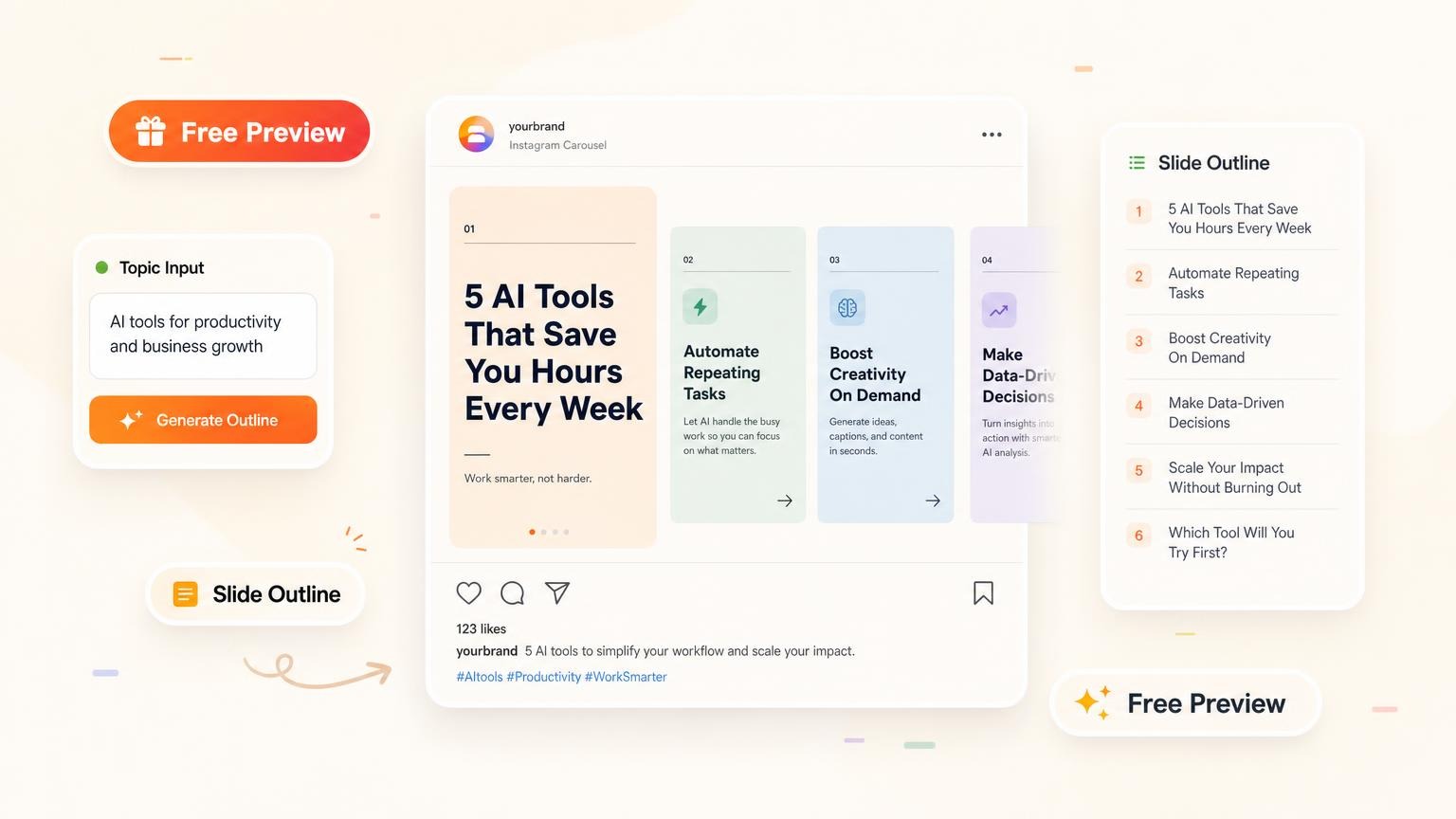
Step 2
Preview, then build
Check the free outline in an Instagram-style preview. Sign in to render 4:5 feed slides in GenPPT.
Preview your outline
Step 3
Export and post
Download PNGs from the deck editor and upload them as a multi-image Instagram post.
Create your carousel
Frequently asked questions
Sizes, posting, and GenPPT.