
Lesson slide examples for teachers

Three lessons, each for one class period. Each deck is real GenPPT output from the prompt shown with it. Check each fact and each number before you teach from a deck.

What to copy

  • Start with the goal in words that a student understands.
  • Open with a question, not with a definition.
  • Put one idea and few words on each slide.
  • End with a quick check and an exit ticket.

Science lesson: the water cycle (grade 5)

A 10-slide science lesson on the water cycle for ages 10 to 11. See each slide at full size.
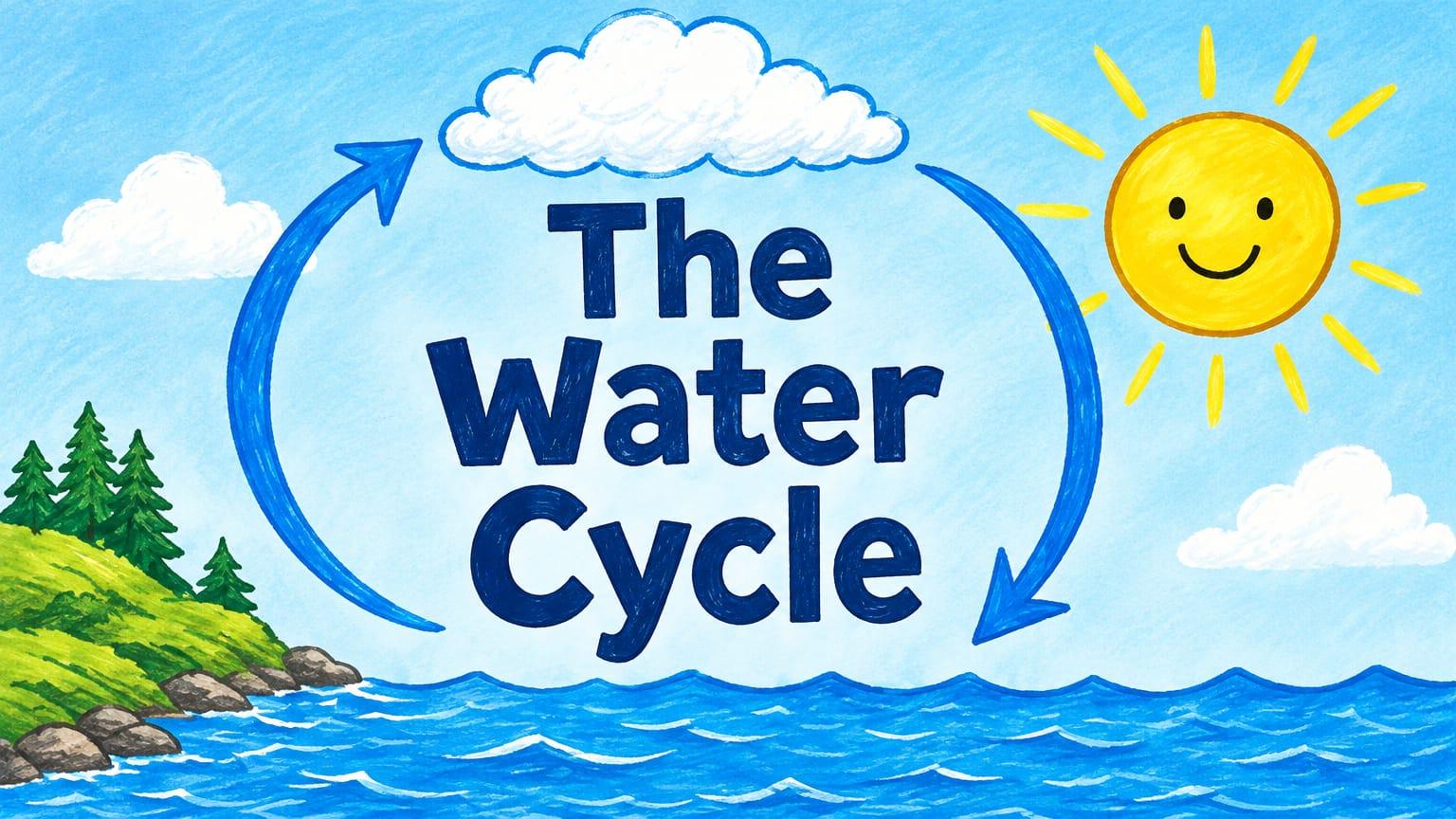
Science lesson: the water cycle (grade 5): Title

Why this deck works

  • The lesson starts with a question that a child can answer from experience: where does a puddle go?
  • Each stage has one slide, one picture, and one key word.
  • Slide 8 puts the four stages in one diagram. The students see the parts first and then the full cycle.
  • The quick check and the exit ticket show the teacher what each student learned.

The prompt that made it

GenPPT prompt
10-slide lesson for a grade 5 science class (ages 10 to 11) on the water cycle. One 45-minute lesson.

Slide order: 1 title, 2 today's goal in words a child understands, 3 a question to start (where does a puddle go?), 4 evaporation, 5 condensation, 6 precipitation, 7 collection, 8 the full cycle as one diagram, 9 quick check with three questions, 10 exit ticket.

Rules: one idea per slide. At most 20 words on a slide. Large type that a child can read from the back of the room. Each of the four stages has one clear picture and one key word. The diagram on slide 8 has arrows and the four labels. Style: bright and friendly, sky blue and sunny yellow, hand-drawn illustrations. No photos of people.
Math lesson: equivalent fractions (grade 4)

A 9-slide math lesson on equivalent fractions for ages 9 to 10. See each slide at full size.

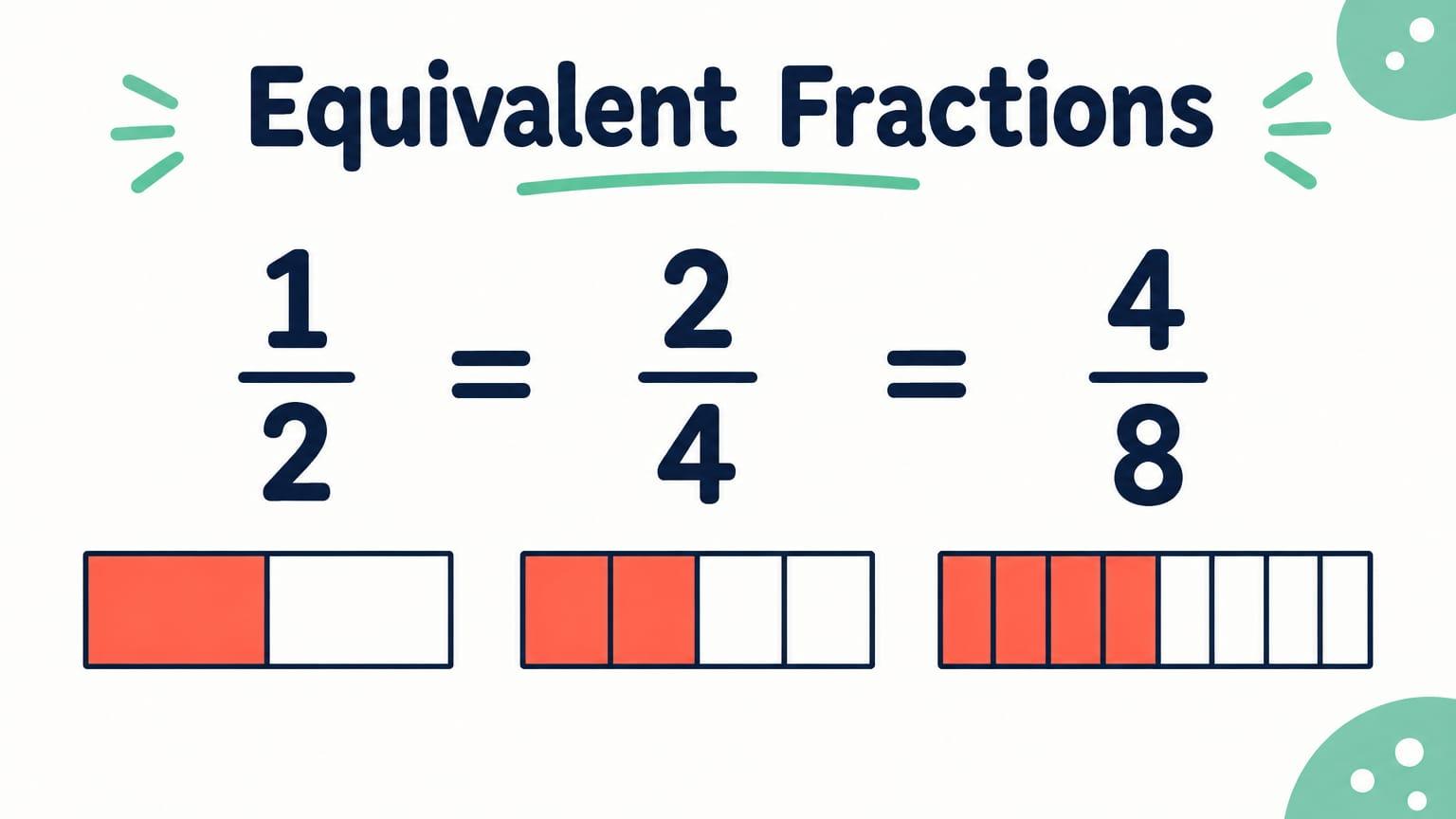
Math lesson: equivalent fractions (grade 4): Title

Why this deck works

  • The lesson starts with a pizza problem before it gives the rule.
  • Each fraction is a picture and a number. A student can compare the number with the picture.
  • The steps go from an example, to practice together, to practice alone.
  • The prompt tells GenPPT that each fraction must be correct. Check each fraction before you teach.

The prompt that made it

GenPPT prompt
9-slide math lesson for grade 4 (ages 9 to 10) on equivalent fractions.

Slide order: 1 title, 2 today's goal, 3 a pizza problem to start, 4 what equivalent means, 5 show that 1/2 = 2/4 = 4/8 with fraction bars, 6 the rule: multiply the top and the bottom by the same number, 7 try it together with two examples, 8 your turn with four problems, 9 exit ticket.

Rules: one idea per slide. At most 20 words on a slide. Large numbers. Draw each fraction as a picture and write it as a number. Each fraction and each picture must be correct. Style: playful and clean, coral and mint on white, flat shapes, pizza and chocolate bar illustrations. No photos of people.
1 message after the prompt
  1. Correct that, then render the slides.

English lesson: persuasive writing (grade 8)

A 9-slide English lesson on claim, evidence, and reasoning for ages 13 to 14. See each slide at full size.

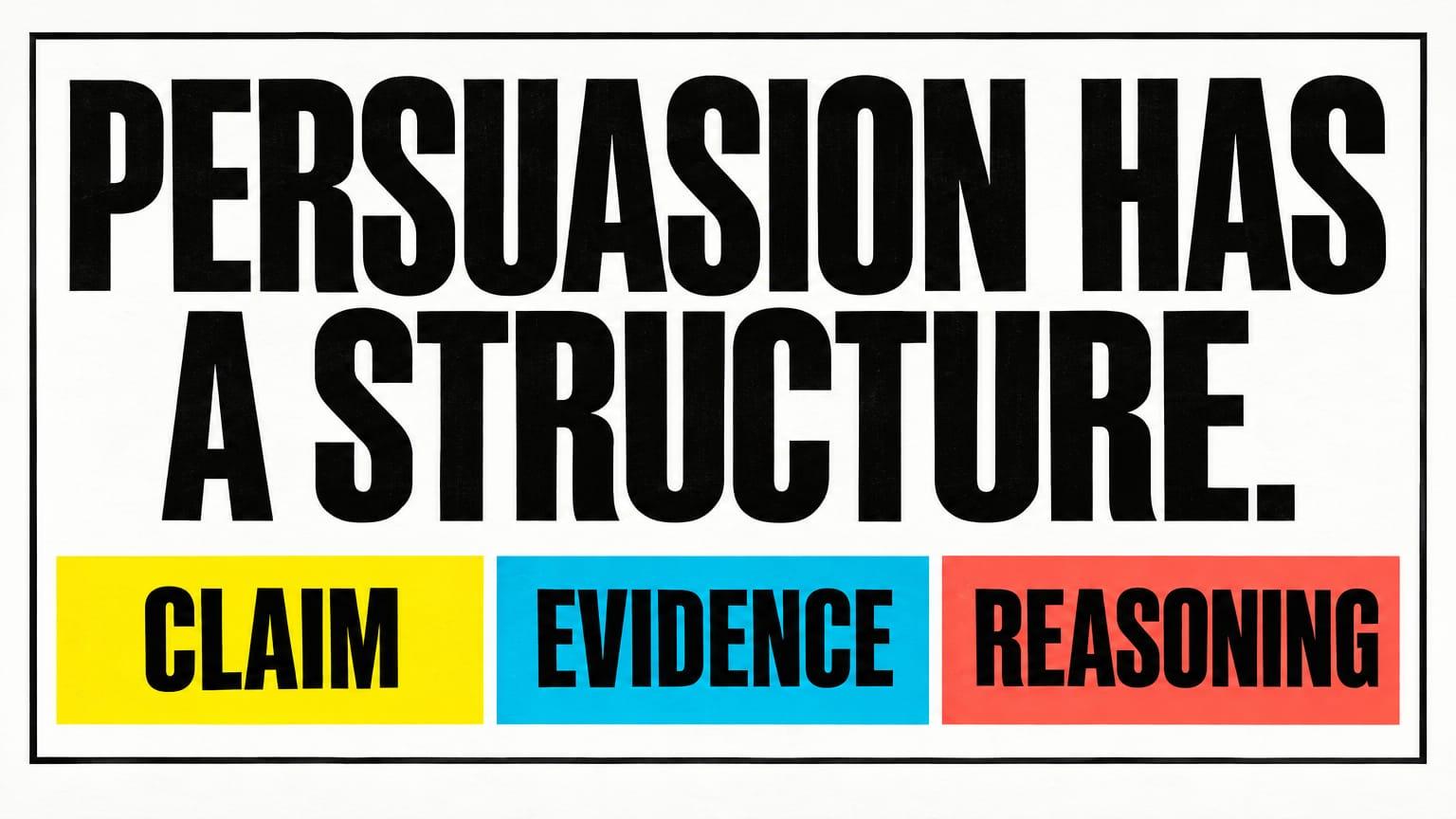
English lesson: persuasive writing (grade 8): Title

Why this deck works

  • Claim, evidence, and reasoning keep the same three colours on each slide.
  • One example goes through the full lesson: should school start one hour later?
  • Slide 7 shows a full model paragraph with the three parts marked.
  • The checklist on slide 8 lets students check their own paragraph.

The prompt that made it

GenPPT prompt
9-slide English lesson for grade 8 (ages 13 to 14) on how to write a persuasive paragraph with a claim, evidence, and reasoning.

Slide order: 1 title, 2 today's goal, 3 a question to argue about (should school start one hour later?), 4 claim, 5 evidence, 6 reasoning, 7 a model paragraph with the three parts in three colours, 8 your turn with a checklist, 9 exit ticket.

Rules: one idea per slide. Short text on each slide, but not on the model paragraph. Use the same three colours for claim, evidence, and reasoning on each slide. Style: bold editorial poster, black and white with three highlighter colours. No photos of people. No real people.
1 message after the prompt
  1. On slide 7, the claim must match slide 4. Change "Teenagers should start one hour later." to "School should start one hour later." Keep the design.
AI presentations

Stop stressing over formatting. Join 100,000+ professionals creating presentations worth presenting.