
AI Presentation Maker for Teachers
Turn lesson plans and PDF chapters into clear classroom slides.

Editable .pptx
How GenPPT builds teachers & education decks
- 01
Upload a lesson plan or chapter PDF
GenPPT turns your learning objectives into an editable slide outline.
Grade5_Lesson_Plan.pdf
Objectives detected - 02
Check facts and grade-level wording first
Edit definitions and student prompts, then pick a classroom-friendly look.
- 03
Export slides ready for class
Download editable .pptx or PDF for PowerPoint, Google Slides, or print.
Editable .pptxPDFPNG
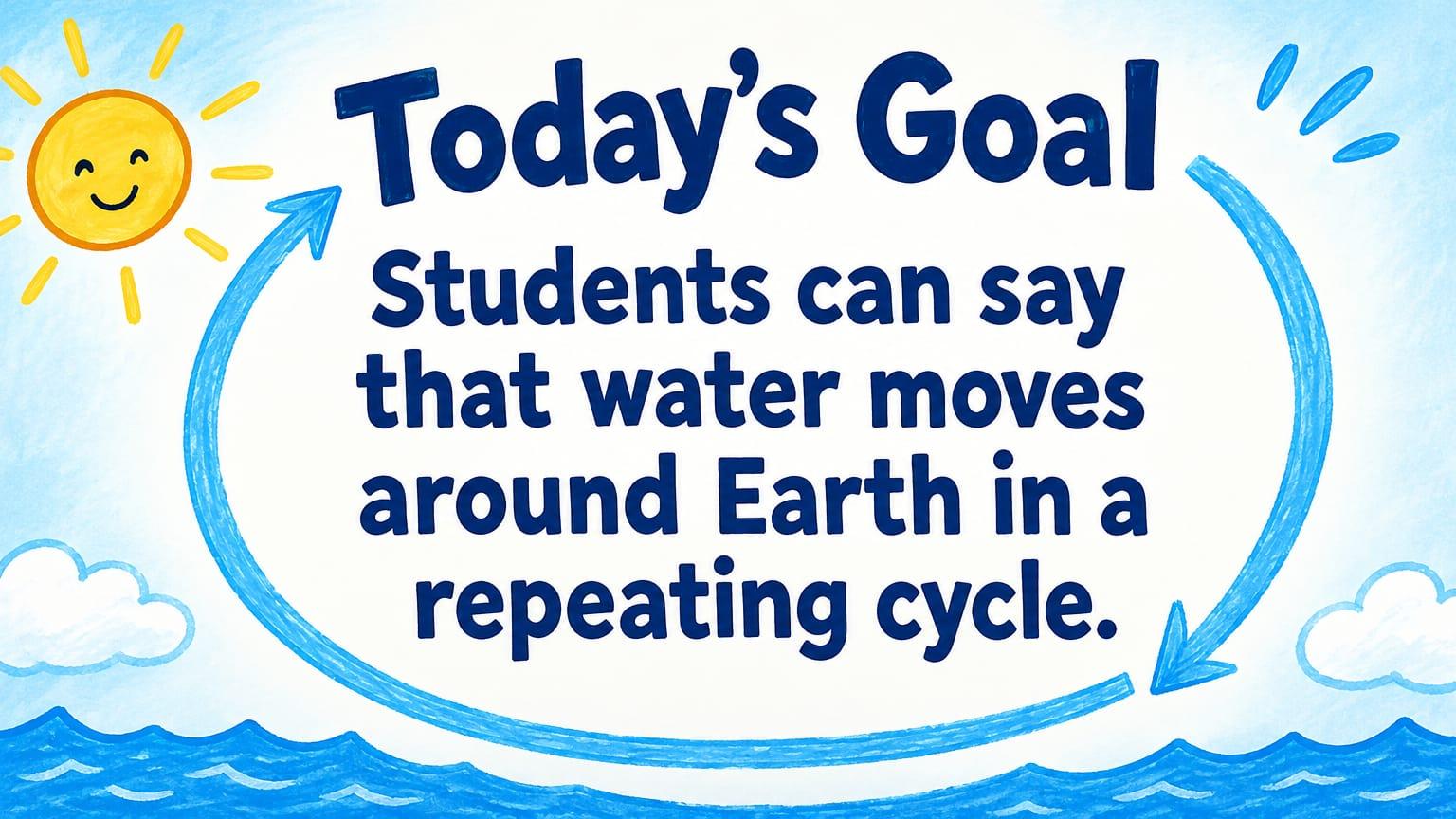
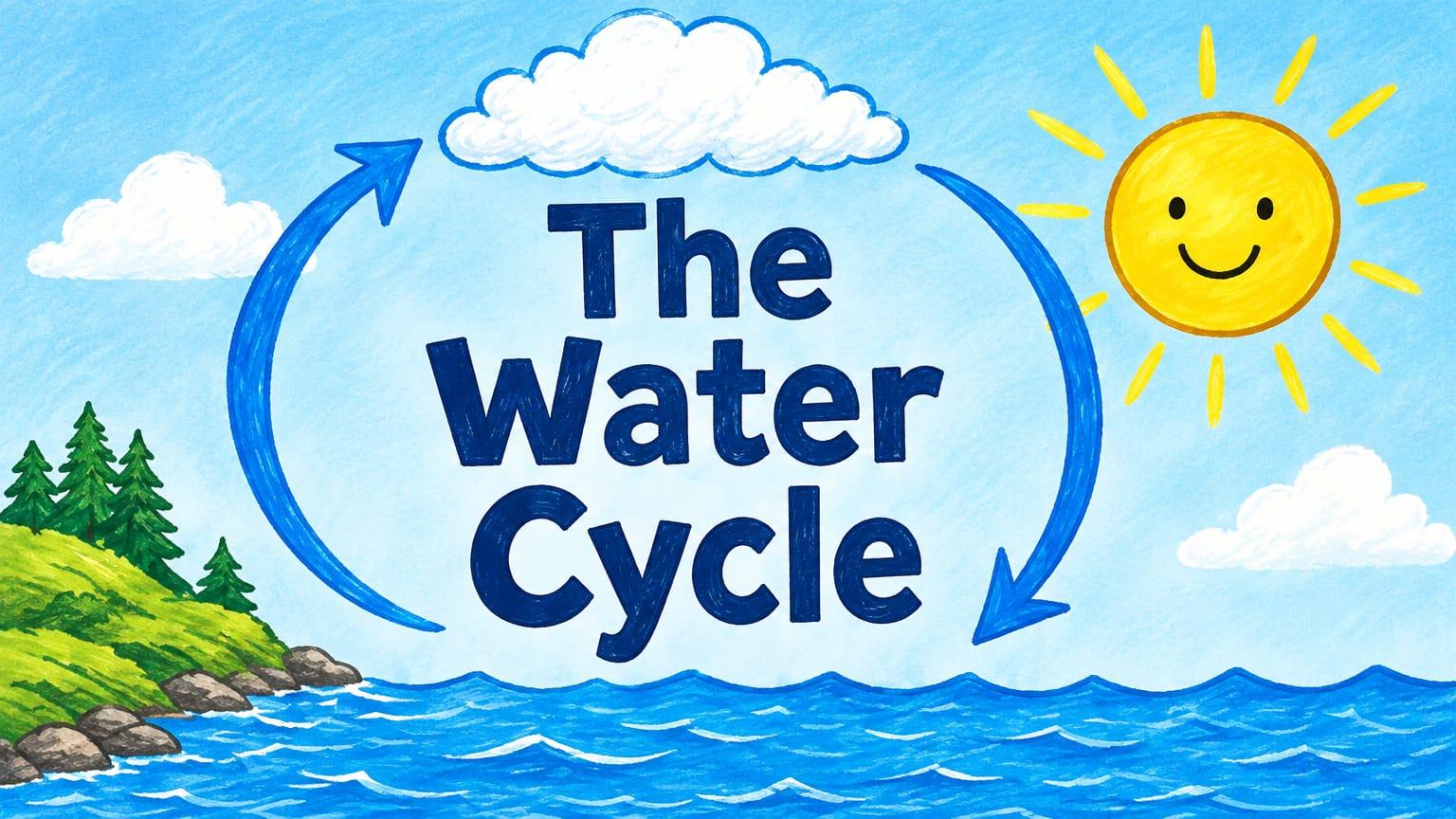
See a real deck: Science lesson: the water cycle (grade 5)
A 10-slide science lesson on the water cycle for ages 10 to 11. Inspect full prompt and slides or browse all lesson slides examples.
| Manual slides vs. GenPPT | Manual slides | GenPPT |
|---|---|---|
| Prep time | Hours of formatting | Minutes from a lesson plan |
| Starting point | Blank slide | Lesson plan or chapter PDF |
| Accuracy check | Proofread finished slides | Review the outline first |
| Classroom formats | Rebuild for each tool | .pptx, PDF, or Google Slides |
AI Presentation Maker for Teachers FAQ
- How do teachers turn a lesson plan into slides?
- Upload a lesson plan or chapter PDF. You review the outline for grade-level wording before slides render.
- Can I convert a PDF worksheet or chapter into PowerPoint?
- Yes. The free PDF to PowerPoint converter handles 3 files per day with no account.
- Do GenPPT lesson slides work in PowerPoint and Google Slides?
- Yes. Export Editable PowerPoint (.pptx) and import it into Google Slides, or export PDF for projection.
- Can students co-edit the slides live?
- No. GenPPT has no live multi-cursor editing, so use Google Slides or Canva for that after export.
Turn your next lesson into slides