
AI Presentation Maker for Marketing Teams
Turn one brief into campaign decks, carousels, and editable .pptx files.
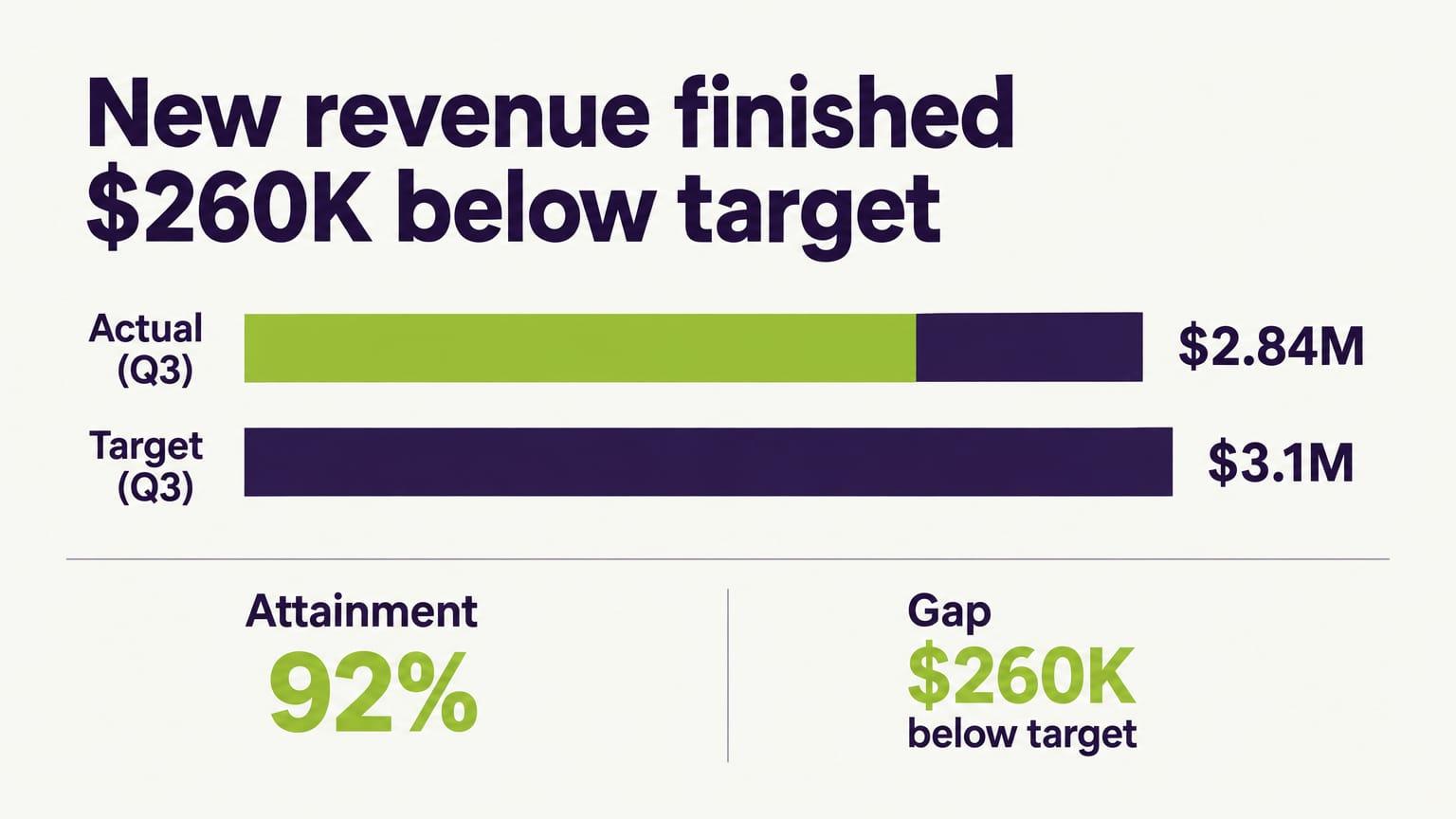
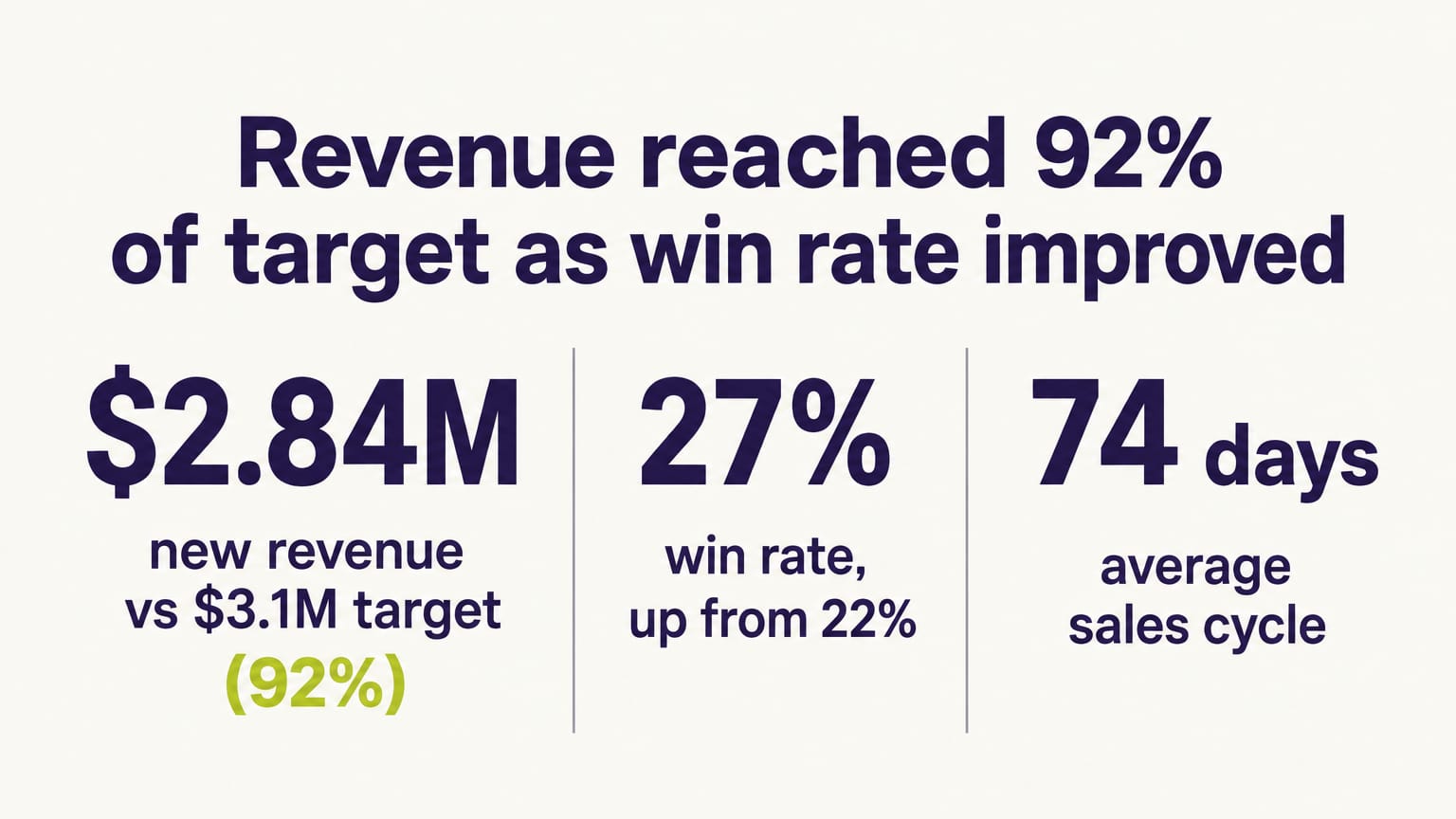
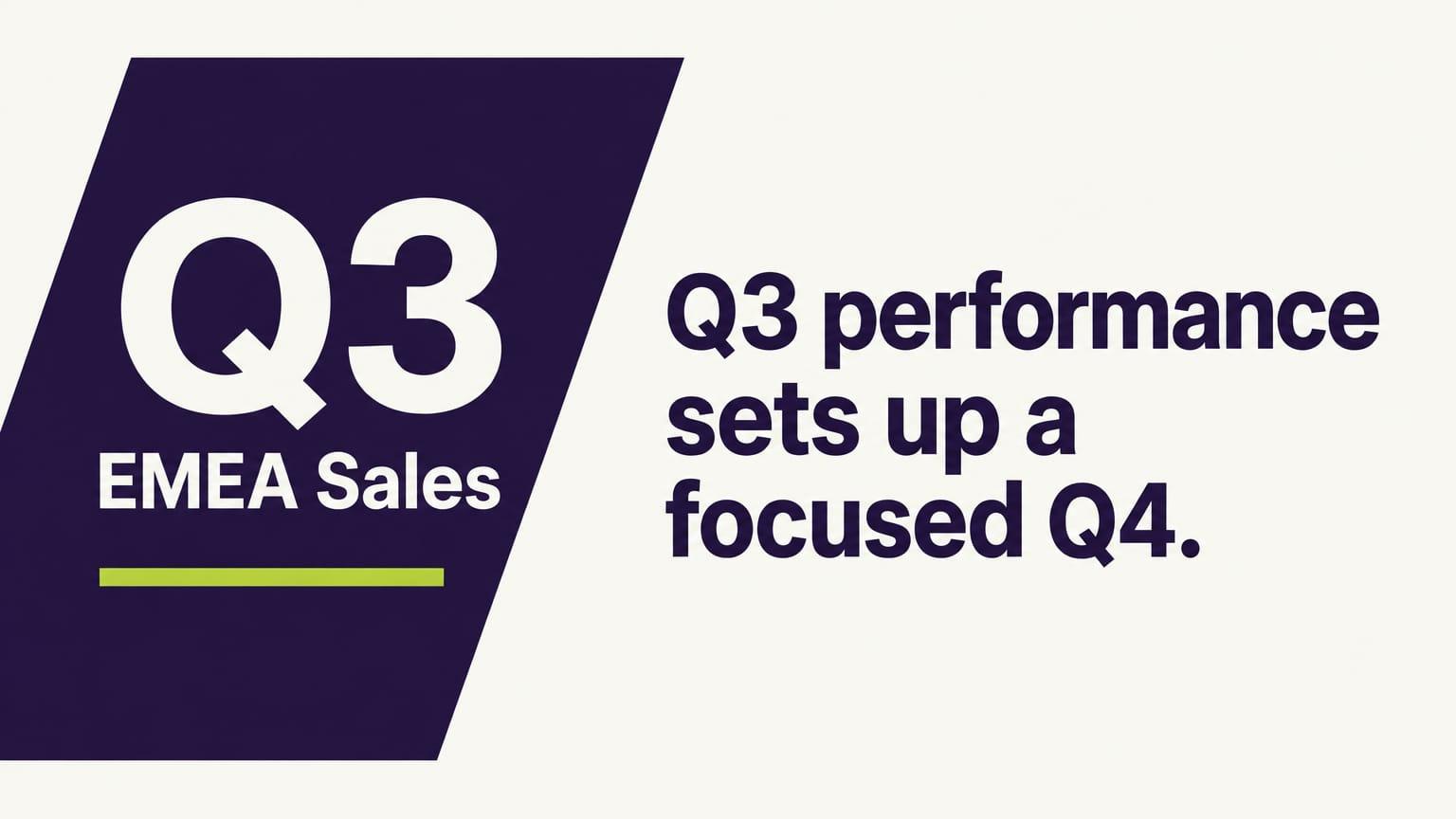
Editable .pptx
How GenPPT builds marketing teams decks
- 01
Start from a brief, blog URL, or report
Drop in one source and GenPPT drafts the whole campaign story.
Q3_Campaign_Report.pdf
Analytics PDF - 02
Lock the copy and aspect ratio
Approve every headline, then choose 16:9, 1:1, 4:5, or 9:16.
- 03
Export decks, carousels, and posts
Ship editable .pptx, LinkedIn PDF carousels, or 4:5 PNG slides.
Editable .pptxPDFPNG
See a real deck: Internal sales QBR for leadership
A 9-slide quarterly review of an invented sales region for its leadership team. Inspect full prompt and slides or browse all quarterly business review examples.
| Manual design vs. GenPPT | Manual design | GenPPT |
|---|---|---|
| Formats | Resize each one by hand | 8 aspect ratios, one workflow |
| Source material | Copy and paste from briefs | Brief, blog URL, or CSV |
| Visual direction | Mockups before buy-in | 4-panel concept sheet first |
| Exports | Separate file per channel | .pptx, PDF carousel, or PNG |
AI Presentation Maker for Marketing Teams FAQ
- Can marketing teams make both 16:9 decks and social carousels?
- Yes. One workflow covers 8 aspect ratios, from 16:9 decks to 1:1 LinkedIn PDFs and 4:5 Instagram PNGs.
- Can I turn a blog post or campaign report into slides?
- Yes. Paste a blog URL or upload a report PDF or CSV, then edit the outline before design.
- Does GenPPT support live team editing like Canva?
- No. Review and exports are asynchronous, so use Canva or Google Slides for live multi-user editing.
- What does GenPPT cost for marketing teams?
- Carousel outline previews are free with no login. Full exports start with a $1 3-day trial, then $25/month or $99/year.
Ship your next campaign deck and carousel