The best AI presentation maker for teachers depends on whether you start from a blank curriculum standard, a PDF reading packet, or an existing Google Slides template.
We make GenPPT, and we tested how AI presentation generators handle real classroom constraints: keeping word counts under 20 words per slide for younger grades, turning PDF chapters into lesson slides without inventing facts, and ending with a guided practice check and an exit ticket.
7 best AI presentation makers for teachers at a glance
| Tool | Best for | Takes PDF / Word handouts? | Exports PowerPoint / Google Slides? | Teacher pricing (Nov 2026) |
|---|---|---|---|---|
| 1. GenPPT | Illustrated full-slide lessons from a prompt or PDF | Yes (PDF, Word, text, URL) | Exports .pptx and PDF (opens in Google Slides) | Free PDF converter (3 slides); full studio $1 trial, then $25/mo or $99/yr |
| 2. Canva for Education | Free K-12 classroom templates & worksheets | Yes (Docs to Decks) | Exports .pptx, PDF, or presents in browser | 100% free for verified K-12 teachers |
| 3. MagicSchool AI | Standards-aligned lesson plans & slide outlines | Yes | Exports to Google Slides | Free tier for teachers; Plus ~$8.33/mo annual |
| 4. Slidesgo AI | Fast topic-to-template slides | Prompt only on free tier | Exports .pptx and Google Slides themes | Free with monthly download limits; Premium ~$3–$5/mo |
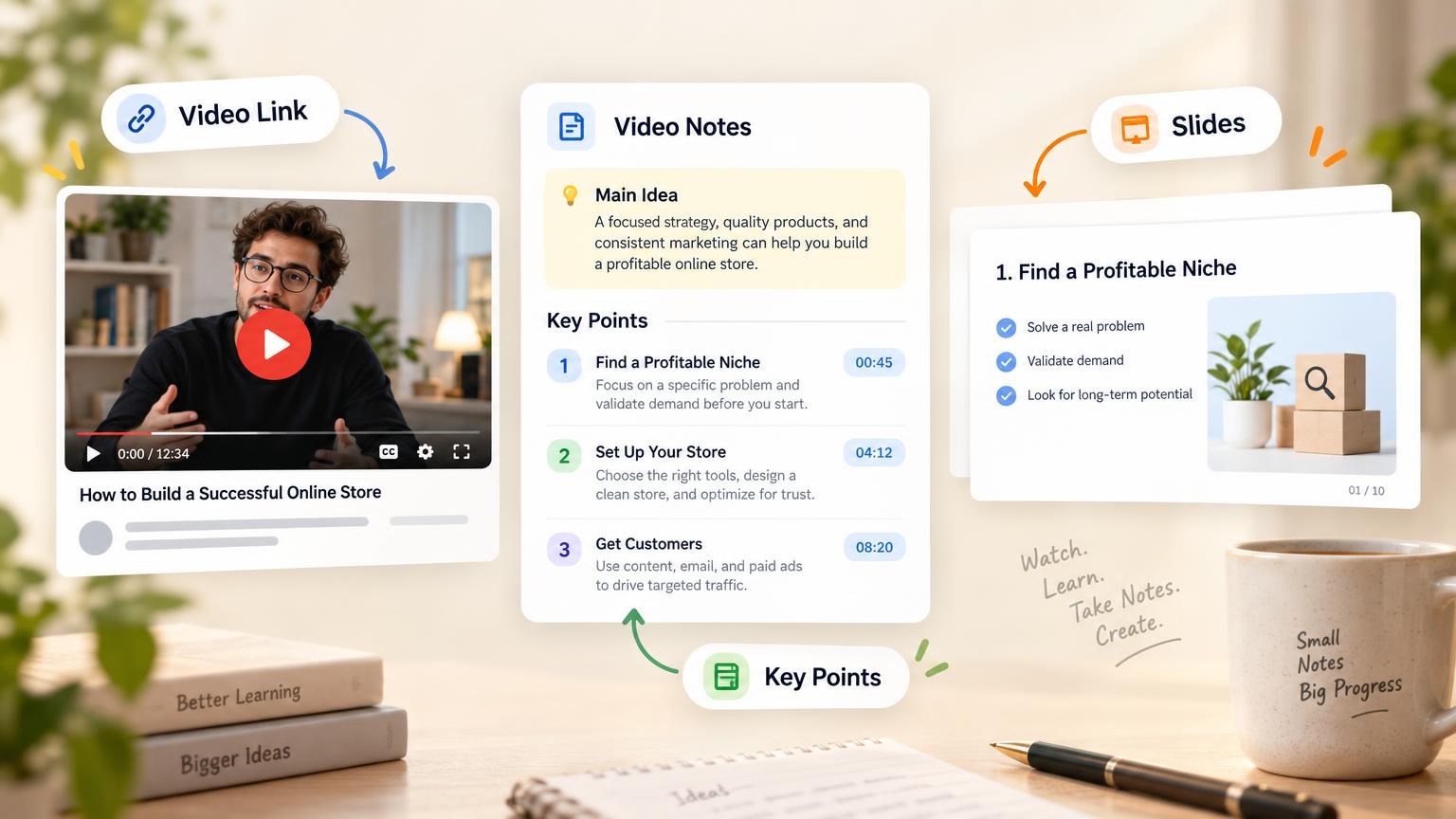
| 5. Brisk Teaching | Turning a webpage, YouTube video, or Google Doc into slides | Yes (Chrome overlay) | Builds directly in Google Slides | Free for teachers; School/Educator Pro plans |
| 6. Plus AI | District-locked Google Slides & PowerPoint templates | Yes | Native Google Slides & PowerPoint add-on | 7-day trial, then $10–$15/mo |
| 7. Gamma | Async student study guides and web cards | Yes | Web link, PDF, or .pptx | 400 free credits at signup; Plus $9–$12/mo |
For a broader test of 20 general presentation tools outside the classroom, read our Best AI Presentation Makers & PowerPoint Generators (2026) guide.
Real classroom slides: 3 prompts that work
Most teachers get poor results from AI slide generators because they type a three-word prompt like "Make a presentation on fractions." Without a slide structure and a word-count cap, the AI writes five-bullet paragraphs that students cannot read from the back row.
Here are three real classroom decks generated in GenPPT using structured teacher prompts. You can view every slide and download the PDFs in our lesson slide examples.
Example 1: Grade 5 science: The water cycle (10 slides)
Teacher prompt rules: ages 10 to 11, one idea per slide, at most 25 words per slide, open with a real-world question ("Where does a puddle go when the sun comes out?"), and end with four check questions.
Example 2: Grade 4 math: Equivalent fractions (9 slides)
Teacher prompt rules: ages 9 to 10, at most 20 words per slide, draw each fraction as both a visual bar/pizza model and a number (1/2 = 2/4 = 4/8), move from "I do" to "We do" to "You do", and finish with an exit ticket.
Example 3: Grade 8 English: Persuasive writing (9 slides)
Teacher prompt rules: ages 13 to 14, color-code Claim, Evidence, and Reasoning using the exact same three highlighter colors across every slide, include a full model paragraph on slide 7, and put a student self-check rubric on slide 8.
1. GenPPT: best for visual lesson slides and PDF handouts
GenPPT is built for teachers and professors who want visual, illustrated slides rather than a stock template filled with bullet points.
- Start from a lesson plan, PDF, or topic: Upload a textbook chapter PDF, a syllabus Word doc, or paste your lesson objectives.
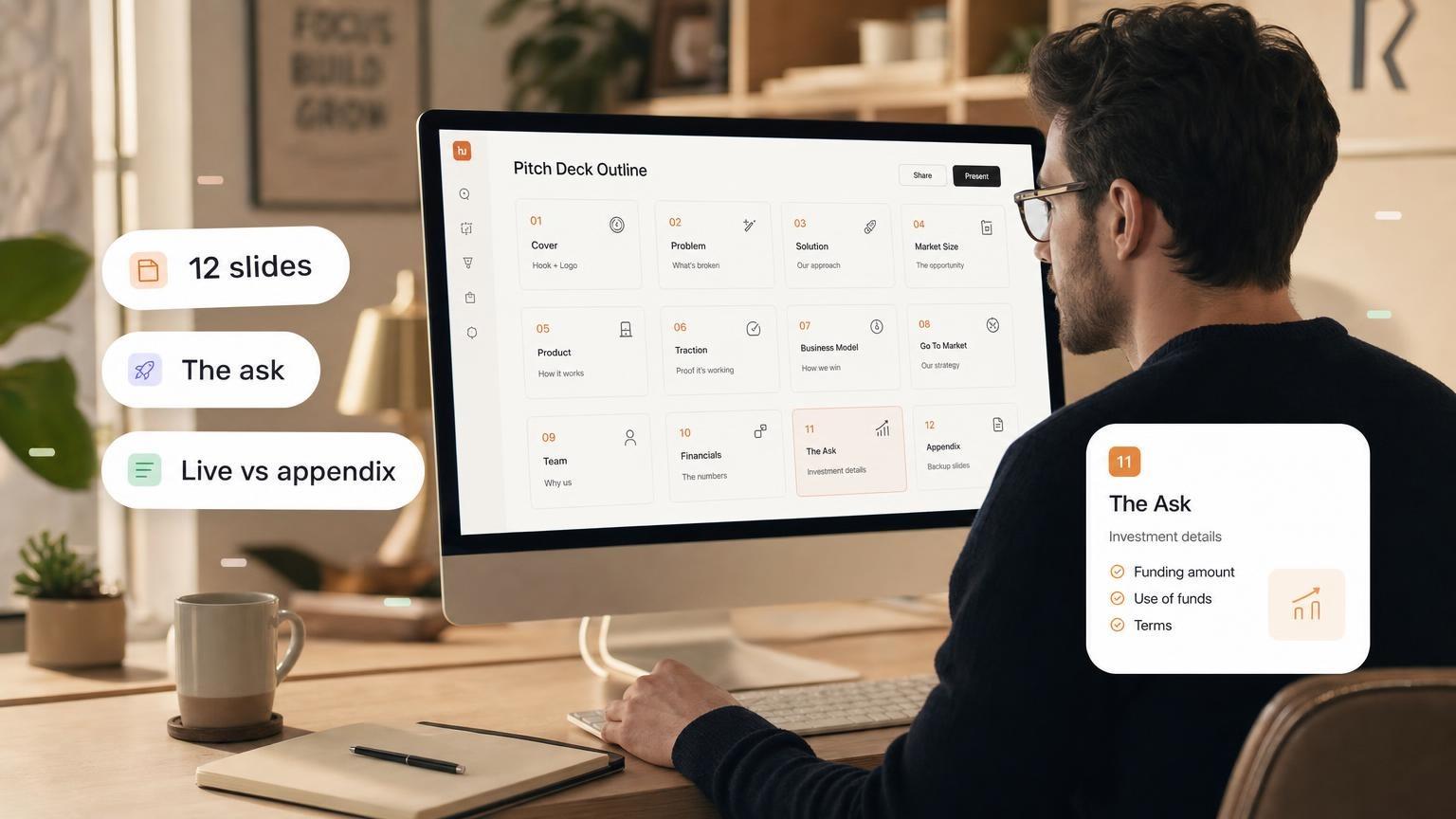
- Approve the slide-by-slide outline first: Check that vocabulary, definitions, and math problems are accurate before any visuals are generated.
- Pick a visual concept: Choose between playful flat illustrations for elementary classes, bold editorial posters for middle school, or clean diagram-first slides for high school and university lectures.
- Export to PowerPoint (
.pptx) or PDF: Open the file in Microsoft PowerPoint, upload it to Google Slides, or post the PDF to Google Classroom or Canvas.
- What to know before you use it: GenPPT renders each slide as a complete designed image so diagrams and typography never overflow text boxes. To change a word or problem on a slide, you ask in the GenPPT chat and regenerate that slide before exporting.
- Pricing: Use the free PDF to PowerPoint converter for 3 free conversions per day (no account required). Full studio access starts with a $1 three-day trial, then $25/month or $99/year.
2. Canva for Education: best free design suite for K-12
Canva for Education gives verified K-12 teachers free access to Canva Pro's template library and Magic Design AI tools.
- Strengths: Completely free for verified K-12 educators, thousands of classroom templates, and live student collaboration.
- Limitations: Magic Design caps prompt length and does not parse long PDF reading packets well. If you want to compare workflows, see our Canva AI presentation maker alternative page.
3. MagicSchool AI: best for standards-aligned lesson outlines
MagicSchool AI includes a Presentation Generator alongside 60+ teacher planning tools (rubrics, IEP helpers, worksheet generators).
- Strengths: Lets you specify grade level and state/Common Core standards, then exports the text outline into Google Slides.
- Limitations: It generates text-heavy slides inside a basic Google Slides layout, so you still need to add diagrams and visual formatting yourself.
4. Slidesgo AI: best for quick themed Google Slides templates
Slidesgo pairs a prompt-to-deck generator with its catalog of illustrated Google Slides and PowerPoint themes.
- Strengths: Free tier with no credit card required; editable shapes and text boxes in Google Slides.
- Limitations: Works from short topic prompts rather than uploaded PDFs, and free users hit monthly template download caps. See our Slidesgo alternative comparison.
5. Brisk Teaching: best Chrome extension for Google Slides
Brisk Teaching runs as a Chrome extension over Google Docs, YouTube videos, and web articles.
- Strengths: Click an article or YouTube video you want to teach, choose the target reading level, and Brisk generates a Google Slides deck directly in your Drive.
- Limitations: Visual layouts rely on basic Google Slides themes rather than custom illustrations.
6. Plus AI: best for Google Slides and PowerPoint slide masters
Plus AI is a native add-on inside Google Slides and Microsoft PowerPoint.
- Strengths: Keeps every text box editable inside your school or university Slide Master.
- Limitations: Requires a card for its 7-day trial ($10–$15/month after). Read our Plus AI alternative and SlidesAI alternative guides for details.
7. Gamma: best for scrollable student reading guides
Gamma generates web-native card decks that students can scroll through on Chromebooks or tablets.
- Strengths: 400 free credits at signup; great for asynchronous study guides or flipped-classroom reading packets.
- Limitations: Scrollable web cards are harder to project on a classroom whiteboard from the back of the room, and
.pptxexports can shift layout. Compare them on our Gamma alternative page.
How to turn a curriculum PDF into lesson slides for free
If you have a PDF chapter, lab handout, or article and want to turn it into slides without creating an account:
- Open GenPPT's Free PDF to PowerPoint Converter.
- Upload your PDF (up to 50 MB and 60 pages).
- GenPPT extracts the key points into a complete slide-by-slide outline and renders the first 3 slides as a downloadable
.pptxfile, keeping every date, formula, and figure intact.
For a full walkthrough on converting academic PDFs and scanned notes, read How to Turn a PDF into a PowerPoint with AI.
Copy-paste lesson slide prompt for teachers
Use this structure in any AI presentation maker to prevent walls of text:
Create a [9]-slide [subject] lesson for [grade level / age range] on [topic].

Slide order:
1. Title slide
2. Today's learning goal in student-friendly words
3. Opening hook question from everyday life
4–6. Core concept broken into 3 visual steps (I do)
7. Guided practice example to solve together (We do)
8. Independent practice prompt or checklist (You do)
9. 3-question exit ticket

Rules:
- One idea per slide.
- Maximum [20] words per slide.
- Every headline must be a complete sentence stating the takeaway.
- Style: [playful flat illustrations / clean scientific diagrams / bold editorial poster].
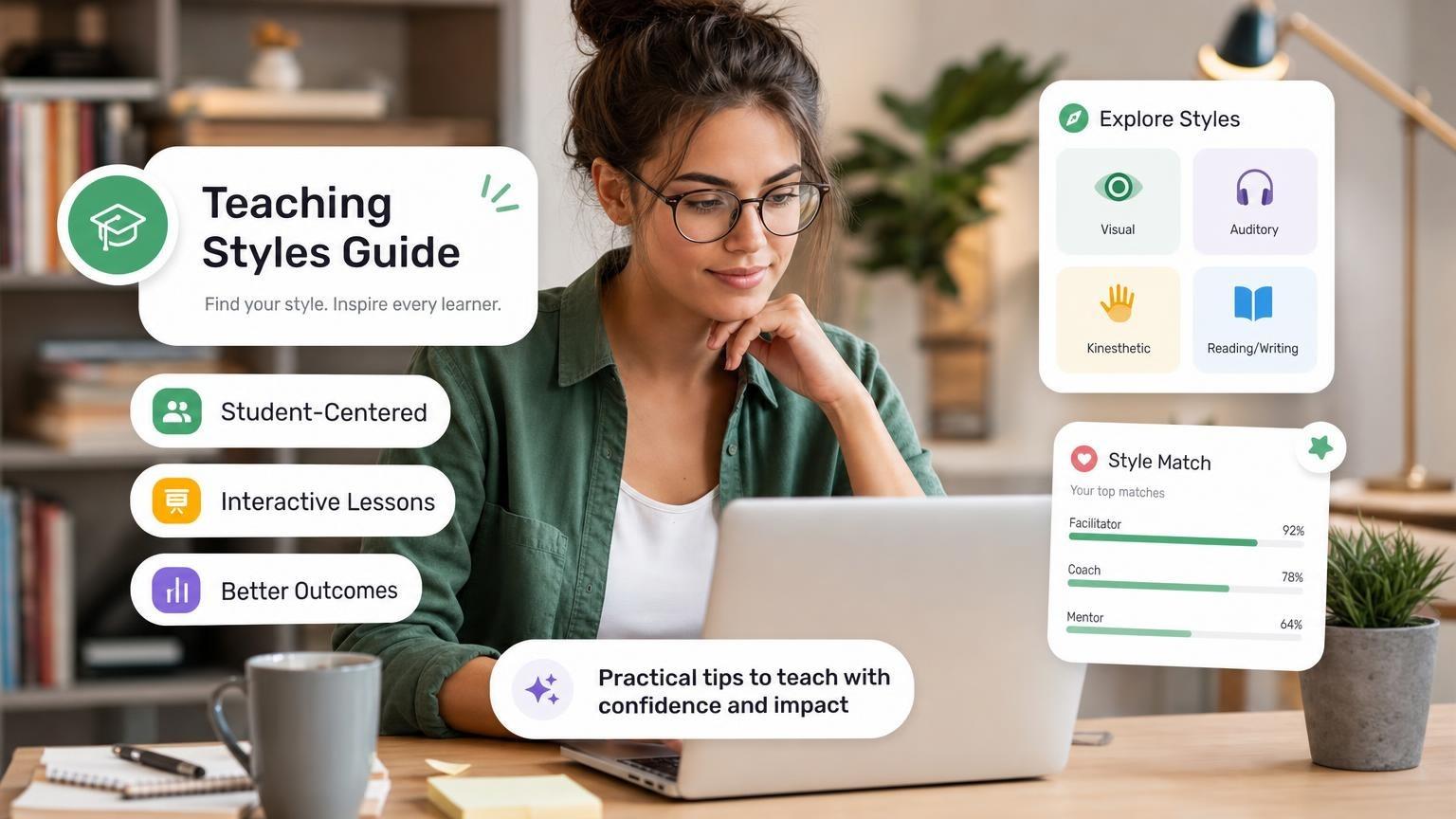
Need help matching your slide pacing to your classroom format? Read our guides on 5 Top Teaching Styles and How Many Slides Per Minute.
AI presentation maker for teachers FAQ
What is the best free AI presentation maker for teachers?
Canva for Education is 100% free for verified K-12 teachers. Brisk Teaching and MagicSchool AI offer free teacher tiers that export text outlines to Google Slides. If you want to convert a PDF chapter into designed PowerPoint slides without signing up, use GenPPT's free PDF to PowerPoint converter.
Can AI make PowerPoint slides from a lesson plan PDF or Word doc?
Yes. In GenPPT, you can upload a PDF, Word document, or syllabus, edit the extracted slide-by-slide outline so no facts or formulas are changed, and export a .pptx or PDF deck.
How do I open GenPPT slides in Google Slides for Google Classroom?
Export your deck as a .pptx file from GenPPT, upload the file to Google Drive, and click Open with Google Slides. Because each slide is rendered as a full-resolution visual, fonts, fraction bars, and diagrams never shift on student Chromebooks.