
AI Presentation Maker for Sales Teams
Turn discovery notes into a tailored sales deck you can edit in PowerPoint.
Editable .pptx
How GenPPT builds sales teams decks
- 01
Drop in discovery notes or an RFP
Paste call notes, a prospect URL, or upload their RFP PDF.
RFP_Scope_Brief.pdf
Discovery notes added - 02
Approve the account-specific story
Confirm problem, proof, pricing, and next steps before any slide renders.
- 03
Send a deck that looks custom-built
Export editable .pptx for the call or a PDF leave-behind.
Editable .pptxPDFPNG
See a real deck: Sales deck for a first call
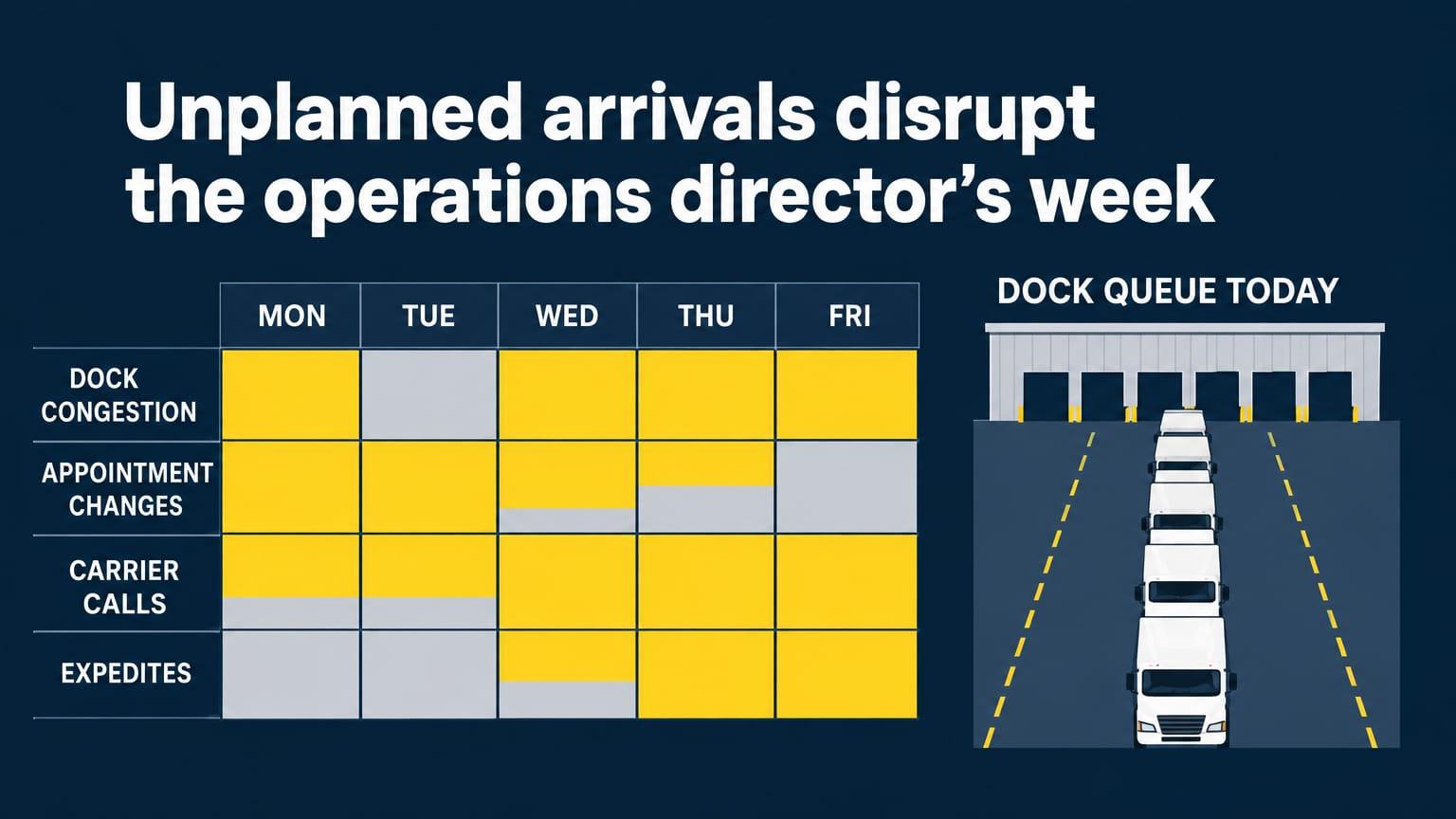
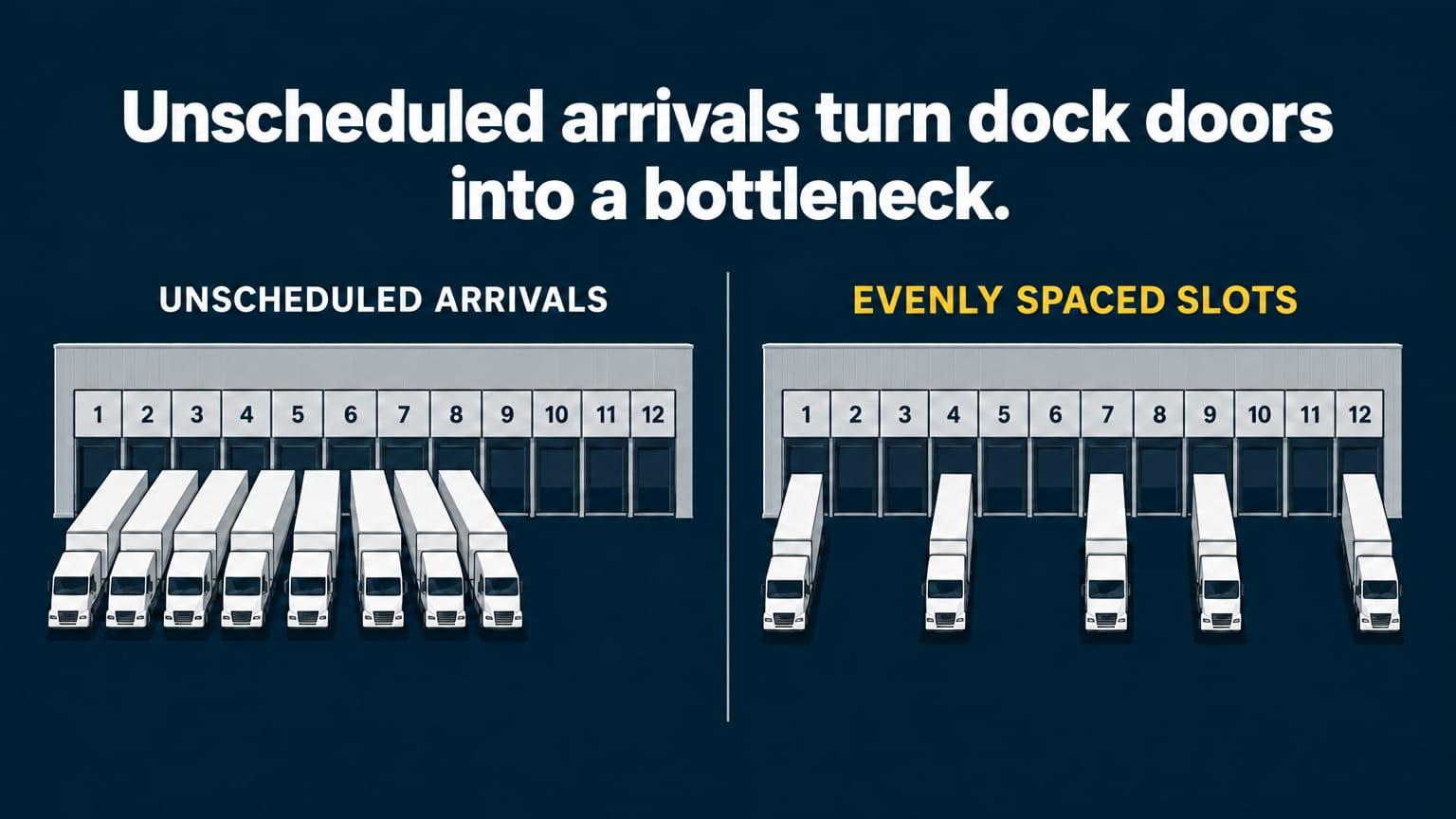
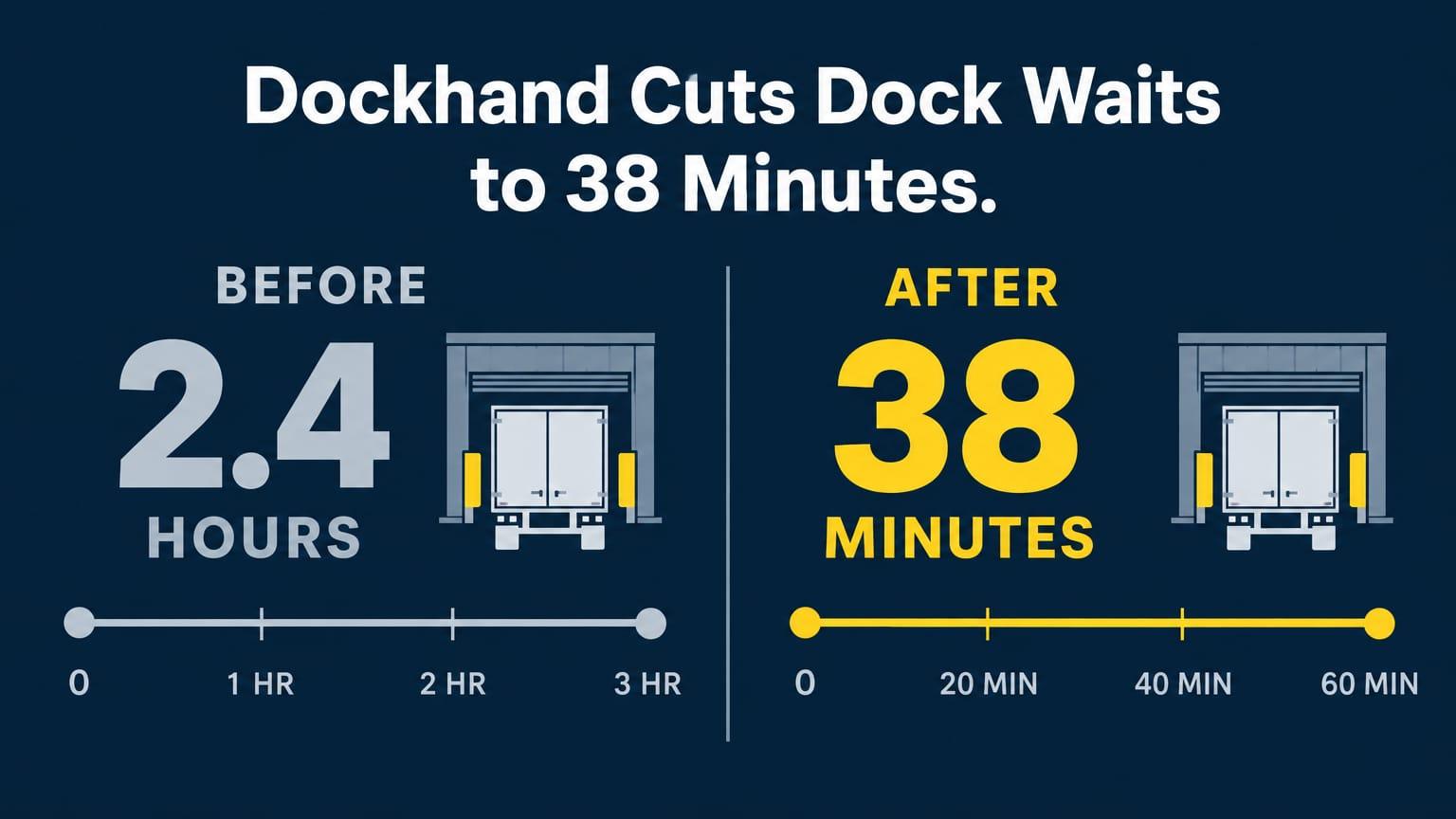
A 10-slide deck for a first call with an operations director. The seller is an invented dock scheduling product. Inspect full prompt and slides or browse all sales deck examples.
| Manual slides vs. GenPPT | Manual slides | GenPPT |
|---|---|---|
| Tailored deck | Hours per prospect | Minutes from your notes |
| Starting input | Blank template | Call notes, URL, or RFP PDF |
| Late changes | Rework the whole deck | Revise one slide in chat |
| Leave-behind | Fix overflowing text boxes | Editable .pptx or clean PDF |
AI Presentation Maker for Sales Teams FAQ
- How fast can I customize a sales deck for a new prospect?
- Paste discovery notes, a prospect URL, or an RFP PDF. You edit the outline, then GenPPT renders the deck.
- Can I send the deck as a PDF leave-behind or PowerPoint?
- Both. Export Editable PowerPoint (.pptx) for final tweaks, or a clean PDF leave-behind.
- Does GenPPT sync with my CRM or corporate template?
- No. It does not sync live CRM fields or build on a locked .potx Slide Master.
- Can I edit just the pricing or case study slide?
- Yes. Revise a single slide in chat without regenerating the whole deck.
Send a tailored sales deck today