

 Built in 38s
Trusted by 100,000+ professionals
Turn a prompt, notes, Word doc, or PDF into designed slides. Approve the outline first, then export an editable PowerPoint, PDF, or PNG.
$1 trial for 3 daysCard required
Want to try it free first? Convert a PDF to 3 designed slides with the free PDF to PowerPoint tool (3 a day, no account), or open real rendered decks in your browser.

Three steps from source material to a finished deck. You check the plan before any slide is drawn.
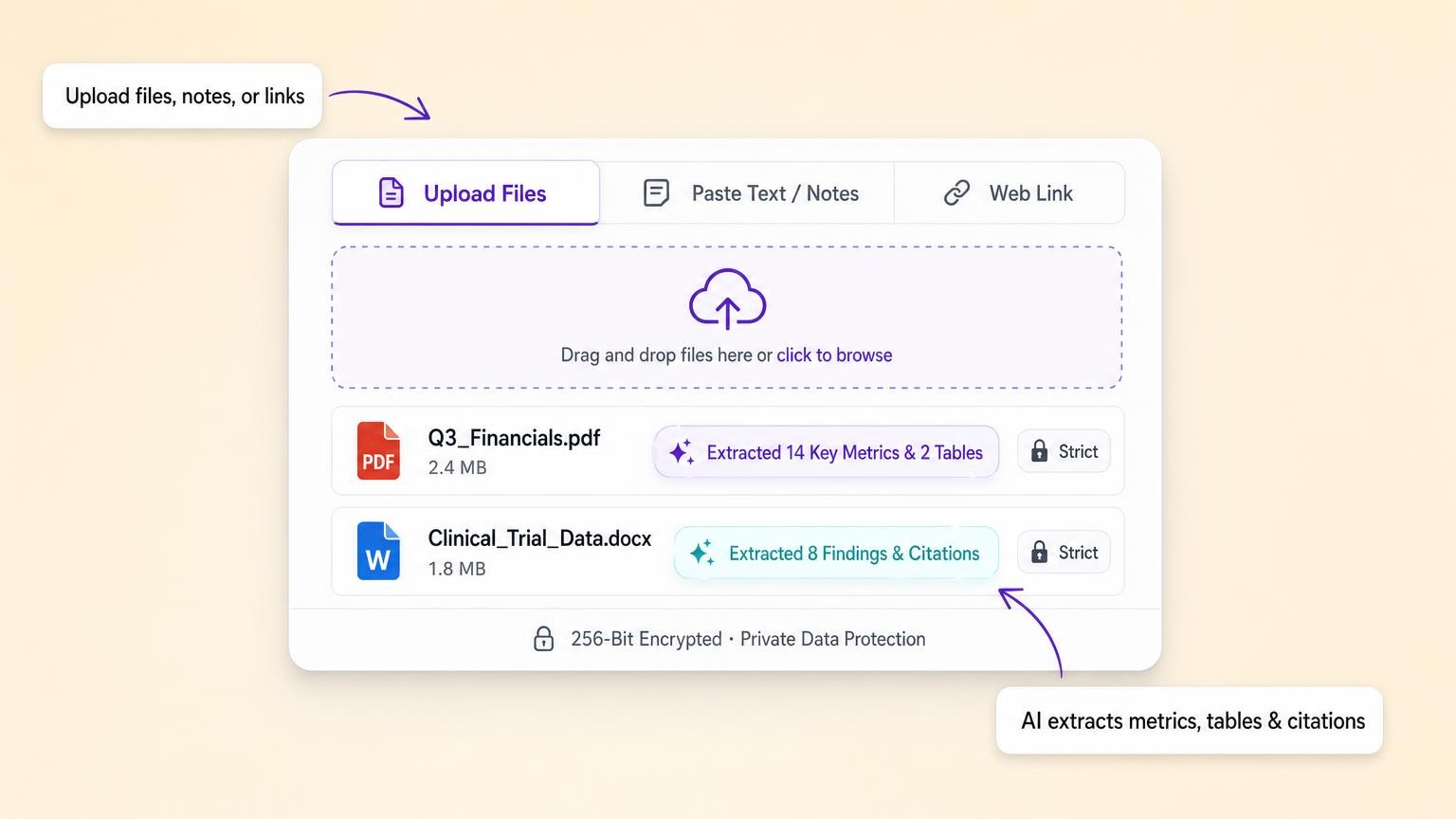
Type a prompt, paste notes, or upload a PDF, Word doc, or spreadsheet. You can also add a URL. Choose "File only" to keep every fact grounded in your file.
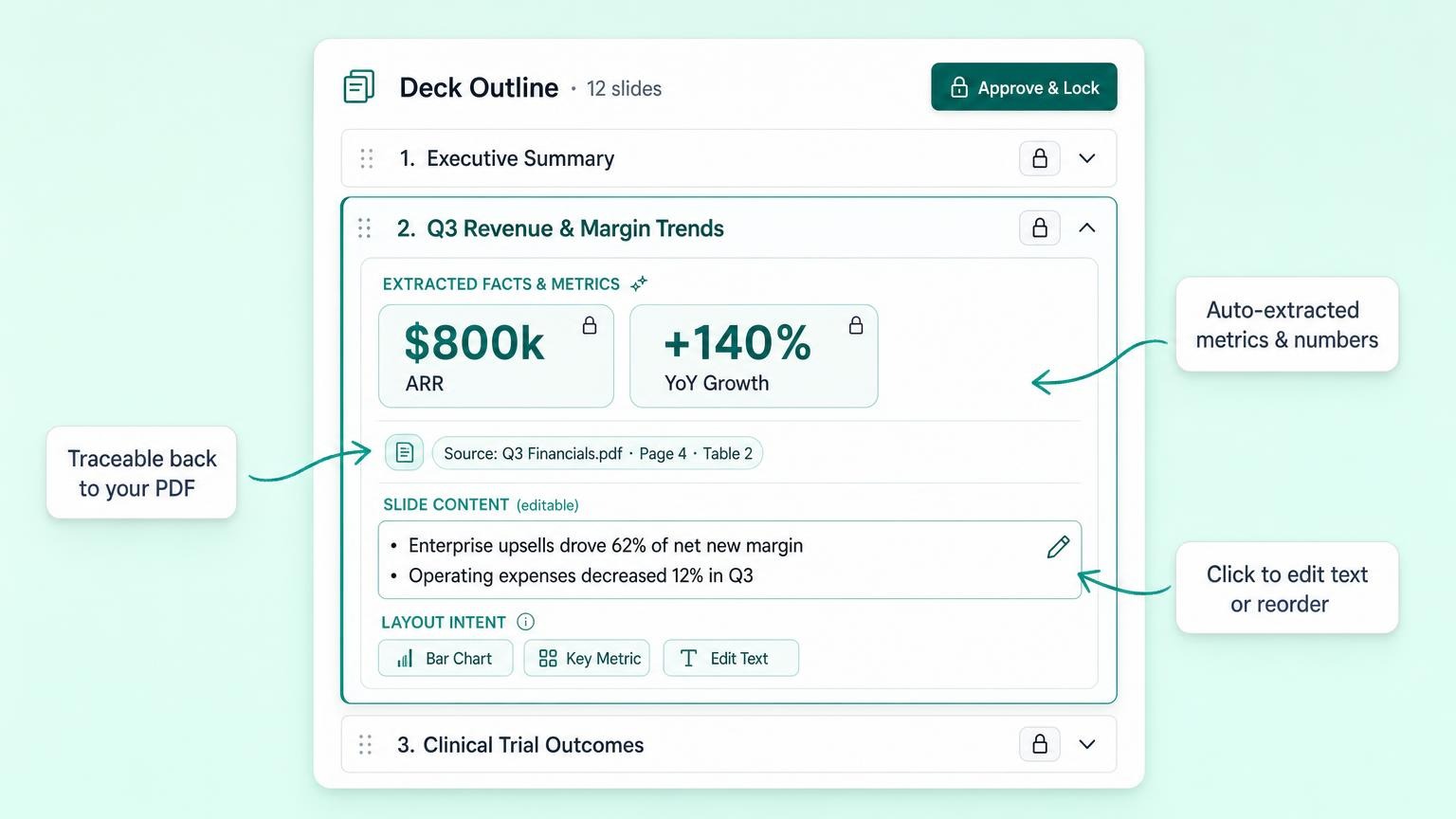
Edit the slide-by-slide outline, then pick an art direction from a 4-panel visual concept sheet. Nothing renders until you approve both.

Ask for changes to any slide in chat. Export an editable .pptx, a fixed-image .pptx, PDF, or PNG.
Every input goes through the same outline and concept approval, so every input can export to every format below.
| Input | What GenPPT does |
|---|---|
| Prompt or pasted text | Writes a slide-by-slide outline from your topic, audience, and key points |
| PDF or report | Extracts figures and claims into the outline; "File only" keeps facts to your file |
| Word doc or notes (.docx, .txt) | Turns headings and paragraphs into slide titles and short points |
| Spreadsheet (.xlsx, .csv) | Reads your numbers for chart and table slides |
| URL or brief | Uses the page content as source material for the outline |
| AI agent via MCP | Claude, ChatGPT, or Cursor call genppt_create_slideshow at genppt.com/mcp |
| Export | Editability |
|---|---|
| Editable PowerPoint (.pptx) | Native text boxes, numbers, tables, and charts you edit in PowerPoint or Keynote. Artwork stays a picture behind them. |
| Image PowerPoint (.pptx) | Each slide is one full-bleed image, so fonts and layout never shift. Edit copy in chat before export. |
| Fixed layout for sharing, printing, or attaching to email. | |
| PNG | High-resolution image per slide for social posts or docs. |
Aspect ratios: 16:9, 4:3, 3:2, 1:1, 4:5, 3:4, 2:3, 9:16. Use 16:9 for presentations, 4:5 for Instagram and LinkedIn carousels, and 9:16 for stories. Read the MCP docs to make decks from an AI agent.
Open any example to flip through every rendered slide. No login needed.
Built in 38s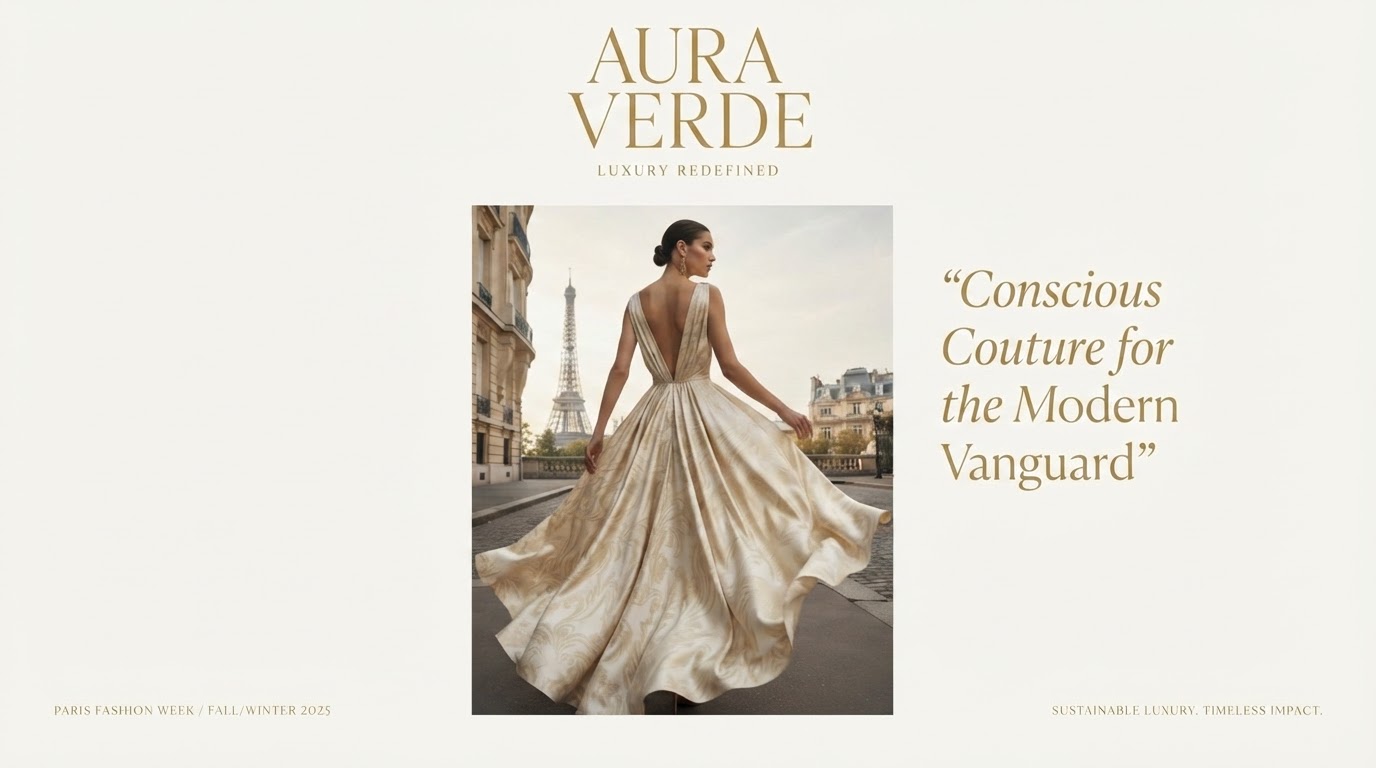
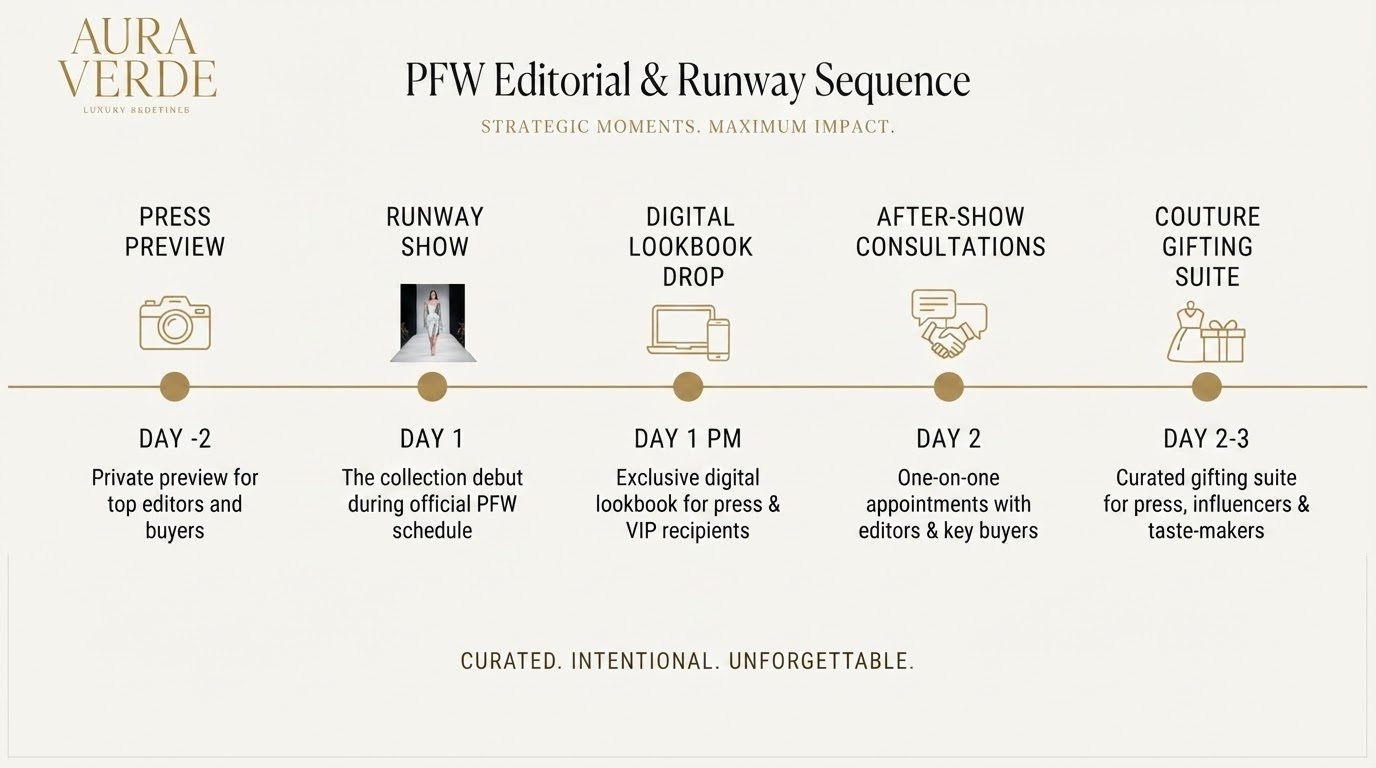 Built in 38s

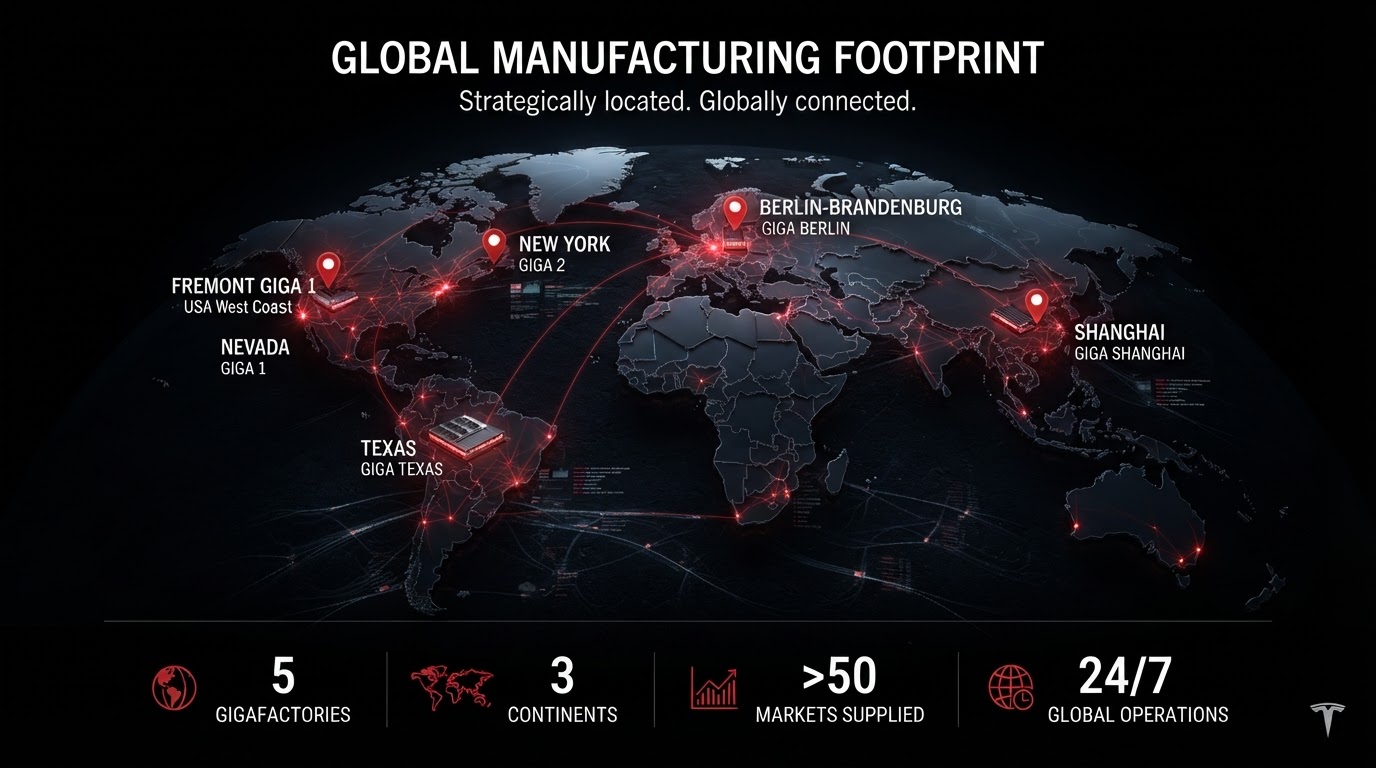 Built in 38s
“Tesla gigafactory expansion, 3D global maps, battery architecture”
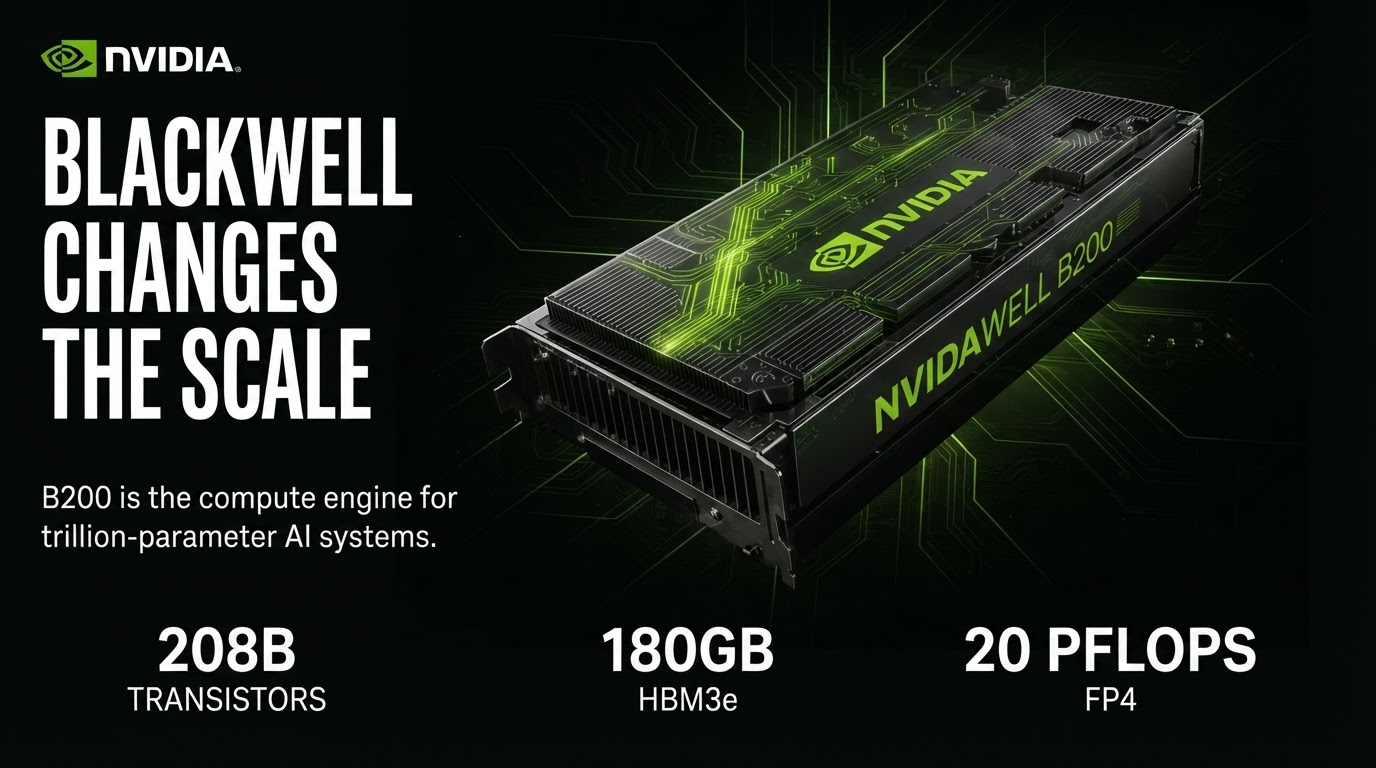
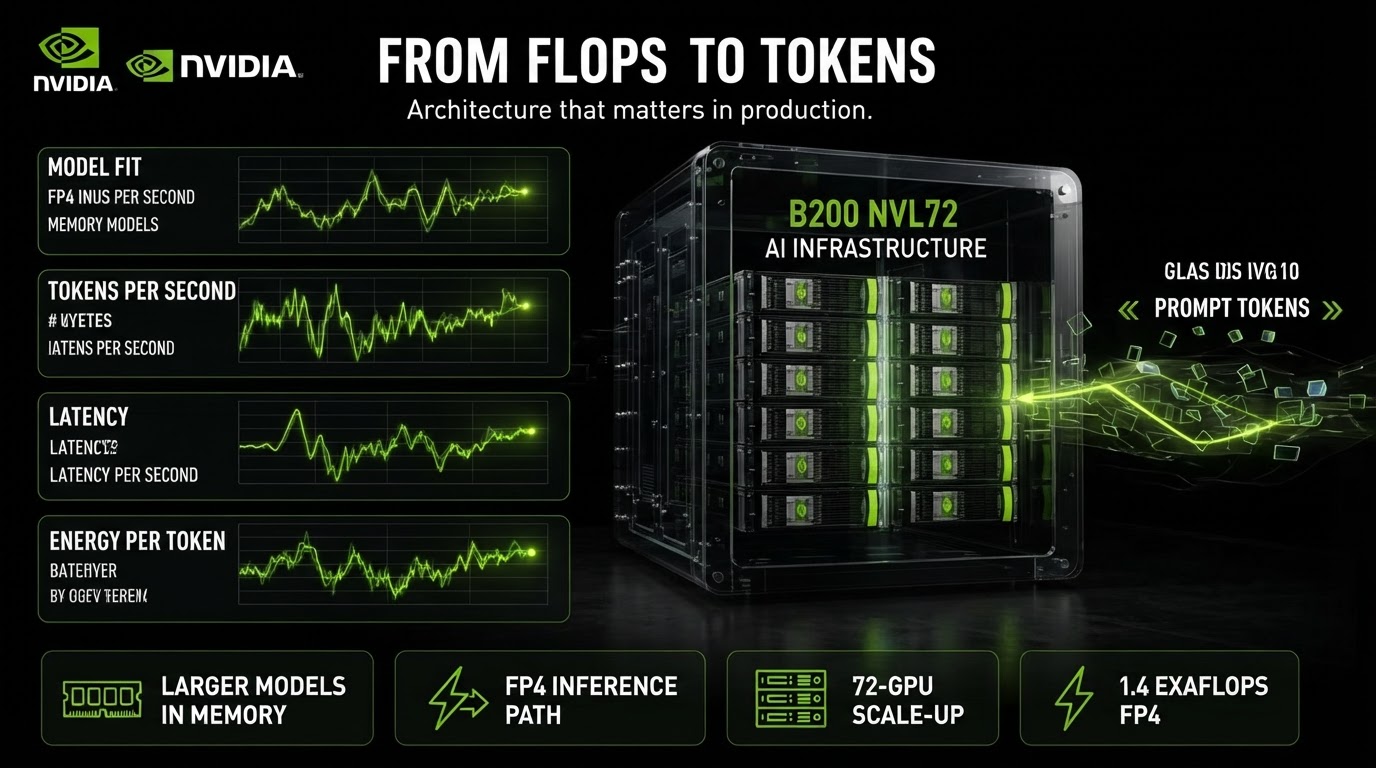 Built in 38s
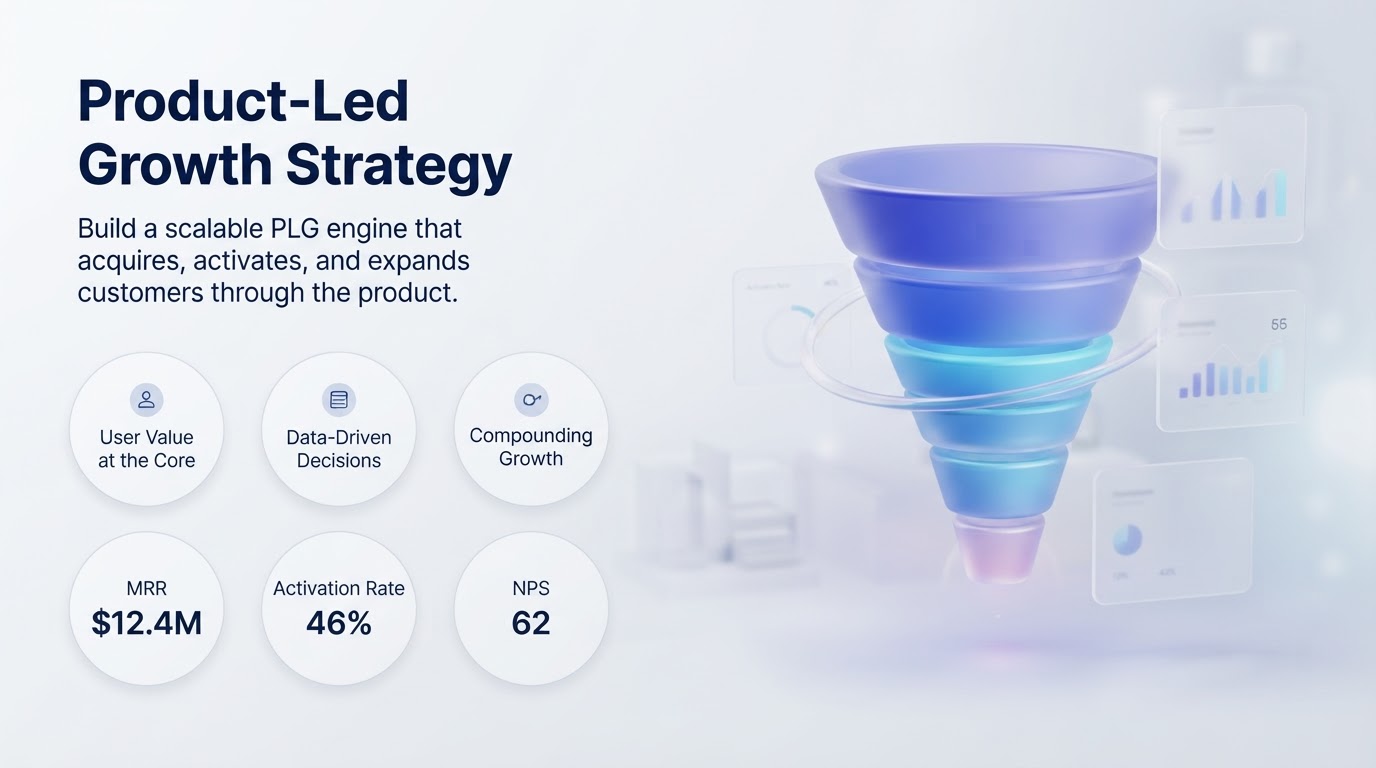
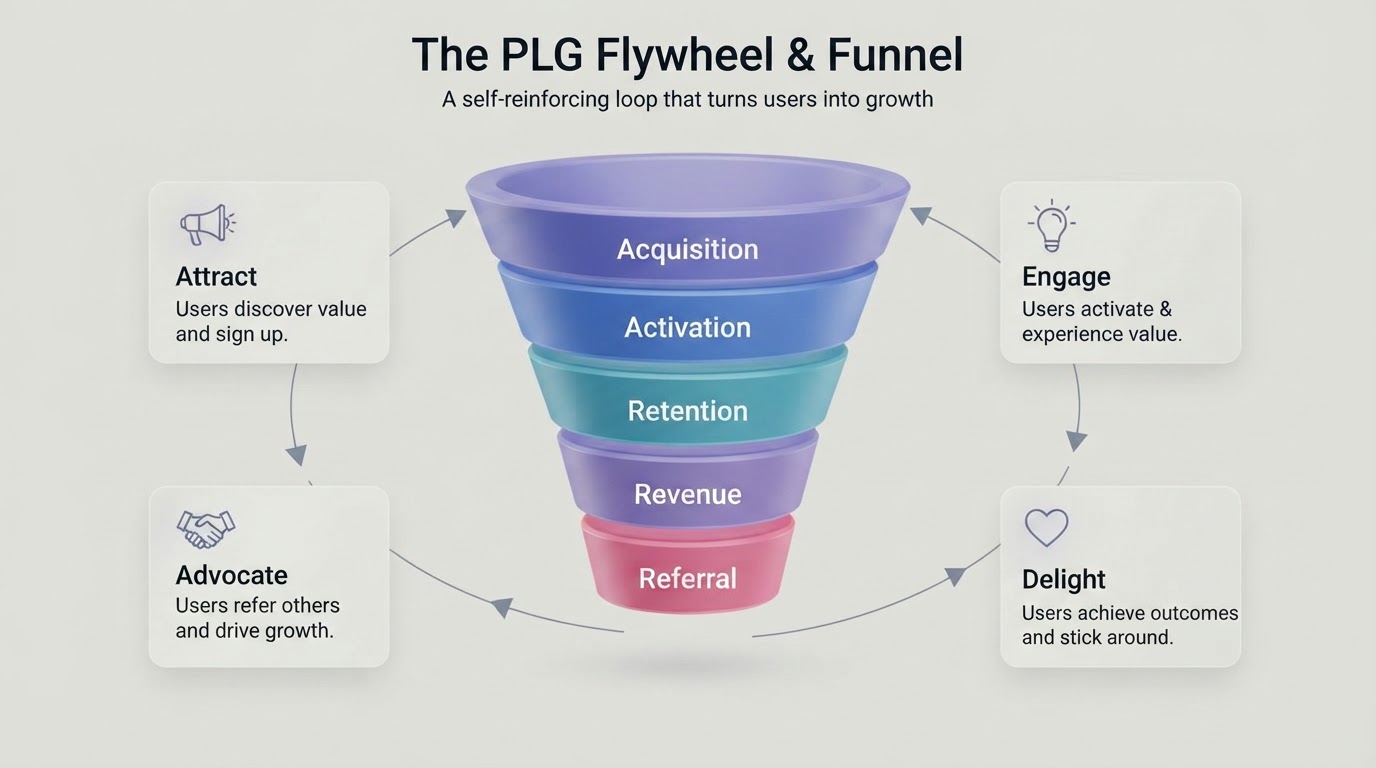 Built in 38s
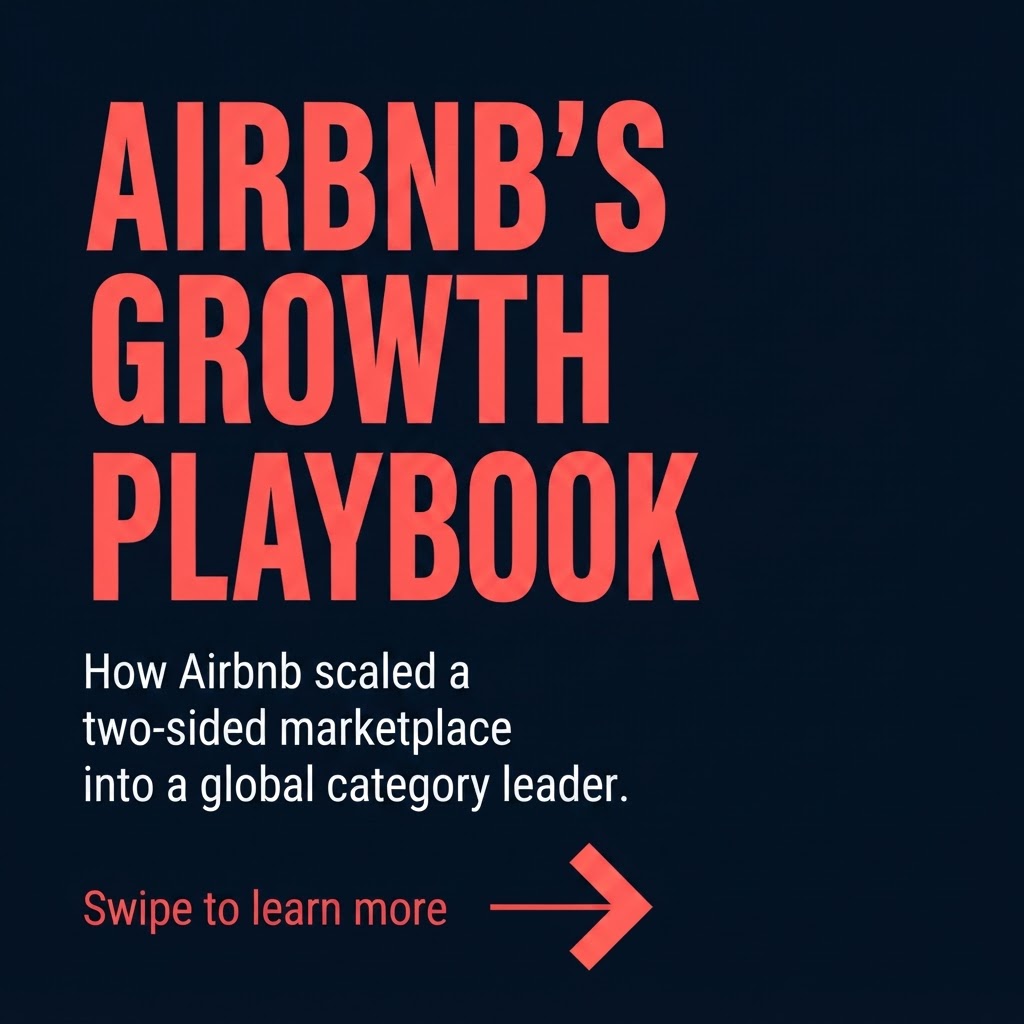
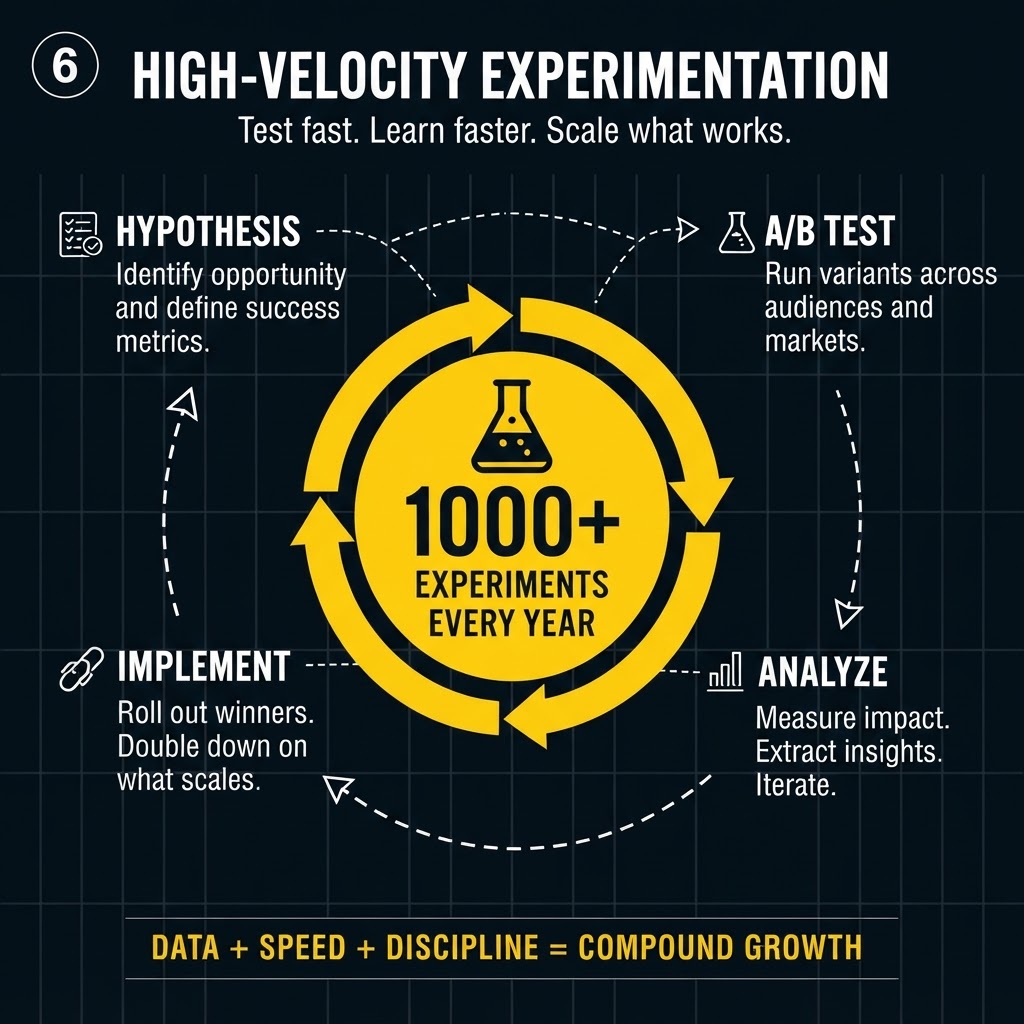 Built in 38s
“Airbnb growth playbook, 8-slide 1:1 carousel, bold typography”
Browse more in the live deck showcase or by role in use cases.
Each tool wins at a different job. Competitor facts come from our tests and vendor pricing pages, as cited in our 20-tool benchmark.
| Factor | GenPPT | Gamma | Canva / Slidesgo | Native add-ins (Plus AI, Copilot) |
|---|---|---|---|---|
| Best job | Turning PDFs, reports, and notes into designed 16:9 slides with exact numbers | Scrollable web cards shared as a link | Template editing with team design and brand kits | Drafting slides inside your company PowerPoint or Google Slides master |
| Control before slides render | Edit and approve a slide-by-slide outline, then pick from a 4-panel visual concept sheet | Edit the outline before cards generate | Short prompt into a template, then edit in the editor | Outline approval inside existing template layouts |
| Numbers from a PDF | Kept 8 of 8 KPIs in our Fernhollow Q3 2026 PDF test | Not tested by us on the same PDF | Starts from a short prompt, not a long document | Not tested by us on the same PDF |
| Editable .pptx export | Editable .pptx with native text, numbers, tables, and charts; or image .pptx and PDF | .pptx keeps editable text; tall cards can shift in a 16:9 frame | .pptx and PDF export; Slidesgo has a monthly download cap | Native text boxes and shapes in your Slide Master |
| Pricing and free tier | $1 3-day trial (card required), then $25/mo or $99/yr; free PDF converter 3 a day, no login | 400 one-time free credits, then Plus at $9 to $12/mo | Free plans with caps; Canva Pro $15/mo or $144/yr | Carded trials; Plus AI from $10/user/mo, Copilot $21 to $30/user/mo plus Microsoft 365 |
Head-to-head detail: GenPPT vs Gamma, Canva alternative, Plus AI alternative, and the AI PowerPoint generator for .pptx-first work.
Stop stressing over formatting. Join 100,000+ professionals creating presentations worth presenting.