
Can Claude make PowerPoint presentations? Yes. Claude's pricing page (captured 21 November 2026) lists "create files, and run code" and "Claude Design, Slides, Docs" on the Free plan ($0). Pro costs $17/month billed yearly ($200 up front) or $20 monthly and adds Claude Code plus "Claude in Chrome and Microsoft 365". Max is $100/month.
Claude does not design the slides. A Claude .pptx is code-generated text boxes on a plain layout. For art-directed, full-bleed slides, connect Claude to GenPPT's AI PowerPoint generator through its remote MCP server at https://genppt.com/mcp, or upload the same document straight into GenPPT. In our Fernhollow Q3 2026 PDF test, GenPPT kept 8 of 8 KPIs and rendered 8 slides in 1 min 21 s after a 2 min 34 s outline and concept step.
Can Claude make PowerPoint files on every plan?
Yes, with limits on how much you can make. Anthropic's pricing page showed these individual plans on 21 November 2026:
| Plan | Price | Slide-related features listed | Usage |
|---|---|---|---|
| Free | $0 | Create files, run code, Artifacts, Claude Design, Slides, Docs | Limited, resets every 5 hours and every week |
| Pro | $17/mo billed yearly ($200 up front) or $20 monthly | Everything in Free, plus Claude Code, Projects, more models, Claude in Chrome and Microsoft 365 | More usage than Free |
| Max | $100/mo | Everything in Pro | Listed for all-day work |
| Ultra | $200/mo | Listed for your longest tasks | Highest tier |
If slides are your main use, compare the yearly cost. Claude Pro is $200 a year for a general assistant. GenPPT Growth is $99 a year ($8.25 a month) for 20 designed decks a month, about $0.41 per deck if you use the full allowance. The two also work together: Claude researches and writes the outline, then GenPPT renders the slides.
4 ways to make a PowerPoint with Claude
Pick the method by the file you must hand over at the end.
| Method | What you need | What you get | Editable after export | Design quality |
|---|---|---|---|---|
| 1. Native file in chat | Any Claude plan | A .pptx built by code | Yes, native text boxes | Plain, template-like |
| 2. Code in Claude Code | Pro or higher, plus a library | HTML deck or a .pptx from python-pptx, pptxgenjs, or pptx-rs | Yes, native shapes | As good as your code |
| 3. GenPPT MCP server | Claude Code, Claude Desktop, or Cursor, plus a GenPPT key | Full-bleed designed slides as .pptx, PDF, or PNG | Edit in chat before export | Art-directed, 8 aspect ratios |
| 4. Paste the outline into GenPPT | A browser and a GenPPT plan | Same as Method 3, without any setup | Edit in chat before export | Art-directed, 8 aspect ratios |
For a quick test without an account, the free PDF to PowerPoint converter takes a PDF up to 8 MB and 30 pages and returns an outline plus 3 designed slides as a PowerPoint file, up to 3 conversions a day.
Method 1: Ask Claude for a .pptx file in chat
Claude's file creation runs code in a sandbox and hands you a download. It is the shortest route to a file you can open in PowerPoint.
- Open Claude on the web, desktop, or mobile.
- Attach your source document if you have one.
- Ask for the file by format and size:
Create a 10-slide PowerPoint (.pptx) from the attached report for the
leadership team. One idea per slide, at most 4 bullets per slide.
Slide 1 is the title, the last slide is next steps. Use only the
numbers in the report.- Download the file and open it in PowerPoint or Google Slides.
- Check every figure against the source.
What to expect: editable text boxes, a basic theme, and few visuals beyond simple shapes or charts built in code. That suits a company that wants native text boxes it can restyle in its own Slide Master. It falls short when the deck has to look designed on the first pass.
The prompt asks for 10 slides on purpose. In our presentation statistics data, the median across 1,034 generated decks (3 August to 11 October 2026) was 10 slides, and 46% had 6 to 10. A fixed slide count also keeps the model from padding.
Method 2: Generate slides with code in Claude Code
Developers often skip the chat and ask Claude Code to write the deck as code. There are two common outputs.
HTML slide decks. Claude writes a single HTML file (or a reveal.js deck) and you present it in a browser. It is fast to iterate and good for engineering talks, but it is not a .pptx. Converting HTML to PowerPoint later usually means screenshots or a rebuild.
A .pptx from a library. Claude writes a python-pptx or pptxgenjs script, runs it, and saves the file. This gives you native shapes, but both libraries write XML without measuring text. A long headline can overflow its box, and you only find out when you open the deck.
We built pptx-rs, an open-source Rust engine, to fix that loop for agents. On our Apple M5 Max benchmark (20 November 2026), a 4-slide deck compiled and rendered to PNG previews in 148.8 ms against 1,374.5 ms for pptxgenjs 4.0.1 plus headless LibreOffice, which is 9.2x faster. The file was 28.7 KB against 154.3 KB, with 0 dangling slideMaster OOXML errors (pptxgenjs left 3).
Install the agent skill with npx skills add Illyism/pptx-rs, then ask Claude Code to build the deck and render previews so it can see its own overflow before you do.
Method 3: Connect Claude to the GenPPT MCP server
Use this method for designed slides without leaving Claude. GenPPT runs a remote Streamable HTTP MCP server at https://genppt.com/mcp (server v1.2.6 on 21 November 2026). Claude plans the content and GenPPT renders each slide as one finished image, so text cannot overflow a box.
Step 1. Create a key. Open the GenPPT MCP setup guide and create a gppt_ key in your account.
Step 2. Add the server to your client.
Claude Code (run once in a terminal; add --scope user to use it in every project):
claude mcp add --transport http genppt https://genppt.com/mcp --header "Authorization: Bearer gppt_YOUR_KEY"Cursor (~/.cursor/mcp.json):
{
  "mcpServers": {
    "genppt": {
      "headers": { "Authorization": "Bearer gppt_YOUR_KEY" },
      "url": "https://genppt.com/mcp"
    }
  }
}
Claude Desktop starts local commands from its config file, so it uses the mcp-remote bridge to forward the Bearer header. Copy the exact claude_desktop_config.json block from the docs, paste it under Settings, Developer, Edit Config, and restart the app.
Step 3. Ask Claude for the deck. Two workflows:
- You already wrote the slides (from your files or research): Claude calls
genppt_create_slideshowwith a title and 1 to 25 slides. It renders straight to images. Thengenppt_get_deckuntil the phase is ready, andgenppt_export_deckfor.pptx, PDF, or PNG. - You only have a topic or notes: Claude calls
genppt_create_deck, shows you the concept preview, thengenppt_generate_slides. Full slides usually render in 1 to 4 minutes.
Both tools take an aspectRatio: 16:9, 4:3, 3:2, 1:1, 4:5, 3:4, 2:3, or 9:16. Use 16:9 for a meeting, 4:5 for a LinkedIn carousel, 9:16 for Reels and TikTok.
Billing. genppt_hot_topics works without a key. Full slide renders, revisions, and exports need GenPPT Studio: a $1 3-day trial (card required), then Growth at $25/month or $99/year (20 decks a month) or Max at $100/month (100 decks a month). Each create call uses one deck from your allowance, and an account without a plan stops at the concept preview. The agent cannot charge your card: genppt_upgrade_plan returns a checkout link you complete in your browser.
Combining both for agents: GenPPT MCP makes the cover art and background plates, and pptx-rs layers native editable text, tables, and charts on top. The result is one file with designed artwork and editable numbers.
Method 4: Paste Claude's outline into GenPPT
This method needs no terminal. Ask Claude to research and outline, then paste that outline (or upload the original PDF, Word file, or spreadsheet) into GenPPT.
- Ask Claude: "Write a 10-slide outline with one headline sentence and up to 3 supporting facts per slide."
- Start a GenPPT deck and paste the outline, or attach the source file and pick File only so the outline is built from that document alone.
- Edit the slide-by-slide outline. Fix any number here, before rendering.
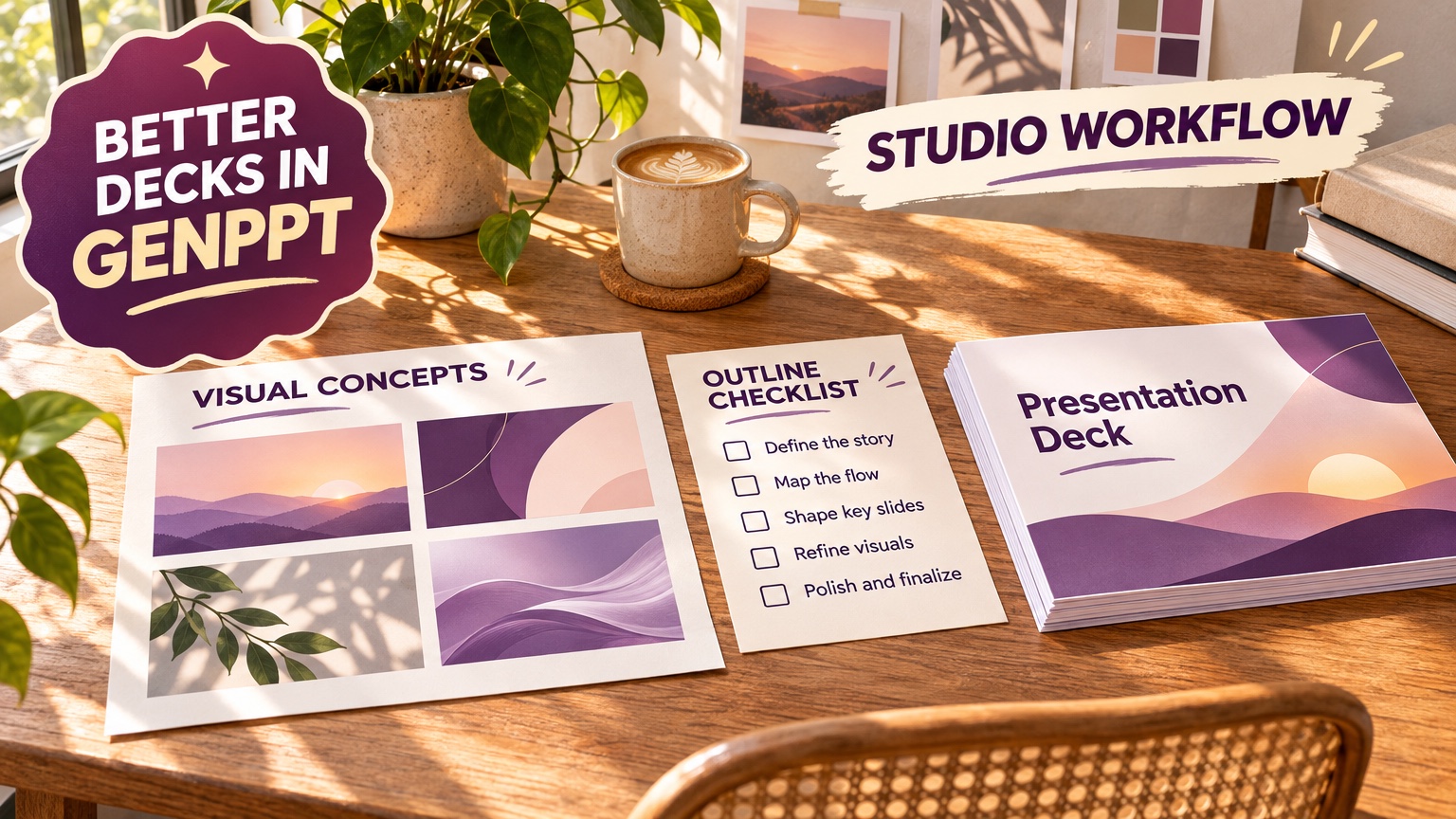
- Pick one of 4 visual concepts on the concept sheet.
- Render, then revise single slides in chat ("make slide 3 a bar chart of monthly revenue").
- Export
.pptx, PDF, or PNG.
We measured this pipeline in the Fernhollow Q3 2026 PDF test (15 November 2026), using an invented one-page report with $1,321,000 in Q3 revenue and 8 KPIs no model could memorize. GenPPT kept 8 of 8 checked KPIs, including the July ($412,000), August ($438,000), and September ($471,000) bar chart. Full results are in our AI presentation maker comparison.
Where Claude PowerPoints fall short
Expect these trade-offs from each route. Items marked "vendor page" come from claude.com. The code and GenPPT columns come from our pptx-rs and Fernhollow benchmarks. We did not benchmark Claude's native files, so that column describes how code-built slides behave in general.
| Problem | Claude native file | Code (python-pptx, pptxgenjs) | GenPPT via MCP |
|---|---|---|---|
| Text overflow | Possible, the model does not see the rendered slide | Common, libraries do not measure text (pptx-rs does) | None, each slide is rendered as one image |
| Design | Basic theme | Whatever your code draws | Art-directed concept sheet first |
| Editable text after export | Yes | Yes | No, edit in chat before export |
| Number accuracy | Check every figure | Only as good as the data you pass | 8 of 8 KPIs in our PDF test, still check |
| Usage limits | Resets every 5 hours and weekly (vendor page) | Same Claude limits | Monthly deck allowance |
GenPPT's trade-off: each slide inside the exported .pptx is a full-bleed image, so fonts, charts, and spacing look identical on every computer. You cannot click into a text box after export. Our post on full-bleed slides vs editable text boxes explains why we render slides that way and how to get editable OOXML when you need it. If your company requires native text boxes in a locked Slide Master, use Claude's own .pptx, Microsoft Copilot, or Plus AI instead. If you are raising money, use Pitches.ai, which is built for 12-slide investor pitch decks.
How Claude compares with ChatGPT: in our ChatGPT PowerPoint test on 12 October 2026, logged-out ChatGPT refused to make a .pptx and showed slide text in the chat only. Claude's pricing page lists file creation on the Free plan, which requires an account but no payment.
FAQ
Can Claude make a PowerPoint for free?
Yes, with an account. The Free plan on claude.com/pricing (21 November 2026) lists file creation, code execution, and Claude Slides, with usage limits that reset every 5 hours and every week.
Does Claude make better slides than ChatGPT?
Both produce code-built slides with plain layouts. Logged-out ChatGPT made no file in our 12 October 2026 test, and Claude needs an account on any plan, though its Free plan lists file creation. For designed slides, connect either one to GenPPT over MCP; the server works with Claude, ChatGPT, Cursor, and Codex.
Can Claude edit an existing PowerPoint?
Claude can read a .pptx you upload and write a new version with code. For agent workflows, pptx-rs imports text, lists, tables, charts, images, and speaker notes from an existing deck into JSON that Claude can edit and recompile.
Is the GenPPT MCP server free?
Connecting is free and genppt_hot_topics works without a key. Rendered slides and exports need GenPPT Studio, which starts with a $1 3-day trial (card required), then $25/month or $99/year.
Which method should a developer pick?
Use pptx-rs from Claude Code when every number must stay editable in PowerPoint. Use the GenPPT MCP server when the deck must look designed, or for social carousels in 4:5 and 9:16. Combine them when you need both.