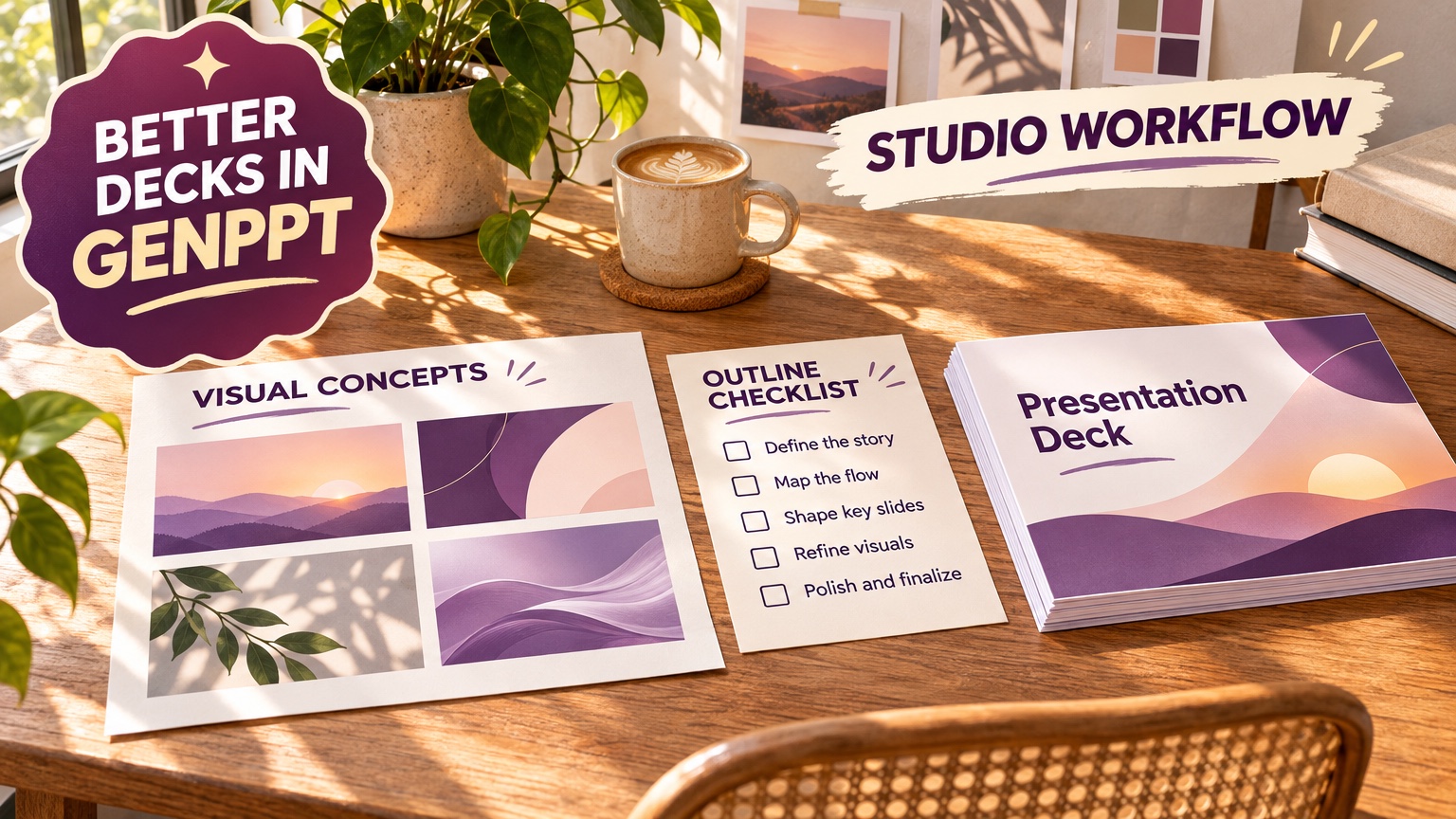
To get better decks in GenPPT, upload a source file in File only mode, fix the outline before slides render, and revise single slides in chat instead of regenerating the deck. In our Fernhollow Q3 2026 PDF test, GenPPT Studio in File only mode kept 8 of 8 checked KPIs exact ($1,321,000 Q3 revenue included), reached the outline and concept sheet in 2 min 34 s, and rendered 8 slides in 1 min 21 s. The same steps apply to any deck you build in GenPPT's AI PowerPoint generator.
What does a better GenPPT deck start with?
Start with a source file. The median first prompt in GenPPT is 118 characters, about 20 words (GenPPT product data, 1,605 new decks, 3 August to 11 October 2026, published in our presentation statistics). Twenty words leave GenPPT to guess the audience, the numbers, and the story. A report, a brief, or a page of notes supplies them.
GenPPT accepts a typed prompt, a URL, or an uploaded PDF, .docx, .pptx, .xlsx or .csv, plain text, or an image. For spreadsheets, Excel to PowerPoint with AI covers how to prepare the file. Pair the file with a short prompt that states four things:
Audience: leadership team, 10 minutes on the agenda.
Goal: approve the Q4 hiring plan.
Length: 8 slides. Slide 1 is the title.
Rules: use only the numbers in the attached file. One chart of monthly revenue.
To see finished decks before you write a prompt, browse the public GenPPT deck gallery. Decks there open without a login, and you can duplicate one into Studio to start from its structure.
When should you use File only mode?
Use File only whenever the numbers on the slides must match a document: financial reviews, QBRs, board updates, research summaries, audit findings. It limits grounding to the uploaded file, so the outline cannot pull in outside figures.
This is the input screen from our test, with the Fernhollow Q3 2026 PDF attached:
We invented the PDF on purpose (a fictional coffee roaster with $1,321,000 Q3 revenue and 8 KPIs), so any figure missing from the file would be a hallucination. GenPPT kept all 8 checked facts, including July ($412,000), August ($438,000), and September ($471,000) in a matching bar chart. You can download the same Fernhollow test PDF and run it yourself.
| Your situation | Mode to use | Why |
|---|---|---|
| Report, financials, or data you must quote exactly | File only | Numbers stay tied to the file |
| Topic you know little about | Prompt with web research | GenPPT gathers facts for you |
| Your notes plus public context | Upload the notes, leave research on | Your notes lead; research fills gaps |
| Quick single-file test without an account | 3 conversions a day, up to 8 MB and 30 pages, outline plus 3 designed slides |
How many slides should you ask for?
State a number, or the outline picks one for you. GenPPT product data (1,034 generated decks from 587 accounts, 3 August to 11 October 2026) shows:
- The median deck has 10 slides.
- 46% of decks have 6 to 10 slides, and 31% have exactly 10.
- The middle half of decks has 10 to 15 slides.
The median time from first prompt to finished deck is 9 minutes, outline check included (902 decks with a start and a finish time, same period).
As a working rule, plan one slide per minute of speaking time for a talk, 6 to 8 slides for a status update, and 8 to 10 for a QBR. Startup fundraising decks follow their own investor structure. For those, our sister product Pitches.ai builds a 12-slide pitch deck.
What should you fix in the outline before slides render?
Fix the words and the numbers. GenPPT renders each slide as a full-bleed designed image, so text is cheapest to change in the outline. Our post on full-bleed slides vs editable text boxes explains that design choice. Run this checklist before you approve:
- Headlines as conclusions. "Revenue grew 18% over Q2" beats "Revenue."
- One message per slide. If a slide has two ideas, split it. If two slides repeat, merge them.
- Numbers checked against the source. Read every figure once. In the Fernhollow test all 8 were correct, but your file may have tables the extractor reads differently.
- Order that ends in the ask. Context, results, risks, plan, decision.
- Visual intent per slide. Write "bar chart of monthly revenue" or "three risk cards" into the slide so the render knows what to draw.
How do you pick the right visual concept?
After the outline, GenPPT renders a 4-panel concept sheet, a preview of the deck's visual direction before the full render. The image below is a different sheet: a multi-slide benchmark sheet from our 10-slide Benefits of Content Marketing deck. It lays out all 10 slides as numbered thumbnails, so you can see how one direction holds across a whole deck:
Check four things before you choose:
- The room. Boardroom and finance audiences need calm color and readable charts. A launch or social audience can take bolder art.
- Chart style. If the deck is data-heavy, pick the direction whose chart panels are clearest at a distance.
- Text density. Choose the panel with the most white space. Dense panels get denser at full render.
- Brand fit. Put a color note in your prompt before the concept stage ("navy and white, one yellow accent") so the direction starts on brand and you don't fix colors slide by slide later.
Which chat prompts fix a single slide?
Revise in chat after render, and give each request four parts: slide number, element, exact change, what to keep. The example on GenPPT's editor page reads "Make slide 3 dark mode and turn the Q3 margin chart into 3D," and the agent replies that slide 3 is updated with the exact 32% margin locked in.
Copy these and change the brackets:
Slide [4]: change the headline to "[Churn fell to 3.1%]". Keep the chart.
Slide [3]: replace the pie chart with a bar chart of [July, August, September]. Same numbers.
Slide [6]: cut the text to 3 bullets of under 8 words each.
Slide [2]: use the logo from the attached image in the top left corner.
Slide [5]: lighter background, more white space, same layout.
Slide [7]: add a source line at the bottom: "[Source: Q3 2026 report]".
Three kinds of prompt waste a turn: "make it better," "more professional," and one message that edits several slides at once. Name one slide and one change.
This is the first-pass 8-slide Fernhollow deck with zero edits. Fix a deck like this with one or two single-slide prompts instead of starting over:
How do you add brand assets or automate decks?
In Studio: attach your logo, product screenshots, or a past slide as image inputs alongside your source file, and name them in the prompt ("use the attached logo on the title slide; match the navy in the attached screenshot").
With an AI agent: GenPPT runs a remote MCP server at https://genppt.com/mcp for Claude, ChatGPT, and Cursor. Two tools matter for quality:
genppt_create_slideshowtakes 1 to 25 slides you already wrote, each with a title, purpose, and visual. AddscreenshotUrlfor a live webpage screenshot orimageUrlfor a logo, product UI, or chart. GenPPT designs exactly those slides and does not rewrite the outline.genppt_create_deckstarts from a prompt with optionalattachmentUrls,websiteUrl, andreferenceImageUrls(brand logos and style references, first 4 used), then stops at a concept preview for approval.
Deck-wide websiteUrls screenshots up to 6 pages before rendering. Full instructions and the tool reference are in the GenPPT MCP documentation.
What should you know before you export?
GenPPT exports .pptx, PDF, or PNG in 8 aspect ratios (16:9, 4:3, 3:2, 1:1, 4:5, 3:4, 2:3, 9:16). Two trade-offs come with the format:
- Slides are full-bleed images. Fonts, charts, and spacing look identical on every computer, but you cannot click into a PowerPoint text box after export. Make text edits in the outline or chat first. If your company requires native editable text boxes inside a locked Slide Master, Plus AI or Microsoft Copilot fit that job better. The full-bleed trade-off post also shows a hybrid route to editable slides.
- No live multi-cursor editing. Review is asynchronous. For a team designing slides together in real time, Canva or Google Slides is the better tool.
Plan math, from GenPPT pricing: Studio starts with a $1 3-day trial (card required), then Growth at $25/month or $99/year for 20 decks a month, or Max at $100/month for 100 decks. Each new deck uses one from the allowance, so revising slide 4 in chat is a better use of your plan than starting a new deck.
GenPPT deck quality FAQs
Why does my GenPPT deck have generic content?
The prompt was probably short. Upload a source file or paste your notes, state the audience and slide count, and turn on File only when the numbers must match the file.
What does File only mode do?
It limits the outline to facts from the uploaded file. In our Fernhollow Q3 2026 PDF test it kept 8 of 8 checked KPIs exact.
Can I edit the text after exporting to PowerPoint?
No. Each slide is a full-bleed image, so edit wording in the GenPPT outline or chat editor, then export again.
How many slides should my GenPPT deck have?
Ask for a specific number. The median GenPPT deck has 10 slides, and 46% of decks have 6 to 10 (1,034 generated decks, 3 August to 11 October 2026).
How do I keep my brand colors and logo?
Attach the logo and a brand screenshot as image inputs and name them in the prompt. Through the MCP server, pass them as referenceImageUrls.
Is there a free way to test GenPPT?
The PDF to PowerPoint converter runs 3 conversions a day with no account and returns an outline plus 3 designed slides as a .pptx. Full Studio decks start with the $1 3-day trial (card required).