
Client status report for an app build
An 8-slide sprint report from an invented app studio to its client, an invented hiking app. GenPPT made all 8 slides. The prompt is on this page.
A free account gets a copy of this deck. A plan is necessary to edit and export it.
Why this deck works
- The words are plain, because the client is not technical.
- Phone mockups show the finished work. The client sees the features, not a list of tasks.
- Slide 7 lists what the studio needs from the client, with a date for each item.
- The last slide gives the date of the next demo.
The prompt that made it
GenPPT prompt
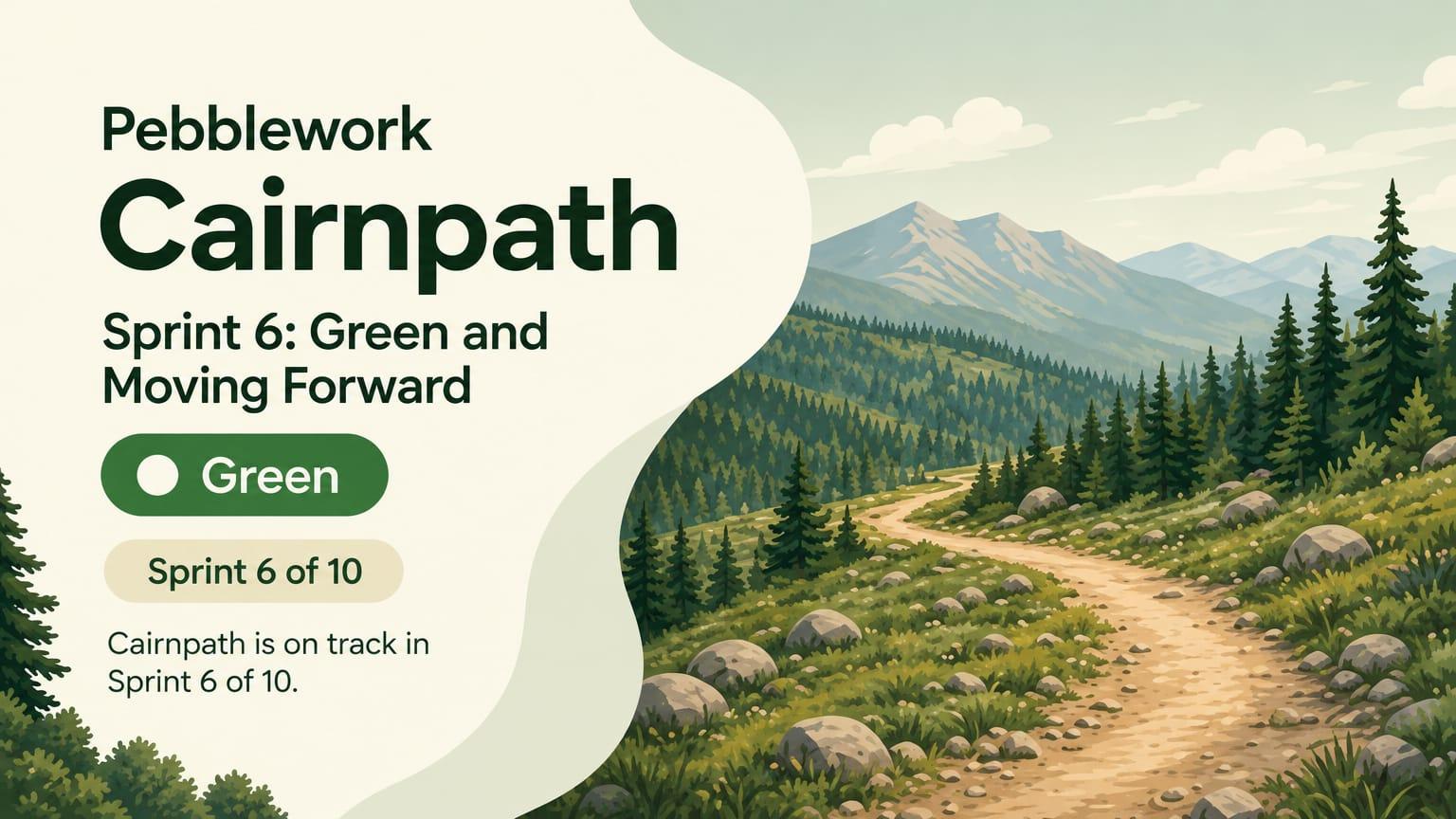
8-slide status report from an app studio to its client. Studio: Pebblework, an invented studio. Client: Cairnpath, an invented hiking app. Sprint 6 of 10. Overall status: green.

Slide order: 1 title with the sprint and the overall status, 2 summary, 3 what we finished, with screens, 4 what comes next, 5 timeline to launch, 6 budget and hours, 7 what we need from you, 8 next demo and dates.

Facts to use (all invented): finished offline maps, trail search, and sign-in with email. Next: saved trails and photo upload. Beta on March 3. Store launch on April 14. 412 of 700 hours used. Needs from the client: app store account access by February 6, final trail photos by February 13, and a decision on a paid tier. Next demo: February 10.

Rules: plain words for a client who is not technical. One idea per slide. Show app screens as simple phone mockups. Style: outdoor and fresh, forest green and sand, rounded shapes. No real company names, no real people, no logos.
1 message after the prompt
- Slides 2, 4, 5, 6, 7, and 8 use the deck title as the headline. Replace the deck title on each slide with a headline that states the point, and keep the design. Slide 2: "Three features are finished, and two come next." Slide 4: "Saved trails and photo upload come next." Slide 5: "Beta is on March 3, and the store launch is on April 14." Slide 6: "412 of 700 hours are used." Slide 7: "We need three things from you." Slide 8: "The next demo is on February 10."
All 8 slides
1. Title and overall status 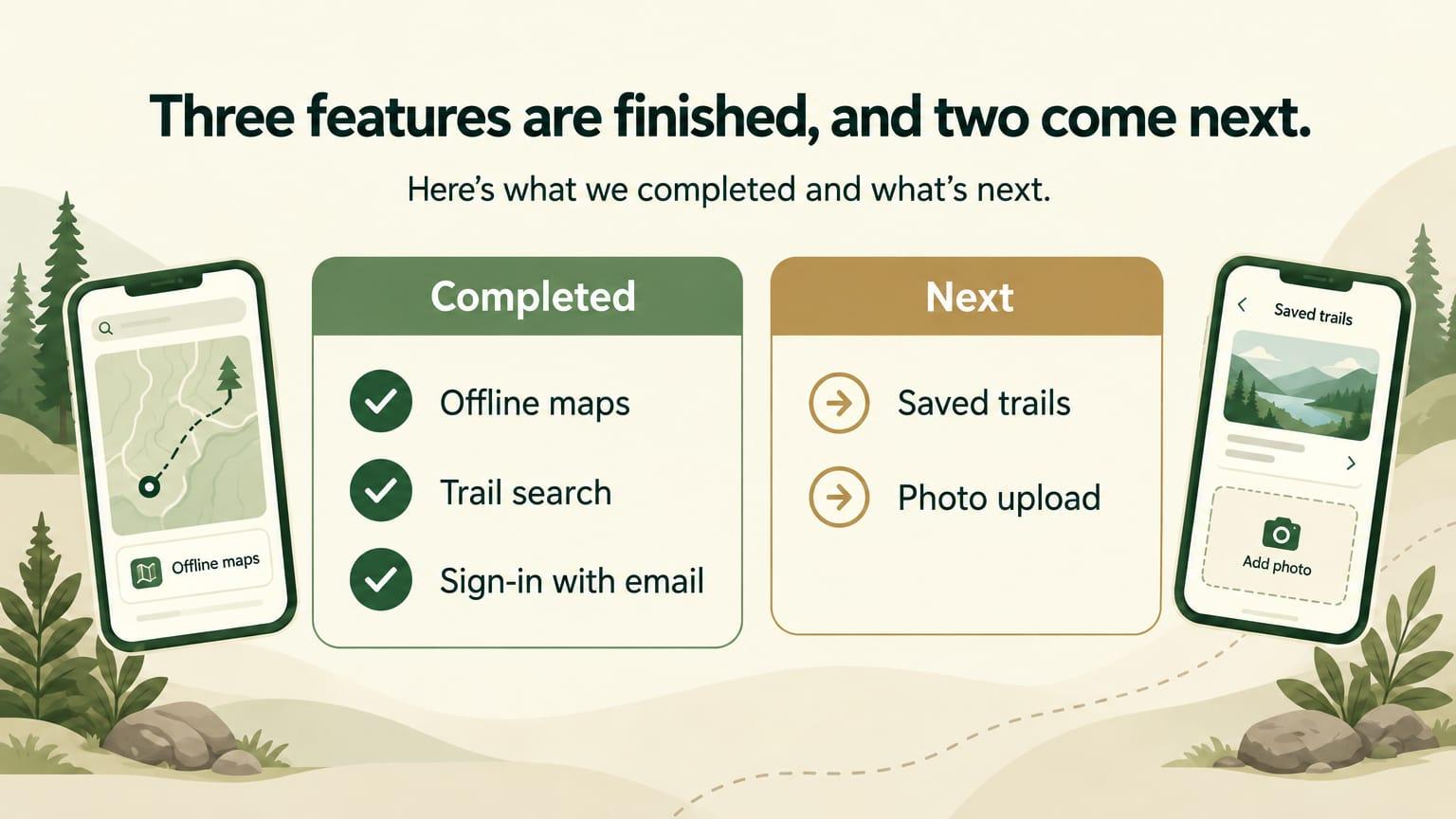
2. Summary 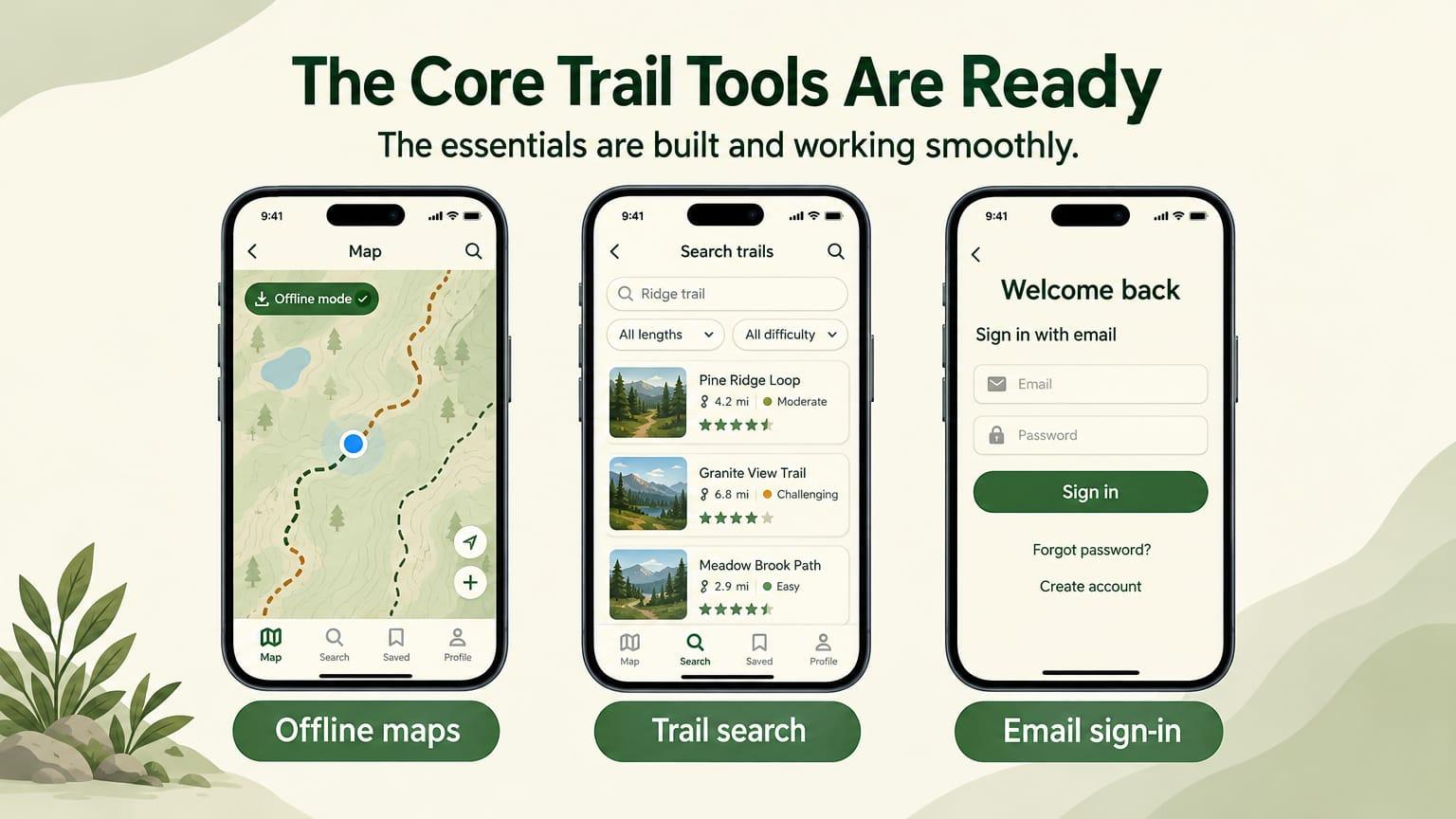
3. What we finished 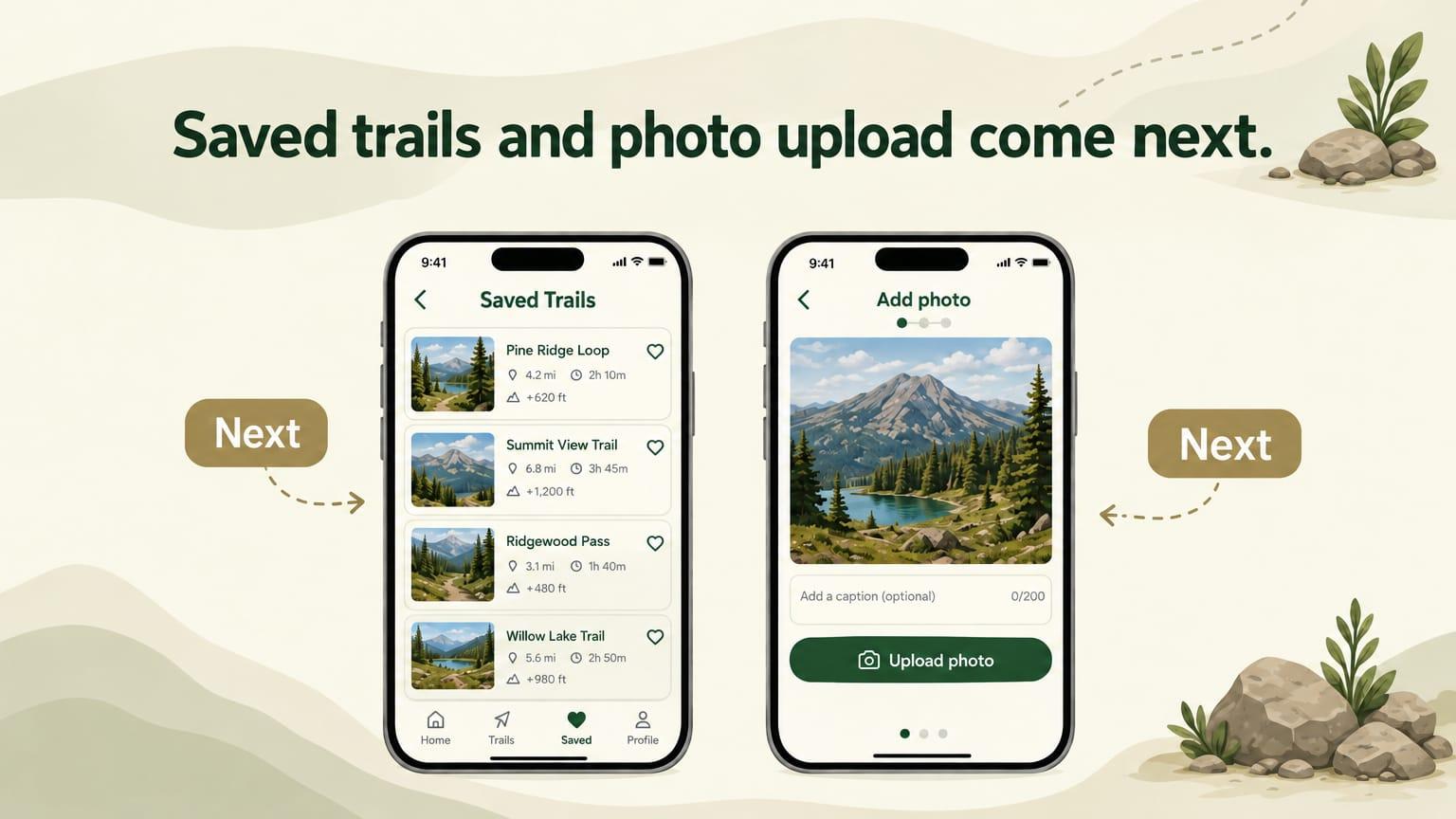
4. What comes next 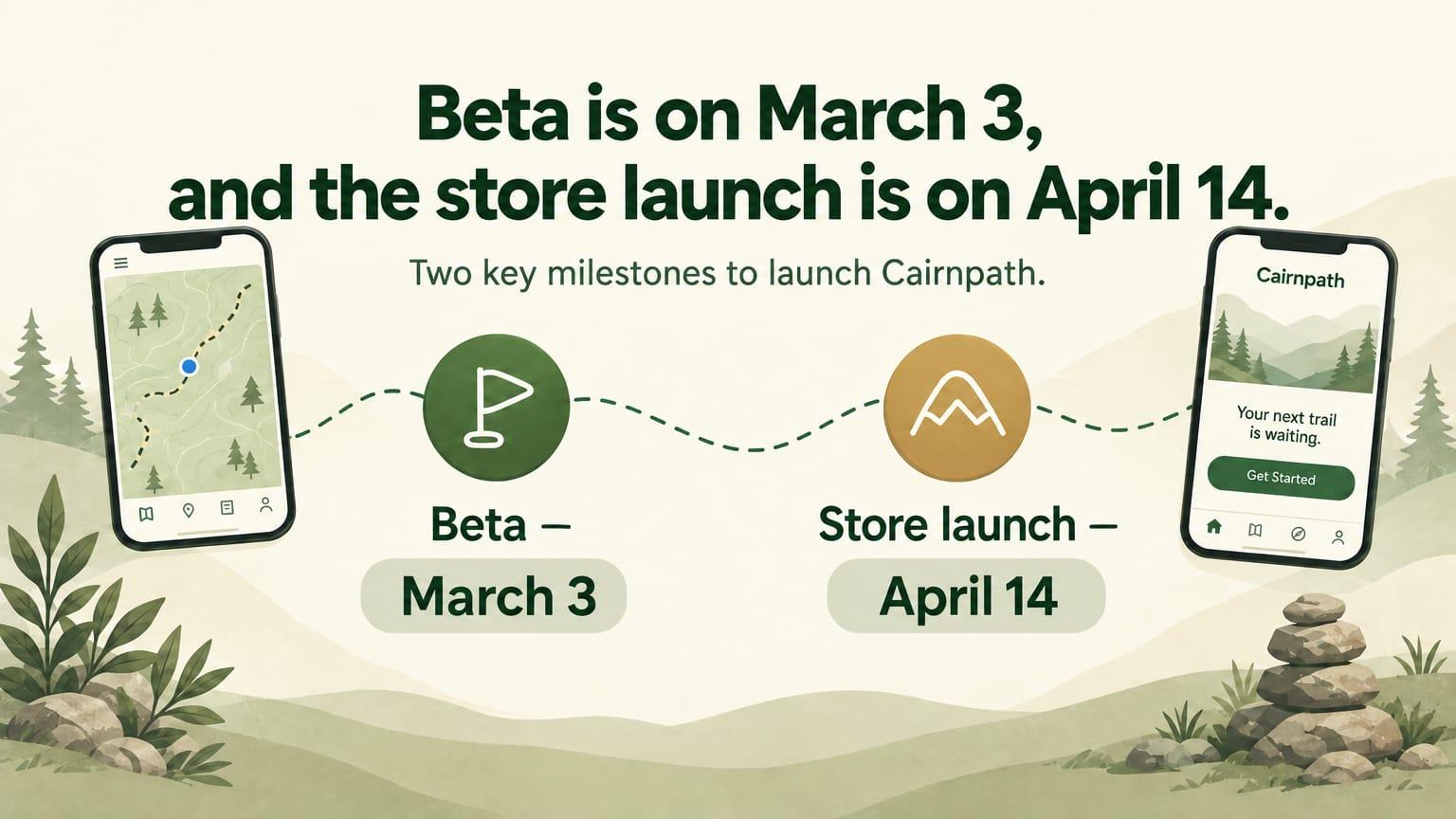
5. Timeline to launch 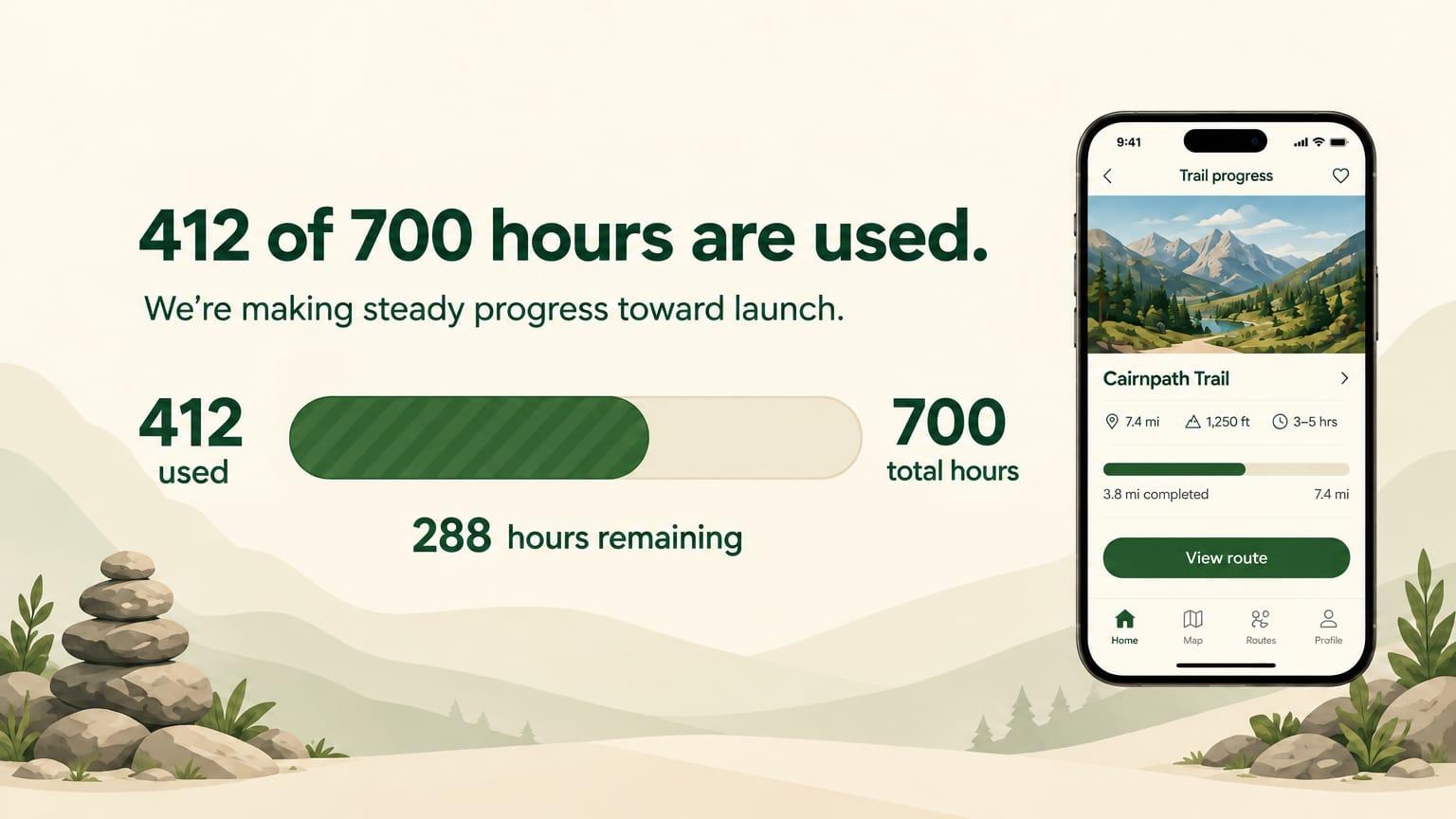
6. Budget and hours 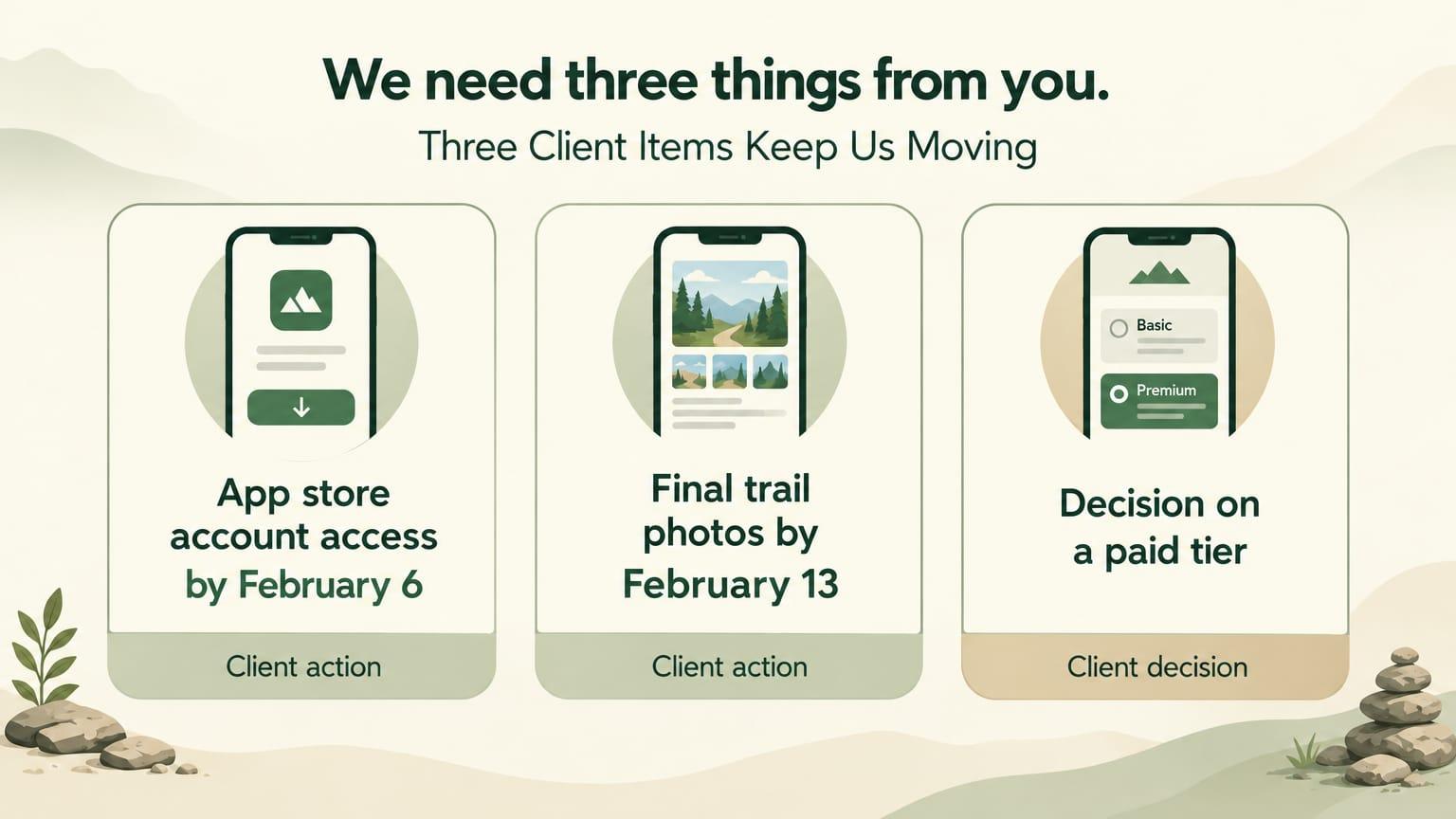
7. What we need from you 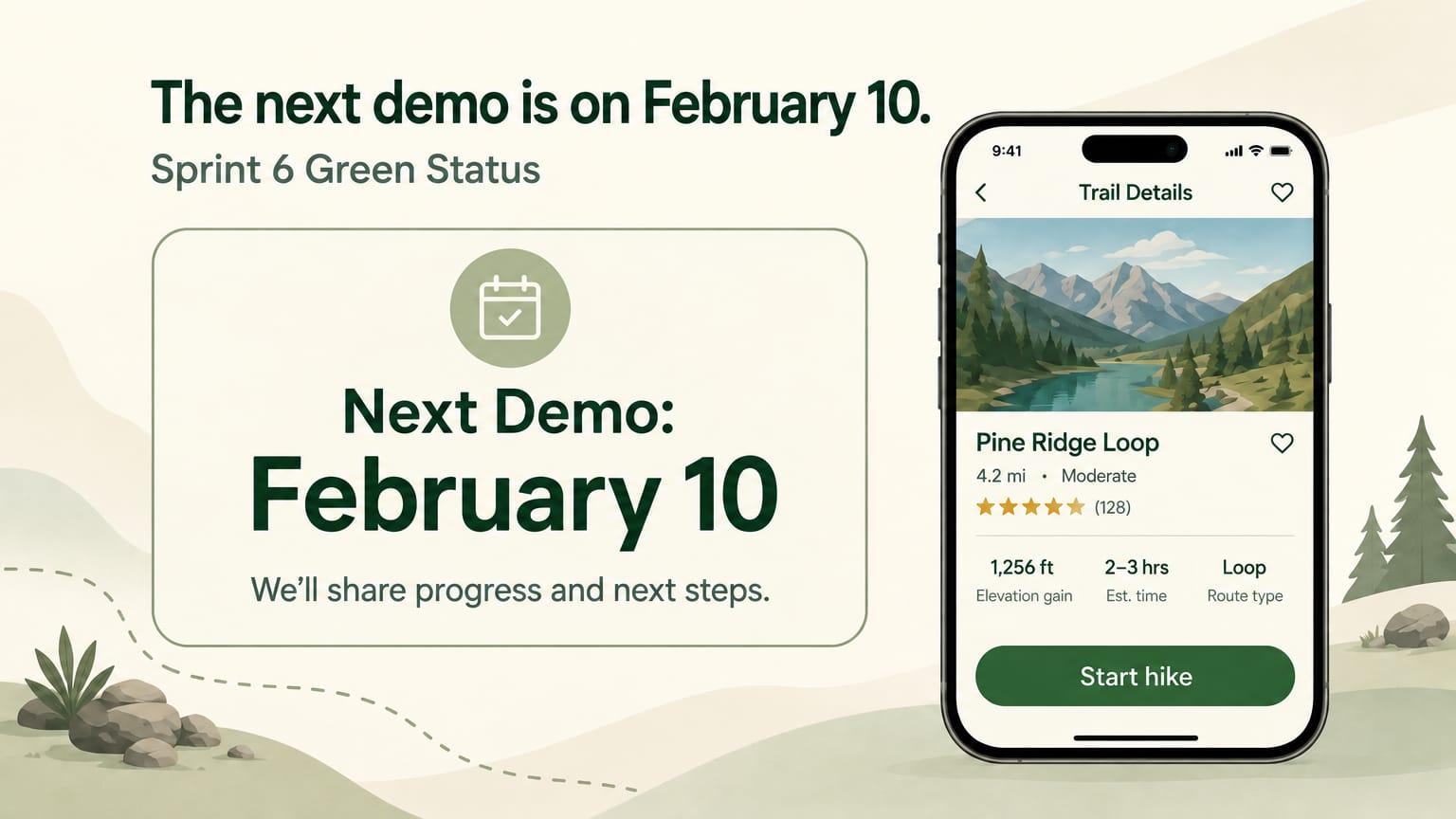
8. Next demo