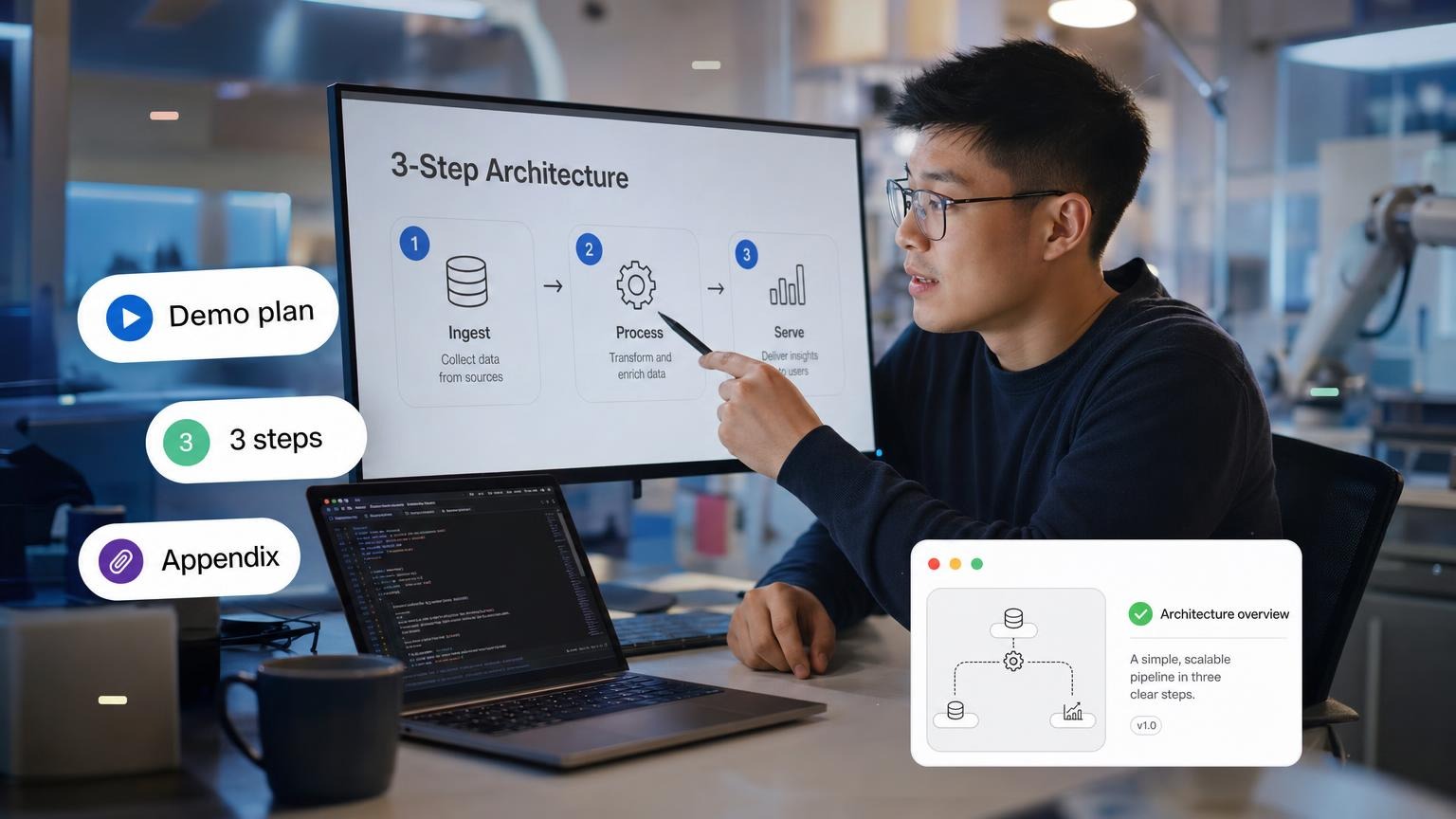
If your architecture diagram needs a zoom, it is a handout. The talk is the path through the system: problem, constraint, decision, proof.
Dokie's "300+ IT topics" is a tag cloud. These 60 are talk-sized, with a demo or a single diagram you can point at.
Shape of a tech talk
| Slide | Content |
|---|---|
| 1 | Title + the user-visible symptom |
| 2 | Constraint (time, money, latency, compliance) |
| 3 | Options we rejected |
| 4 | Decision |
| 5 | Diagram (3 steps) |
| 6 | Demo or metric |
| 7 | Failure mode |
| 8 | What we monitor |
| 9 | Next 30 days |
| 10 | Ask / Q |
Ten minutes? Cut to 6 slides. See 10-minute presentation topics.
Infrastructure and security
- Why we still run a queue in front of that API
- TLS certificates we almost let expire
- How we designed the on-call rotation
- A postmortem of a DNS miss
- Why we did not go multi-cloud
- Least privilege that engineers will actually use
- Backups we restored on purpose last quarter
- Feature flags that saved a Friday
- How we load-test without melting staging
- Secrets that used to live in Slack
- WAF rules that blocked customers
- Cost of idle Kubernetes
- Email deliverability as an engineering problem
- Why we moved off that managed queue
- Device trust vs VPN
- How we rotate keys without downtime
- Rate limits as product, not punishment
- A tabletop: ransomware on a Tuesday
- Observability we pay for and never open
- The one dashboard that should page a human
Data, AI, and product
- Why the metric in the board deck is wrong
- Event names we regret
- How we evaluate a model without a research team
- RAG that cites the PDF page, or we do not ship it
- PII we found in logs
- Schema changes that do not lock the table
- A/B tests we killed early
- Search relevance: 5 ugly queries
- Why we do not fine-tune (yet)
- Data retention vs "keep everything"
- Feature store vs a warehouse table
- Latency budget for the checkout
- Offline-first sync that almost worked
- Prompt injection we caught in staging
- How we version prompts like code
- Accessibility bugs that are engineering, not "design later"
- Maps: tiling, cost, and privacy
- Why this report is a product
- Caching that served stale prices
- Eval set that matches real tickets
Class and career
- How DNS works, with a live
dig - HTTP caching in 10 minutes
- Git rebase vs merge, with a real mess
- How a CPU cache changes a loop
- SQL explain on a slow query
- What a container is not (not a tiny VM slide)
- Public-key crypto with a toy example
- How a browser renders a page
- CAP theorem without the airline jokes
- Writing a design doc people read
- How to present a bug without a villain
- Open source license, in practice
- Accessibility: keyboard-only demo
- How a CDN chooses a POP
- Memory leaks in a language you use
- Testing: what not to mock
- The ethics of scraping
- How a compiler error is a UX problem
- Networking: what
localhosthides - How to present a design doc in 10 minutes without reading it aloud
Audience
| Room | Slides | Open with |
|---|---|---|
| Exec | 6 | Symptom + cost + decision |
| Eng deep-dive | 10 | Constraint + options rejected |
| Class | 8 | Live demo first, theory second |
Worked demo plan: DNS miss postmortem
- Symptom slide: users hit the old IP for 40 minutes.
- Live:
digthe name, show TTL still serving the stale record. - Diagram: resolver cache, not "the internet was down."
- Failure if wifi dies: 30-second screen recording in the appendix.
- Metric: time to detect, time to drain TTL, who got paged.
- Next 30 days: monitoring on NS changes.
Cybersecurity and AI belong in the Infrastructure and security and Data, AI, and product lists above. Do not add a glossary of "what is blockchain." If you need a true seminar fight, use seminar topics.
FAQ
What are the best technical presentation topics? Incidents, tradeoffs, and demos. Not "what is cloud."
Easy topics? DNS with dig, HTTP caching, a slow SQL EXPLAIN, keyboard-only accessibility.
For students? Pick one demo you can do offline. Record a fallback.
How do I choose? If you cannot name a constraint and a rejected option, the topic is a Wikipedia page.
How do I keep non-engineers awake? Symptom first, one diagram, one number. Hide the rest in the appendix.
McKinsey-style clarity still helps engineers. Steal hierarchy from McKinsey slides, not the clip art.
Record the demo. Live wifi is a character in your play whether you cast it or not. Put the recording in the appendix of a GenPPT deck so the talk survives a dead dongle.