You have 15 minutes on the agenda and a blank deck open. You ask how many slides fit in that window. Most guides say one slide per minute. That works until a chart needs two minutes, a demo needs twenty seconds per screen, or Q&A eats time you did not plan for.
Slide count tracks pacing. The right number depends on slide density, your speaking pace, and the format: pitch, training walkthrough, or conference talk. Rehearse with a timer. Formulas come second.
The one-slide-per-minute rule (and when to break it)
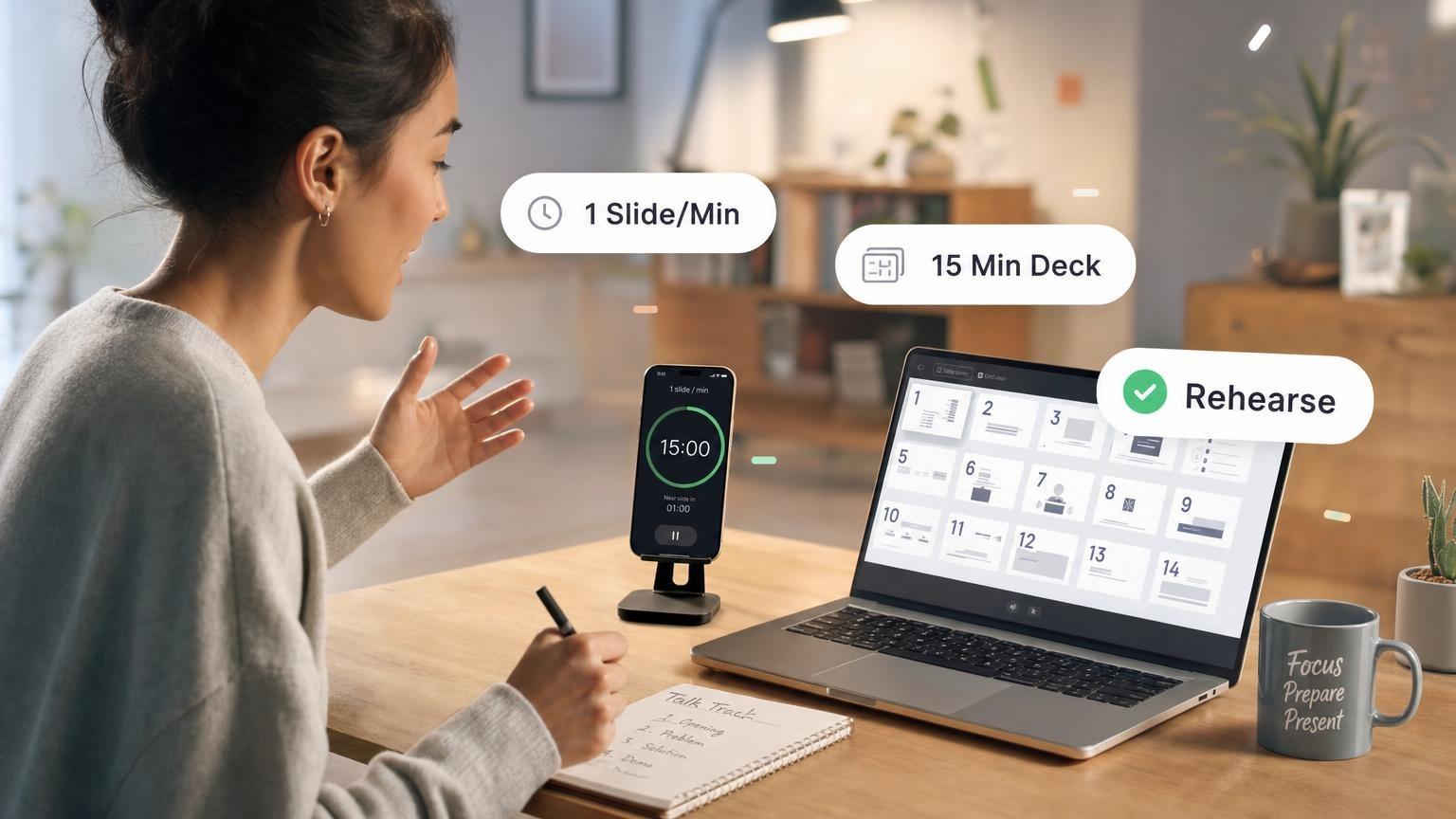
The most cited pacing rule: spend about one minute on each slide. For a 15-minute slot, plan about 15 slides. Microsoft’s presentation guidance and most speaking coaches use a 1–2 minute per slide range for standard business content.
That rule assumes:
- Each slide carries one idea
- You skip long audience questions mid-deck
- You practice transitions before you present
- Font size and contrast let the audience read without you reading aloud
Break the rule when:
| Situation | Adjust pace | Example |
|---|---|---|
| Data-heavy slide | 90–120 seconds | Financial model with three charts |
| Visual-only slide | 15–30 seconds | Full-bleed photo, single stat, or meme |
| Live demo | 20–45 seconds per screen | Click-through product walkthrough |
| Audience discussion | Remove 2–4 slides | Workshop or classroom format |
| Keynote storytelling | 60–120 seconds | One quote, one story, one takeaway |
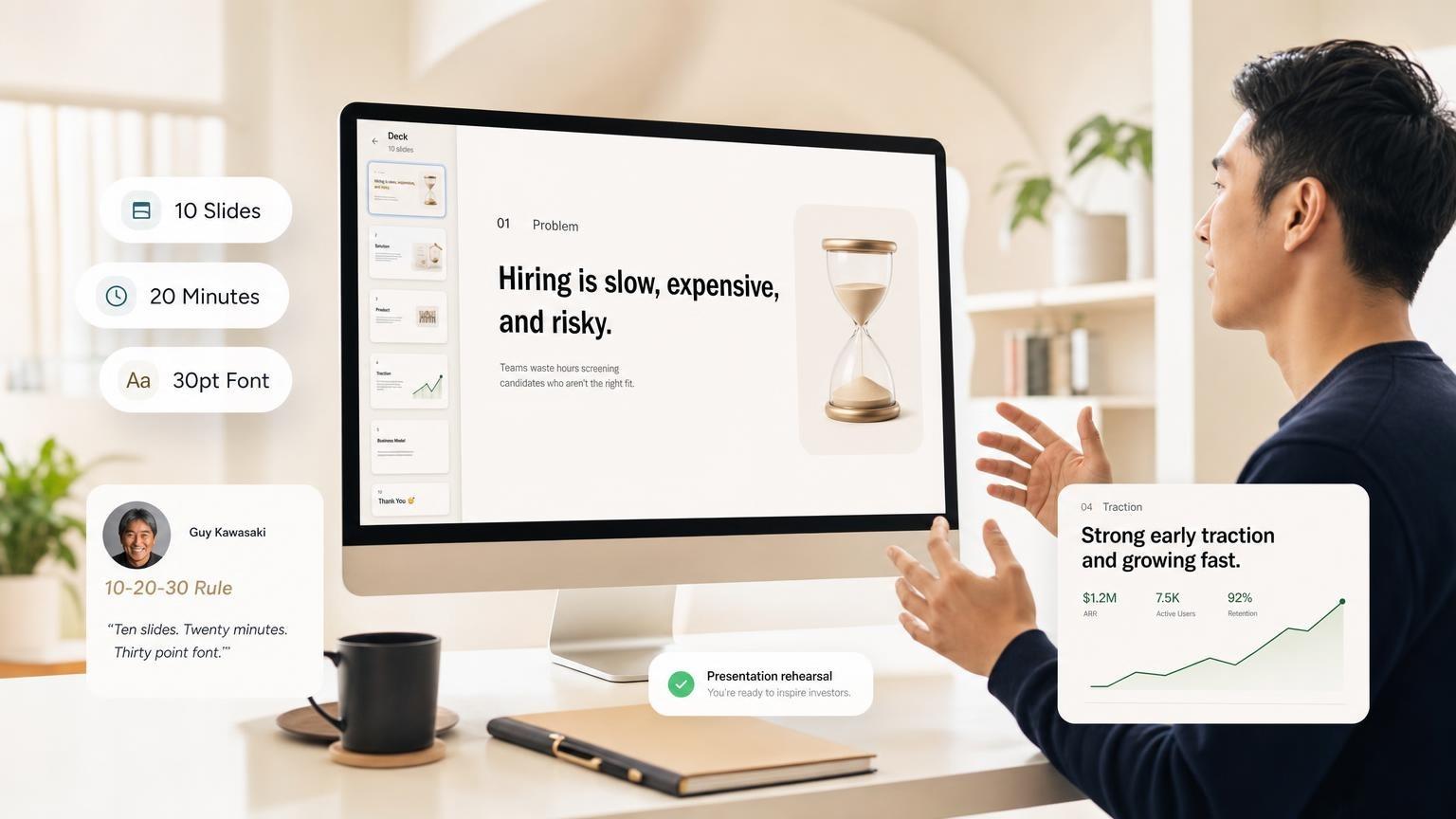
Guy Kawasaki’s 10-20-30 rule (10 slides, 20 minutes, 30-point font) works well for investor-style pitches. The rule runs slower than one slide per minute. Investors need time to absorb numbers and ask questions.
Plan one minute per slide, then add or cut based on rehearsal. If you finish early, add depth on key slides. If you run over, remove slides before you speed-talk.
For a benchmark from real decks, the median deck made with GenPPT has 10 slides, and 46% of decks have 6 to 10. See the full presentation statistics.
How many slides by talk length
Use these ranges as starting budgets. Run a timed run-through to set the final count.
5-minute presentation
A 5-minute talk works like an elevator pitch. You have time for a hook, one or two proof points, and a clear ask.
| Slide type | Count | Time per slide |
|---|---|---|
| Title / hook | 1 | 15–20 sec |
| Problem or context | 1 | 45–60 sec |
| Solution or main idea | 1–2 | 45–60 sec each |
| Proof (metric, logo, quote) | 1 | 30–45 sec |
| Close / CTA | 1 | 20–30 sec |
| Total | 5–6 | ~50 sec average |
Cut filler. If a slide does not earn its seconds, delete it. For pitch structure inspiration, browse real decks on our pitch deck gallery.
10-minute presentation
Ten minutes fits team updates, short conference slots, or a compressed investor meeting.
| Slide type | Count | Time per slide |
|---|---|---|
| Title | 1 | 15–20 sec |
| Agenda or framing | 1 | 30 sec |
| Main content | 5–7 | 60–90 sec |
| Summary | 1 | 45 sec |
| Q&A or thank-you | 1 | remaining time |
| Total | 8–10 | ~60–75 sec average |
Do not force two slides per minute to look busy. Twenty slides in ten minutes makes you look nervous.
15-minute presentation
Most presenters search for this first: how many slides for a 15-minute presentation. For mixed-content talks, plan 10–15 slides.
| Slide type | Count | Time per slide |
|---|---|---|
| Title | 1 | 15–20 sec |
| Agenda / why now | 1 | 30–45 sec |
| Core content | 8–10 | 60–90 sec |
| Recap | 1 | 45–60 sec |
| Close / Q&A | 1 | 30–60 sec |
| Total | 12–15 | ~60–75 sec average |
Dense academic or technical slides often mean 10–12 total. Fast visual decks (PechaKucha-style) can reach 18–20 if each slide is a single image with no text to read.
30-minute presentation
Half an hour gives room for case studies, demos, and one interactive moment. Skip the outline and the deck bloats.
| Slide type | Count | Time per slide |
|---|---|---|
| Title + agenda | 2 | 30 sec each |
| Section 1 | 4–5 | 60–90 sec |
| Section 2 | 4–5 | 60–90 sec |
| Section 3 or demo | 3–4 | 60–120 sec |
| Summary + next steps | 2 | 45–60 sec |
| Total | 15–20 | ~75–90 sec average |
For a 30-minute slot, section breaks matter more than slide count. Use a divider slide or clear headline when you shift topics so the audience can reset.
60-minute presentation
A one-hour session is often training, a workshop, or a keynote with Q&A baked in. Plan fewer slides per minute than a tight pitch.
| Slide type | Count | Time per slide |
|---|---|---|
| Opening + objectives | 2–3 | 45–60 sec |
| Teaching blocks (3–4 sections) | 15–20 | 90–120 sec |
| Activities / discussion | 3–5 placeholder slides | variable |
| Recap + resources | 2 | 60 sec |
| Total | 22–30 | ~2 min average |
If half the hour is discussion or exercises, you might present 15–18 slides and use the rest for discussion and activities.
Slide counts by presentation type
You fill a 15-minute slot differently depending on what the slides need to do.
| Type | 15-min slide range | Seconds per slide | What drives count |
|---|---|---|---|
| Investor pitch | 10–12 | 75–90 | Few slides, heavy numbers, time for questions |
| Sales demo | 12–18 | 50–75 | More screens, faster product clicks |
| Conference talk | 8–12 | 90–120 | Big visuals, minimal text, story beats |
| Internal update | 12–15 | 60–75 | Metrics, roadmap, team context |
| Training / workshop | 10–15 (+ activities) | 90–120 | Step-by-step, pauses for practice |
| Webinar | 15–25 | 40–60 | Chat prompts, polls, faster visual turnover |
Pitch decks
Fundraising decks follow a story arc. Slide-per-minute math comes second. Most seed-stage pitches land at 10–12 slides in a 20-minute meeting because investors interrupt with questions.
Standard sections: problem, solution, market, product, traction, business model, team, ask. If you are building from scratch, study layouts in our pitch deck examples before you set a slide count.
Sales demos
Sales decks move faster than pitch decks because each slide maps to a product screen or feature click. A 15-minute demo can run 15–20 slides if most are visual and you rehearse transitions.
Keep one slide per feature or benefit. Stack proof (logos, quotes, ROI) on dedicated slides instead of cramming six logos onto one screen.
Training decks
Training audiences need time to absorb and practice. Use fewer slides, spend longer on each, and build in pause points.
Use placeholder slides labeled "Exercise" or "Discussion" so you remember to stop. If your source material is a long PDF, convert it to a structured outline first. See PDF to PowerPoint with AI for a document-to-deck workflow that preserves section order before you trim for timing.
How to plan slide count before you design
Lock slide count in the outline stage, before you style 40 slides.
- Write your time budget in minutes (include Q&A if it is part of the slot)
- Subtract 1–2 minutes for open and close
- List must-cover points as one idea per bullet
- Assign seconds to each point (45 sec for a stat, 2 min for a case study)
- Merge or cut until the total fits
- Rehearse once with a timer before opening the design tool
If you use AI to draft the deck, specify slide count in the prompt: "12-slide board update, 15 minutes, professional tone." Tools that let you approve the outline before visuals render make this step easier because you can delete slides in the outline without redoing design work.
See Best AI PowerPoint Generators in 2026 for AI deck builders that respect outline-first workflows.
Common slide-count mistakes
These patterns cause overrun, blank stares, or decks that look thin on stage.
Treating slide count as the goal
Fifteen slides in fifteen minutes means nothing if slide 7 is a wall of text. One idea per slide beats hitting a number.
Forgetting non-slide time
Introductions, audience questions, tech setup, and "quick detours" eat minutes. Build 2–3 minutes of buffer into a 15-minute slot, or plan fewer content slides.
Same pace for every slide
Title slides, section dividers, and full-bleed photos should take seconds. Data slides and stories take longer. Average time matters more than giving each slide the same duration.
Reading slides aloud
If you read every bullet, you need fewer words on screen and fewer slides overall. The audience can read faster than you speak. Put the spoken story in your notes, not on slide six.
No rehearsal with a timer
Design tools do not tell you that slide 11 takes four minutes. Record yourself or use presenter mode with a timer. Cut slides until you finish 30–60 seconds early; that buffer saves you when the prior speaker runs long.

Ignoring the room format
A webinar, a classroom, and a boardroom have different attention spans. Match slide density to the format. For topic and angle ideas by audience, see presentation ideas for any setting.
Build the right deck length with GenPPT
Once you know your slot and slide budget, lock the outline before design. GenPPT turns a prompt, PDF, or link into a slide-by-slide outline you can edit, then renders full-slide visuals after you approve structure and pick a concept.
- You have a fixed time slot and need the outline to match before pixels get generated
- Your source is a long document that must shrink to 12 slides instead of 40
- You want PowerPoint export after timing and copy are right
Frequently asked questions
How many slides for a 15-minute presentation?
Most standard talks use 10–15 slides. Plan about 60–90 seconds per content slide, faster for title and transition slides, longer for charts or stories. Rehearse and adjust.
Is one slide per minute always correct?
No. Mixed business content fits the one-slide-per-minute default. Pitch decks often run slower. Demos and visual decks can run faster. Rehearse and adjust; math alone will mislead you.
How many slides for a 5-minute presentation?
Aim for 5–6 slides: hook, problem, solution, proof, close. Cut anything that does not earn its time.
How many slides for a 10-minute presentation?
8–10 slides is typical. Include one agenda slide and one summary; keep the middle focused on three to five main points.
How many slides for a 30-minute presentation?
Plan 15–20 slides for a presented talk, or fewer if you include a live demo or long Q&A. Use section breaks so the audience can follow three to four main blocks.
How many slides for a 60-minute presentation?
Expect 22–30 slides if you are teaching the full hour. Workshops with exercises may show 15–18 slides and spend the rest on discussion and activities.
Do pitch decks follow the same rules?
Investor pitches often use 10–12 slides even in a 15–20 minute meeting because questions fill the gap. Follow a story arc (problem, solution, market, traction, ask) rather than strict minutes-per-slide math.
How do I know if I have too many slides?
If rehearsal forces you to rush, skip explanations, or skip Q&A, you have too many. Cut slides before you speed up. If you finish more than two minutes early with dead air, add depth to key slides or one more example.
Can AI help me hit the right slide count?
Yes. Specify length in your prompt ("12 slides, 15 minutes") and use a tool that lets you edit the outline before design. GenPPT supports outline approval, concept pick, and .pptx export. See how to create a PowerPoint with AI for the full workflow.
After you lock slide count, add delivery cues in PowerPoint speaker notes and rehearse with Presenter View.