
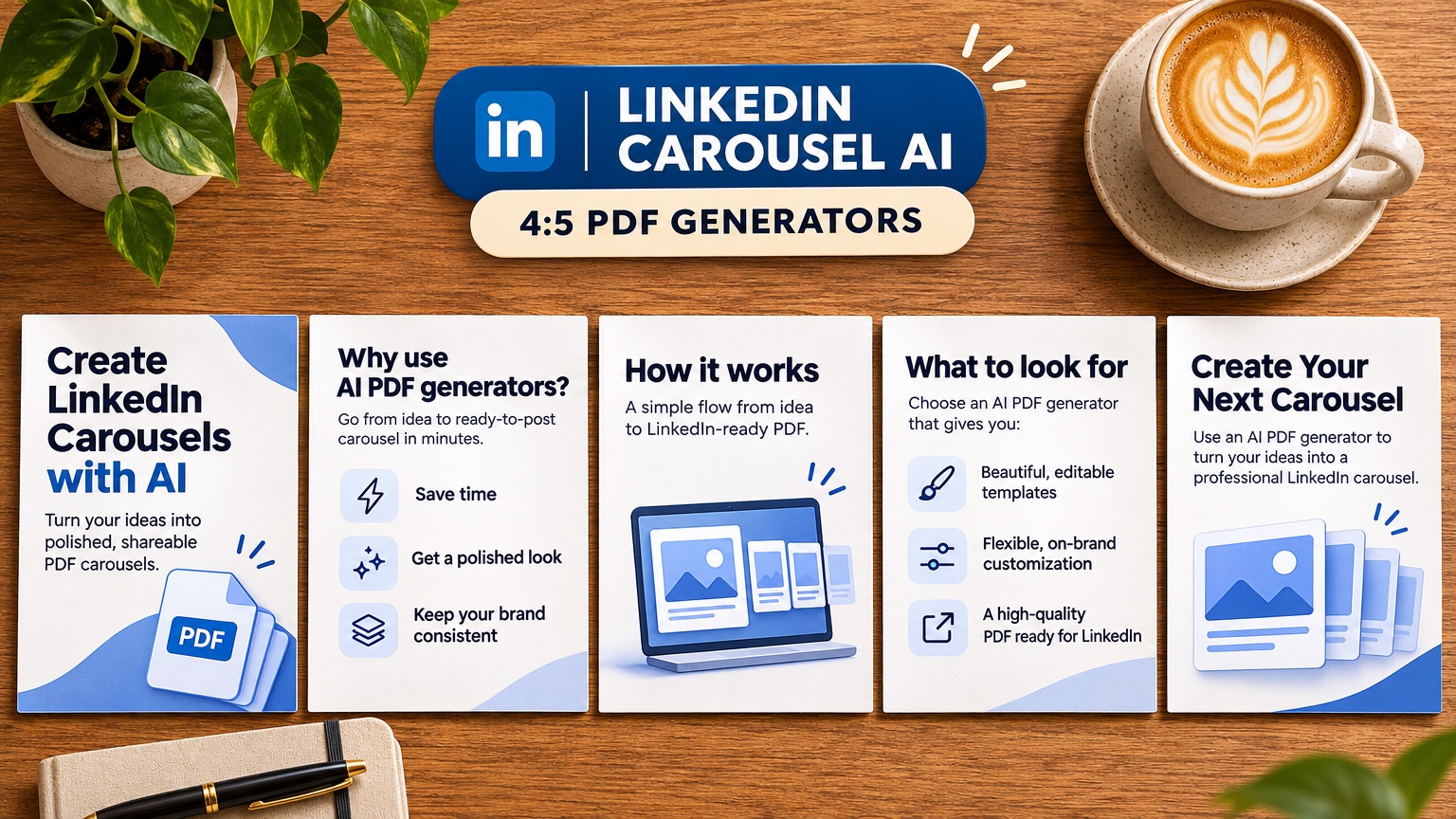
The best AI LinkedIn carousel generator exports one multi-page PDF at a single page size (1080x1080 square or 1080x1350 portrait), because a LinkedIn carousel is a document post. The free GenPPT LinkedIn carousel generator previews a slide outline with no login (live capture, 21 November 2026), and GenPPT Studio exports the PDF for about $0.41 per carousel on the $99 yearly plan. For templates plus scheduling, pick PostNitro. Slides 1 and 4 of a 10-slide GenPPT example carousel appear below.
Why do LinkedIn carousels need a PDF instead of images?
A LinkedIn carousel is a document post. You upload a PDF, and LinkedIn shows it as a swipeable viewer with a page counter and a full-screen mode. The format has three advantages over a static image or a multi-image post:
- Sequence. Readers move page by page, so you can build a hook, a set of points, and a call to action in order. A multi-image post opens as a grid and loses that order.
- Time on post. Every swipe keeps the reader on your post longer. LinkedIn's engineering team has written publicly that feed ranking considers dwell time.
- One file, one size. A PDF keeps all pages identical in size. Mixed sizes in a document post produce letterboxing between pages.
LinkedIn's Help Center lists the document upload limits as PDF, PPT, PPTX, or DOC files up to 100 MB and 300 pages. You need far fewer: the three example carousels on the GenPPT tool page run 10, 11, and 10 pages.
The upload path, from the LinkedIn carousel generator FAQ: click Start a post, choose Add a document (under + More if hidden), upload the PDF, add a title and caption, then publish.
Which size should a LinkedIn carousel be: 1:1 or 4:5?
Both work. Pick one and keep every page the same.
| Size | Pixels | Strength | Watch out for |
|---|---|---|---|
| 1:1 square | 1080x1080 | The classic document size; safe on desktop and mobile | Less vertical room for diagrams |
| 4:5 portrait | 1080x1350 | Takes more of the mobile feed; same file can go to the Instagram feed | Desktop shows more letterbox around it |
| 16:9 widescreen | 1920x1080 | Fine for repurposing a talk deck | Small on mobile; reads like a presentation, not a post |
Decks started from GenPPT's LinkedIn tool come out at 1:1. GenPPT Studio renders both 1:1 and 4:5 (plus 16:9, 4:3, 3:2, 3:4, 2:3, and 9:16), and the GenPPT MCP docs list 4:5 as the default ratio for genppt_create_slideshow, the tool agents use for LinkedIn PDF carousels.
If you also post to Instagram, one 4:5 design serves both feeds. The Instagram carousel generator starts the PNG version, and our TikTok and Instagram carousel guide covers 9:16 for TikTok Photo Mode.
How do the best AI LinkedIn carousel generators compare?
GenPPT details come from our own product. aiCarousels and PostNitro details come from their homepages, captured 21 November 2026. Canva pricing comes from Canva's pricing page, checked October to November 2026. We did not capture verified pricing for Taplio, so that row describes the category, not one vendor's plan.
| Tool | Best for | Inputs | LinkedIn sizes | PDF export | Free start | Scheduling |
|---|---|---|---|---|---|---|
| GenPPT | Custom full-bleed slides from source material | Topic, thread, article text, URL, PDF, Word, Excel, image | 1:1 from the LinkedIn tool; 1:1 or 4:5 in Studio | Yes, one multi-page PDF from Studio | Outline free, no login; Studio $1 3-day trial | No |
| aiCarousels | No-sign-up template carousels in your voice | Idea, link, PDF, YouTube video | LinkedIn 4:5 default | Not confirmed on homepage; check the plan | No sign-up to start | Not shown on homepage |
| PostNitro | Design plus scheduling | AI or drag-and-drop editor, brand kit | 4:5 templates | Not confirmed on homepage; publishes carousel posts directly | Free to start, no card | LinkedIn, Instagram, TikTok, Threads, Facebook, Pinterest |
| Canva | Hand-editing with a team | Templates, Magic Studio prompts | Any custom size | Yes (PDF download) | Free tier | Content Planner on paid plans |
| Growth suites | Carousel inside a LinkedIn writing workflow | Post text, templates | Template sizes | Varies | Varies | Usually yes |
GenPPT
GenPPT turns a topic, pasted thread, article, URL, or uploaded document into a designed slide deck, then exports PDF, PNG, or .pptx. For LinkedIn, the free tool and Studio split the work:
- Free tool, no login: the LinkedIn carousel generator takes a topic or a pasted tweet, thread, or article and previews the slide outline in a LinkedIn-style post mockup.
- GenPPT Studio ($1 3-day trial, card required): sign in to pick a visual direction from a concept sheet, render square or 4:5 slides, revise any single slide in chat, and download one PDF from the deck editor.
These are slides 1 and 4 of the 10-slide "Why LinkedIn sucks" example on the tool page, generated in GenPPT from that 3-word topic:
Number accuracy: in our Fernhollow Q3 2026 PDF test (an invented one-page report with $1,321,000 revenue), GenPPT Studio in File only mode kept 8 of 8 checked KPIs exact. Use that mode when a carousel turns a report or case study into slides.
Automation: GenPPT's remote MCP server at https://genppt.com/mcp lets Claude, ChatGPT, or Cursor call genppt_create_slideshow with 1 to 25 slides at aspectRatio: "4:5" and fetch the finished images or PDF. Setup is in the MCP documentation.
Limits: GenPPT does not schedule posts. Slides are rendered images, so you edit wording in the outline or chat before export and cannot drag text boxes afterward (full-bleed slides vs editable text boxes explains why). If you need manual control of every element, Canva fits better. For a 16:9 meeting deck, use the AI PowerPoint generator instead.
aiCarousels
aiCarousels calls itself "the fastest way to create social media carousels." Its homepage (captured 21 November 2026) says you can turn an idea, a link, a PDF, or a YouTube video into a carousel, that an AI ghostwriter writes every slide in your voice, and that no sign-up is needed to start. The format selector defaults to LinkedIn 4:5, with Instagram, TikTok, Threads, X, and YouTube Shorts listed.
Pick aiCarousels over GenPPT when you want to start from a YouTube video, or you prefer a template editor where you tweak text and colors directly. Pick GenPPT when you want each slide rendered as a custom visual (diagrams, scenes, charts) rather than text on a template background.
PostNitro
PostNitro calls itself "the AI carousel maker that designs and schedules your posts." Its homepage (captured 21 November 2026) lists carousels, image posts, and animated video, a freeform drag-and-drop editor, a brand kit, 100+ templates plus your own, 4:5 templates, scheduling to LinkedIn, Instagram, TikTok, Threads, Facebook, and Pinterest, and connectors for Claude and ChatGPT. It is free to start with no credit card. Paid tiers are named Creator+ and Team+ (we did not capture dollar prices).
Pick PostNitro over GenPPT when you publish several times a week and want the scheduler, the brand kit, and the editor in one tab. GenPPT stops at the exported file.
Canva
Canva is a general design suite. You set a custom 1080x1080 or 1080x1350 canvas, start from a template or a Magic Studio prompt, and download a multi-page PDF. Pricing checked October to November 2026: a free tier, then Canva Pro at $15/month or $144/year per person.
Pick Canva over GenPPT when a team needs to co-edit every text box in real time, or brand guidelines require exact manual layout. Canva is the stronger hand-editing tool, and GenPPT fits when you want the AI to design each page. For a deeper side-by-side, see the GenPPT Canva alternative page.
Taplio-style LinkedIn growth suites
Several LinkedIn growth tools, Taplio among them, bundle a carousel maker with post writing, scheduling, and analytics. We have no verified pricing capture or hands-on test for any of them, so this section describes the category.
Pick a growth suite when carousels are one part of a daily LinkedIn routine and you want writing, scheduling, and analytics in one subscription. Before you commit, check that its PDF export keeps one page size.
What does one AI LinkedIn carousel cost?
Divide the plan price by the number of carousels you publish. The table uses verified prices:
| Option | Price | Carousels included | Cost per carousel |
|---|---|---|---|
| GenPPT free tool | $0 | Outline preview only (no designed slides) | $0, but you design the slides yourself |
| GenPPT Studio trial | $1 for 3 days | Full Studio access during the trial | Test before you pay monthly |
| GenPPT Growth, monthly | $25/month | 20 decks | $1.25 |
| GenPPT Growth, yearly | $99/year ($8.25/month) | 20 decks a month | about $0.41 |
| GenPPT Max | $100/month | 100 decks | $1.00 |
| Canva Pro, yearly | $144/year ($12/month) | Unlimited manual designs | Your time is the cost |
GenPPT's math assumes you publish all 20 carousels a month. Posting twice a week (about 8 a month) on the yearly plan works out to roughly $1 per carousel. PostNitro and aiCarousels both have free starts, so check their pricing pages for current paid tiers.
AI LinkedIn carousel FAQs
What is the best free AI LinkedIn carousel generator?
For a free outline with no login, use the GenPPT LinkedIn carousel generator. For a free designed carousel from templates with no sign-up, aiCarousels advertises that on its homepage. Designed GenPPT slides and PDF export need GenPPT Studio, which starts with a $1 3-day trial (card required).
What size should LinkedIn carousel slides be?
1080x1080 (1:1) is the standard. 1080x1350 (4:5) also works and takes more of the mobile feed. Keep every page in the PDF the same size.
How do I upload a carousel to LinkedIn?
Export a PDF, click Start a post, choose Add a document (under + More if hidden), upload the file, add a document title and caption, then publish.
Can AI turn a blog post or thread into a LinkedIn carousel?
Yes. GenPPT's free tool has a From tweet / thread / article tab for pasted text, Studio accepts a URL or uploaded file, and aiCarousels accepts a link, PDF, or YouTube video.
Should I use 4:5 or 1:1 for LinkedIn carousels?
Use 4:5 if you want one design for both LinkedIn and the Instagram feed. Use 1:1 if your slides hold wide diagrams or you want the safest desktop display.
Does GenPPT schedule LinkedIn posts?
No. GenPPT exports the PDF, and you upload it in LinkedIn or a scheduler such as PostNitro.