


You've spent months, maybe years, on your research. The data is crunched, the paper is written, and now the final hurdle: presenting it. Staring at a blank slide when you're already exhausted is tough. You need your presentation to be clear, professional, and do justice to your hard work—without you spending days wrestling with design software. This is where a great research paper presentation template saves the day.
A well-designed template gives you the structure you need, so you can focus on nailing your content and delivery. It's the difference between a deck that looks rushed and one that projects confidence and authority. But with thousands of options out there, finding the right one can be a chore in itself. We've done the work for you, curating the best sources for high-quality, academic-focused templates that will help you impress your committee, engage conference attendees, or ace your thesis defense.
This guide goes beyond simple lists. For each resource, you'll get a direct link, a preview of what to expect, and specific use cases to help you choose the perfect fit. Whether you need a quick solution from an AI tool like GenPPT or a highly customizable LaTeX/Beamer template from Overleaf, we've got you covered. Beyond just choosing the right template, understanding presentation dynamics, storytelling, and visual design can significantly elevate your delivery. For comprehensive strategies on how to make a presentation interesting, you can explore advanced techniques that captivate any audience. Let's find the template that helps you share your research with the world.
1. GenPPT
GenPPT is less of a static template and more of a dynamic, AI-powered presentation partner. Instead of starting with pre-designed slides and manually dropping in your research, you give the platform your source material. It generates a complete, structured presentation for you. It's built to turn your dense documents or simple ideas into polished, speaker-ready decks in minutes, making it an exceptional choice when you're facing a tight deadline.
What sets GenPPT apart is its all-in-one workflow. It doesn't just design your slides; it writes the content, organizes your narrative flow, and then applies a clean, professional aesthetic. This integrated approach saves you from the dual challenges of structuring your talk and designing the visuals. If you've ever stared at a blank slide, unsure how to turn a 30-page paper into a 15-minute talk, GenPPT creates a robust first draft instantly.
The platform is particularly effective at handling the heavy lifting of summarization. Its claim of turning "1,000 pages into 10 slides" speaks directly to the core challenge of academic presentations: distilling complex information into a clear, concise, and engaging story. You can upload your research paper, thesis chapter, or even messy research notes, and the AI will extract key findings, methodologies, and conclusions, mapping them to a logical presentation structure.
Practical Usage and Key Features
- Best For: Students, academics, and professionals who need to generate a high-quality research paper presentation template and content from existing documents quickly. It’s ideal for conference talks, thesis defenses, and seminar presentations where speed and clarity are paramount.
- Standout Feature: The combination of automated content generation and design is its biggest strength. The AI generates not only the text but also ensures visual consistency, saving you hours of manual formatting.
- Implementation Tip: Use the initial AI-generated deck as your strong foundation. Review each slide for factual accuracy and refine the tone to match your personal presentation style. The per-slide natural language prompts are excellent for making quick adjustments without disrupting the layout.
Pricing and Access
GenPPT offers a 3-day free trial, letting you test its full capabilities. Beyond the trial, you'll need to explore the subscription tiers, as pricing details are not listed on the homepage.
Website: https://genppt.com
2. Canva
Canva is a powerhouse for anyone needing a visually striking research paper presentation template without a steep learning curve. Its strength is its massive, searchable library of pre-made designs specifically tagged for academic use—including "research," "thesis," and "dissertation defense." This makes it incredibly fast to find a starting point that looks professional and fits your specific needs.
The platform’s drag-and-drop editor is exceptionally intuitive, allowing you to customize your chosen template with millions of stock photos, icons, charts, and other design elements. You can edit everything directly in your browser and then export your finished presentation as a PPTX file to use in PowerPoint or send it directly to Google Slides.
Who It’s For
Canva is perfect for students and researchers who prioritize speed, ease of use, and aesthetic quality. If you don't have time to learn complex design software but still want your presentation to look polished and modern, Canva is an excellent choice.
Key Details & Tips
- Pricing: A robust free plan is available, but be mindful that some templates and assets are marked "Pro." Using these will result in a watermark unless you upgrade to a paid plan.
- Export Options: Easily download your work as a PPTX, PDF, or even a video file.
- Pro Tip: Use Canva’s search filters to narrow down templates by style (e.g., "minimalist," "modern") or color to quickly find a design that aligns with your university's or conference's branding.
Website: https://www.canva.com
3. Google Slides (Template Gallery)
For researchers deeply embedded in the Google ecosystem, the most direct path to a presentation is often Google Slides itself. While not a dedicated marketplace, its built-in template gallery provides a collection of professionally designed themes that can be easily adapted for a research paper presentation. Its core advantage is seamless, browser-based collaboration, making it the perfect tool for lab groups and students co-authoring a presentation with an adviser.
The platform is defined by its simplicity and accessibility. You can start a presentation from a clean, modern template on any device, and your work is automatically saved to the cloud. Real-time commenting and editing features allow for instant feedback, removing the friction of emailing files back and forth. This makes the review process with your supervisors or colleagues incredibly efficient.
Who It’s For
Google Slides is ideal for students, academics, and research teams who prioritize collaboration, cost-effectiveness, and convenience. If your primary goal is to work on a presentation together in real-time without worrying about software licenses or file compatibility, this is your go-to solution.
Key Details & Tips
- Pricing: Completely free with a personal Google account. It is also included in Google Workspace for institutions.
- Export Options: You can download your presentation as a PPTX, PDF, and other formats, ensuring compatibility with other software.
- Pro Tip: Don’t just stick to the initial template. Go to
View > Theme builderto customize the master slides. This lets you set consistent formatting for fonts, logos, and color schemes across your entire presentation for a more professional look. For tips on slide count, check out this guide on how many slides to use for a 15-minute presentation.
Website: https://slides.google.com
4. Microsoft Create (PowerPoint templates)
For researchers who live in the Microsoft ecosystem, Microsoft Create is the most direct and reliable source for a professional research paper presentation template. It offers a collection of free, education-focused designs that open natively in PowerPoint. This guarantees seamless compatibility with campus AV systems and conference computers that often standardize on Microsoft Office, eliminating the risk of formatting errors.
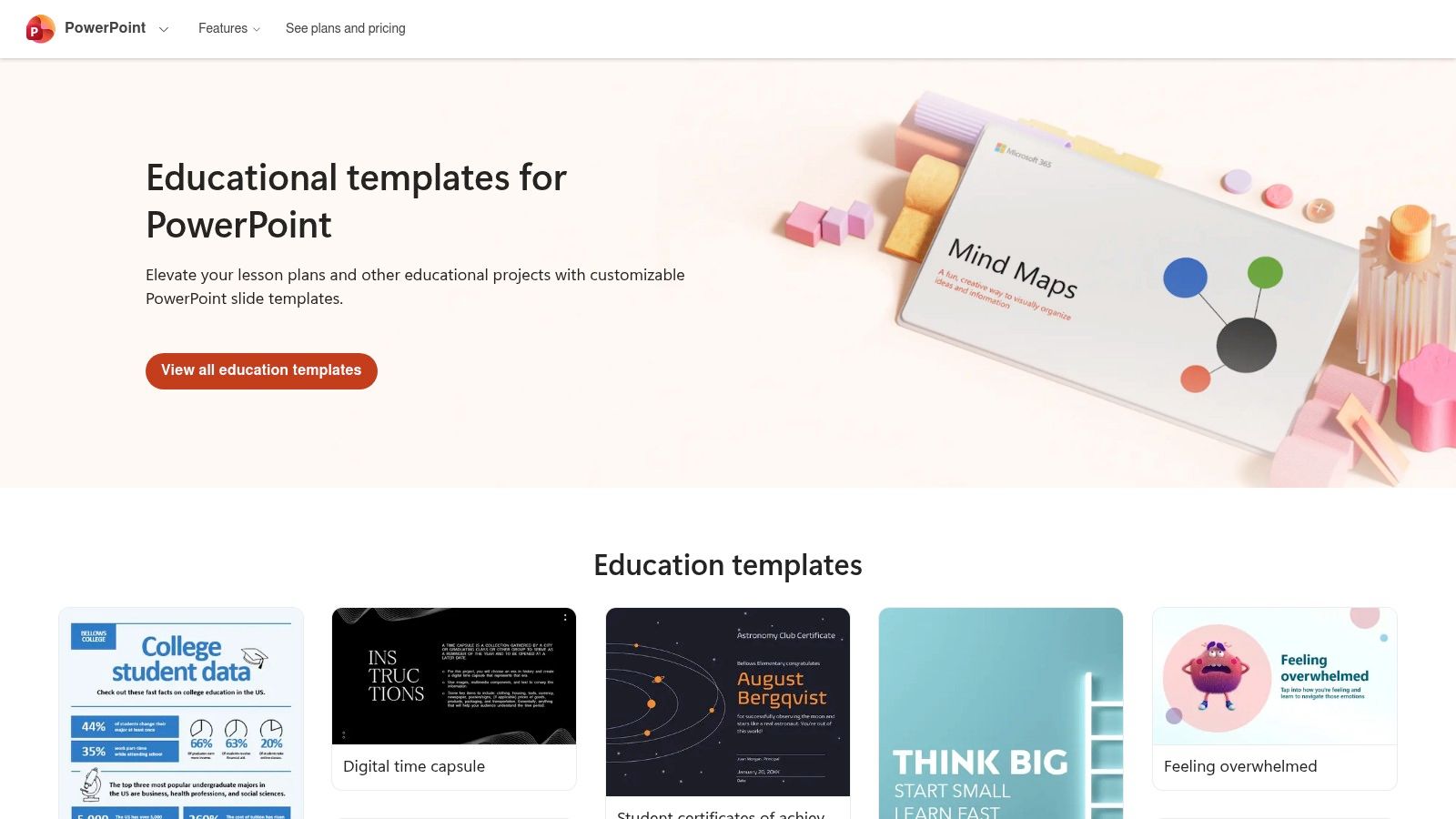
The platform provides a solid foundation with clean, academic-style templates you can download as PPTX files and customize offline. Because they are official Microsoft templates, editing colors, fonts, and layouts within PowerPoint is straightforward and bug-free. This direct-to-PowerPoint workflow is ideal for anyone who prefers the robust, familiar features of the desktop application for building their slides.
Who It’s For
Microsoft Create is best for researchers and students who want a trusted, no-fuss template that works flawlessly with PowerPoint. If you prioritize reliability and compatibility, especially for presentations on institutional or unfamiliar computers, this is your safest bet.
Key Details & Tips
- Pricing: The templates are completely free to download and use. However, you'll need a licensed version of Microsoft PowerPoint (often provided by your university) to edit them extensively on your desktop.
- Export Options: You download a standard PPTX file directly, ready for use in any version of PowerPoint.
- Pro Tip: Look beyond the "presentation" category. Microsoft Create also offers templates for academic posters and infographics that you can adapt for individual slides, like your methodology or results summary, to add more visual variety to your deck.
Website: https://create.microsoft.com/en-us/templates/education
5. Slidesgo
Slidesgo is a massive library of high-quality, creative presentation templates that are fully compatible with both Google Slides and PowerPoint. Its key advantage for academics is its dedicated "Research" category, filled with designs tailored for scientific results, thesis defenses, and project proposals. This makes it an invaluable resource for finding a professional and relevant research paper presentation template without sifting through generic business designs.
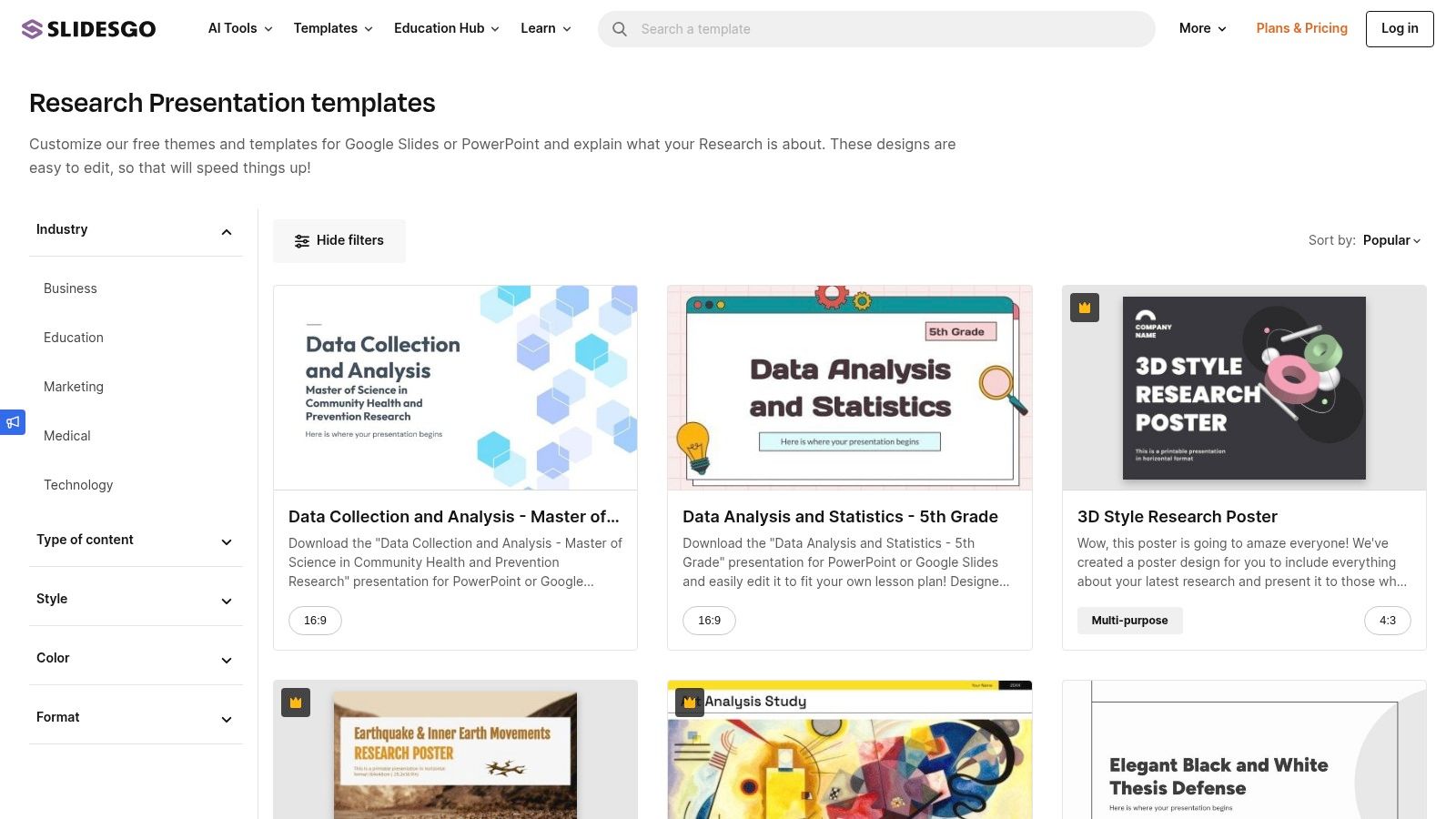
The platform shines with its inclusion of specialized infographic packs and editable diagrams, which are perfect for visualizing your complex methodologies, data, and results. You can easily download a template and start editing it in your preferred software in seconds. While the free plan is generous, it requires attribution, but the premium option is affordable for those who need frequent access to new designs.
Who It’s For
Slidesgo is ideal for researchers, students, and educators who want a visually engaging presentation that goes beyond standard templates. If you need to tell a compelling story with your data using charts, graphs, and infographics, Slidesgo’s rich visual assets will help your work stand out.
Key Details & Tips
- Pricing: A free plan is available with attribution required and a 10-template download limit per month. Premium plans remove these restrictions and unlock exclusive templates.
- Export Options: Templates are provided as native Google Slides themes or downloadable PPTX files.
- Pro Tip: Look for templates that include "infographics" in their description. These often come with a huge collection of extra slides containing editable charts, maps, and diagrams you can copy and paste into your main presentation to visualize your findings effectively.
Website: https://slidesgo.com/research
6. SlidesCarnival
SlidesCarnival is a fantastic resource if you need a high-quality research paper presentation template without a budget. Its entire library is 100% free, offering clean, professional designs that work seamlessly with both Google Slides and PowerPoint. You can find several templates specifically created for academic purposes, like thesis defenses or scientific reports, making it a reliable starting point for your project.
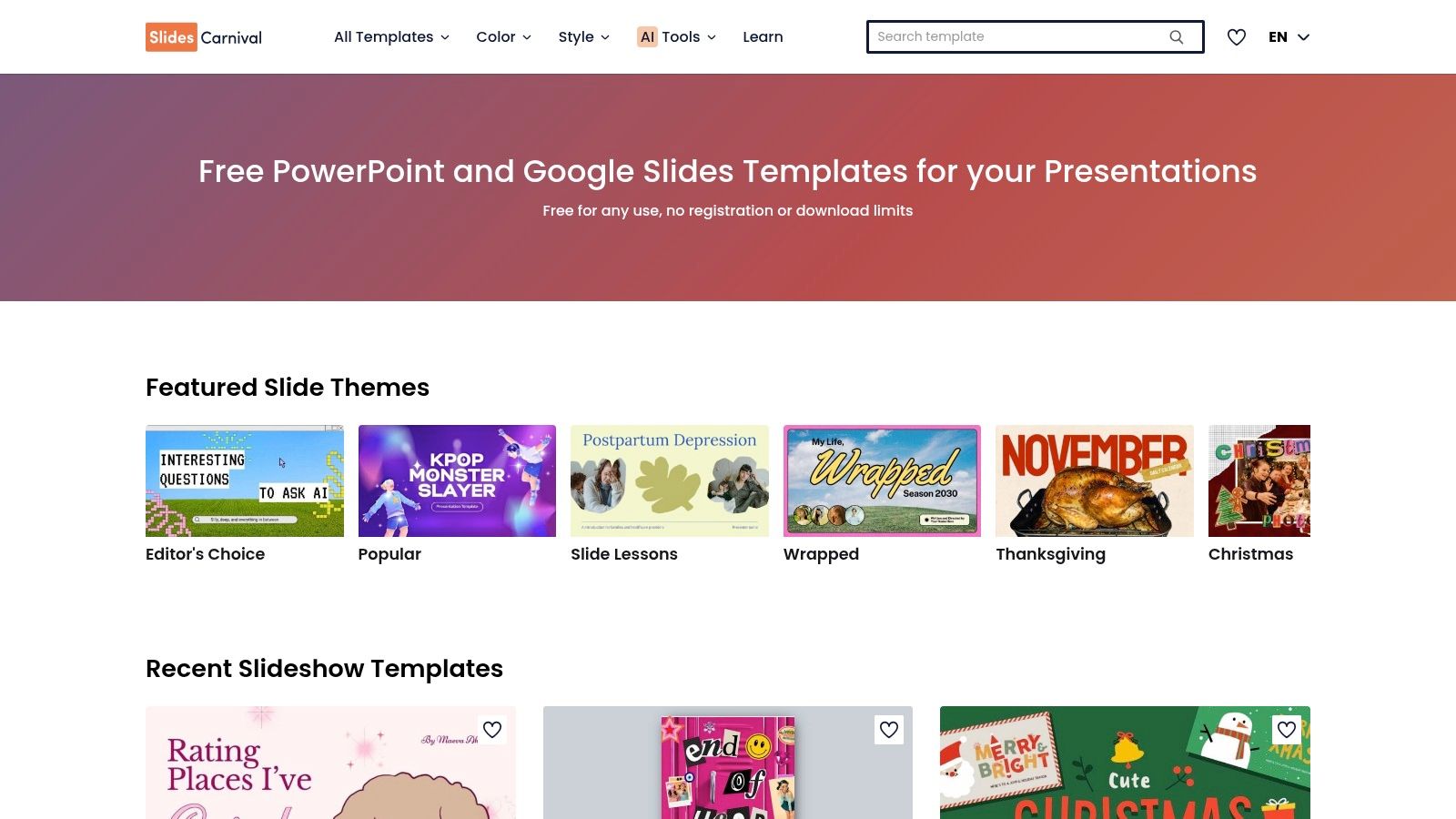
The platform stands out because of its simplicity and accessibility. There are no sign-ups, no download limits, and no hidden costs. You simply find a design you like, and with one click, you can either open it as a Google Slides theme or download the PPTX file. Each template comes with editable charts, diagrams, and icons, giving you the tools to present your data effectively.
Who It’s For
SlidesCarnival is ideal for undergraduate students, graduate students, and educators who need a professional-looking presentation on a tight deadline and an even tighter budget. If you value straightforward, free access to solid designs over highly specialized or premium features, this is the perfect site for you.
Key Details & Tips
- Pricing: Completely free. All templates and features are available at no cost, with no registration required.
- Export Options: Instantly use templates in Google Slides or download them as PPTX files for PowerPoint.
- Pro Tip: Each template comes with a guide on how to use it effectively, including tips on color schemes and font choices. Pay attention to the included speaker notes, as they often contain useful prompts. For more guidance, learn how to write speaker notes to make your delivery even smoother.
Website: https://www.slidescarnival.com
7. SlideModel
SlideModel offers a premium catalog of templates for researchers who need a polished, business-grade look for high-stakes presentations. Its dedicated "Research Paper PowerPoint Template" is specifically structured to follow the IMRaD format. This saves you immense time by providing pre-designed slides for your introduction, methodology, results, and discussion, making it an excellent choice for crafting a cohesive narrative for your thesis defense or a major conference talk.
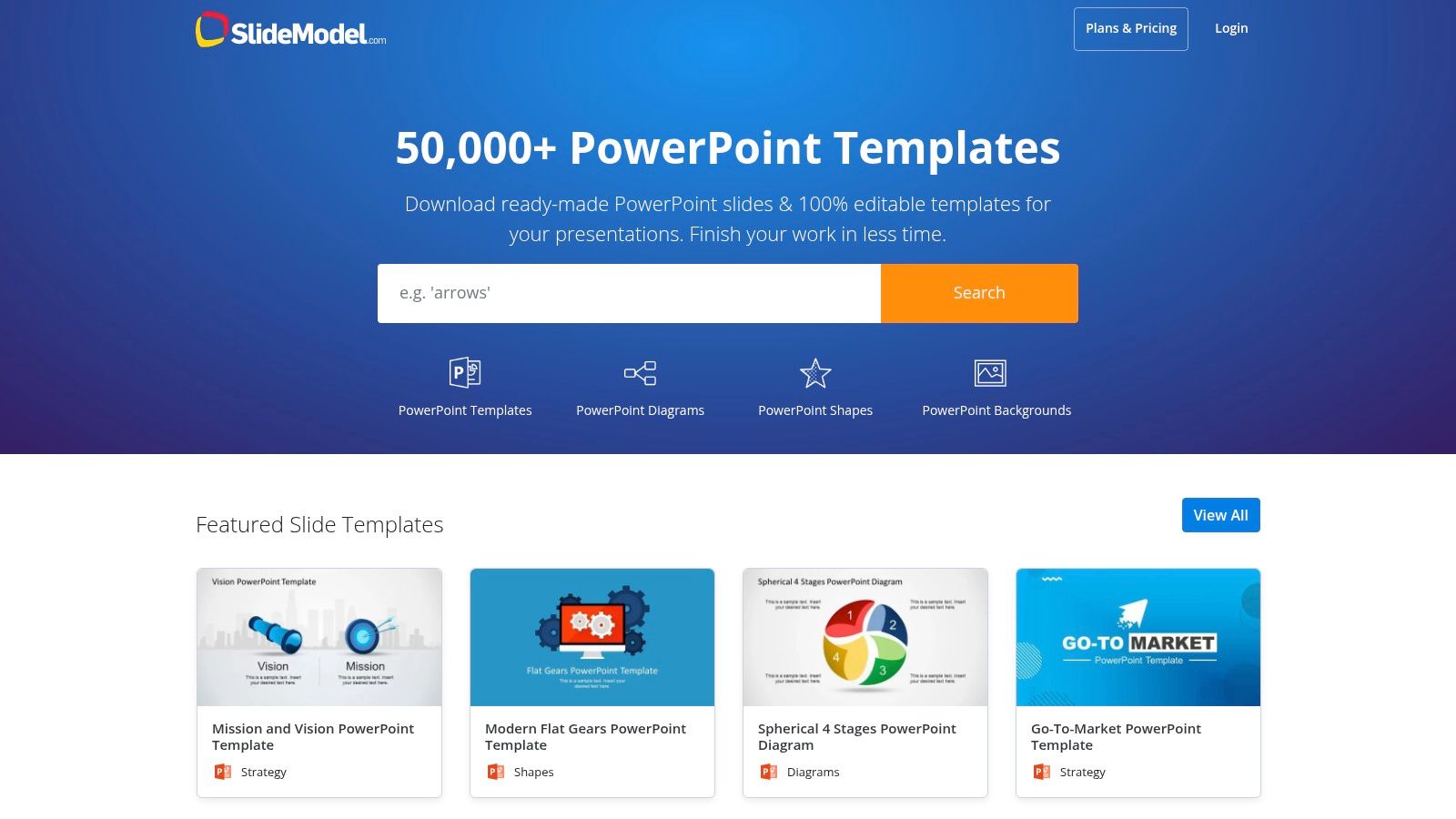
Beyond complete templates, the platform's real strength is its vast library of individual academic diagrams. You can find editable visuals for literature reviews, data findings, research questions, and theoretical frameworks that integrate seamlessly into your presentation. This allows you to build a highly professional and visually compelling story around your data without starting from scratch.
Who It’s For
SlideModel is ideal for academics, PhD candidates, and professional researchers who are willing to invest in a premium tool to achieve a superior, polished final product. If your presentation needs to impress a dissertation committee or a panel of experts, the professional designs here are worth the cost.
Key Details & Tips
- Pricing: Primarily a subscription-based service with annual plans for unlimited downloads. A limited selection of free templates is available, but the best assets are behind a paywall.
- Export Options: Templates are fully compatible with PowerPoint and Google Slides.
- Pro Tip: Use their search bar for specific diagram types like "SWOT analysis," "fishbone diagram," or "funnel chart" to find professional-looking visuals to represent complex data or methodologies in your research paper presentation template.
Website: https://slidemodel.com
8. Envato Elements
Envato Elements is an "all-you-can-download" subscription service, making it a goldmine for anyone who frequently needs high-quality creative assets. Instead of buying a single research paper presentation template, your subscription gets you unlimited access to thousands of them, plus millions of other items like stock photos, icons, and fonts. This is ideal for researchers, labs, or departments that produce presentations regularly.
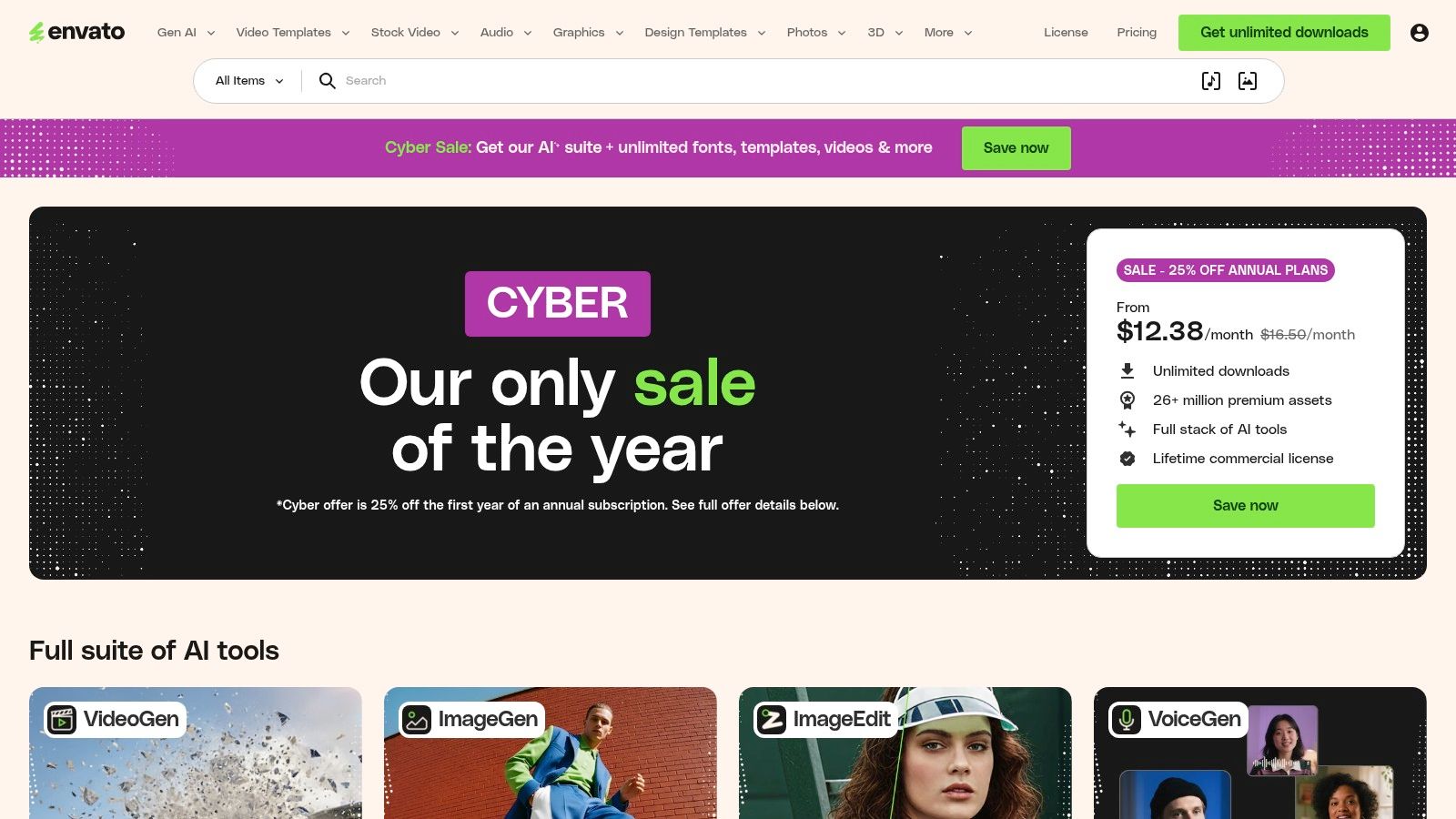
The platform aggregates templates from hundreds of different professional designers, giving you an enormous variety of styles—from ultra-minimalist academic layouts to more vibrant, data-heavy designs. The quality is consistently high, and each template comes with versions for PowerPoint, Google Slides, and often Keynote, ensuring compatibility no matter what software you use.
Who It’s For
Envato Elements is best suited for serial presenters, academic departments, or student groups who need a continuous stream of premium templates and creative assets. If you're creating multiple presentations for conferences, lectures, or projects throughout the year, the subscription offers exceptional value compared to purchasing templates individually.
Key Details & Tips
- Pricing: Requires a monthly or annual subscription for unlimited access. There is no option to purchase a single template.
- Export Options: Templates are downloaded as ZIP files containing PPTX, Google Slides links, and Keynote files, along with documentation.
- Pro Tip: Use specific search terms like "thesis defense," "science presentation," or "academic research" to filter through the vast library and find templates tailored precisely to your needs. Don't forget to grab matching stock photos or icons to elevate your slides, since they're included in your subscription.
Website: https://elements.envato.com
9. Creative Market
Creative Market is a vibrant marketplace where you can find a premium research paper presentation template crafted by an independent designer. Unlike subscription services, it allows you to purchase individual templates, giving you complete control over your one-time investment. This is perfect for when you need a specific, high-end look for a thesis defense, conference keynote, or an important market research report and want to buy it outright.
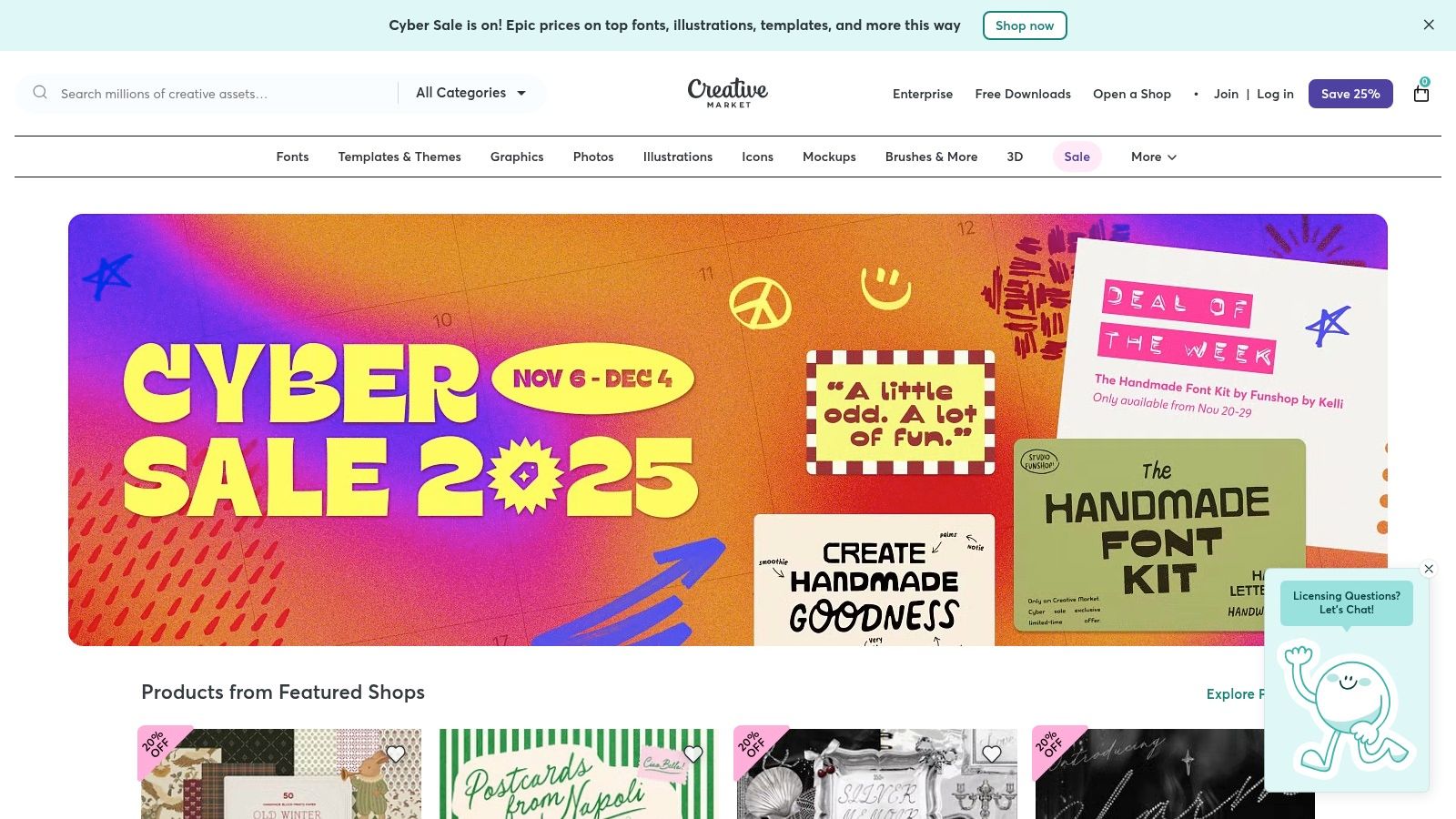
The platform hosts an extensive range of styles, from minimalist and academic to bold and corporate. Each product page offers detailed previews, file compatibility information (PowerPoint, Google Slides, Keynote), and clear licensing terms. This curated approach helps you find a unique design that stands out from standard, overused templates, ensuring your presentation looks professionally designed.
Who It’s For
Creative Market is ideal for researchers, students, and professionals who want a one-of-a-kind, premium template and are willing to pay for a specific design. If you value unique aesthetics and prefer to own your assets without a recurring subscription, this is the place to look.
Key Details & Tips
- Pricing: Varies per item, as prices are set by individual creators. You pay a one-time fee for a license to use the template.
- Export Options: Files are typically provided as PPTX, KEY, and sometimes links to Google Slides versions directly from the designer.
- Pro Tip: Use highly specific search terms like "thesis defense presentation" or "scientific research deck" to filter through the vast collection. Always check the item's comments and reviews to gauge quality and user satisfaction before purchasing.
Website: https://creativemarket.com
10. Template.net
Template.net is a massive library that serves as a solid starting point if you need a functional, no-frills research paper presentation template on a tight deadline. Its main advantage is the sheer volume of specifically labeled templates for academic outputs like research proposals, scientific posters, and findings reports. This makes it easy to find a structured deck with pre-labeled sections that match the typical flow of a research paper.
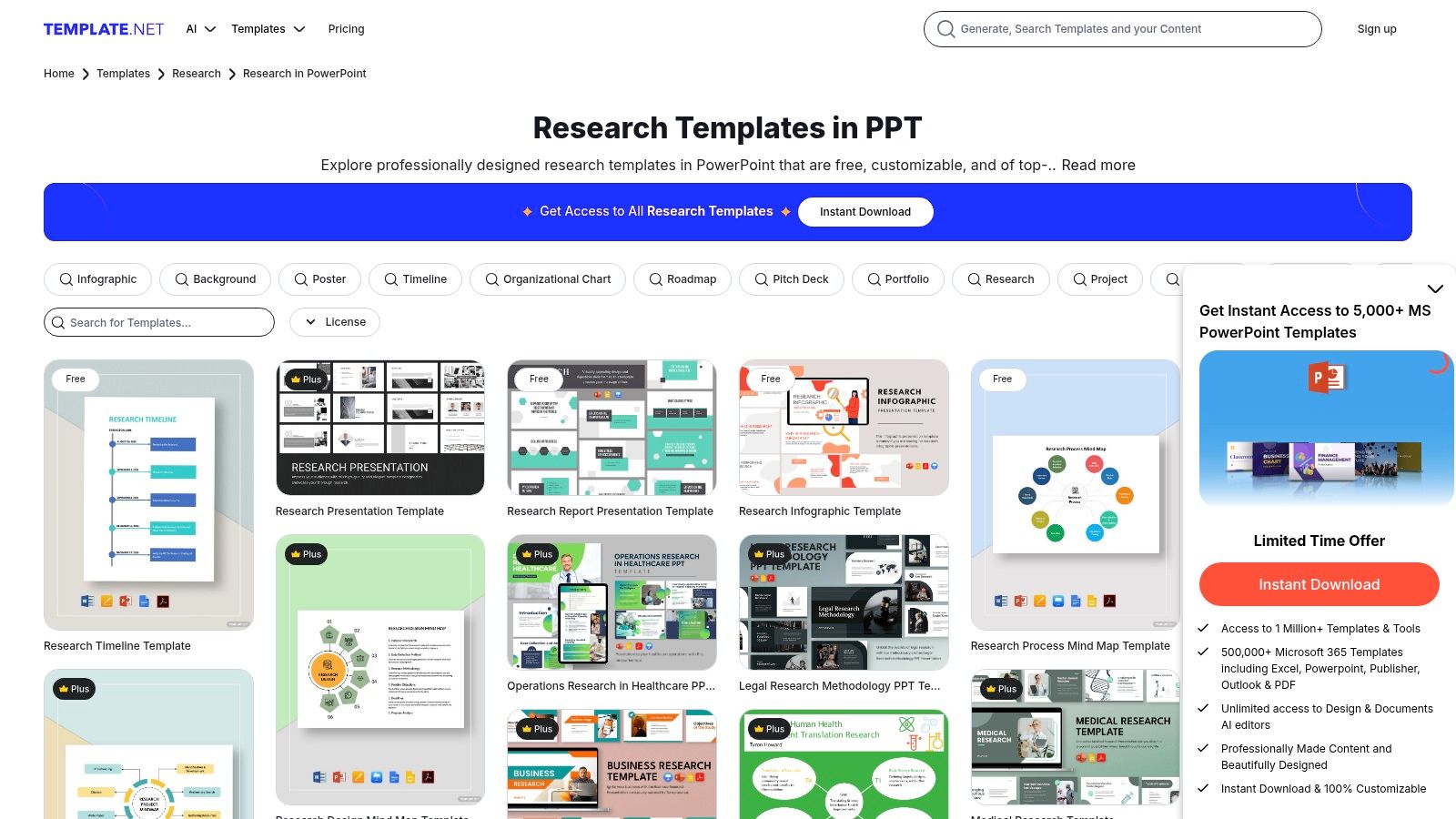
While the designs are often more conventional than those on premium marketplaces, the platform’s simple download process is a huge plus. You can quickly filter for PowerPoint files, find a layout that works, and have a foundational slide deck ready for your content in just a few minutes. It's an efficient resource for getting the basic structure down without overthinking the design.
Who It’s For
This site is best for students and researchers who need a basic, pre-structured template immediately. If you have a last-minute class presentation or an internal committee meeting and need a complete deck fast, Template.net provides a quick and practical solution.
Key Details & Tips
- Pricing: Offers both free and "Pro" templates. The free options are plentiful, but be prepared for prominent marketing for the paid membership, which unlocks premium designs.
- Export Options: Templates are available for direct download, primarily as PPTX files for use in PowerPoint and Google Slides.
- Pro Tip: Use very specific search terms like "research proposal ppt" or "scientific findings powerpoint" to bypass generic designs and find the templates with the most relevant, pre-built academic sections.
Website: https://www.template.net/research/ppt
11. Etsy (Digital Templates Marketplace)
Etsy offers a surprisingly rich and affordable source for a unique research paper presentation template, especially for high-stakes events like a thesis or dissertation defense. Instead of browsing corporate template sites, you’re exploring a marketplace of designs made by individual creators, many of whom are academics themselves. This often results in templates that are thoughtfully structured to meet the specific expectations of a defense committee.
You can find complete, ready-to-edit slide decks for PowerPoint or Canva that include not just design elements but also pre-made slide sequences covering everything from your introduction and literature review to your methodology and future research sections. Since you’re buying from independent sellers, the aesthetics range from clean and minimalist to highly creative, giving your presentation a personal touch that stands out.
Who It’s For
Etsy is ideal for graduate students and researchers looking for a highly specialized, defense-ready template without a recurring subscription. If you want a one-time purchase that feels unique and is structured with academic rigor in mind, this is the place to look.
Key Details & Tips
- Pricing: Most templates are available for a very affordable one-time fee, typically ranging from $5 to $25 for a complete, multi-slide deck.
- Export Options: Sellers usually provide instant digital downloads in PPTX, KEY, or provide a link to an editable Canva template.
- Pro Tip: Always read the seller's reviews and check the item description carefully to see how many slides are included and what software is required. Don't hesitate to message a seller with questions before you buy; many offer great support.
Website: https://www.etsy.com
12. Overleaf (LaTeX/Beamer templates)
For researchers in STEM fields or anyone dealing with complex equations and data, Overleaf is the academic standard. It provides an online LaTeX editor with a gallery of Beamer templates, which are specifically designed for creating typographically pristine, publication-grade presentations. Unlike slide editors focused on visual flair, Beamer prioritizes structural integrity and consistency, ensuring your mathematical formulas, citations, and figures are rendered perfectly every time.
Overleaf’s platform excels at handling the rigorous formatting required for academic conferences and thesis defenses. The templates are code-based, giving you precise control over every element. While this means a steeper learning curve than drag-and-drop tools, the payoff is a professional research paper presentation template that looks like it came straight from a peer-reviewed journal.
Who It’s For
Overleaf is built for academics, graduate students, and researchers, especially in math, physics, computer science, and engineering. If your presentation relies heavily on equations, requires flawless bibliography management, and must adhere to strict formatting standards, this is the definitive tool.
Key Details & Tips
- Pricing: A generous free plan is available which is sufficient for most individual projects. Paid plans add features like real-time collaboration, version history, and integrations with Zotero and GitHub.
- Export Options: You can download your finished presentation as a high-quality PDF.
- Pro Tip: Start by finding a Beamer template from a university or conference you trust. This gives you a solid foundation, and you can focus on your content rather than learning advanced LaTeX from scratch. For more on this, review this guide on how to structure a presentation for maximum clarity.
Website: https://www.overleaf.com
Top 12 Research Paper Presentation Template Comparison
| Tool | Core features / Workflow | Quality (★) | Value / Price (💰) | Target (👥) | Unique selling point (✨) |
|---|---|---|---|---|---|
| GenPPT 🏆 | GPT-driven deck generator; upload docs or brief → editable PPTX; per-slide NL editing | ★★★★★ | 💰 Freemium + trial (pricing via signup) | 👥 Students, founders, marketers, researchers, teams | ✨ Automated content + auto-design; claims "1,000 pages → 10 slides" |
| Canva | Drag-and-drop editor; millions of assets; PPTX export | ★★★★☆ | 💰 Freemium (Pro paid for premium assets) | 👥 Students, educators, marketers, non-designers | ✨ Massive asset library + easy customization |
| Google Slides (Template Gallery) | Built-in themes; real-time collaboration; browser-based | ★★★★☆ | 💰 Free (included in Google Workspace) | 👥 Lab groups, advisers, collaborative teams | ✨ Zero-cost collaboration & live commenting |
| Microsoft Create (PowerPoint templates) | Official PPTX templates; offline/online PowerPoint support | ★★★★ | 💰 Free (PowerPoint/365 may be required for advanced edits) | 👥 Campus IT, presenters using MS ecosystems | ✨ Native PowerPoint compatibility for AV systems |
| Slidesgo | Research-focused templates for Google Slides & PPT; infographic packs | ★★★☆☆ | 💰 Freemium / Premium plan | 👥 Students, academics needing research visuals | ✨ Many research-specific infographics & posters |
| SlidesCarnival | 100% free templates for Slides & PPT; education-ready themes | ★★★☆☆ | 💰 Free | 👥 Students, teachers, casual presenters | ✨ No registration, education-friendly guides |
| SlideModel | Premium, business-grade PPT & Slides templates; academic diagrams | ★★★★☆ | 💰 Paid (annual/unlimited plans) | 👥 PhD candidates, conference presenters, professionals | ✨ Polished, IMRaD-structured templates for defenses |
| Envato Elements | Unlimited downloads of premium templates + assets under subscription | ★★★★☆ | 💰 Subscription (unlimited) | 👥 Frequent presenters, design teams | ✨ Broad vendor styles + consistent commercial licensing |
| Creative Market | Per-item premium templates from independent designers | ★★★★ | 💰 Pay-per-item (membership optional) | 👥 Buyers needing single high-quality decks | ✨ One-off purchases with strong previews & curation |
| Template.net | Mixed free & Pro research PPT templates; quick structured decks | ★★★☆☆ | 💰 Freemium / Pro membership | 👥 Students needing last-minute structured decks | ✨ Fast downloads and ready-labeled sections |
| Etsy (Digital Templates) | Marketplace of individual PPT/Canva decks; seller messaging | ★★★☆☆ | 💰 Low-cost per-item purchases | 👥 Budget-conscious students, niche needs | ✨ Affordable, niche defense-ready sequences from creators |
| Overleaf (Beamer) | LaTeX Beamer templates; collaboration & citation integrations | ★★★★☆ | 💰 Freemium (paid tiers for collaboration features) | 👥 STEM researchers needing equations/citations | ✨ Publication-grade typography and LaTeX accuracy |
Go from Paper to Polished Presentation, Faster
Turning your dense research paper into a clear, engaging visual presentation is a huge task. The right research paper presentation template isn't just a design choice; it's a strategic tool that structures your narrative, clarifies your data, and builds your confidence. Your work deserves a platform that does it justice, whether you’re standing in front of a conference audience, defending your thesis, or presenting in a weekly seminar.
The journey from a blank slide to a final deck is unique for everyone. Your specific needs, timeline, and technical comfort level will guide you to the perfect solution. We've covered a wide spectrum of options—from the powerful, AI-driven automation of GenPPT to the vast, customizable libraries of Slidesgo and Envato Elements, and even the niche, academic-focused precision of Overleaf's Beamer templates.
Key Takeaways for Choosing Your Template
To make the best choice, here's what to keep in mind:
- Time vs. Control: Your most valuable asset is time. AI-powered tools like GenPPT offer incredible speed, turning your document into a structured presentation in minutes. In contrast, marketplaces like Creative Market give you maximum creative control but require a more hands-on approach. Assess your deadline realistically.
- Purpose Defines the Platform: A student seminar might be perfectly served by a clean, free template from Google Slides or SlidesCarnival. A high-stakes conference presentation or thesis defense, however, may benefit from a premium, professionally designed template that conveys authority and polish.
- Beyond Aesthetics: The best templates are built on strong information architecture. Look for layouts that naturally map to a research paper's structure: introduction, literature review, methodology, results, discussion, and conclusion. A stunning template that can't handle your charts is useless.
Your Actionable Next Steps
Feeling overwhelmed by the options? Here’s a simple framework to guide your next move.
- Assess Your Core Need: Are you starting from scratch with just a paper? Or do you have an outline and just need a design? If it's the former, an AI tool is your fastest path forward. If it's the latter, a traditional template library is a great fit.
- Set a Time Budget: Be honest about how many hours you can dedicate to slide design. If the answer is "very few," prioritize solutions that automate the heavy lifting. Don't let slide formatting steal time from practicing your delivery.
- Test a Free Option First: Before committing to a purchase, try a free template from Google Slides or Canva. This will help you clarify what you like and what you need, making any future investment more targeted and effective.
Ultimately, the goal is to find the path of least resistance between your finished research and a powerful presentation. Your ideas are the star of the show; the template is just the stage that helps them shine. By selecting the right research paper presentation template, you’re not just saving time—you're investing in the clarity and impact of your work.
Ready to skip the manual formatting and build your deck in minutes? Instead of searching for the perfect template, let GenPPT create a custom one from your research paper. Just upload your document, and our AI will generate a complete, structured presentation, turning your text and data into clear, compelling slides so you can focus on what truly matters: your delivery. Get started with GenPPT and present your research with confidence.